



Fast Delivery
Multi-warehouse direct hair fast delivery







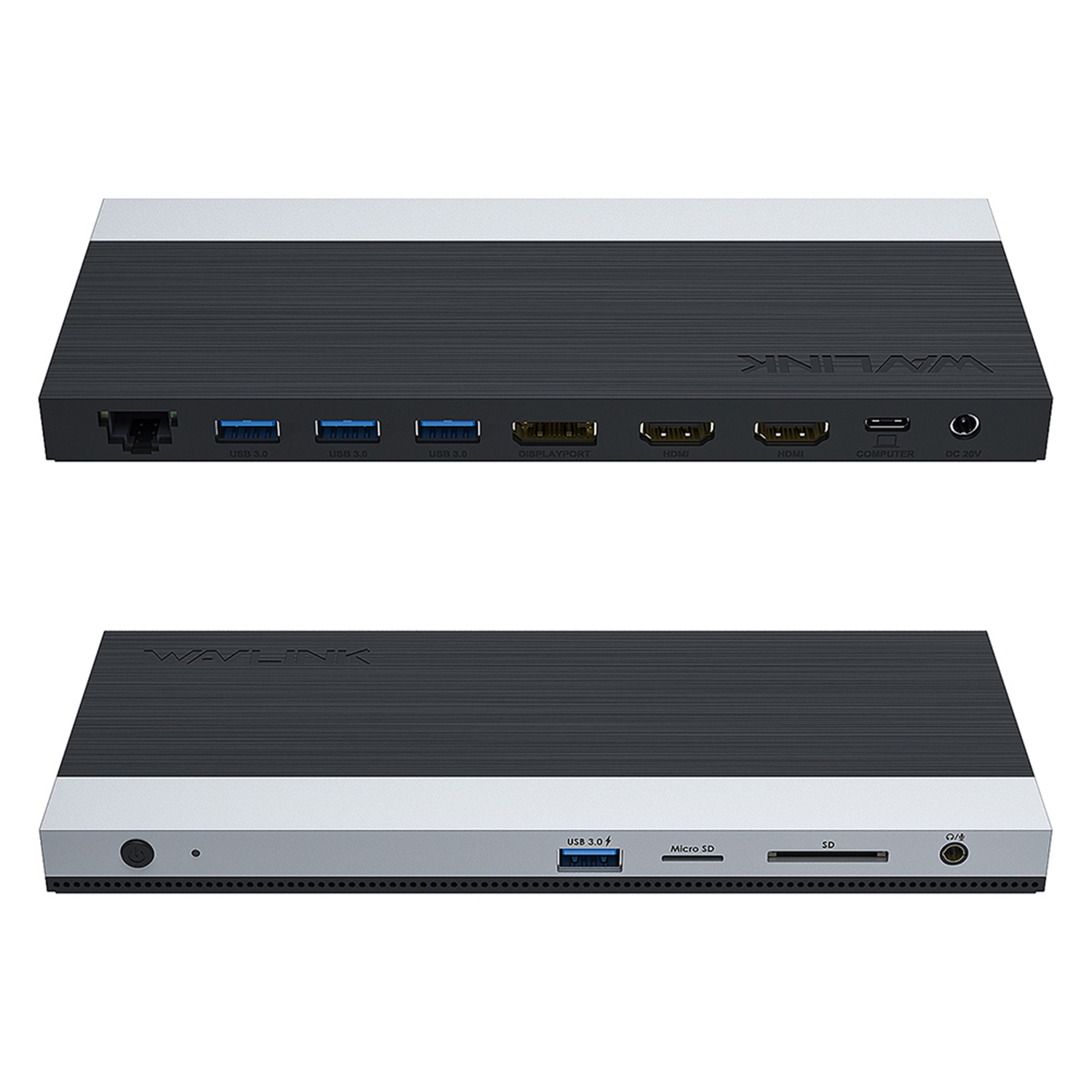
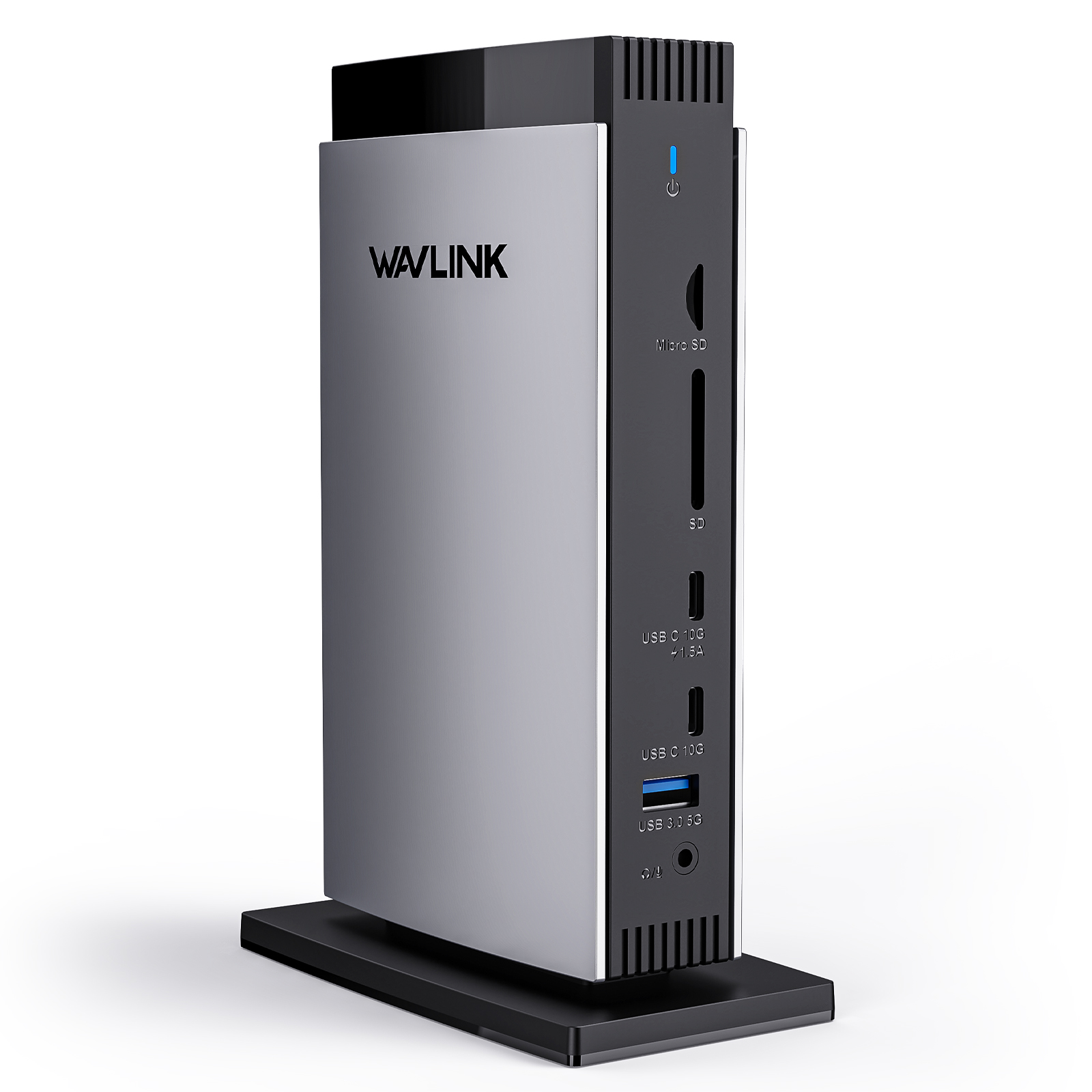
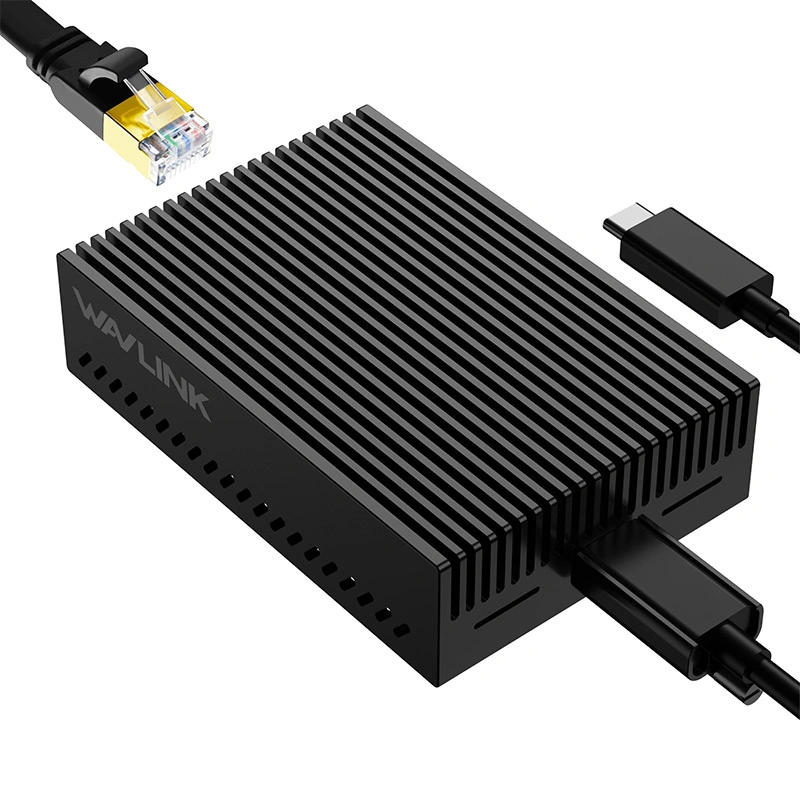
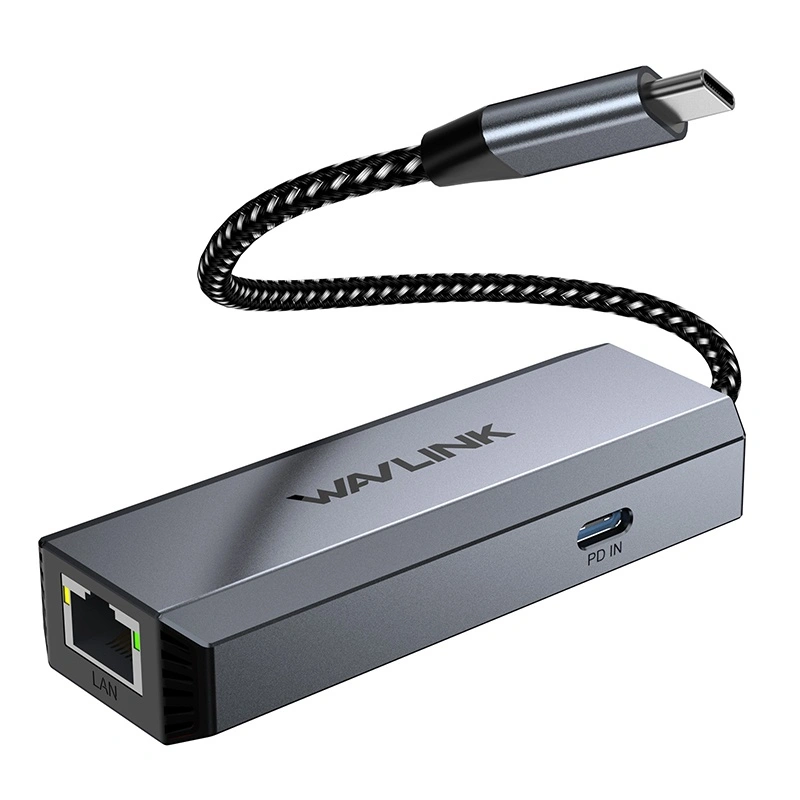
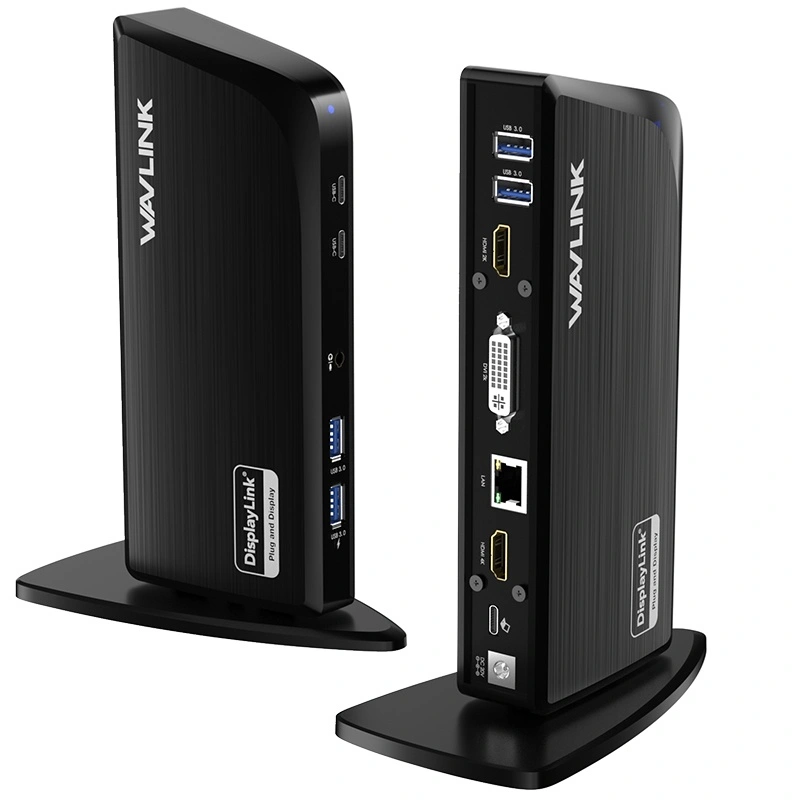
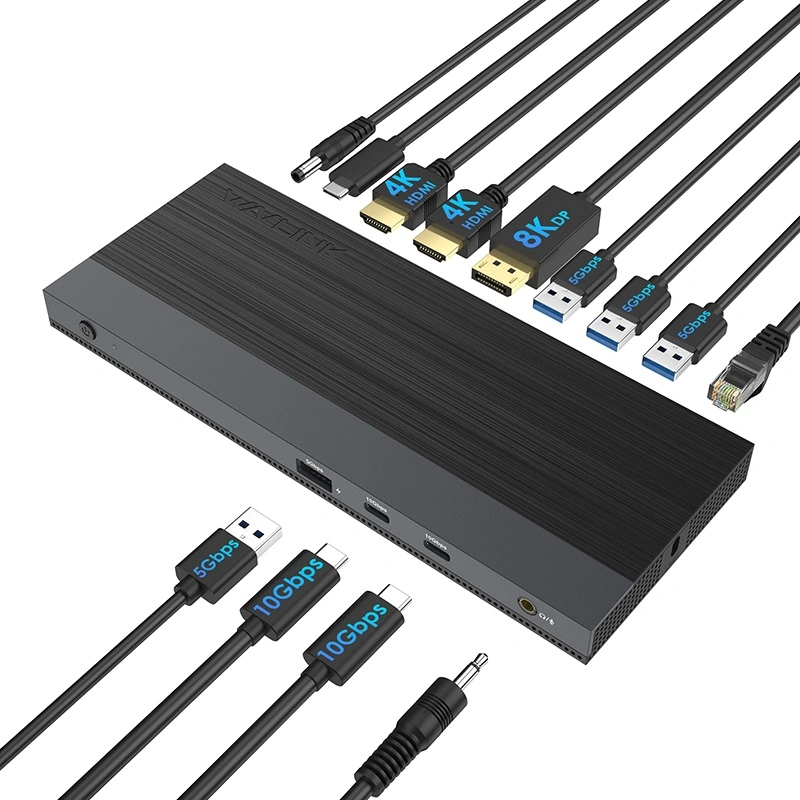
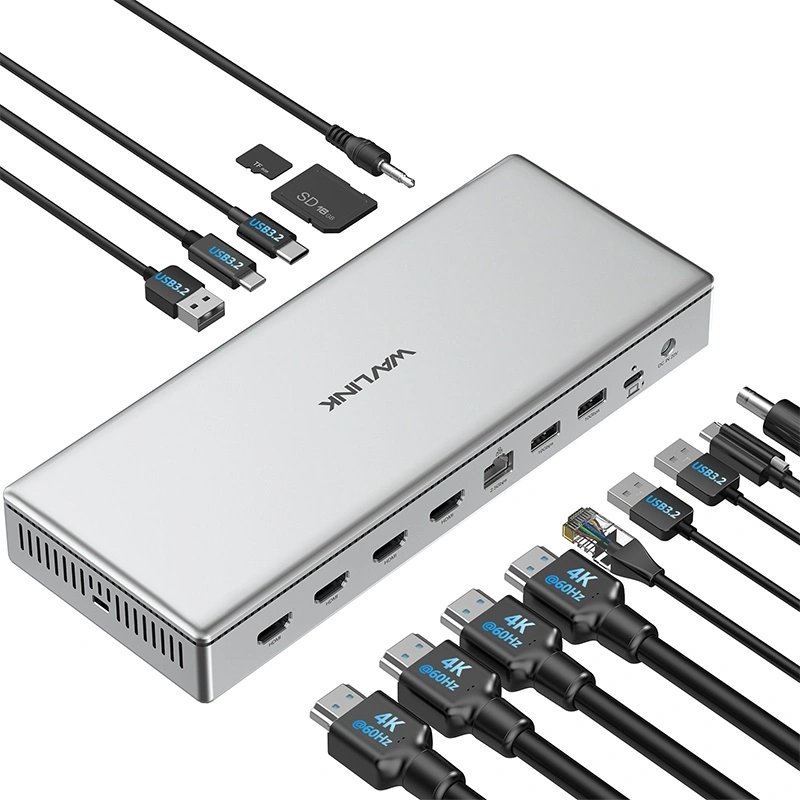
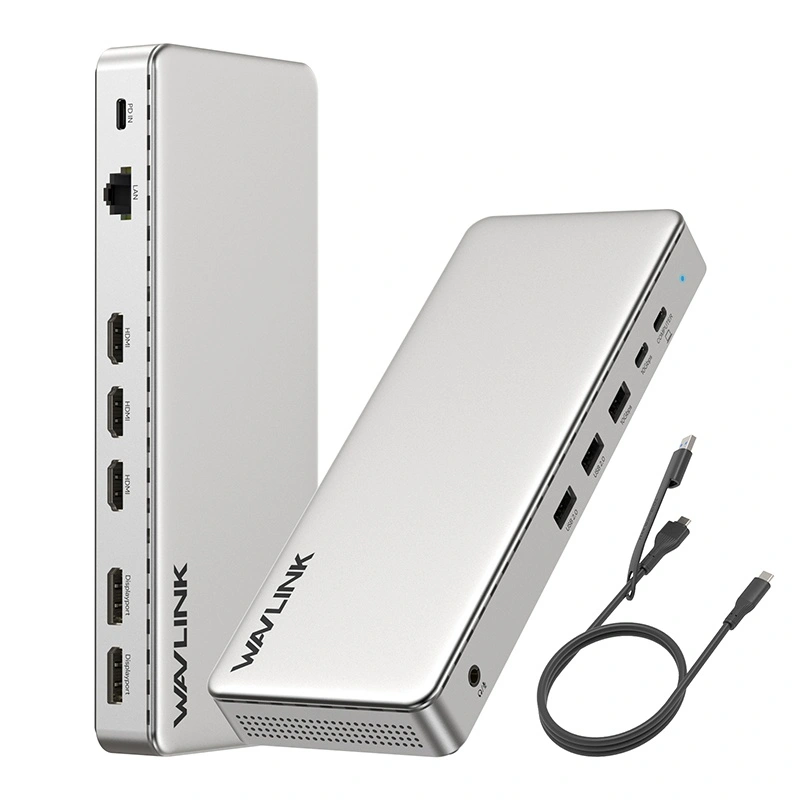
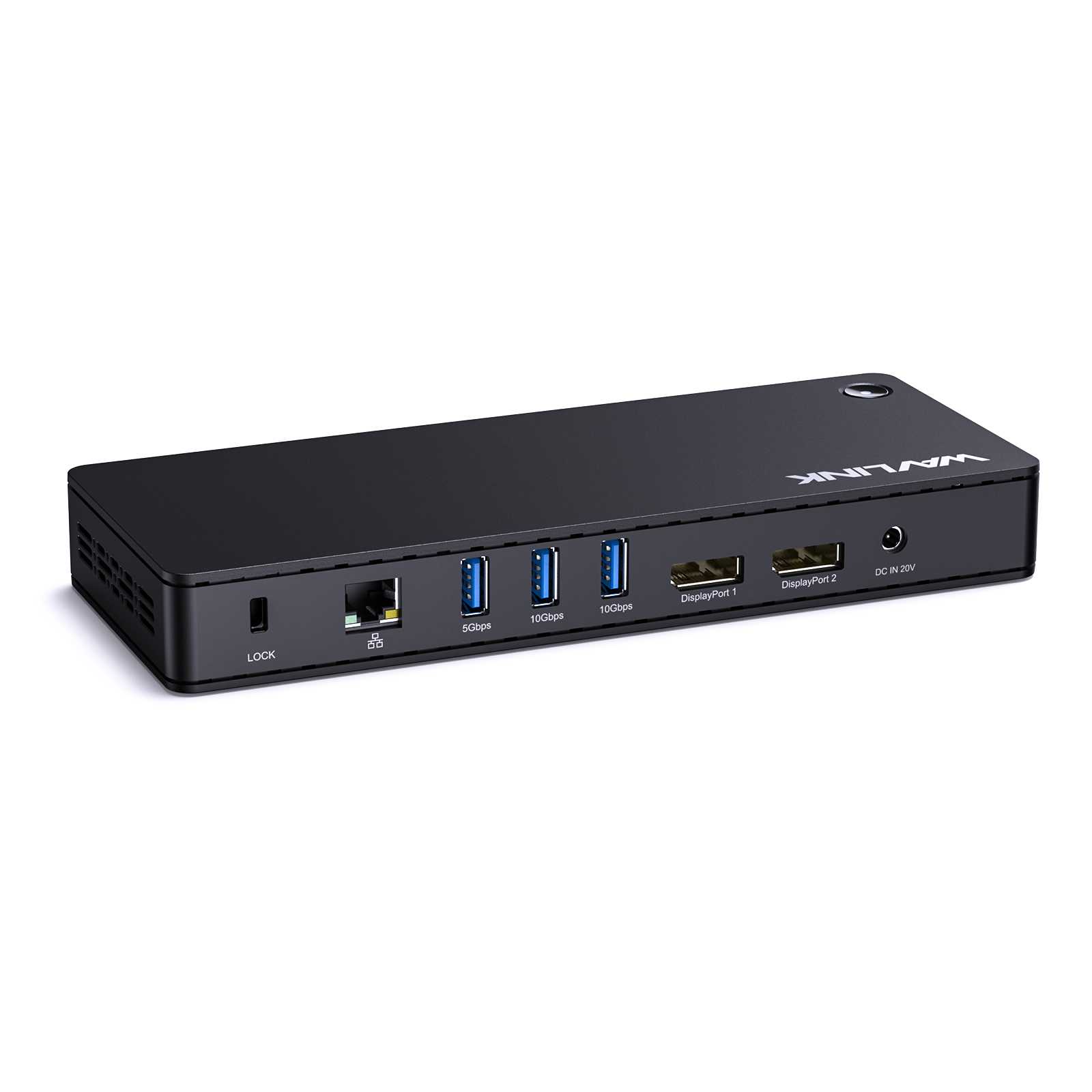
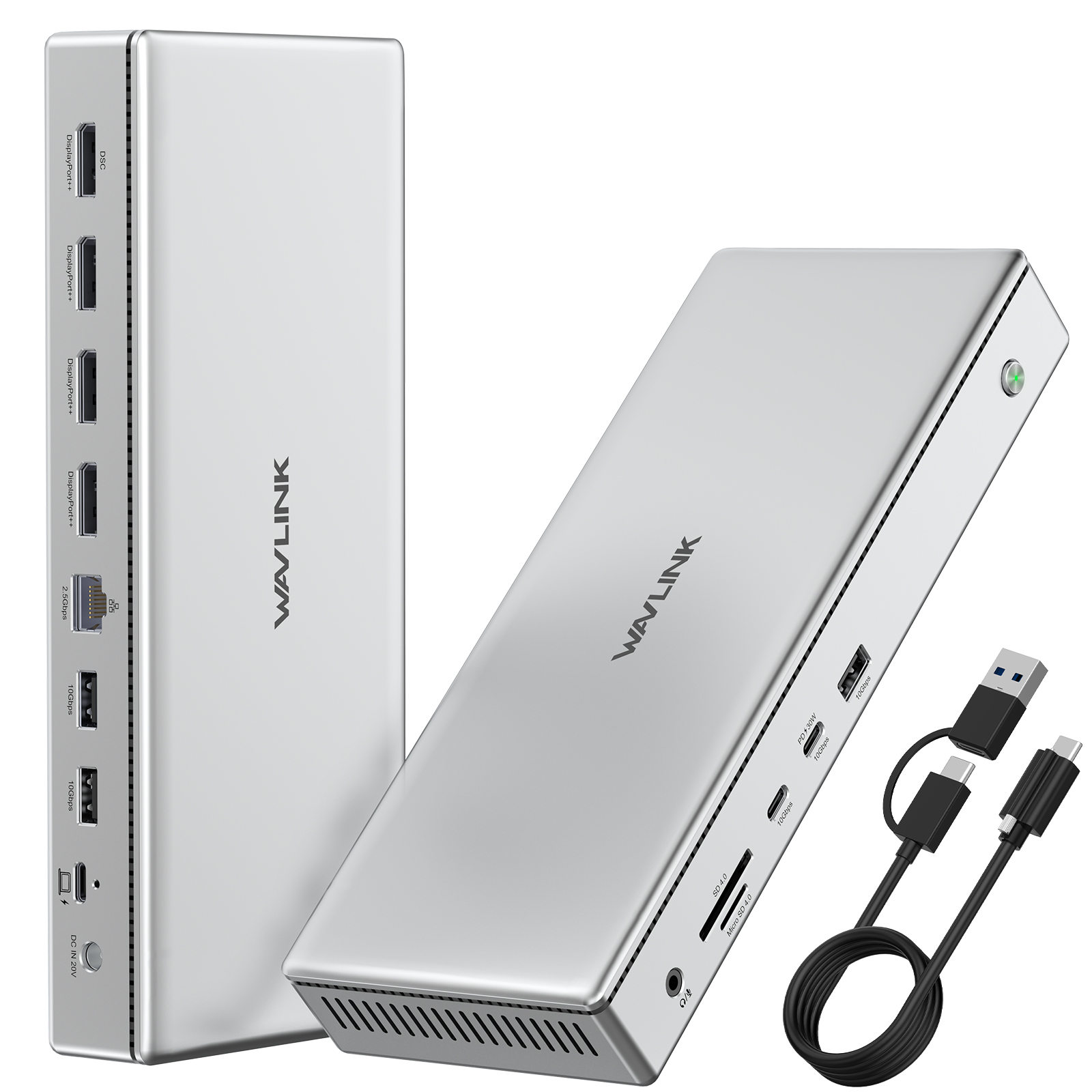
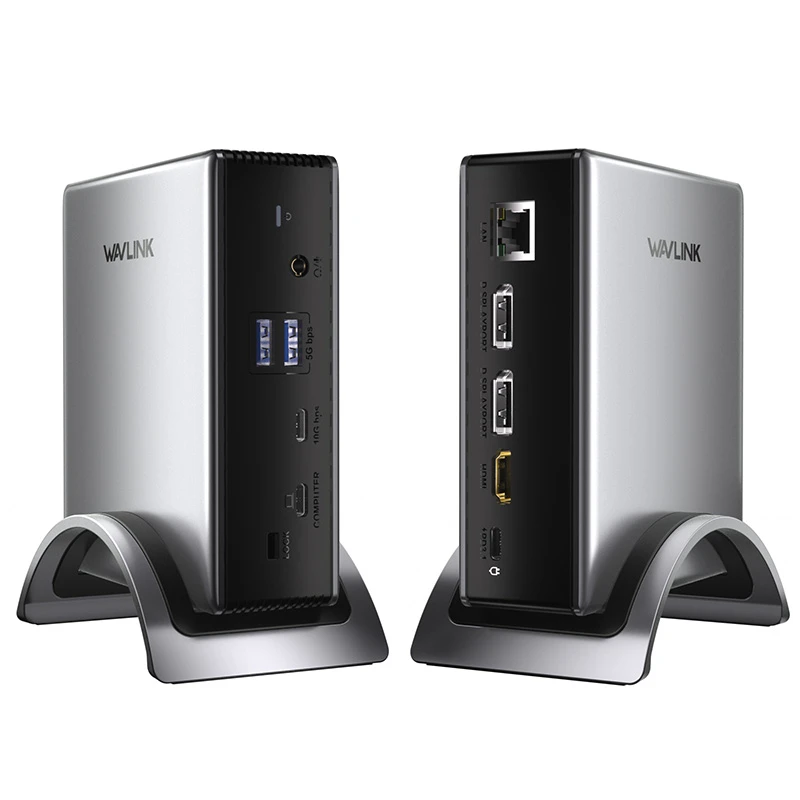
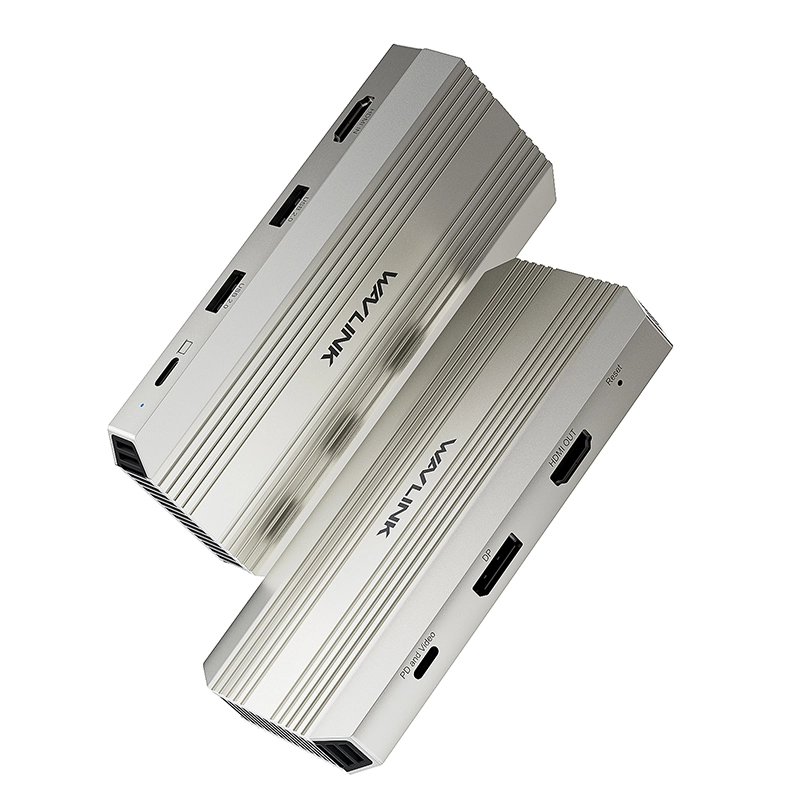
7-IN-1 Power for an Enhanced Multi-Tasking Experience.

Engineered for the mobile office, this hub accepts up to 100W input to provide a full 90W of charging to your laptop, ensuring it stays powered through intensive tasks and critical work. It combines high-efficiency power management with seamless multi-device integration, making it the smart choice for the relentless professional.


Designed for devices with full-featured USB-C ports that support both DisplayPort Alt Mode and Power Delivery. It offers broad compatibility with a range of laptops, tablets, and smartphones running Windows, macOS, Android, and other major operating systems. Please be advised: video output and external display support vary by device—please verify your USB-C port's specifications prior to use.
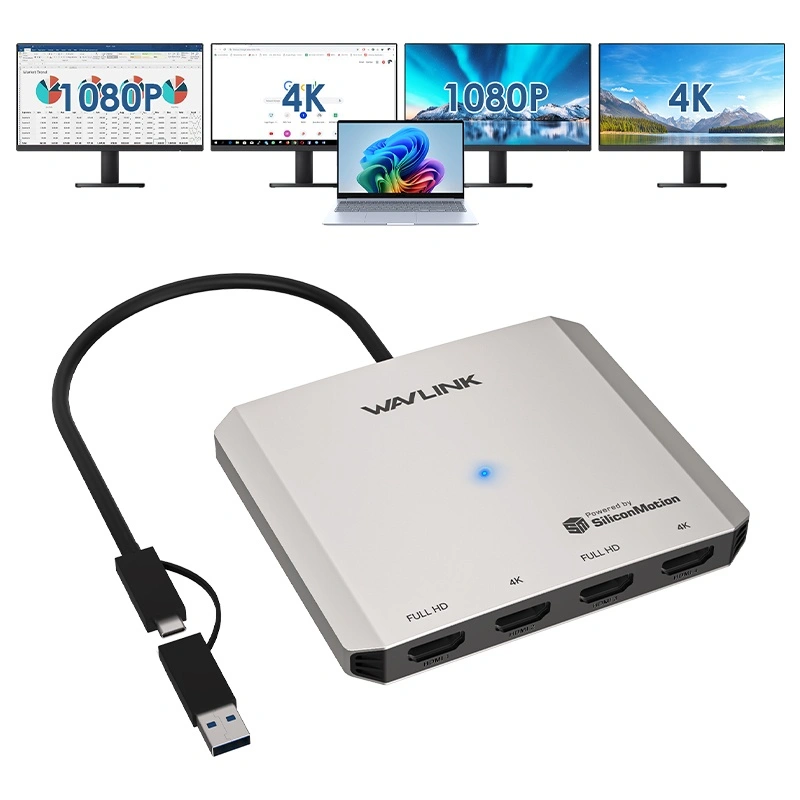
Transform your workflow with a fluid dual-screen setup. Effortlessly mirror screens for collaborative presentations, extend your canvas to manage multiple applications, or operate independent workspaces—unlocking new levels of efficiency and flexibility.


To ensure all features work properly, please verify that your device's Type-C port supports both video output and charging. Without this, the hub will not be able to charge your laptop or connect to external displays.
Enjoy a truly seamless setup with no drivers required. To enable the dual-display feature, simply connect the hub to a compatible USB-C port on a computer running Windows 10/11, or macOS 10.8 and later (for extended display mode). Please verify your device's port capabilities for video output.


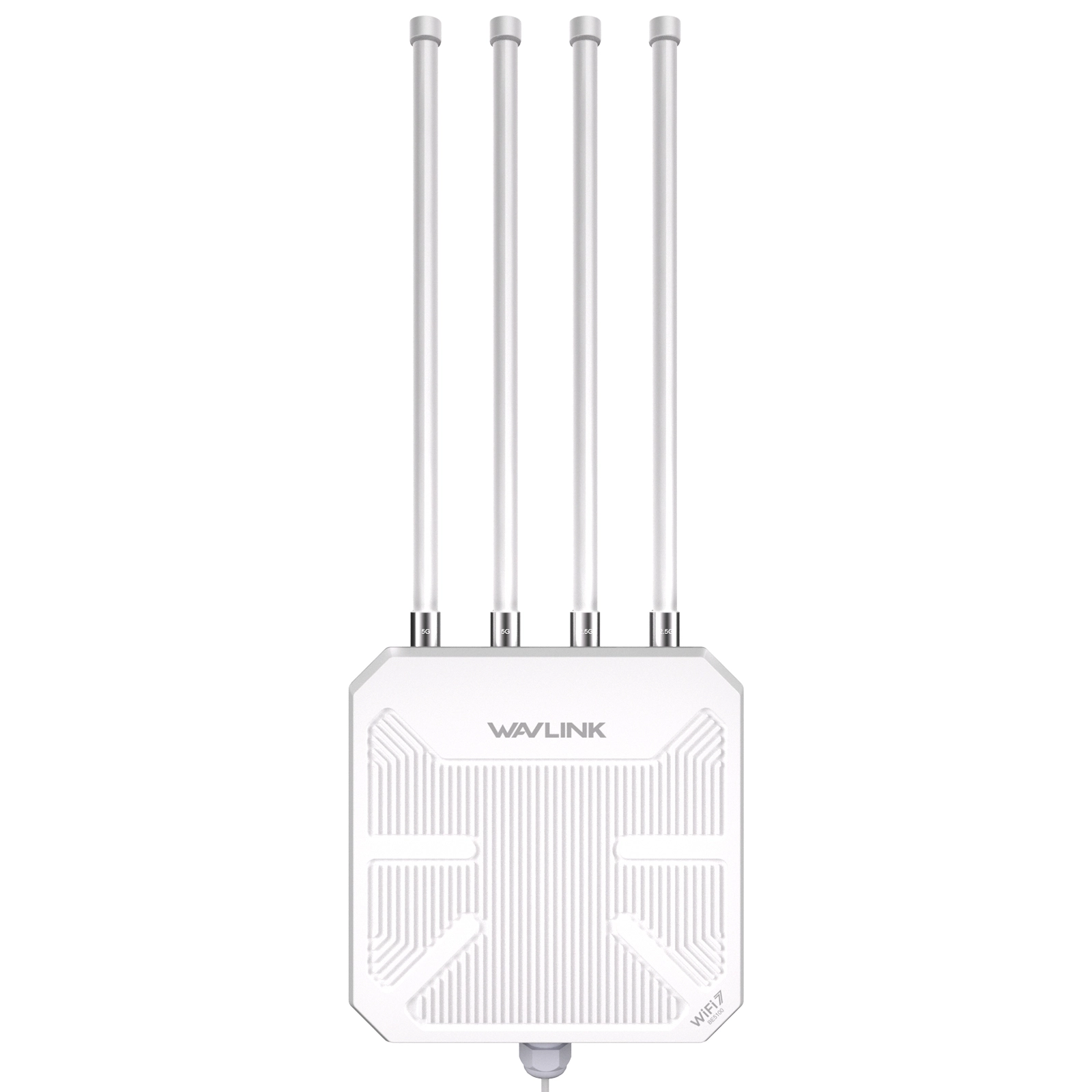
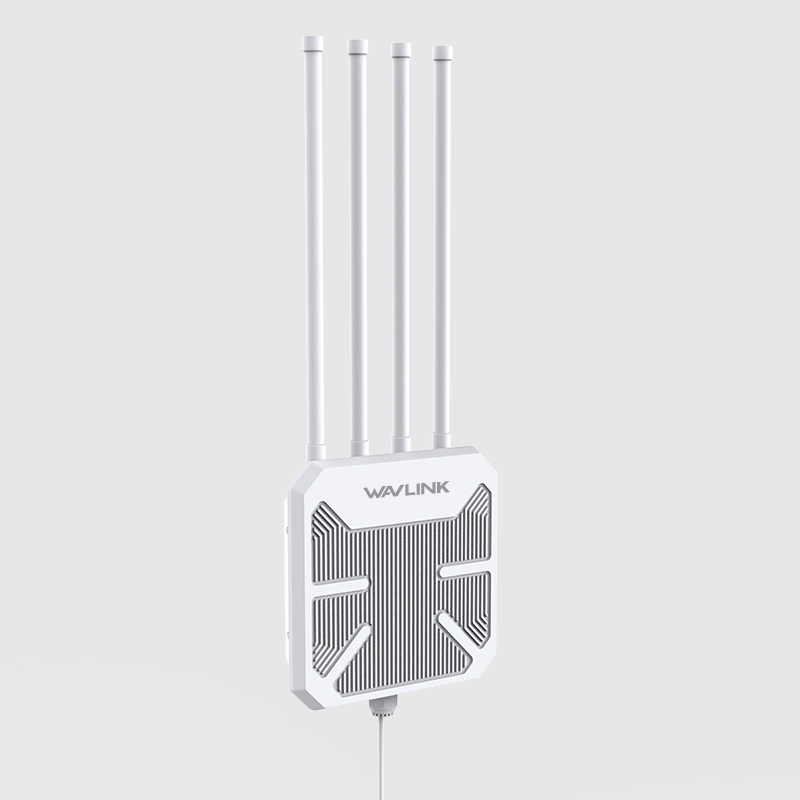
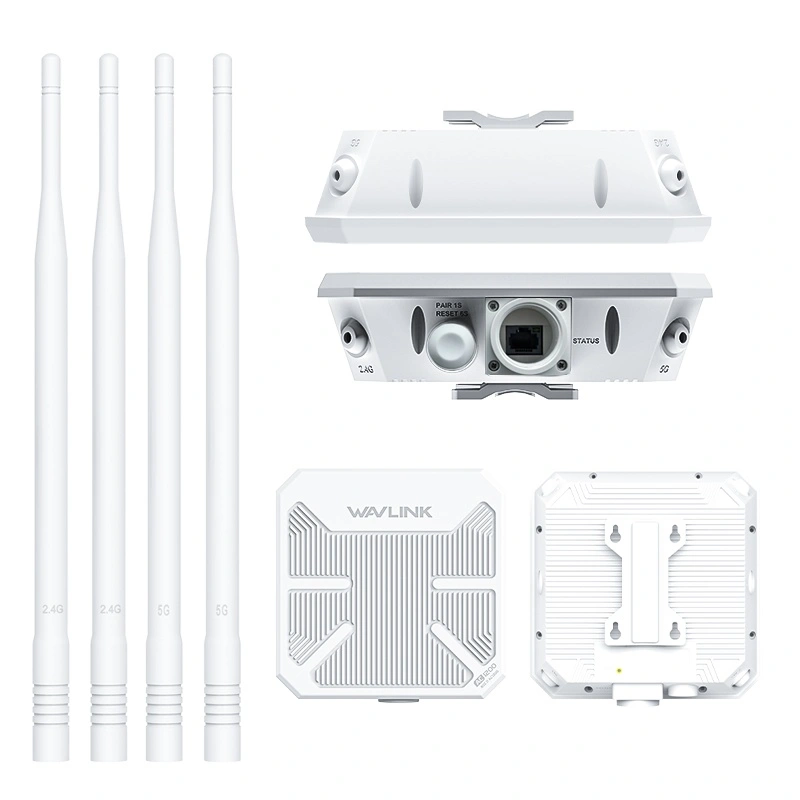
Complete unboxing and step-by-step installation guide for the WAVLINK WN573HBE2 WiFi 7 outdoor route
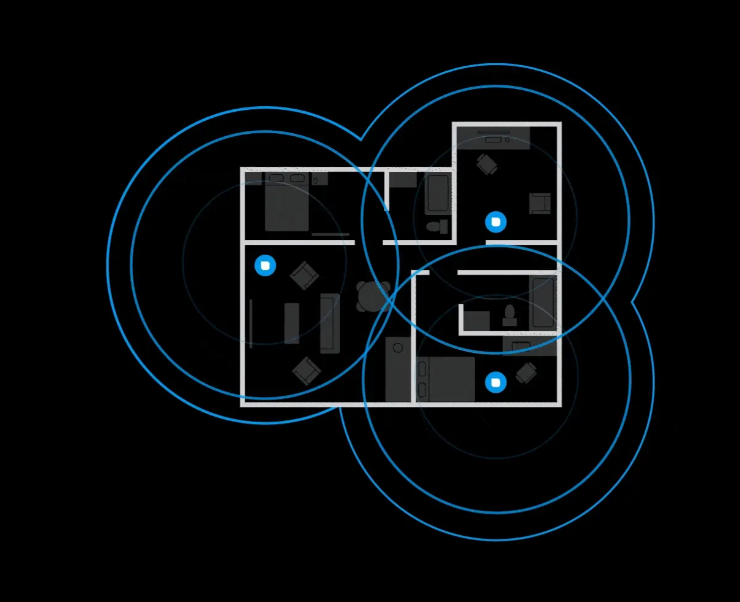
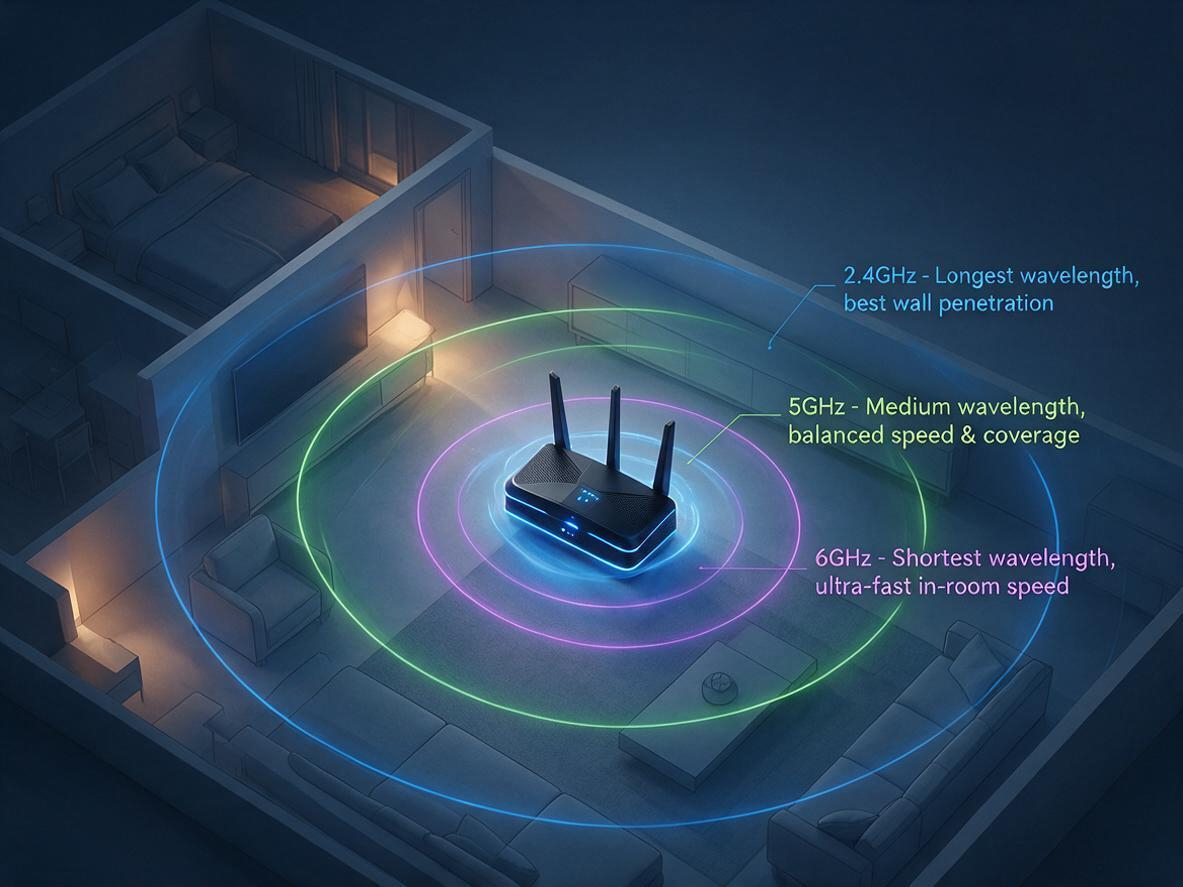
Your router broadcasts on 2.4 GHz, 5 GHz, and 6 GHz at the same time — but your phone, laptop, and T
Is your WiFi slow because of your router — or just bad placement? Before you blame your internet pla
Confused about WiFi 5 vs WiFi 6? Explore the key differences in speed, range, and efficiency. Learn

Discover why 95% of outdoor WiFi systems fail from water damage and how a 30¢ physics hack using cab
Track shipment information
Track orders with order#
Guests: Save/copy order#
for tracking.

| Time | Points | Detailed description |