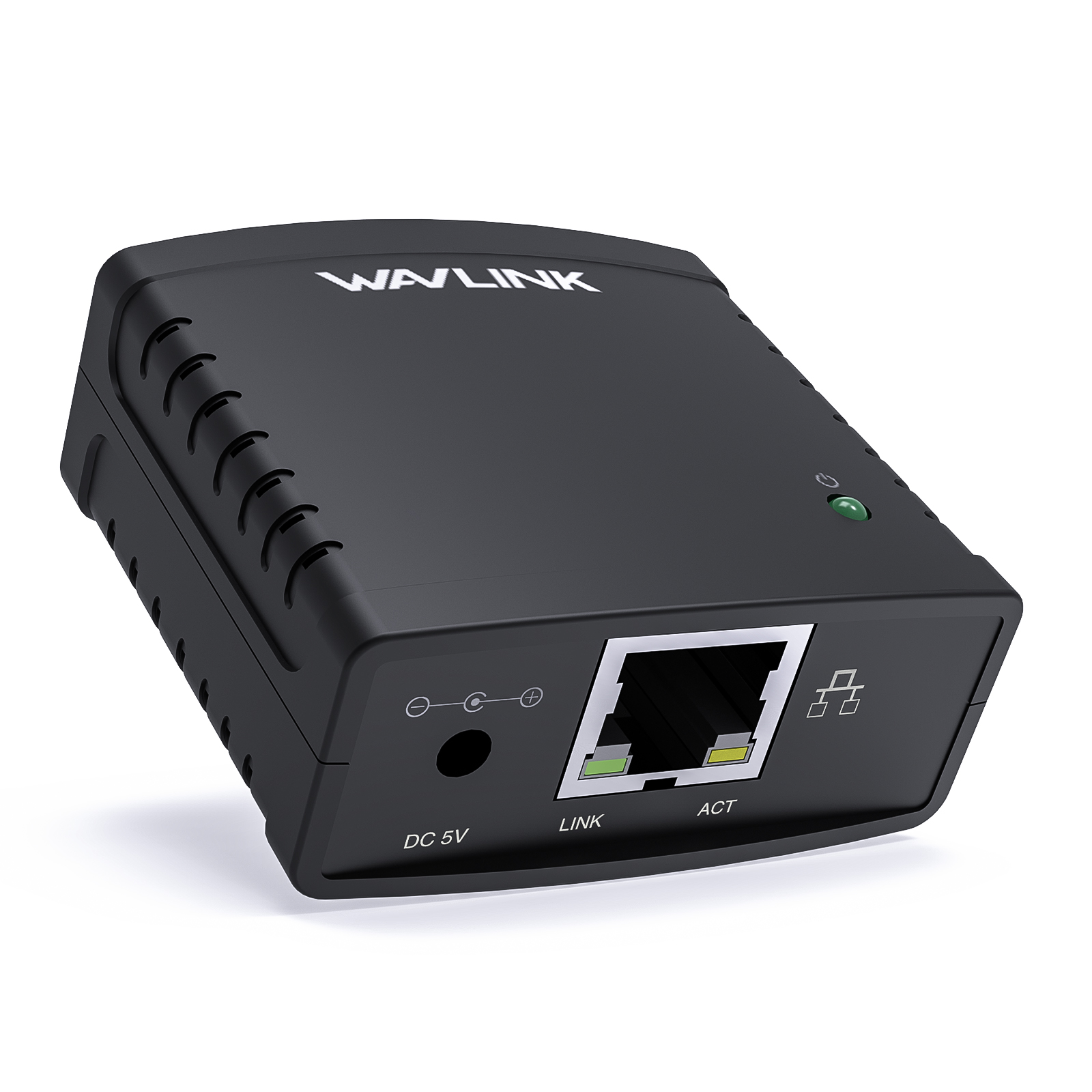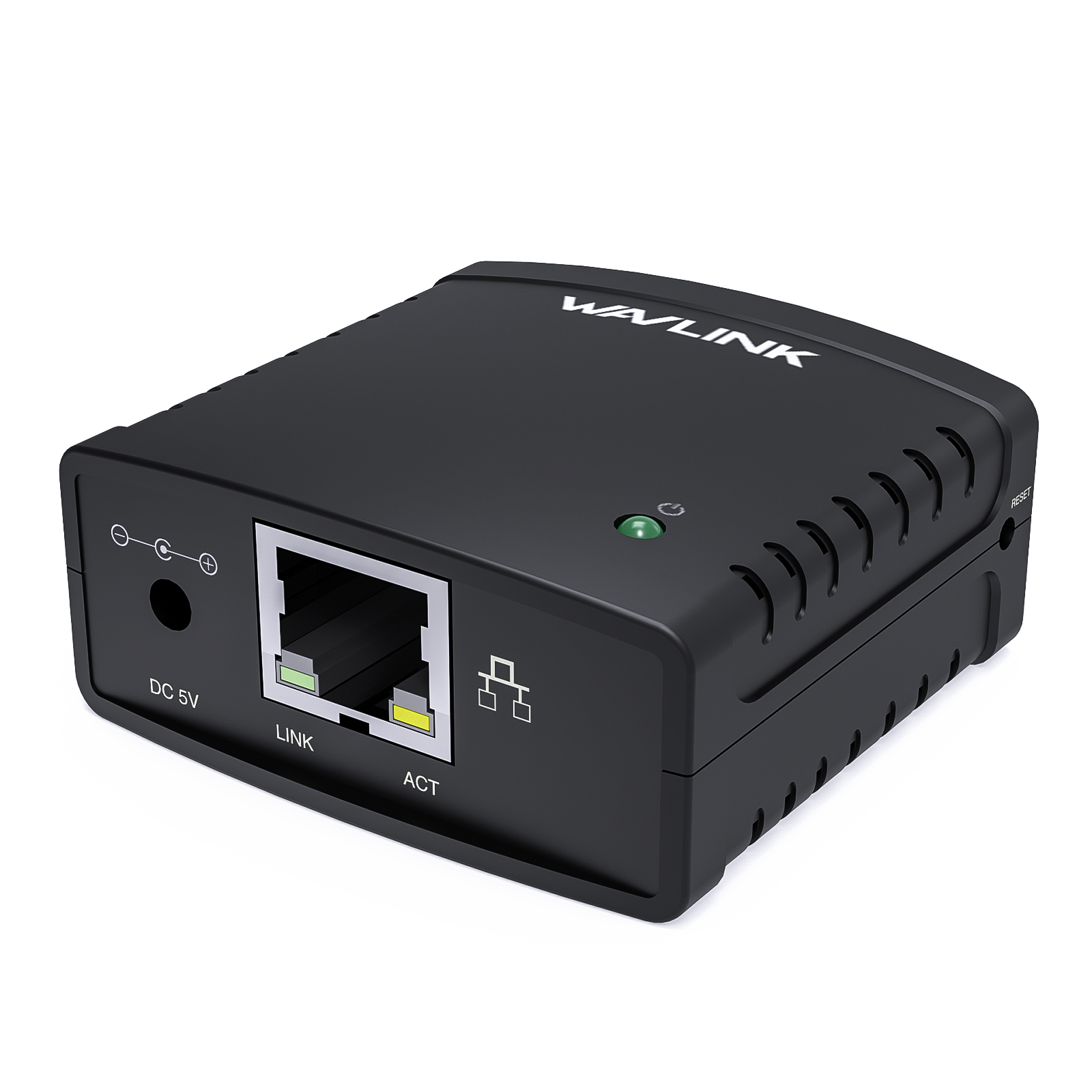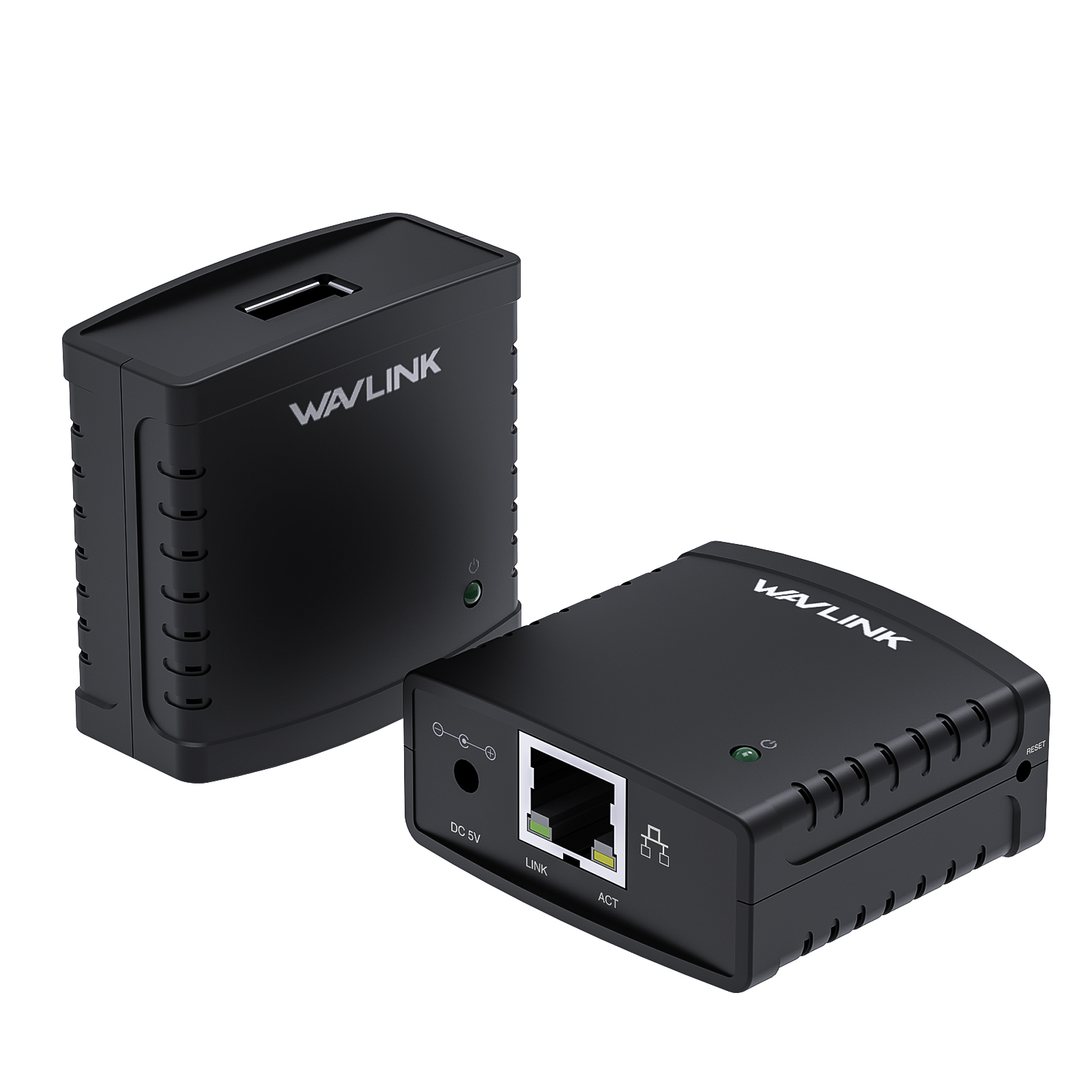
USB 2.0 Network Print Server — WAVLINK NU72P11

LPR Protocol Certified | 10/100Mbps Auto-Sensing | USB 2.0 Print Sharing | Windows 7/10/11 Supported | IEEE 802.3u Compliant

$29.98 Price drop reminder
  • Product Code: WL-NU72P11-EU
  • Availability: 102

  • 50 or more $23.99
power plug
US PLUG
EU PLUG
UK PLUG
Total $29.98
Convenient payment
Trusted-Delivery
Fast Delivery
Multi-warehouse direct hair fast delivery

Exquisite service
Exquisite service after-sale guarantee
Hassle-free return
Shop with confidence, worry-free refund

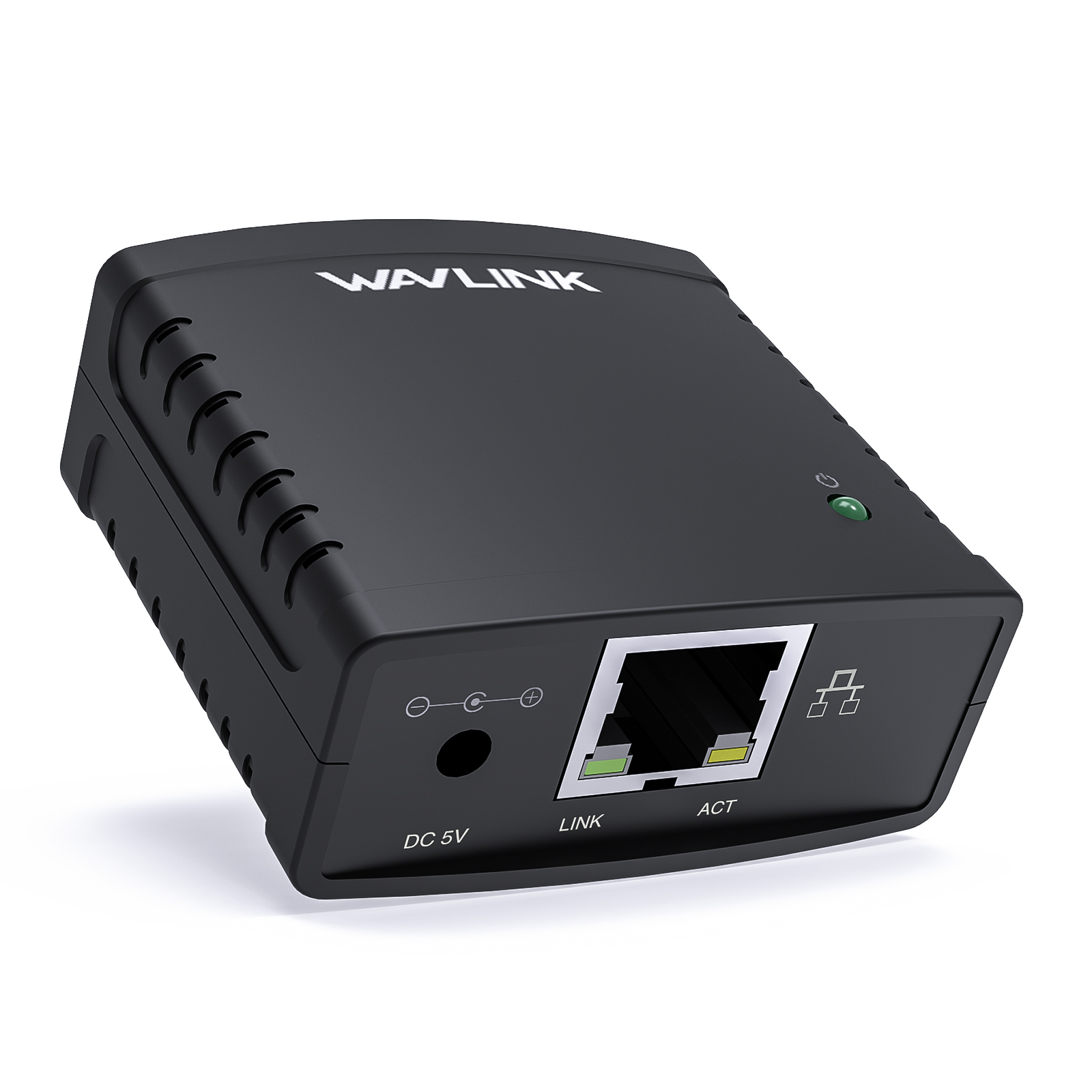
The WAVLINK NU72P11 turns any standard USB printer into a network printer every computer on your LAN can use — no dedicated host PC, no driver installation for the server itself, no extra printers to buy.

No Host PC Required — Print from Any Computer on the Network

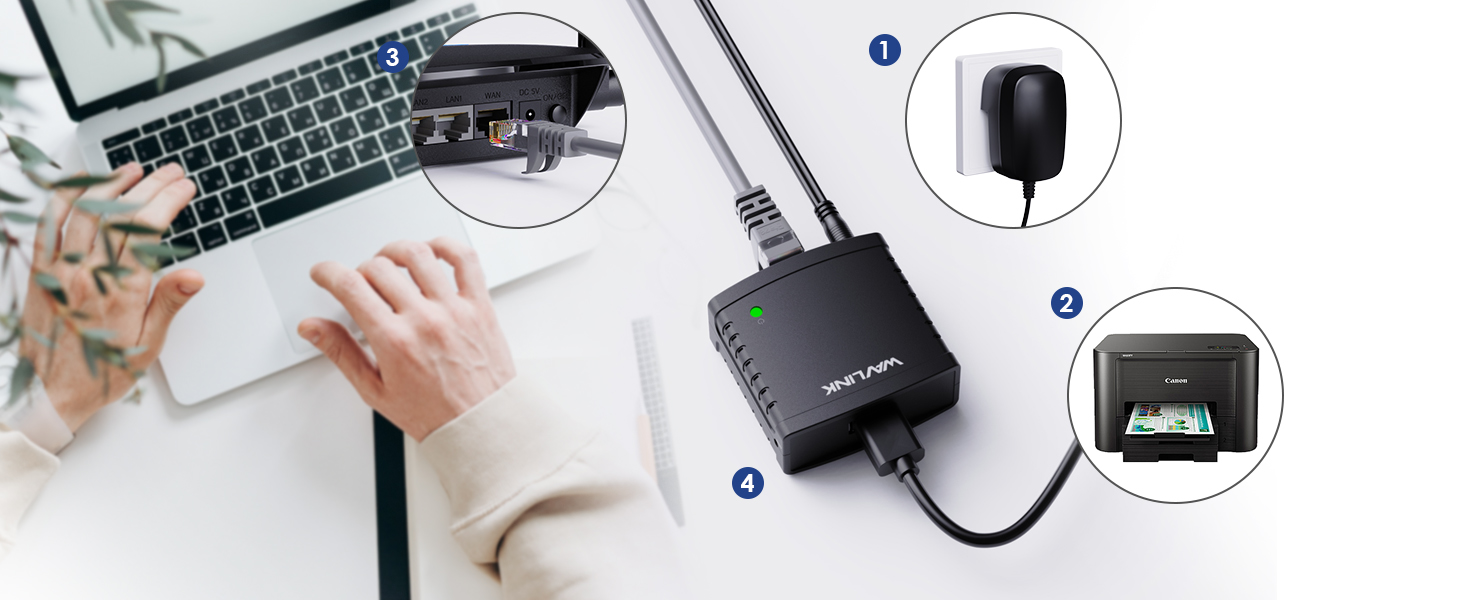
Normally, sharing a USB printer means leaving one computer powered on, logged in, and running. The NU72P11 eliminates that computer entirely. Plug the print server into your router or switch with the included Ethernet cable, connect your USB printer, and every PC and Mac on the network sees the printer and can print independently — any time, from anywhere in the building.

Setup in Minutes — No Server-Side Drivers Needed

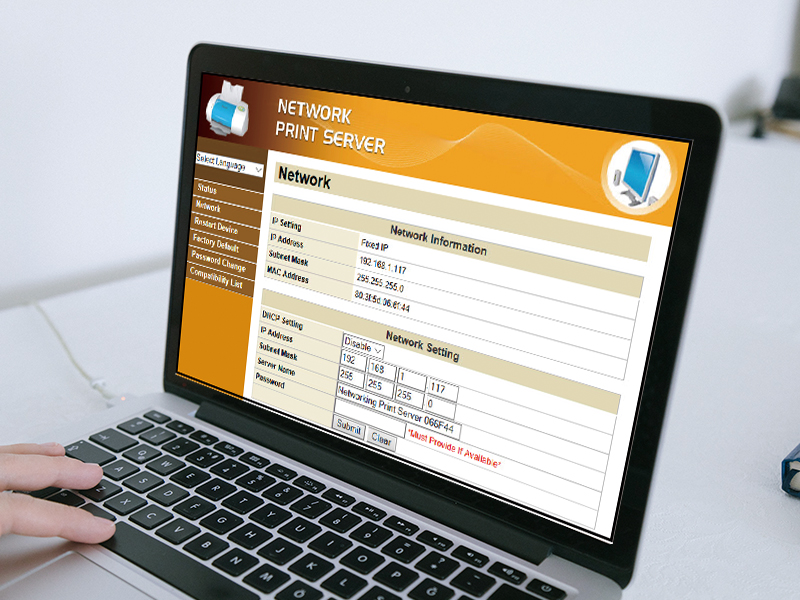
The print server itself requires no driver installation. Access the web-based management interface from any browser on your network — it supports DHCP and Auto IP, so network configuration is automatic. You only need to install your printer's standard driver on each computer (download from your printer manufacturer's website) and point it to the print server. The included Quick Start Guide walks through every step.

⚠ Before Purchase: Check the Printer Compatibility List in the product documents section to confirm your printer model is supported. Most USB inkjet, laser, needle, and multi-function printers are compatible. Multi-function printers support printing only — network scanning is not available.

Works with Virtually Every USB Printer

USB 2.0 compliant and compatible with all major printer types — inkjet, laser, needle, and multi-function — from brands like HP, Canon, Epson, Brother, and Samsung. Supported operating systems: Windows 11/10/8.1/8/7/XP/Vista, Windows Server 2003/2008/2012, and macOS 10.7 or later. Uses the universal LPR/LPD printing protocol.

Not for Storage Devices

The NU72P11 is a dedicated print server — do not connect USB hard drives, flash drives, card readers, phones, or tablets. Printers only.

Compact, Simple, and Built for Any Setting

At 54×54×25mm and 37g, the NU72P11 vanishes behind the printer or under the desk. Ideal for homes with 2–3 computers sharing one printer, small offices and retail counters, schools and libraries, and government or institutional settings where multiple staff need access to a single USB printer without the cost of upgrading to network-native hardware.

Specifications

Model WL-NU72P11
USB 1× USB 2.0 Type-A (printers only)
Ethernet 10/100Mbps RJ45
Protocol LPR/LPD
Configuration Web GUI, DHCP, Auto IP
Compatibility Windows 11/10/8/7/XP/Vista/Server, macOS 10.7+
Material ABS Plastic
Dimensions 54 × 54 × 25 mm / 2.1 × 2.1 × 1 in
Weight 37g / 1.3oz
Included Ethernet cable (100cm) + Power adapter (120cm)

What's in the Box

  • 1 × NU72P11 Network Print Server
  • 1 × Power Adapter (120cm)
  • 1 × Ethernet Cable (100cm)
  • 1 × Quick Start Guide


Ask Question About Product

Note: HTML is not translated!
Dock station
Cable Length Ethernet 100cm
Compatibility Windows 11/10/8/7/XP/Vista/2003/2008/2012, macOS 10.7+
Dimensions54 × 54 × 25 mm / 2.1 × 2.1 × 1 in
Ethernet10/100Mbps RJ45
USB ports1× USB 2.0 Type-A (printers only)
Networking
ConfigurationWeb-based GUI
MaterialABS Plastic
ModelWL-NU72P11
  • All(0)
  • Good(0)
  • Fair(0)
  • Poor(0)
  • Image(0)

Frequently Asked Questions

What does a network print server do, and do I need one?
A network print server turns a standard USB-only printer into a network printer that every computer in your home or office can access. Instead of plugging the printer directly into one computer and sharing it through that computer (which must stay powered on), the print server connects the printer directly to your router via Ethernet. Any PC or Mac on the network can print at any time — no dedicated computer required. If you have a USB printer that isn't WiFi-enabled and want to print from multiple computers, you need a print server.
Will this work with my printer and operating system?
The NU72P11 supports most USB printers (laser, inkjet, and multi-function for printing only — scanning over network is not supported). It works with Windows 11/10/8.1/8/7/XP/Vista/2003/2008/2012 and macOS 10.7 or later. It supports the standard LPR/LPD printing protocol compatible with virtually all network-capable operating systems. Important: This is a print server only. Do not connect hard drives, USB flash drives, card readers, phones, or tablets — only USB printers are supported.
How difficult is the setup? Do I need to be technical?
Setup takes about 10 minutes and requires no technical expertise. Connect the print server to power, plug your USB printer into the server, connect the server to your router with the included Ethernet cable, then access the web-based configuration page from any browser on your network. Install your printer driver on each computer, point it to the print server's IP address, and you're done. A Quick Start Guide is included with step-by-step instructions.
Can multiple computers print at the same time? What about large offices?
Yes — all computers on the network can send print jobs to the printer through the NU72P11. The print server queues incoming jobs and sends them to the printer one at a time. For home offices and small businesses with 2–10 computers sharing one printer, this works seamlessly. For larger offices with heavy print volumes, a dedicated print server appliance or network-native printer may be more appropriate. The NU72P11 uses a 10/100Mbps Ethernet connection — fast enough for print data, which is typically small.
What's included in the box? Is the Ethernet cable included?
Yes — everything you need is in the box:
- 1 × NU72P11 Network Print Server
- 1 × Power Adapter (120cm / 47in cable)
- 1 × Ethernet Cable (100cm / 39.4in)
- 1 × Quick Start Guide

You'll also need: a USB printer with a standard USB 2.0 Type-A cable (the cable that connects your printer to a computer — usually included with the printer, not with the print server).

New posts

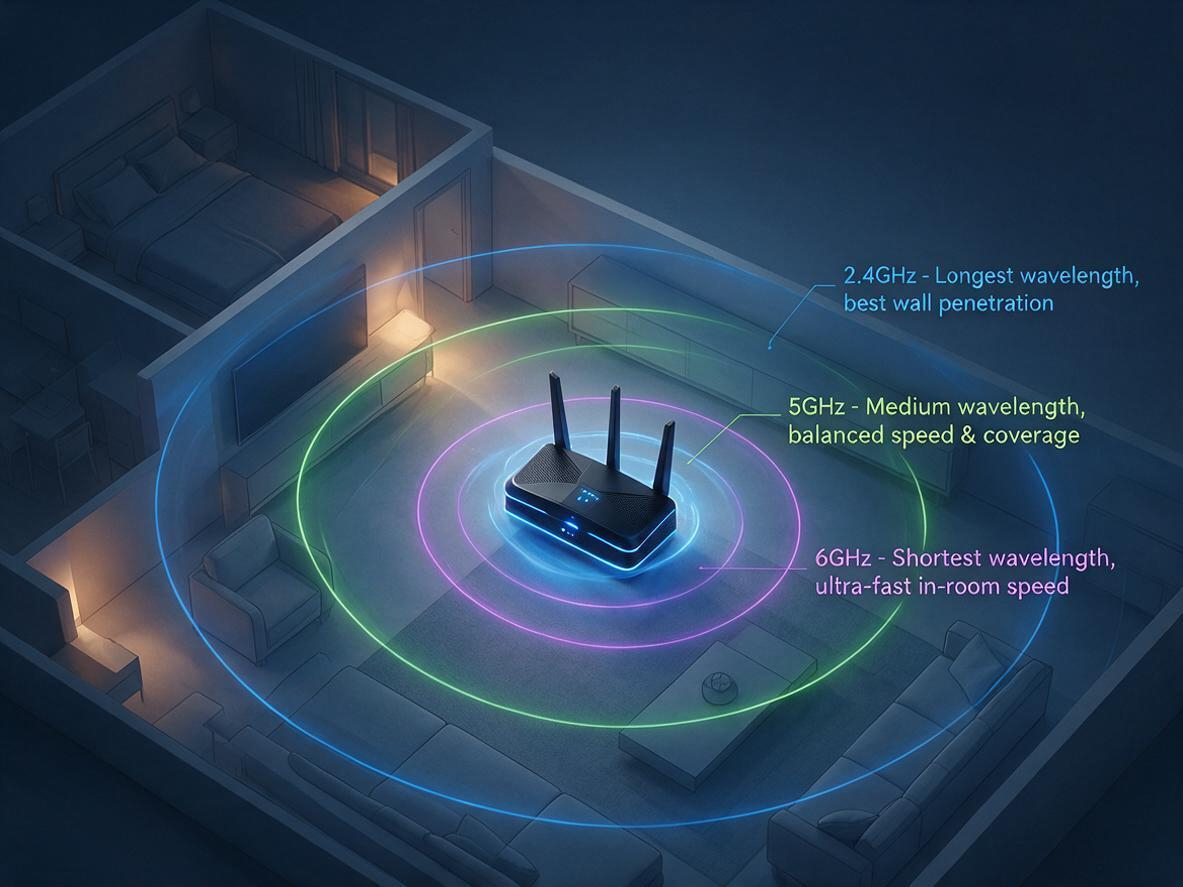
2.4GHz vs 5GHz vs 6GHz: Which WiFi Band Should You Use?
07/17
2026

Your router broadcasts on 2.4 GHz, 5 GHz, and 6 GHz at the same time — but your phone, laptop, and T
Fix Your Slow WiFi: 3 Free Tweaks That Take 2 Minutes Each
07/17
2026

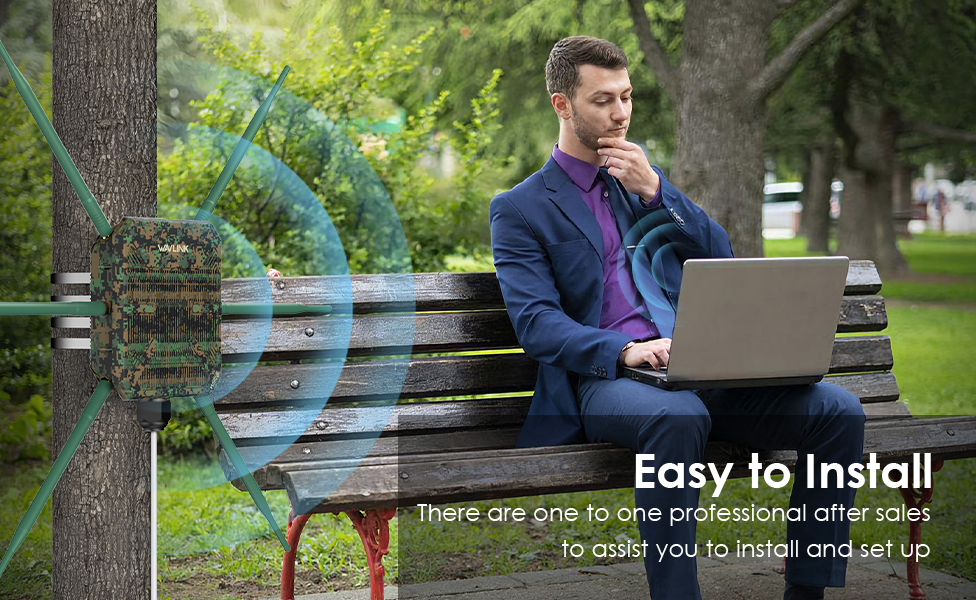
Is your WiFi slow because of your router — or just bad placement? Before you blame your internet pla
WiFi 5 vs WiFi 6: Key Differences, Range & Which to Choose  TP-Link Or Wavlink
10/09
2025

Confused about WiFi 5 vs WiFi 6? Explore the key differences in speed, range, and efficiency. Learn

Why 95% of Outdoor WiFi Equipment Leaks? How a 30-Cent Fix Solves a $300 Problem
05/21
2025

Discover why 95% of outdoor WiFi systems fail from water damage and how a 30¢ physics hack using cab

WiFi 5 vs WiFi 6: Which Technology Should You Choose for Superior Connectivity?
04/29
2025

This technical analysis compares WiFi 5 and WiFi 6, highlighting critical advancements in speed (9.6

If the price of the product is reduced within 30 days, we will notify you via email, SMS and mobile client~
Notify you when the item is below the price
Mobile phone number
Email address
If the goods arrive within 30 days, we will notify you via email, SMS and mobile client~
Mobile phone number
Email address

Track shipment information

Track orders with order#
Guests: Save/copy order#
for tracking.

Sample:20240429683826
Checkin successfully
Get bonus points:
My Points
Signed in Day
Checkin Record
Time Points Detailed description