Does this docking station work with M1/M2 MacBook Air?
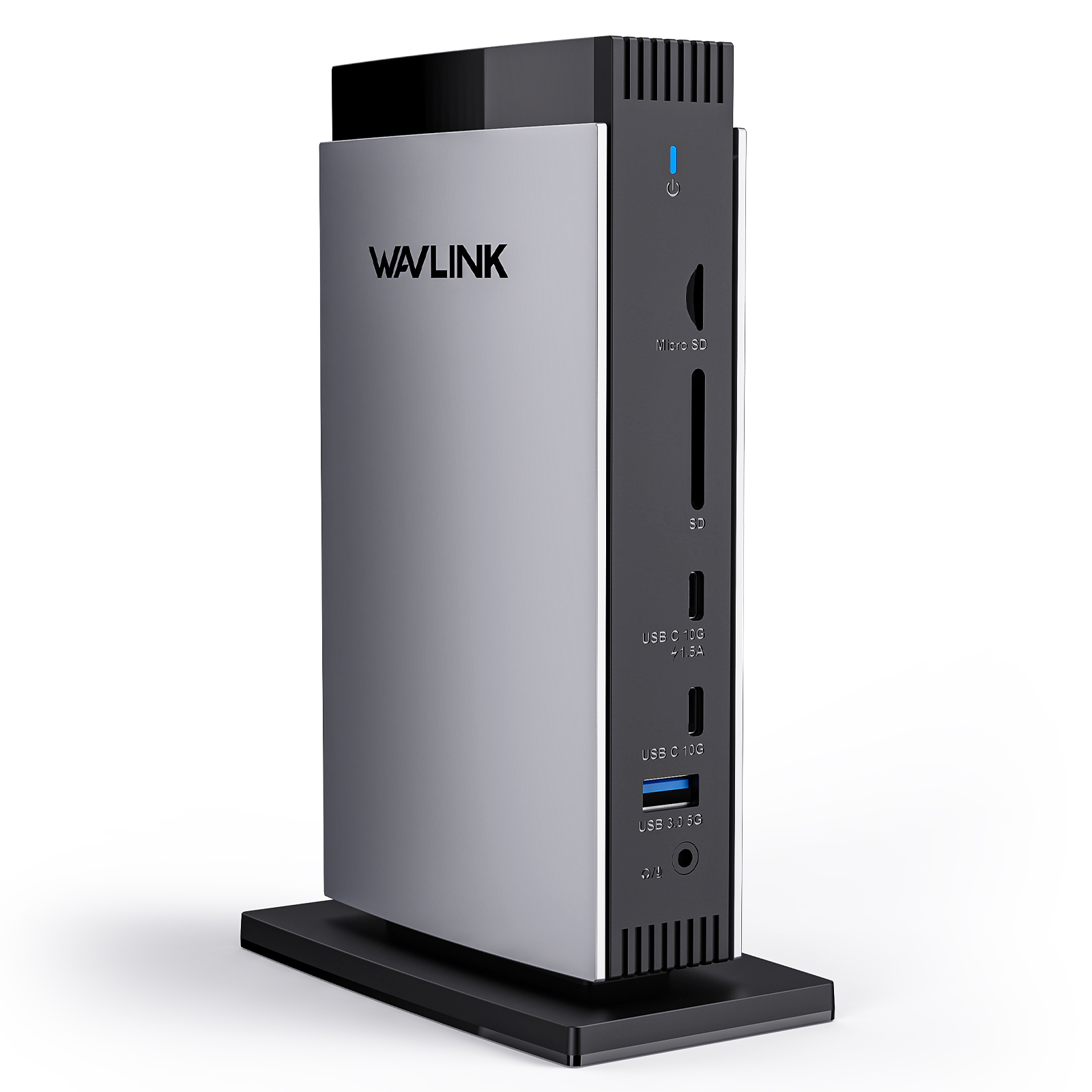
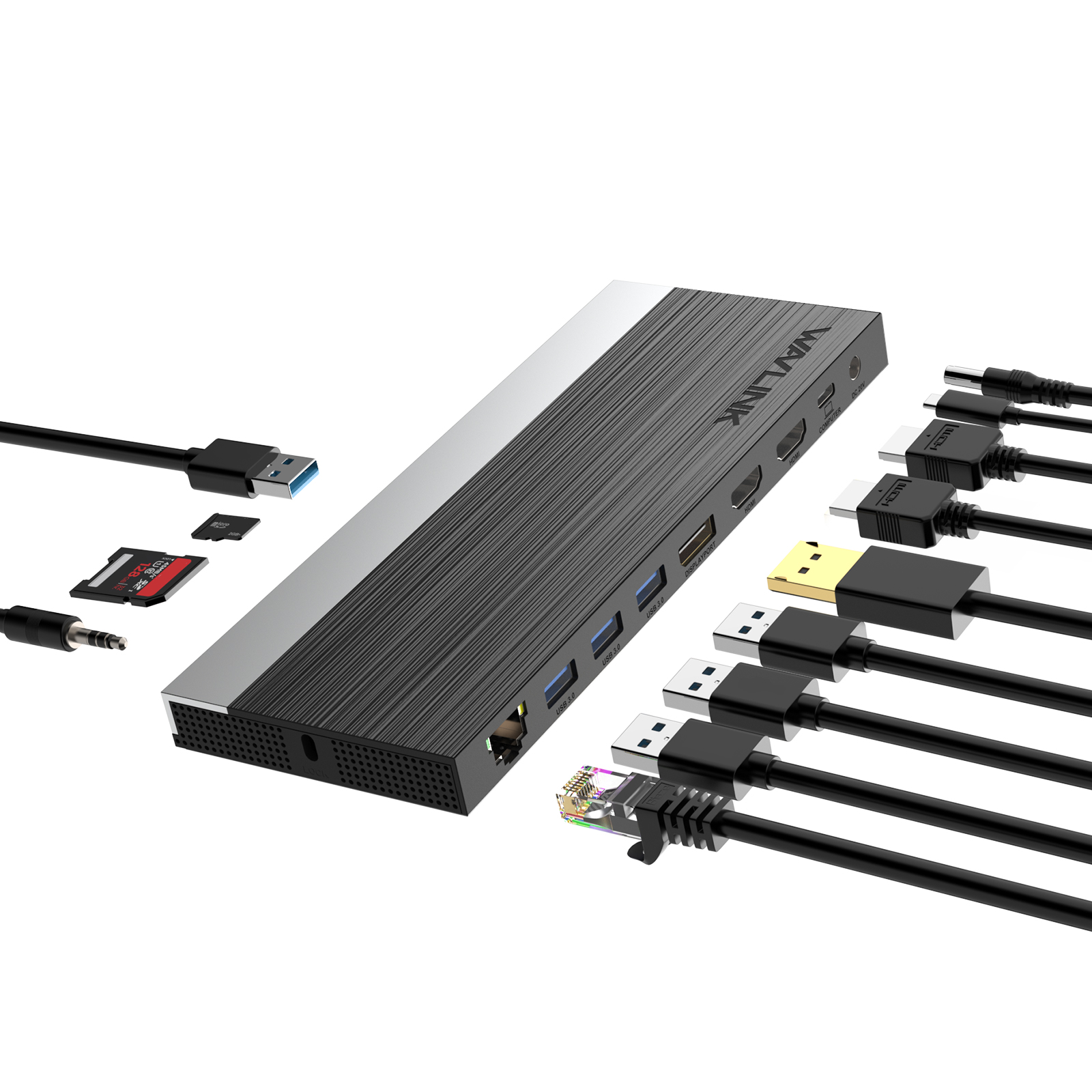
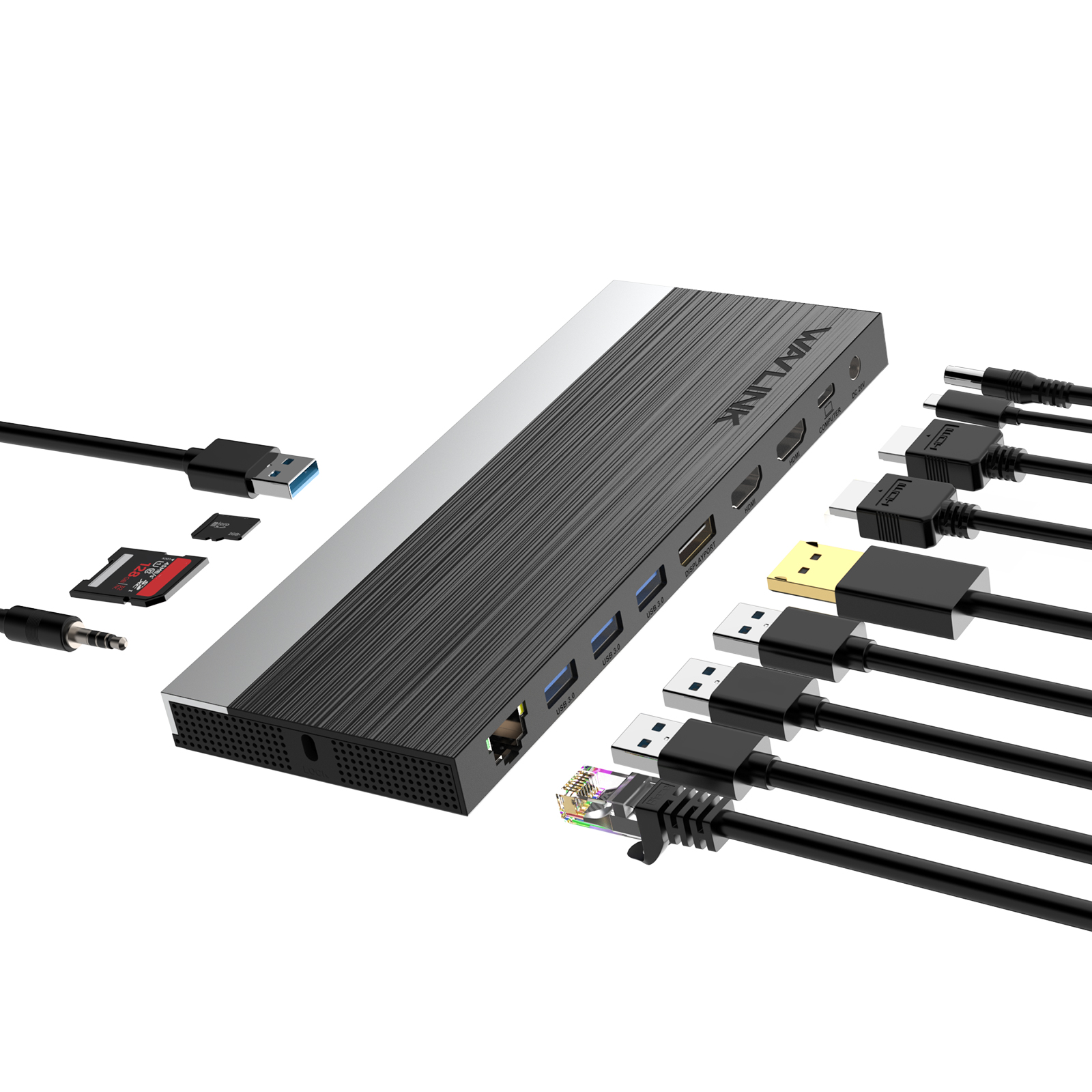
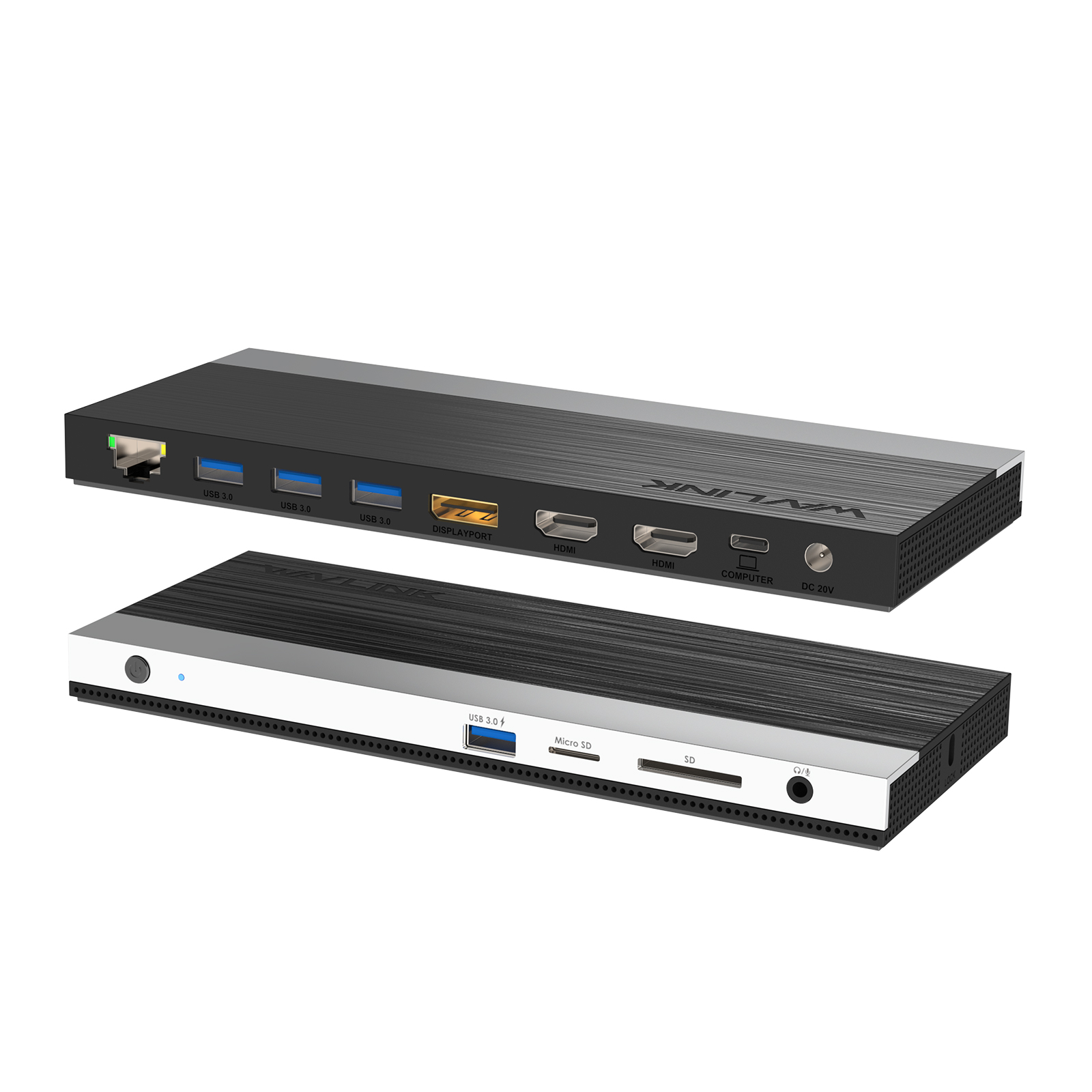
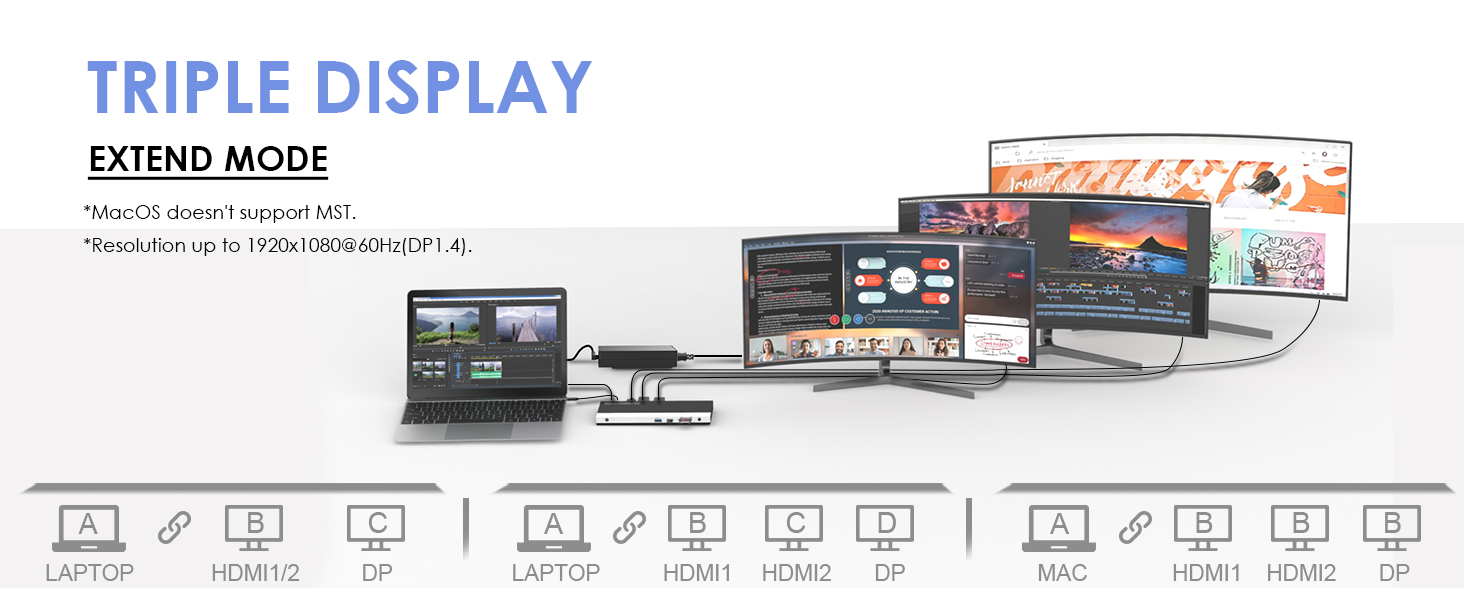
Yes. The UMD05-PRO uses DisplayLink technology, which enables triple external displays on M1/M2/M3 Macs that natively only support one. Simply install the free DisplayLink Manager driver from the official website, and all three video outputs (2×HDMI + 1×DisplayPort) will work independently — no mirroring. It also works seamlessly with M1/M2 MacBook Pro, Mac Mini, and iMac.
What's the difference between UMD05-PRO and UMD04?
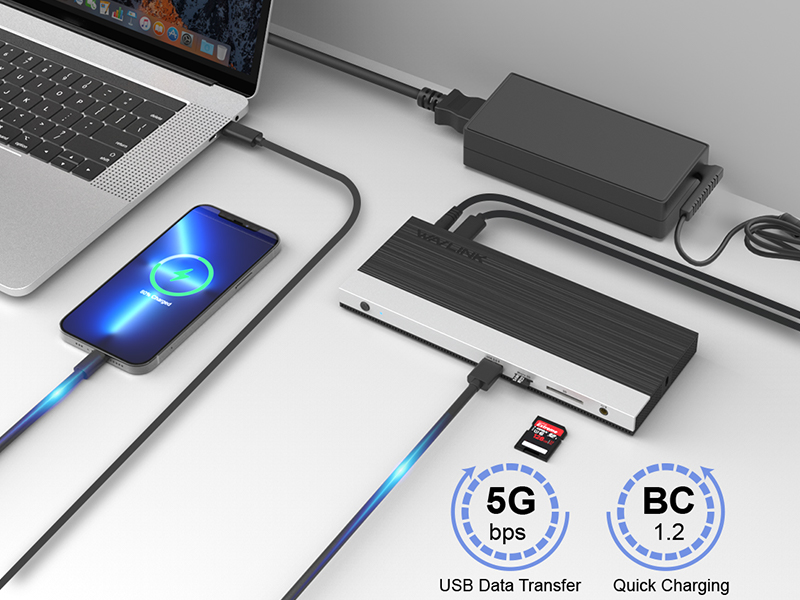
UMD05-PRO has 3 video outputs (2×HDMI + 1×DP) and supports triple external displays, while UMD04 has 2 video outputs (2×HDMI) and supports dual displays. UMD05-PRO also adds a DisplayPort output, more USB-A ports, and 100W PD charging. If you only need dual monitors, UMD04 is sufficient; if you want triple monitors or plan to upgrade your setup, choose UMD05-PRO.
Can this dock handle 3 external monitors at 4K for video editing or programming?
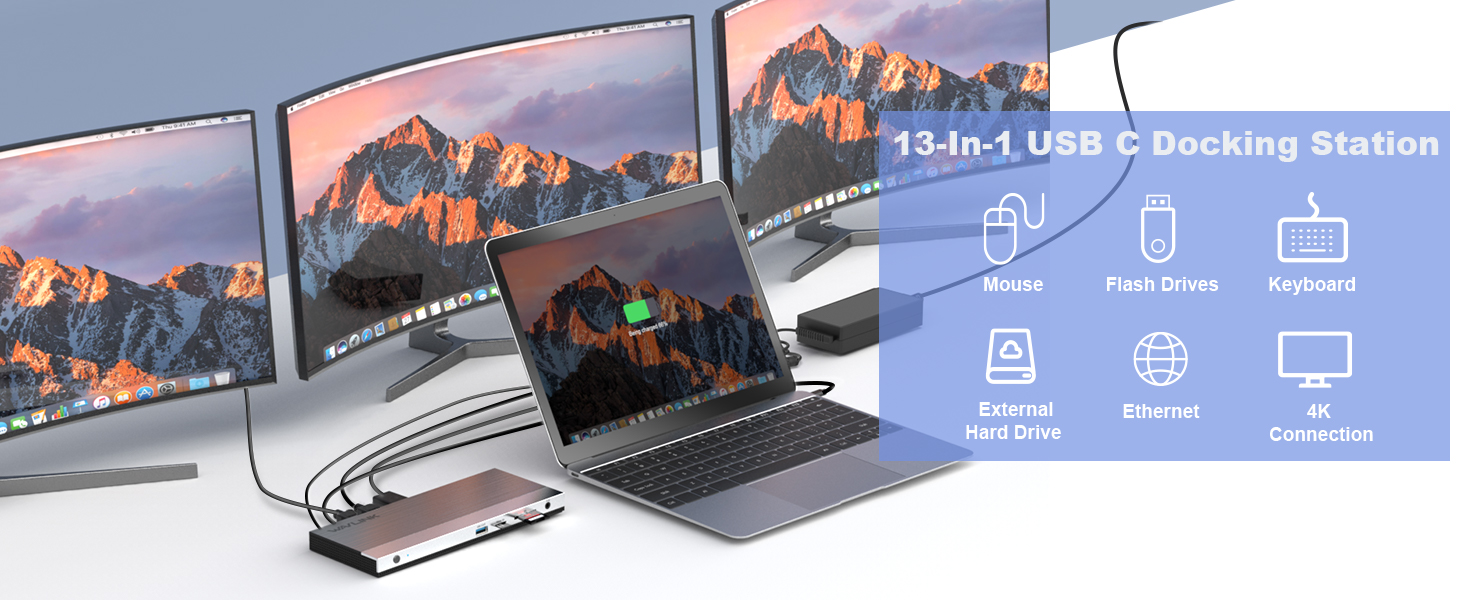
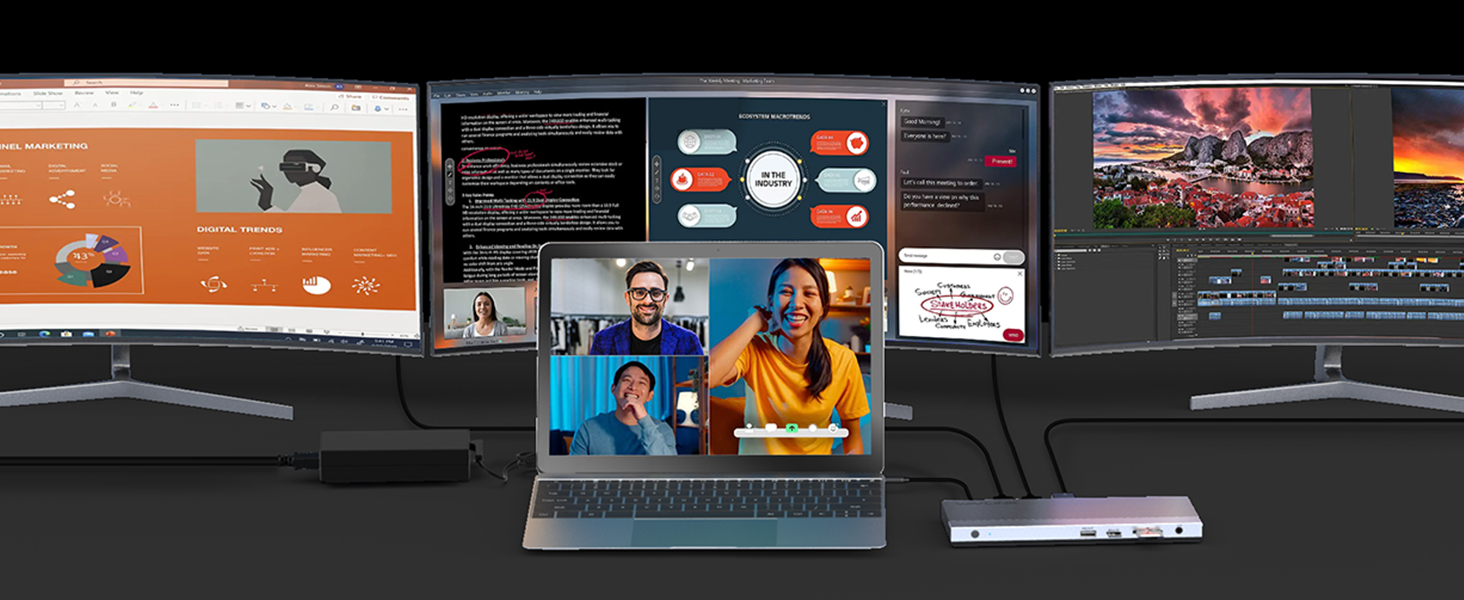
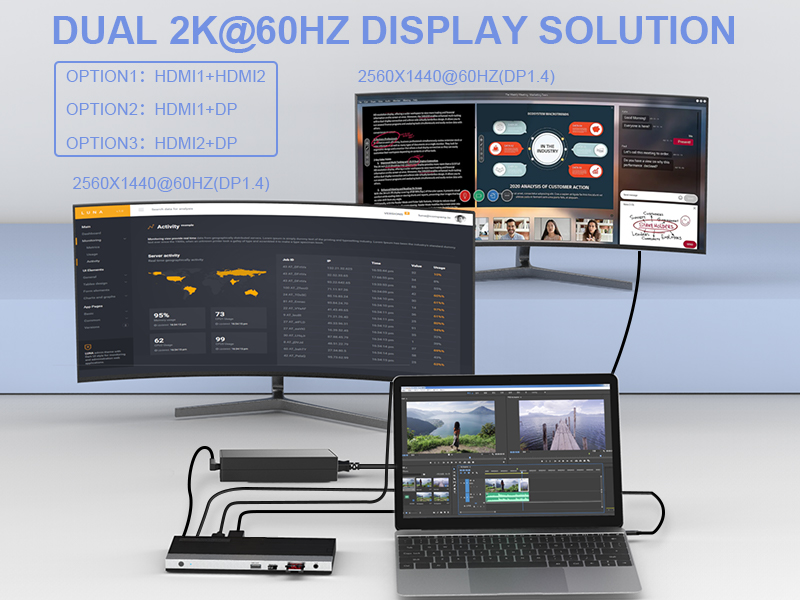
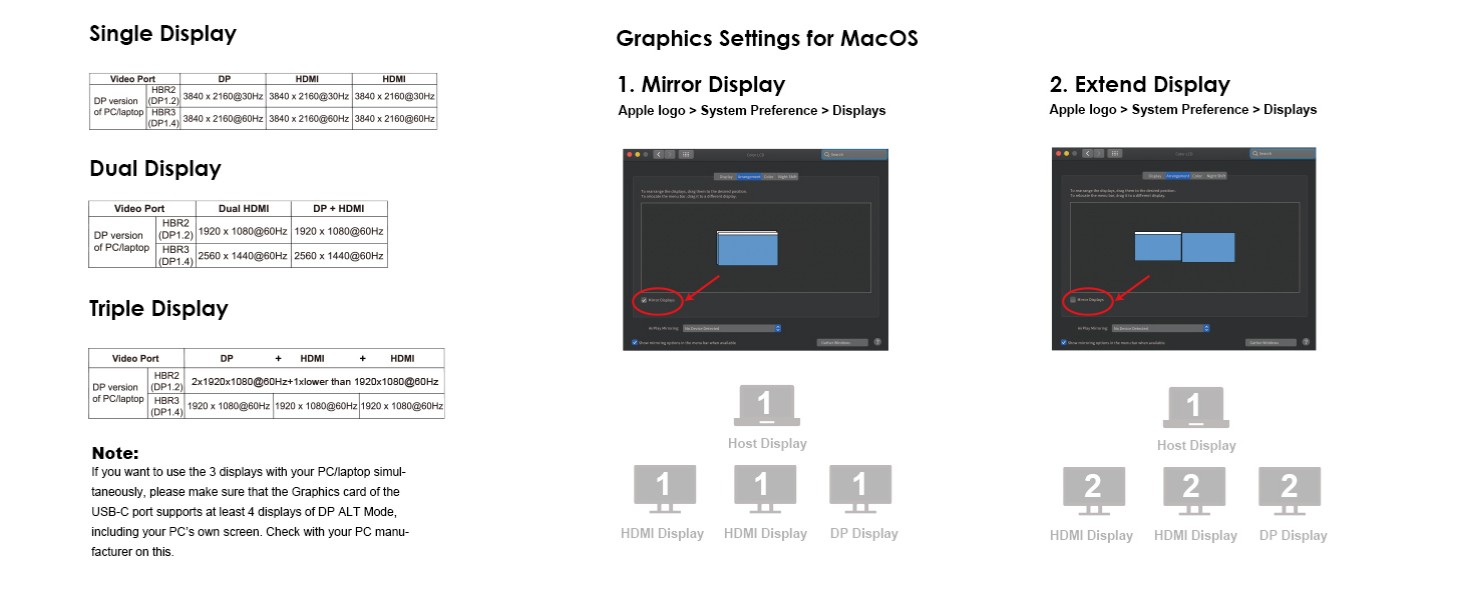
With a Windows laptop that has a DP 1.4 HBR3 USB-C port, UMD05-PRO supports dual 4K@60Hz or triple 2K@60Hz displays — perfectly suitable for video editing, coding, and data analysis workflows. For Mac users, DisplayLink enables triple extended displays at up to 2K@60Hz each, which is more than adequate for productivity tasks. The dock also delivers 100W pass-through charging, so your laptop stays powered throughout heavy workloads.
Why doesn’t my external monitor work with this dock?
1.Your computer’s USB-C port must support DisplayPort Alt Mode (video output) for the external monitor to function through the dock. To verify this,you could contact the laptop/pc manufacturer or contact our support team and tell us the detail model number of your laptop.
2.If the docking comes with a type-c cable,please make sure you should use the original type-c cable.
Why do all external monitors show the same screen on my Mac?
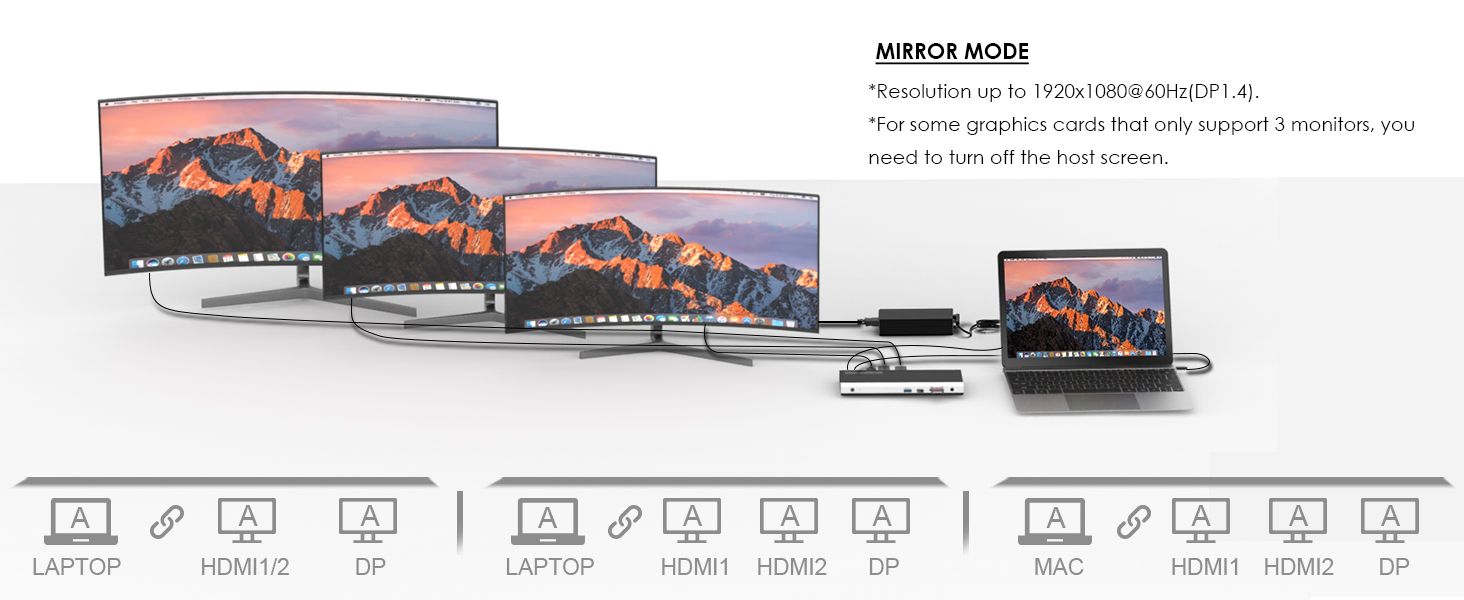
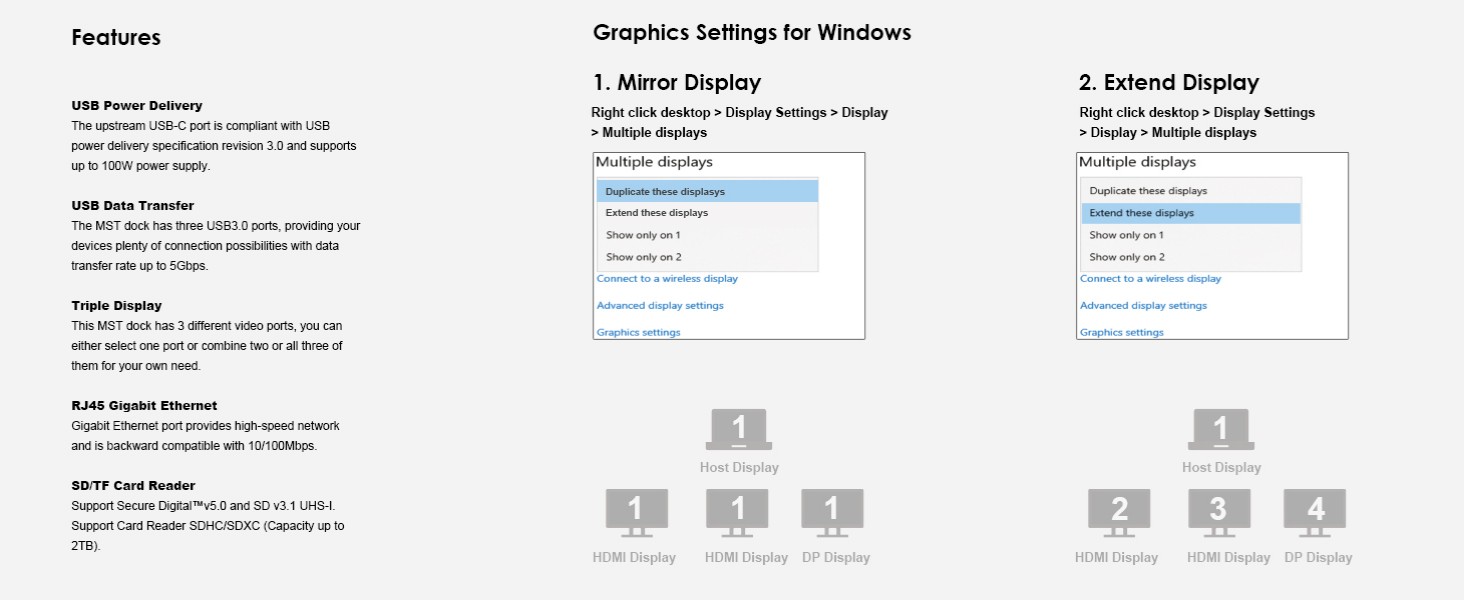
This dock uses MST (Multi-Stream Transport) technology. macOS does not support MST, so all connected displays will mirror the same screen.
This is a limitation of macOS, not a defect of the dock.
Why doesn’t this dock charge my computer when connected?
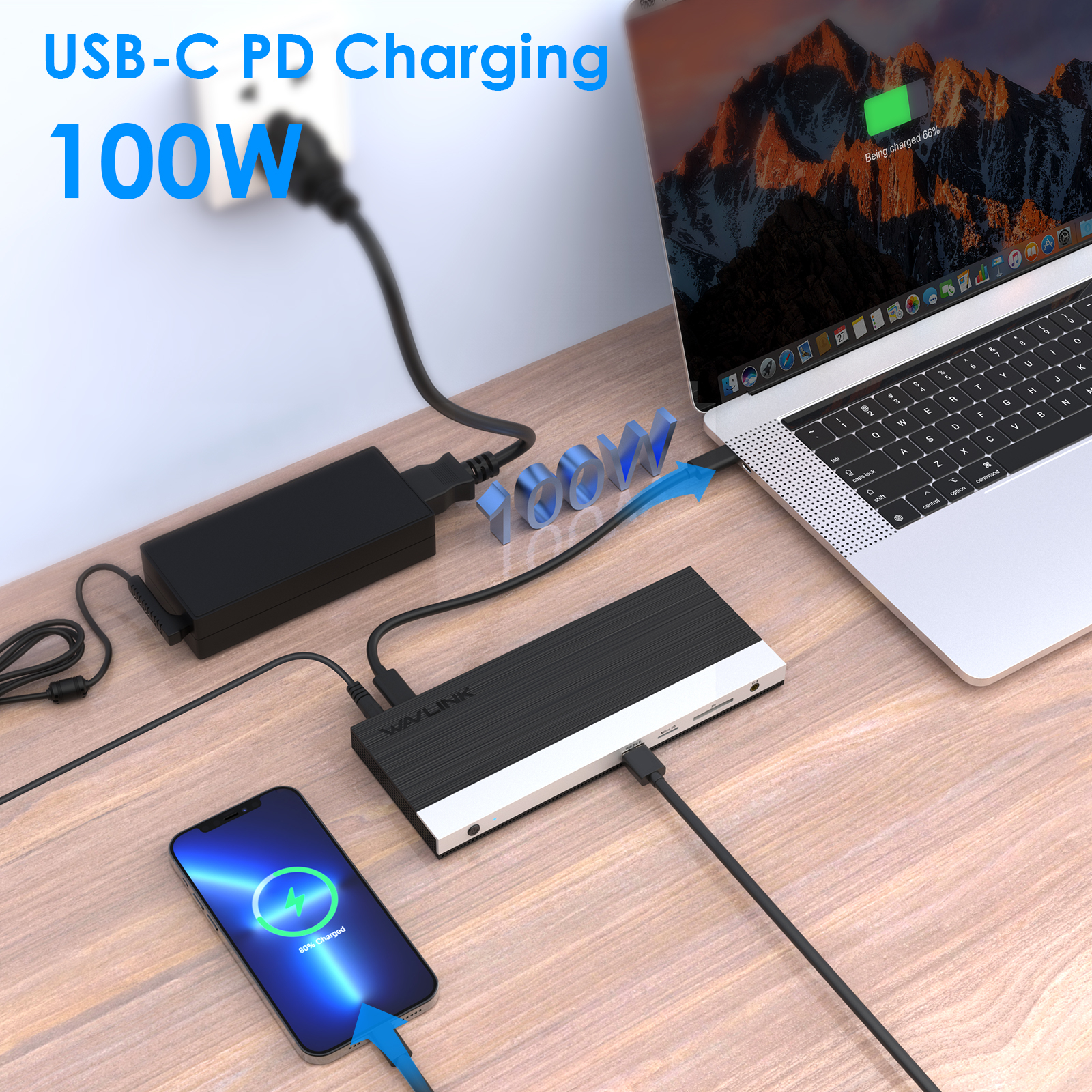
Please ensure that your computer’s USB-C port supports charging. If the dock does not come with a power adapter, please connect a compatible power adapter to the dock to enable the charging function.
Why can’t I find the driver for this dock on your website?
This dock is driver-free and supports plug-and-play functionality. Please ensure that your computer’s USB-C port supports video output for the external monitor to work with the dock.
My computer only has USB-A port and no USB-C port. Can I use a USB-C to USB-A adapter with this dock?
No. This dock requires a native USB-C port that supports both data transfer and video output to function properly.
Why does my laptop show “slow charging”?
Please ensure that the power adapter you are using with the dock is in good condition. If possible, try using a different power adapter, another USB-C port on your computer, or another computer for testing. If the “slow charging” message still appears, please contact our support team for further assistance.
I connect three monitors to the docking, but only two of them could work, what can I do?
To ensure that four monitors can function properly (one built-in display and three external displays), your GPU must support up to four displays simultaneously. Please note that not all GPUs have this capability.
If you are unsure whether your device supports this feature, we kindly recommend contacting your laptop or PC manufacturer for confirmation. Alternatively, you may reach out to our support team and provide the detailed model number of your laptop—we will be happy to assist you further.
Why the resolution was not advertised?
The maximum supported resolution depends on the DisplayPort (DP) version of the host USB-C port. We kindly recommend referring to the user manual to check the supported resolutions for different DP versions.
If you are unsure about the DP version of your device’s USB-C port, please contact your laptop or PC manufacturer for confirmation. Alternatively, you may reach out to our support team, and we will be happy to assist you further.