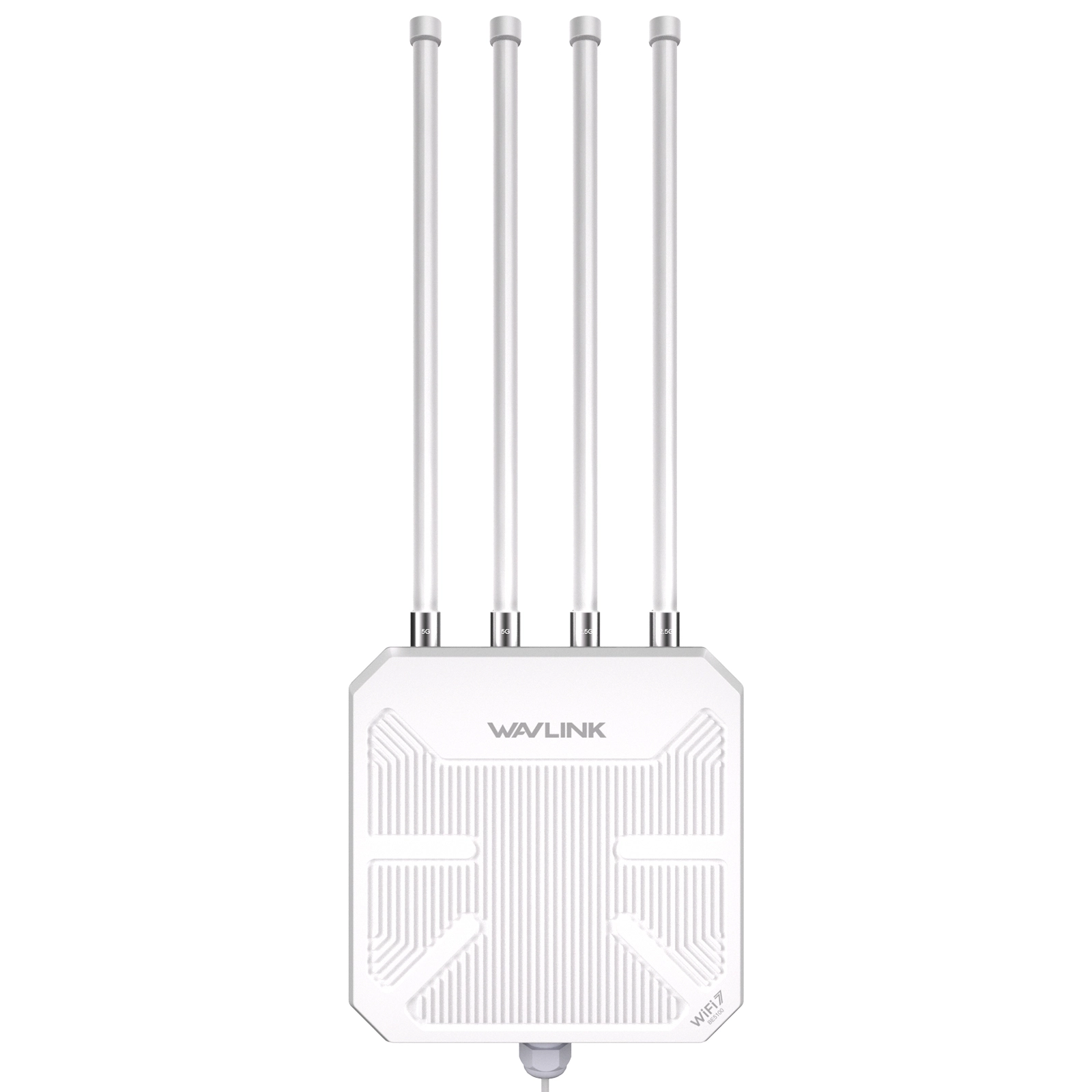
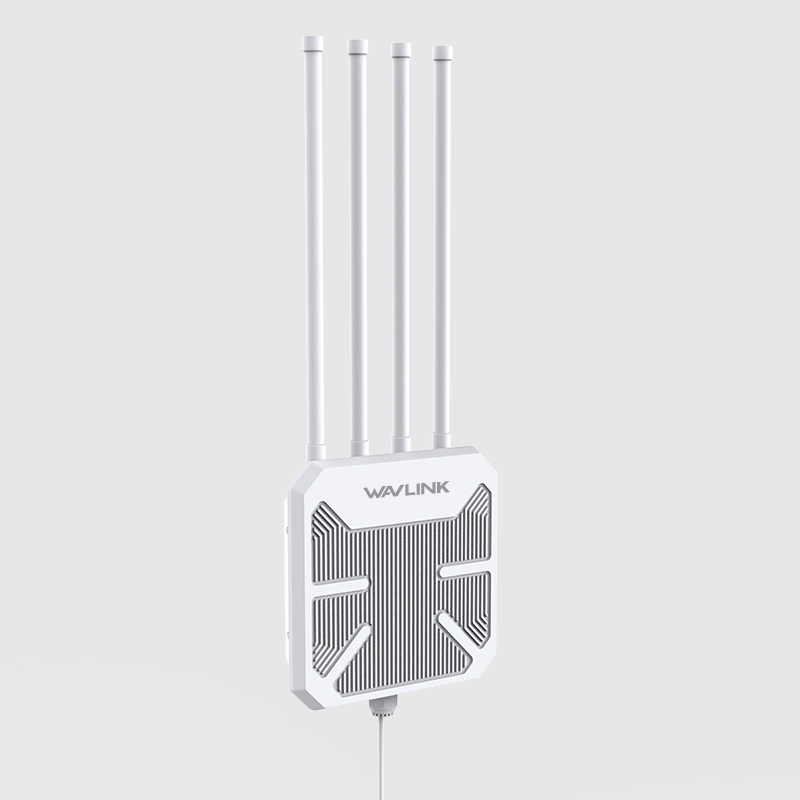

WAVLINK WiFi 7 Outdoor Long Range Router WN573HBE2

Dual Band BE5100 Mesh Router, IP67 Waterproof & Dustproof, 15KV ESD & 4KV Lightning Protection, Active & Passive PoE Supported, 8dBi High-Gain Antennas

$249.00 Price drop reminder
  • Product Code: WL-WN573HBE2
  • Availability: 34

power plug
EU PLUG
US PLUG
UK PLUG
AU PLUG
Total $249.00
Convenient payment
Trusted-Delivery
Fast Delivery
Multi-warehouse direct hair fast delivery

Exquisite service
Exquisite service after-sale guarantee
Hassle-free return
Shop with confidence, worry-free refund

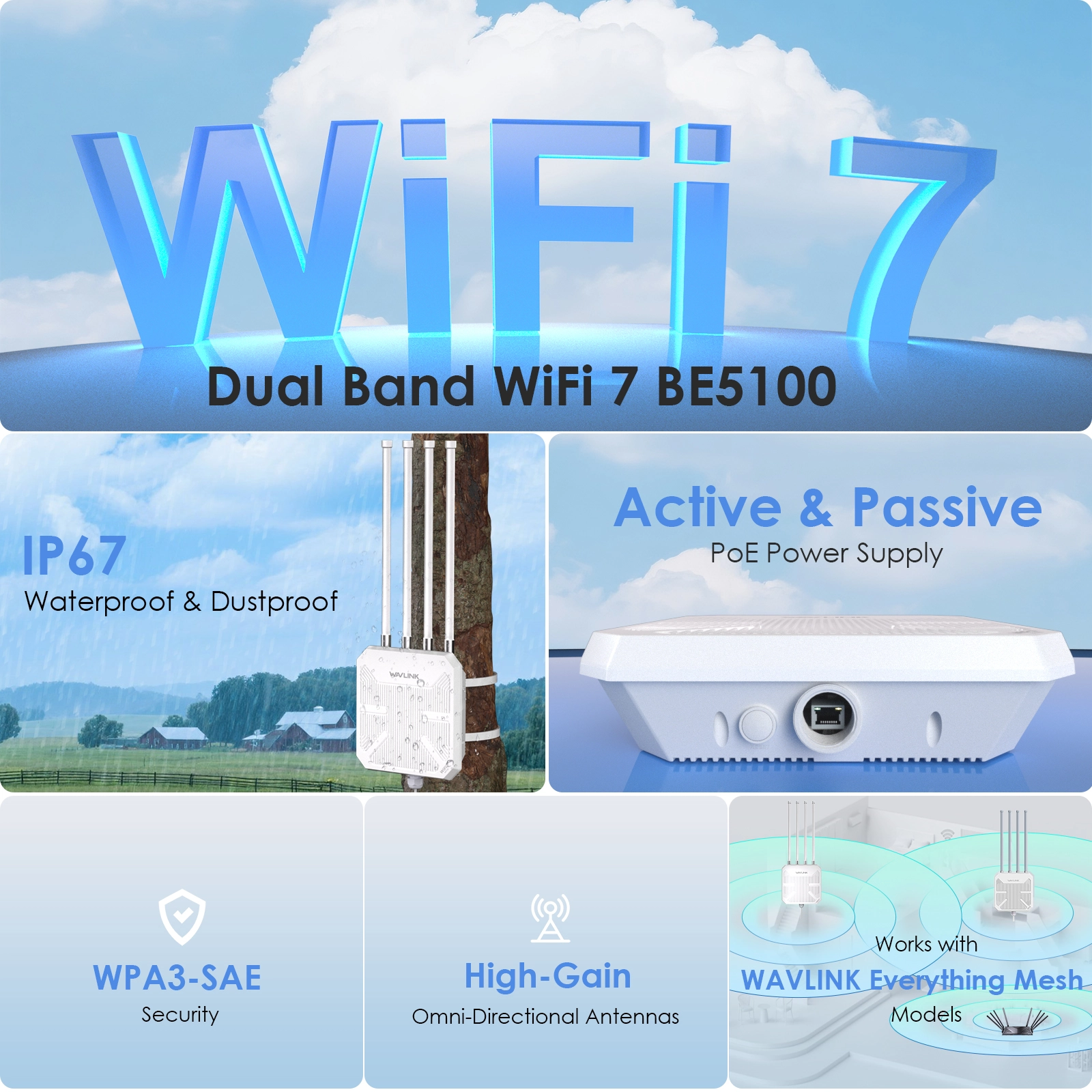
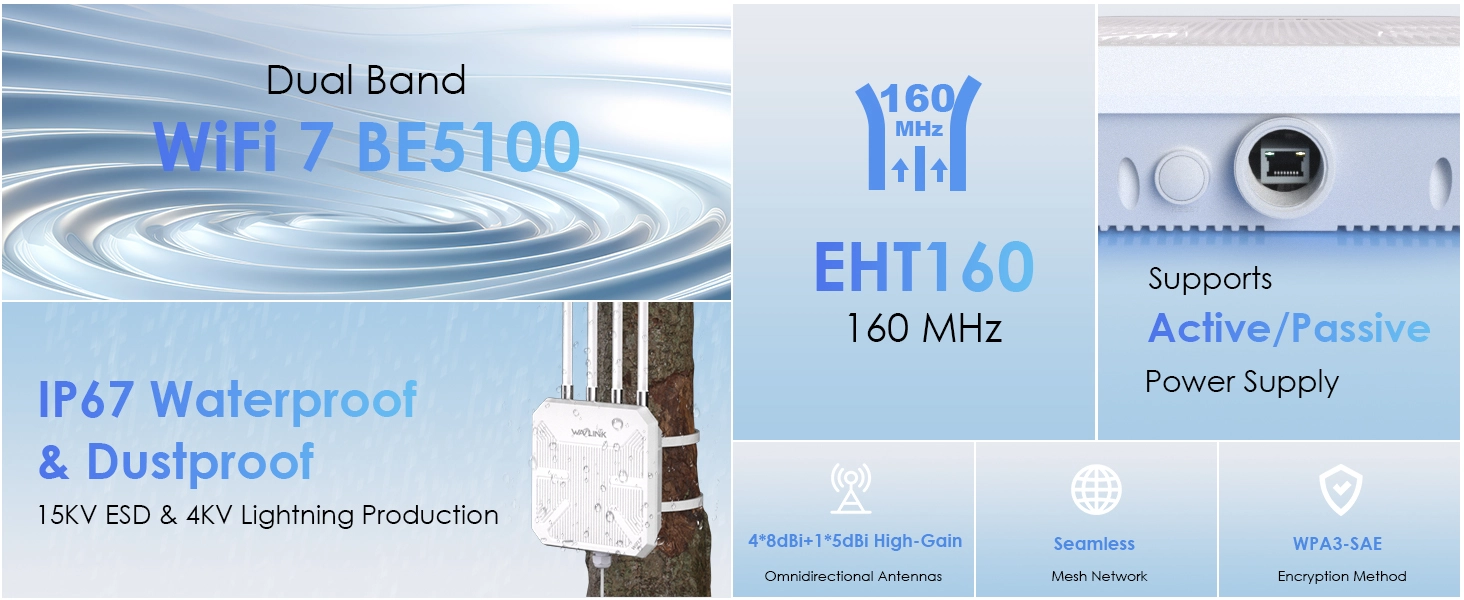
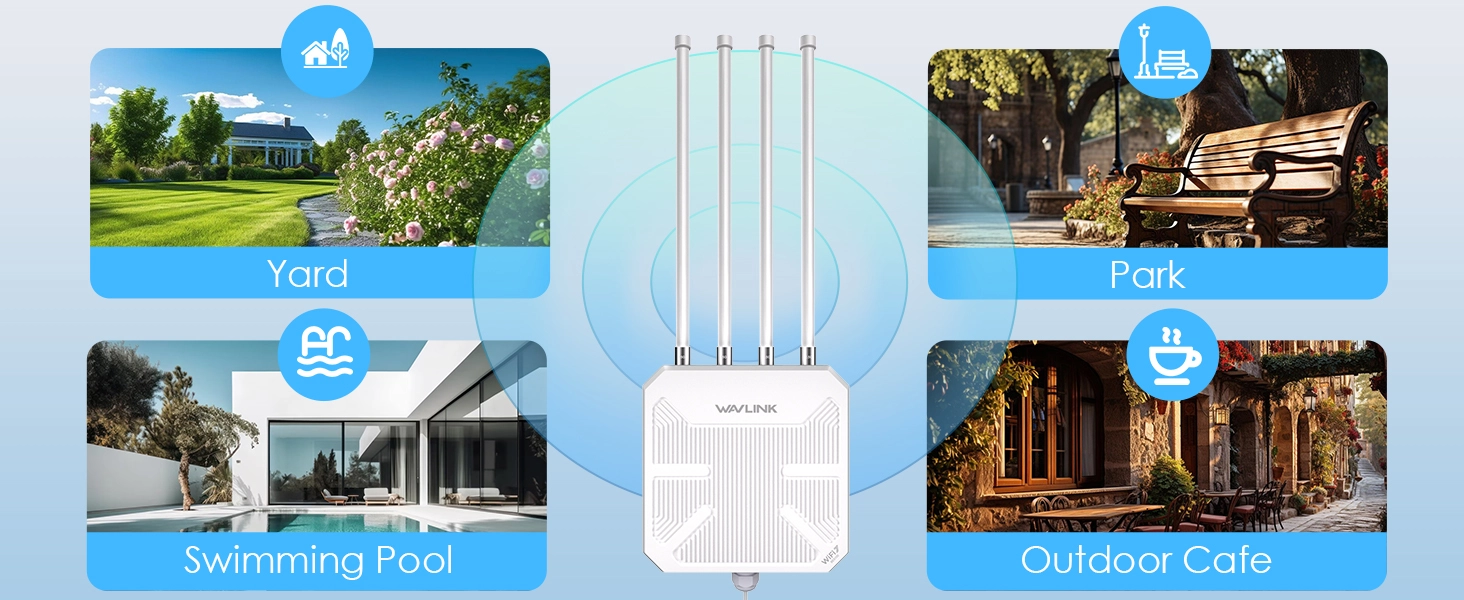
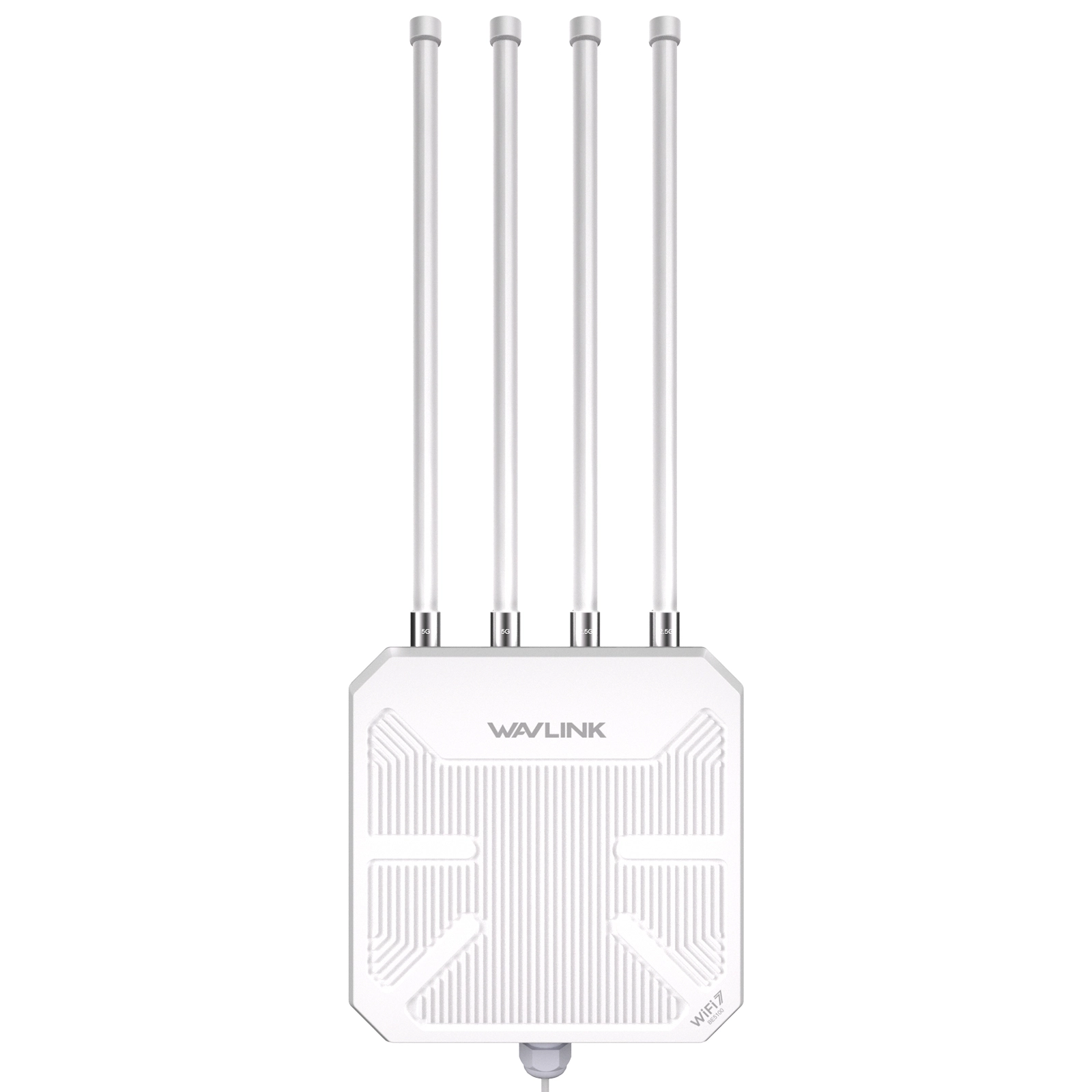
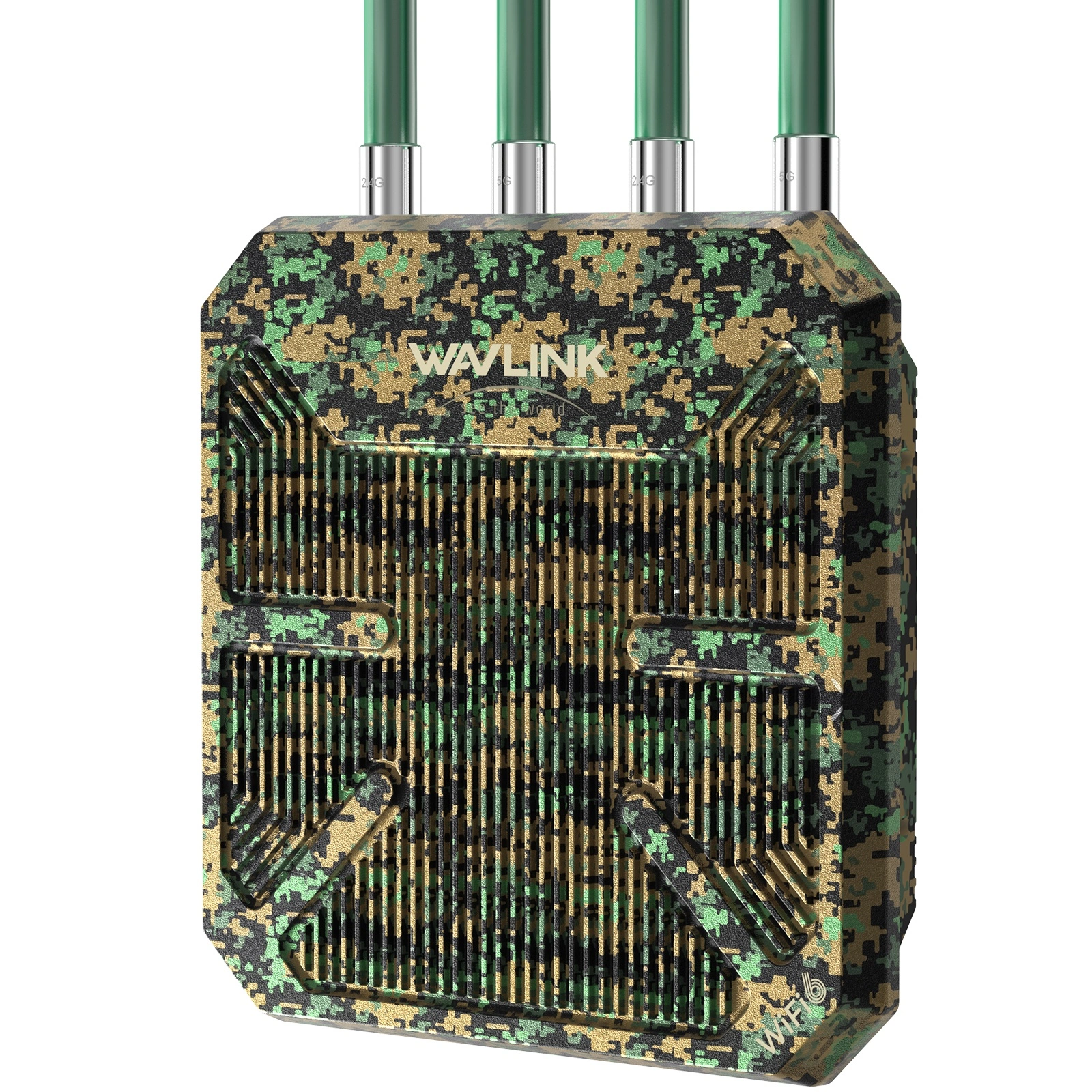
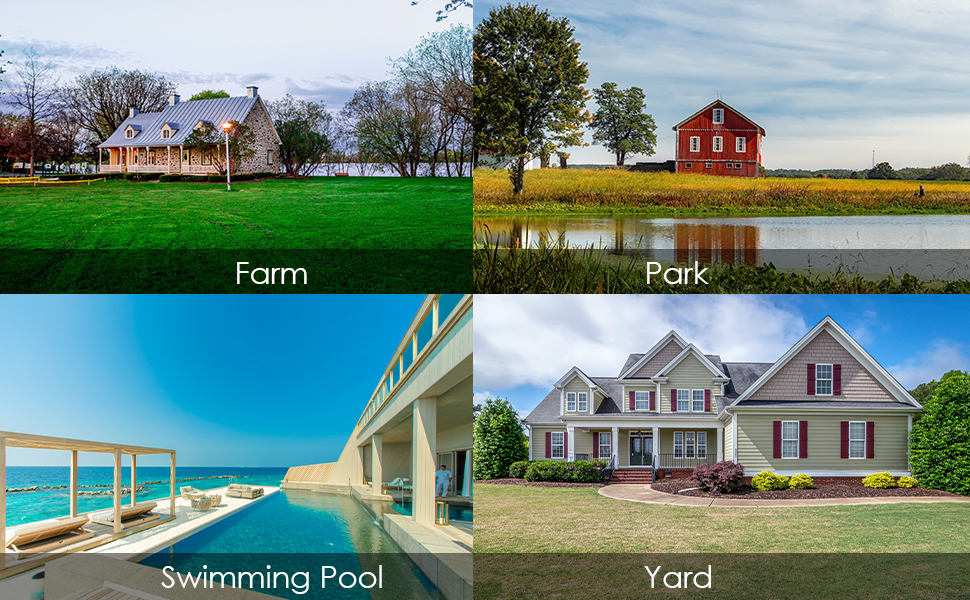
The WAVLINK WN573HBE2 is a WiFi 7 BE5100 dual-band outdoor router built for year-round deployment in harsh conditions. IP67 weatherproof, dual PoE, 360° antenna coverage, and one-click mesh — one unit covers up to 300 meters. Ideal for farms, campuses, festival grounds, and large properties.

WiFi 7 BE5100 — Blazing Speed, Zero Lag

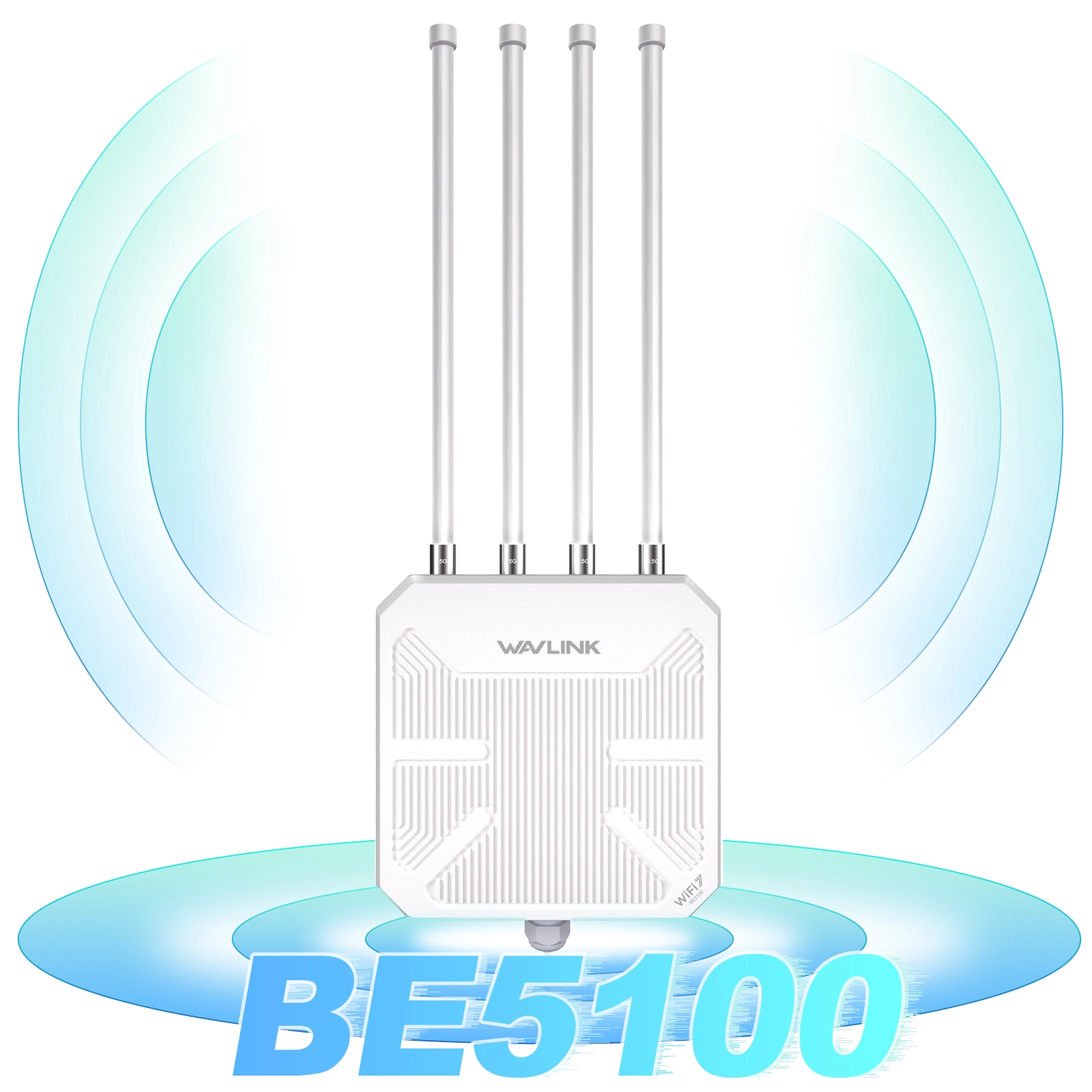
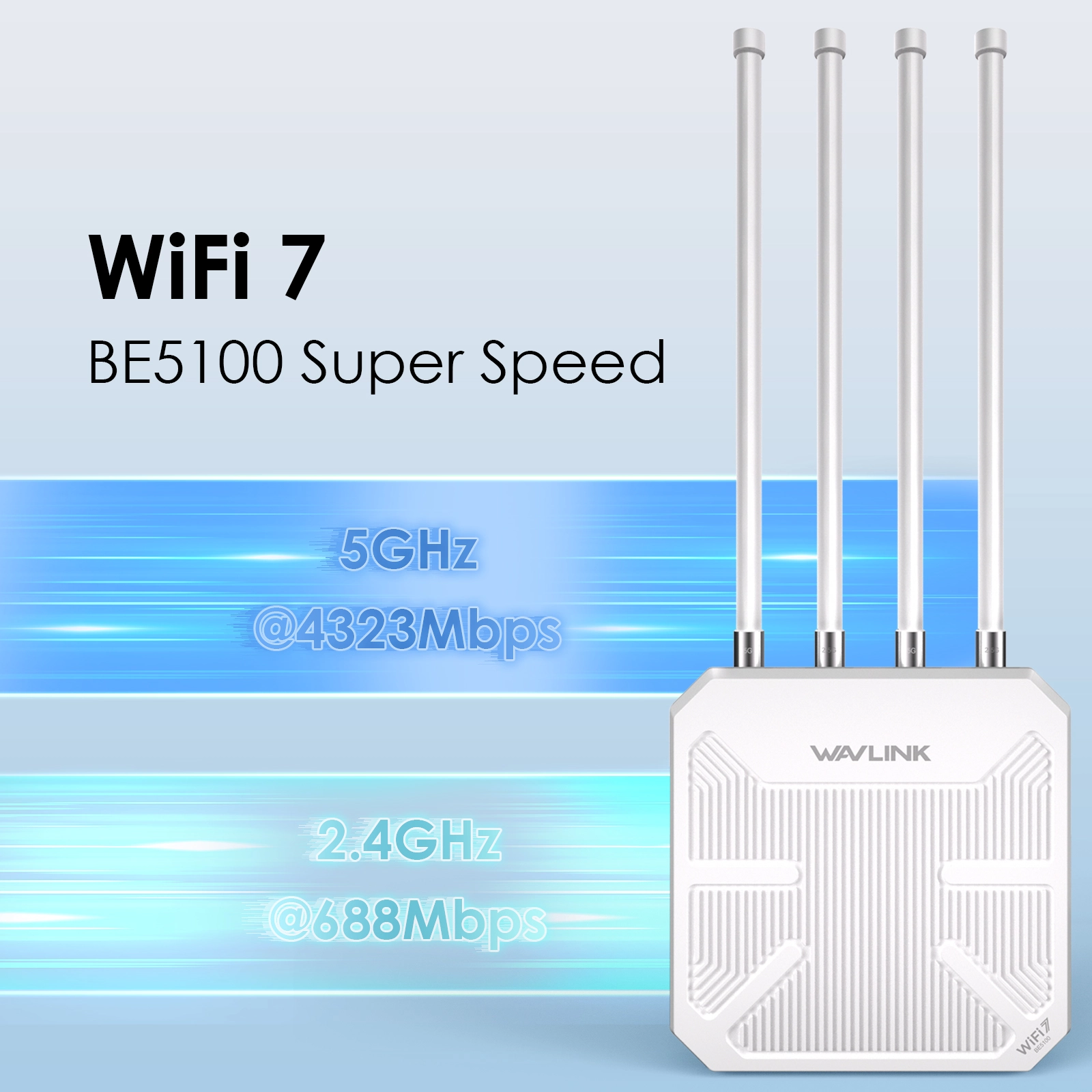
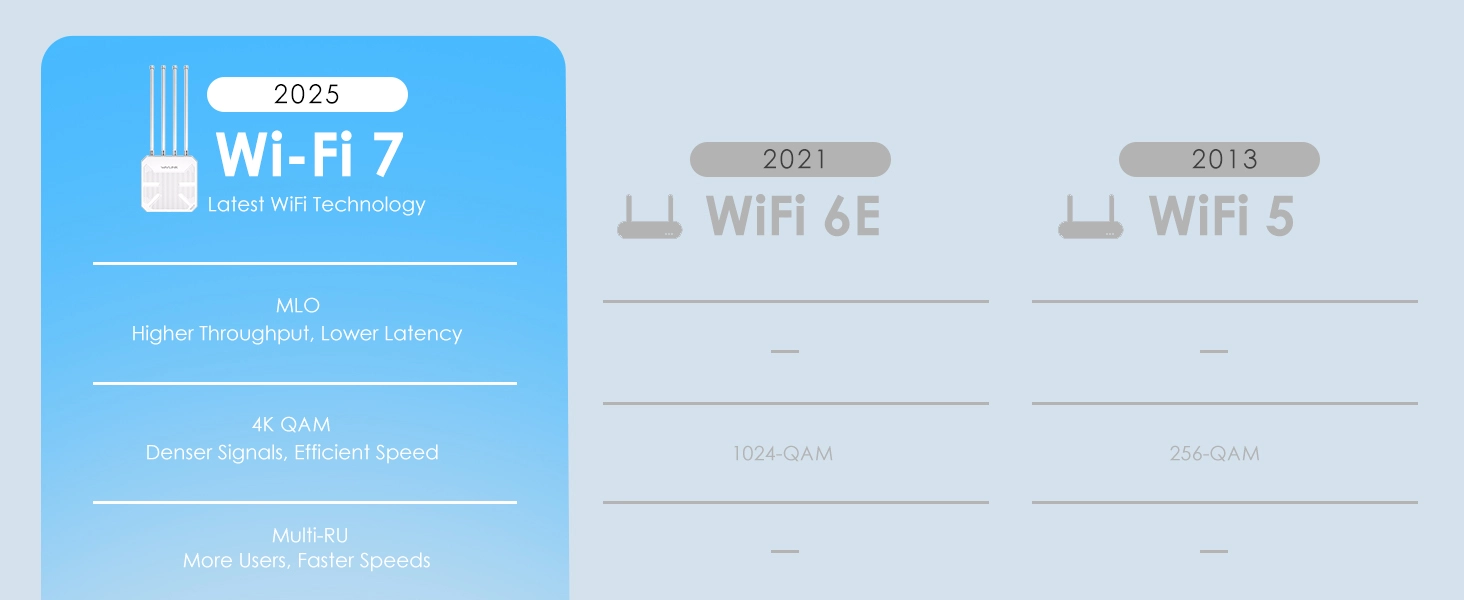
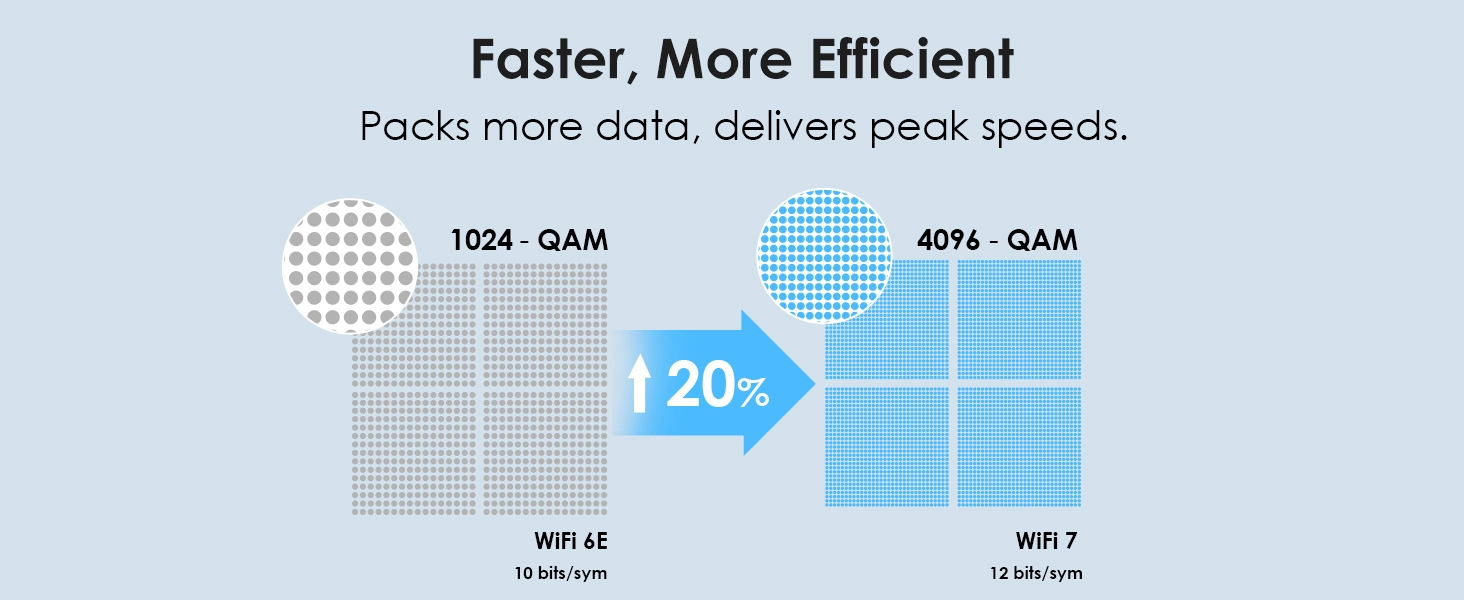
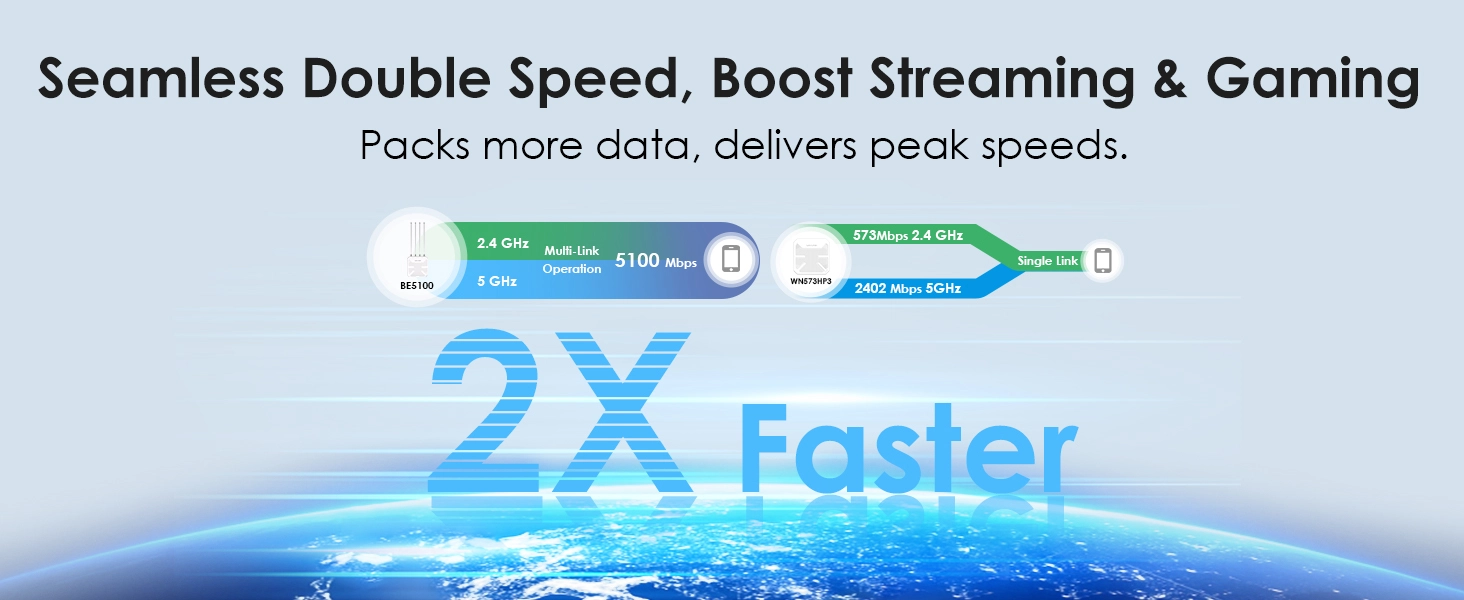
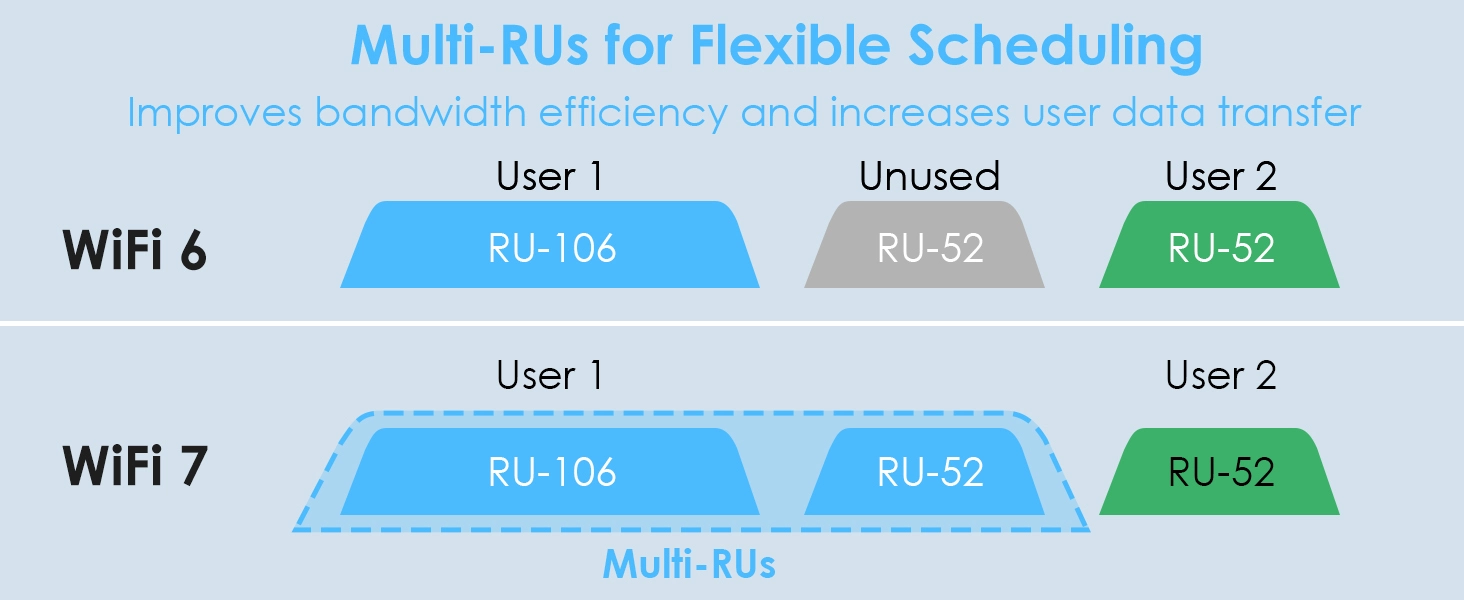
Next-generation 802.11be WiFi 7 delivers up to 5100Mbps total throughput — 4323Mbps on 5GHz and 688Mbps on 2.4GHz. Stream 4K video without buffering, game with near-zero latency, and handle dozens of devices simultaneously. 4K QAM modulation and Multi-Link Operation reduce interference and latency in busy outdoor environments. Backward compatible with all WiFi 6/5/4 devices.

Hardware: 1× 2.5G WAN/LAN port ensures your wired backhaul never bottlenecks — critical for multi-camera surveillance and live streaming.

360° Coverage — No Dead Zones

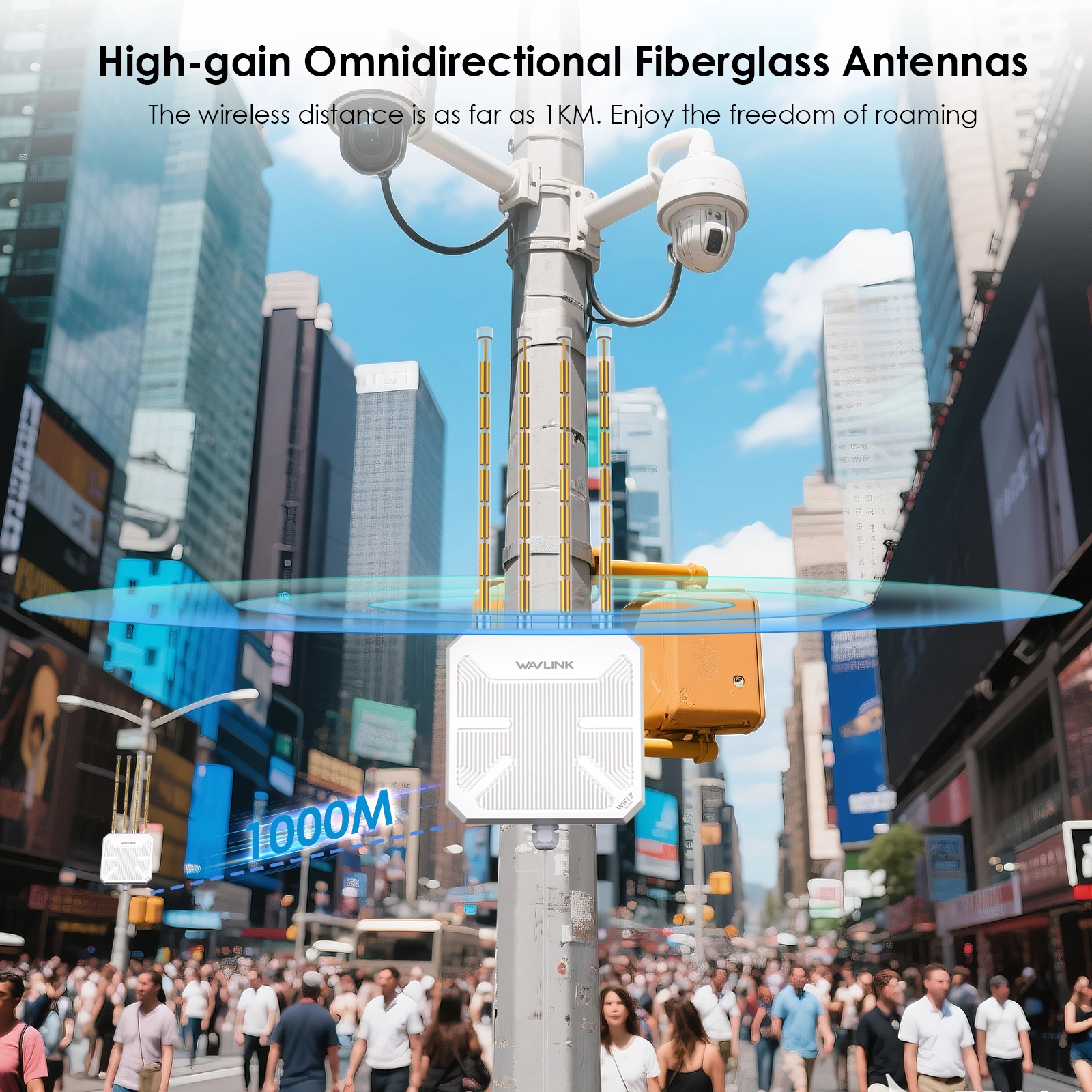
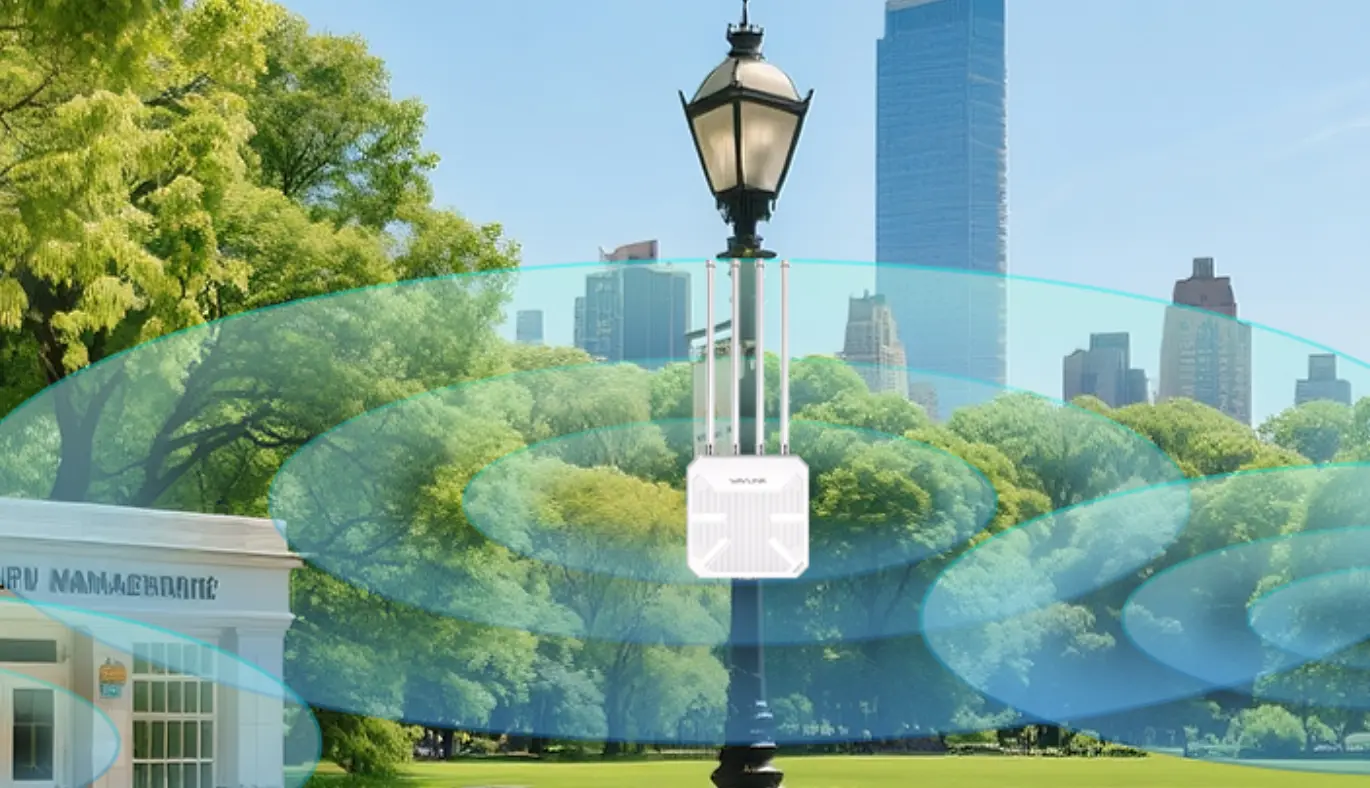
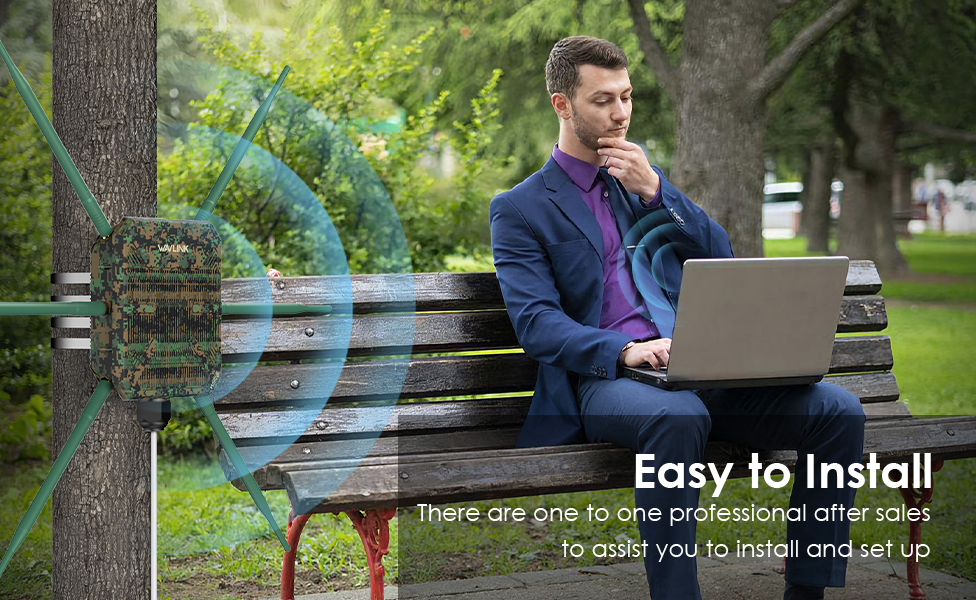
Four 8dBi fiberglass omni-directional antennas create a full 360° signal pattern reaching up to 300 meters outdoors. A dedicated 5dBi antenna fills near-ground blind zones that standard pole-mounted APs miss — keeping ground-level devices, seating areas, and equipment connected. Beamforming focuses signal directly toward each connected client for stronger, more stable links.

IP67 Weatherproof — Rain, Dust, Lightning, No Problem

Fully sealed IP67-rated enclosure shrugs off torrential rain, dust storms, and debris. 15KV ESD protection and 4KV lightning surge defense safeguard components during electrical storms. Fiberglass antenna housings resist UV degradation, salt spray, and temperature extremes. Built to stay online through coastal winters, desert summers, and mountain storms — not just survive them.

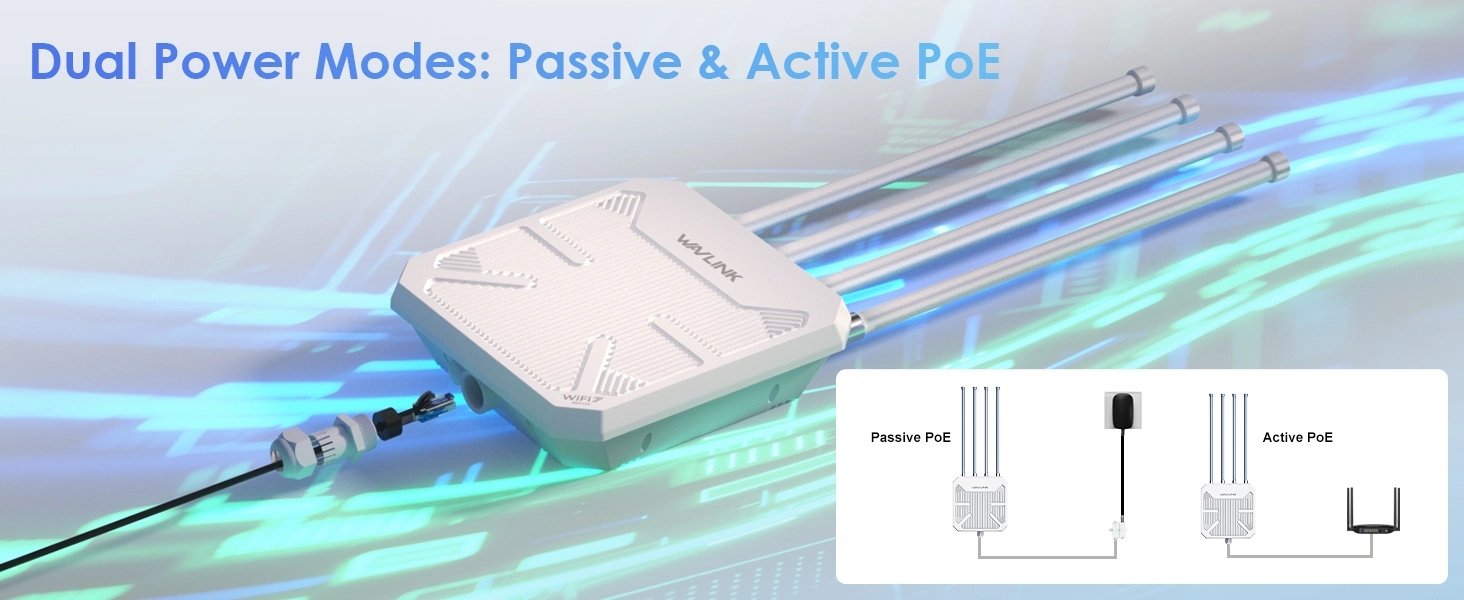
Power It Your Way — Active PoE or Passive PoE

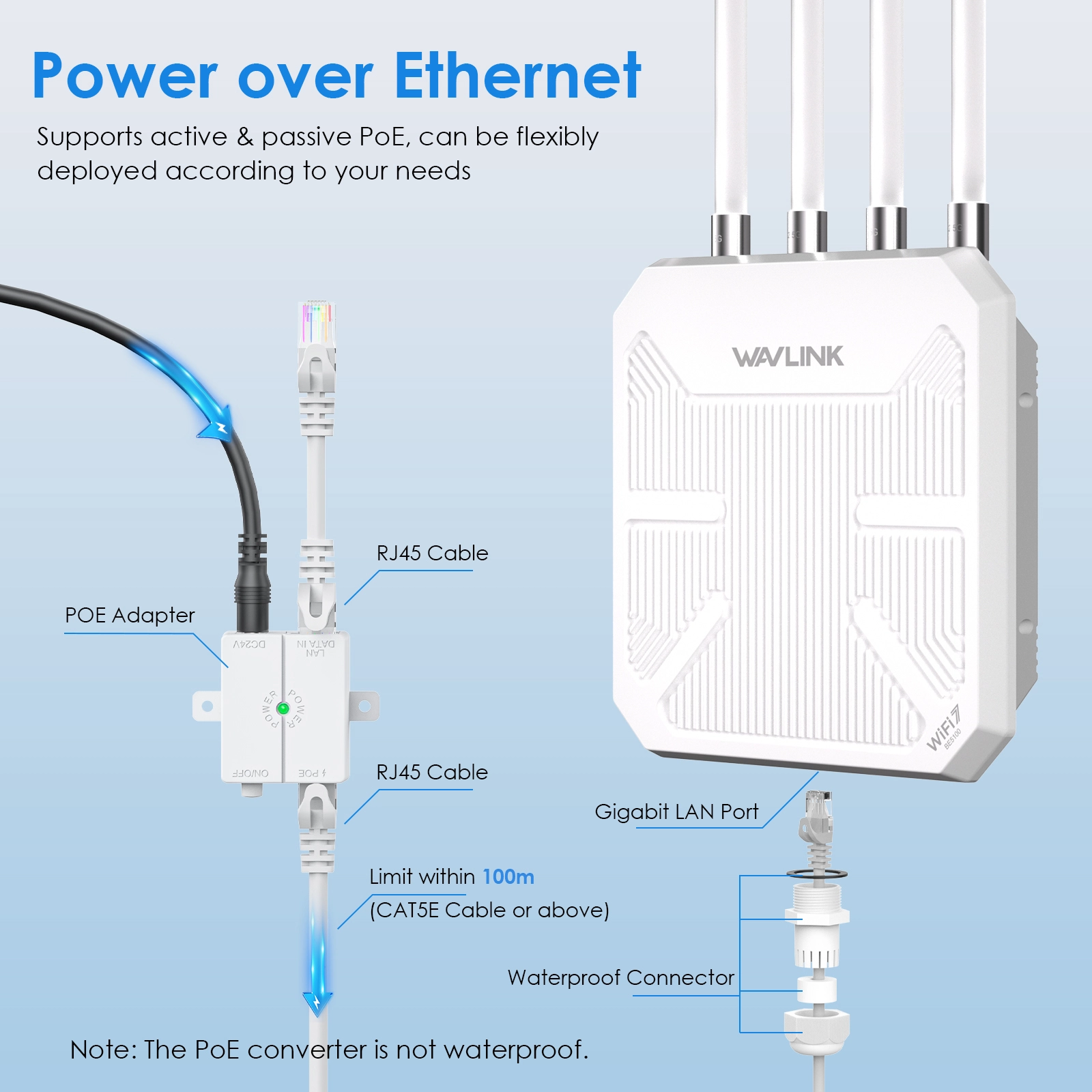
No electrical outlet needed outdoors. One Ethernet cable carries both power and gigabit data:

  • Active PoE (802.3at/af, 48V): Plug-and-play with standard PoE switches — perfect for campuses, hospitals, and surveillance systems.
  • Passive PoE (54V DC): Long-range, cost-effective power for rural farms, orchards, and festival grounds. Injector included.

⚠ The PoE injector is not waterproof — install it indoors. Use CAT5E or better cable, max 100 meters. Mount the router 2–3 meters above ground for best coverage.

One-Click Mesh — Grow as You Go

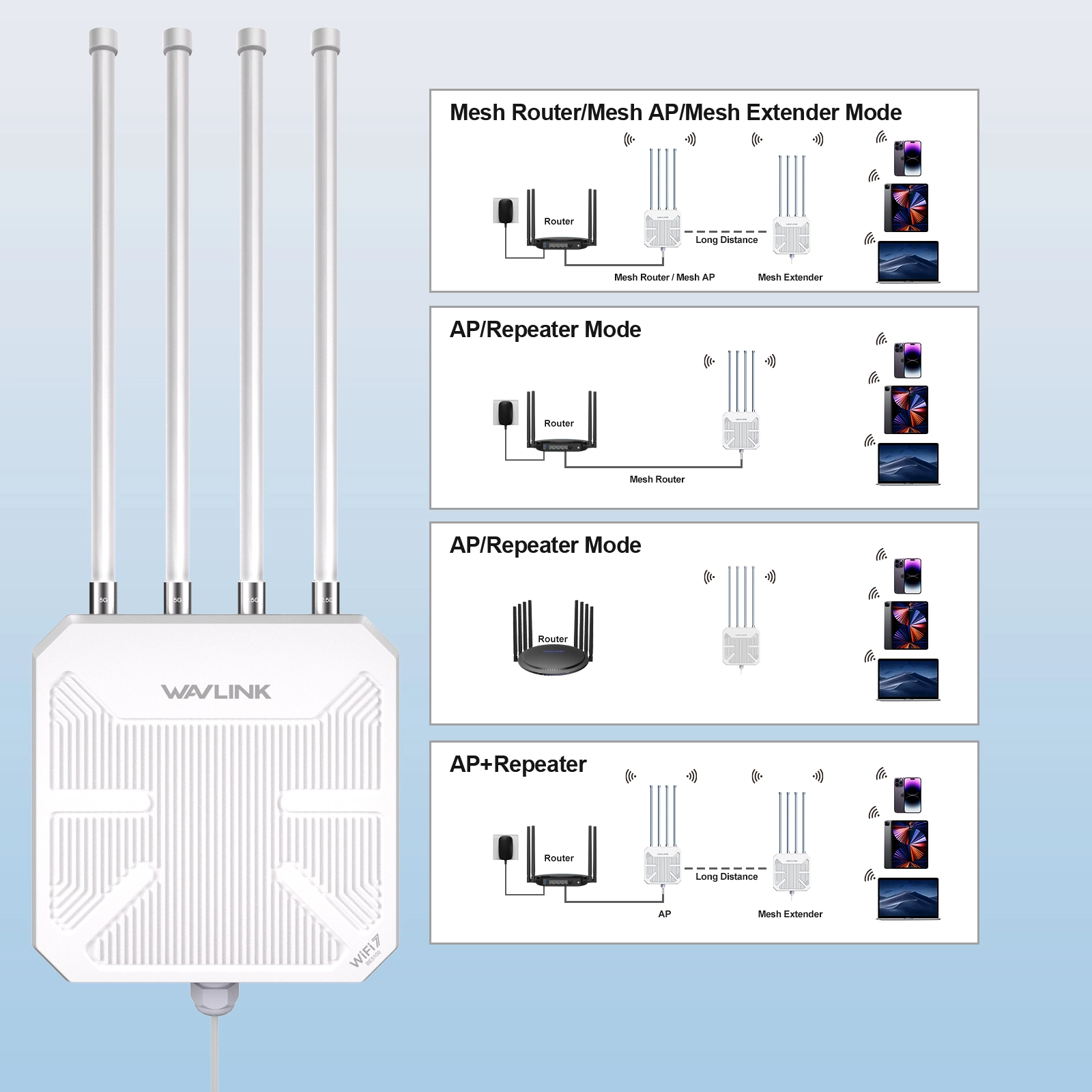
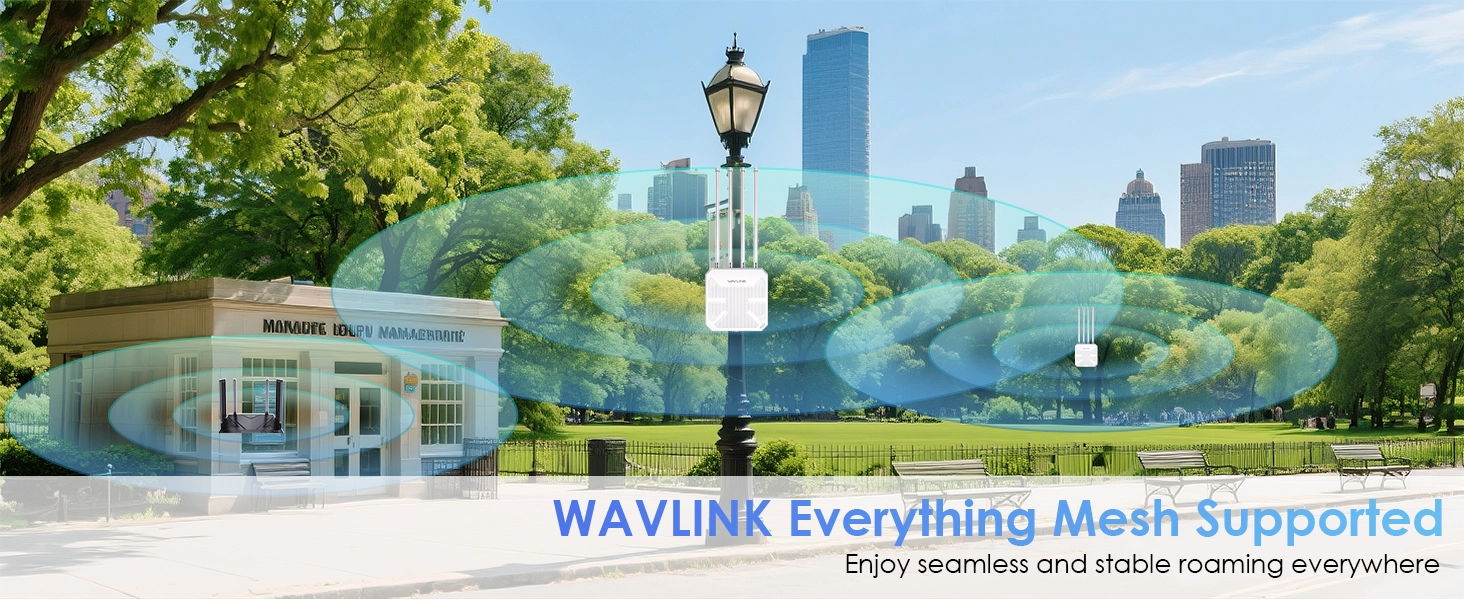
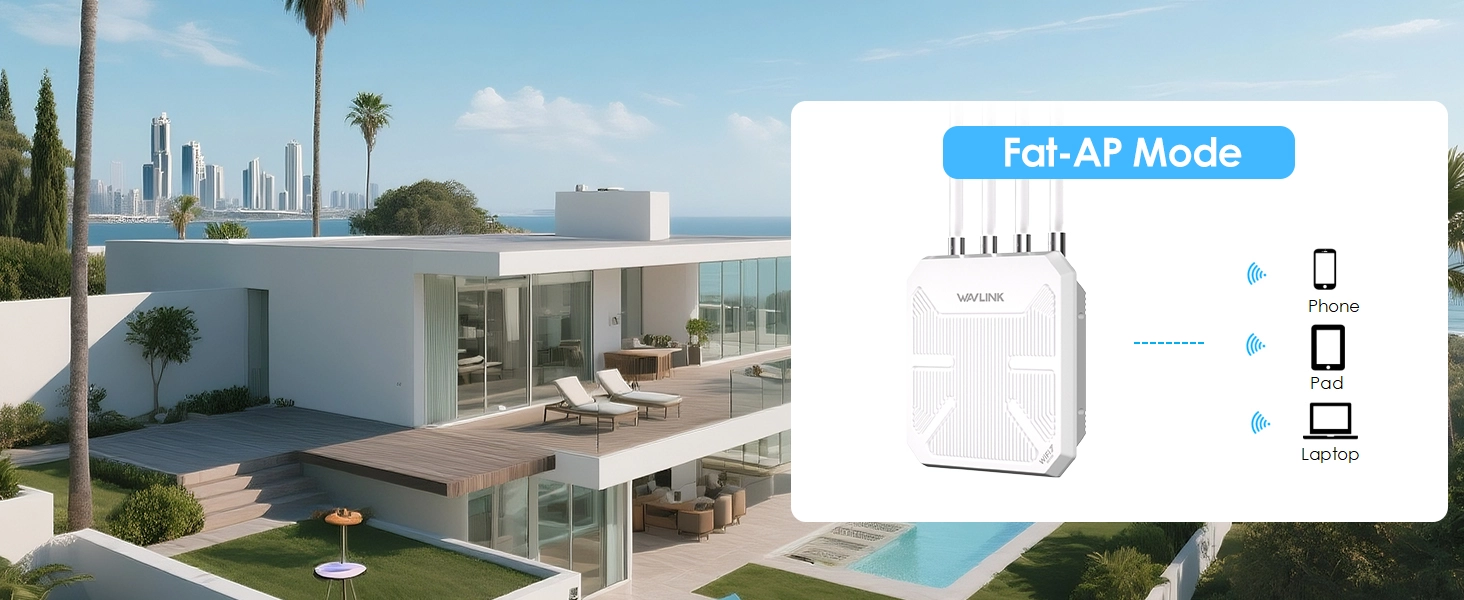
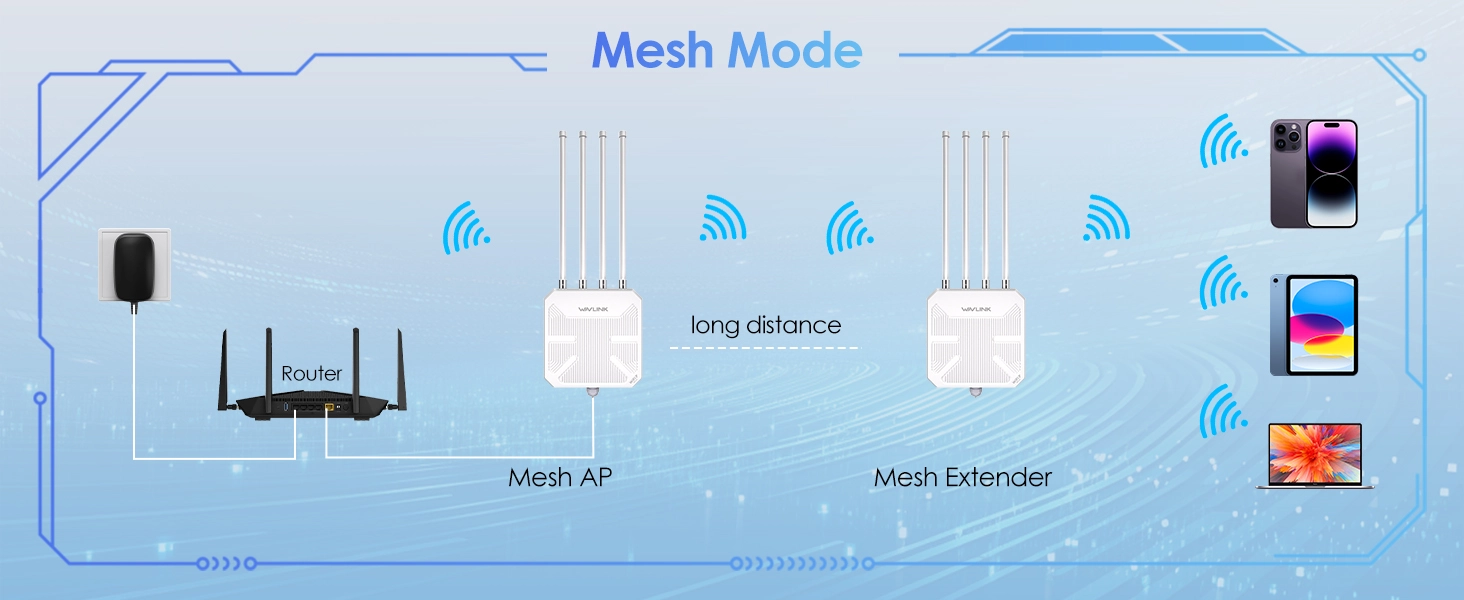
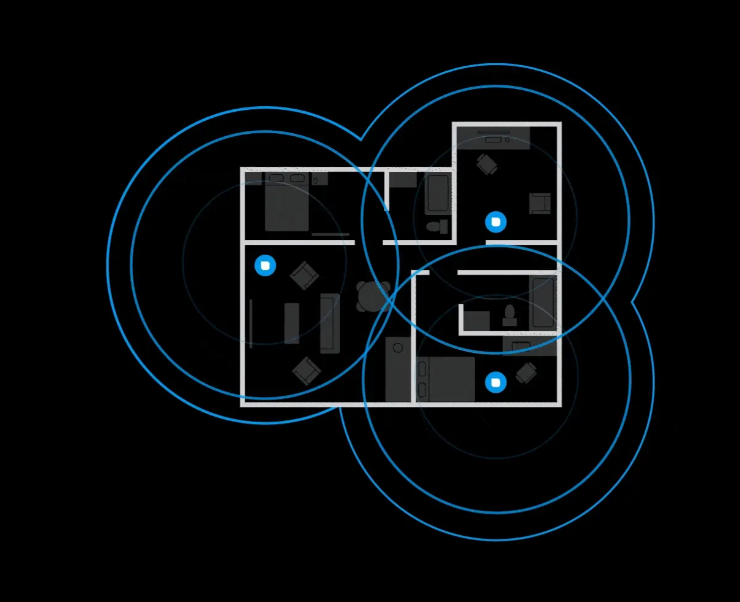
Start with one unit, add more anytime. WAVLINK Everything Mesh pairs multiple WN573HBE2 units wirelessly with one click via the web interface (waplogin.link or 192.168.30.1). Five modes adapt to any scenario — Router, AP, Repeater, Mesh Router, or Mesh Extender — all maintaining a single SSID so devices roam seamlessly without dropping conne

Also mesh-compatible with WN586X3 and WN572HP3 (latest firmware required).

WPA3 Security — Your Network, Locked Down

Latest WPA3-SAE encryption protects against brute-force attacks, man-in-the-middle eavesdropping, and uorts WPA2-PSK and mixed modes for legacy device compatibility.

How to Install — Antennas & Cable

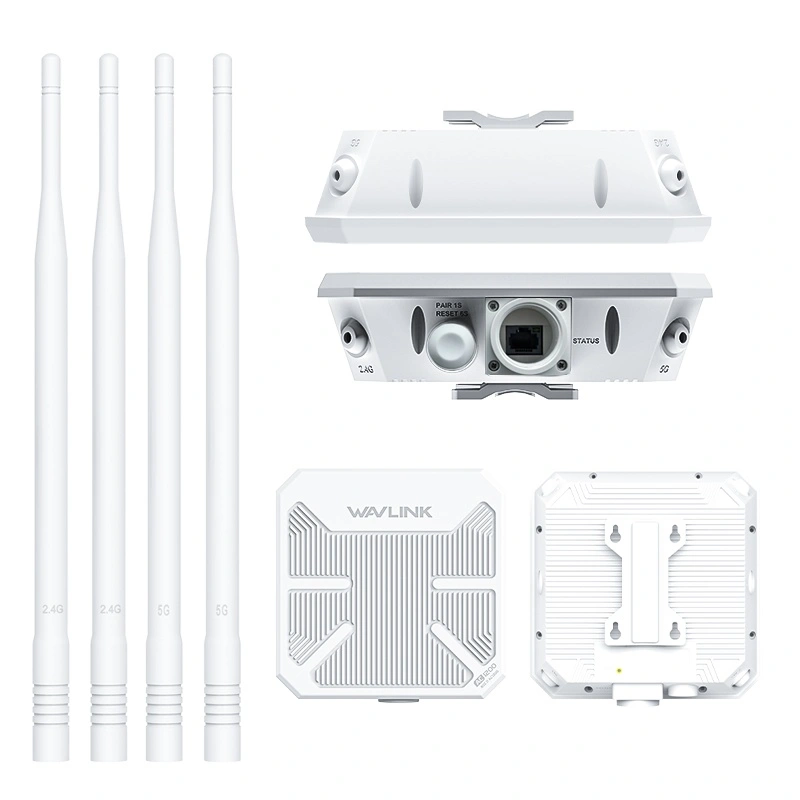
  1. Pass the Ethernet cable through the hex cap → sealing plug → hex stud → sealing ring (in that order).<
  2. Connect the cable to the WAN/LAN port. Screw the hex stud tight, insert the sealing plug into the stud, then tighten the hex cap counterclockwise with the included wrench.
  3. Screw the four omni antennas onto the 2.4G and 5G connectors and tighten.

How to Mount — Pole Installation

  1. Stick one silicone pad on the bracket, one on the pole.
  2. Thread the stainless steel hose clamps through the bracket fixing points.
  3. Secure the unit to the pole with the clamps. Tighten until snug — do not overtighten.

Specifications

WiFi Standard 802.11be (WiFi 7), backward compatible with 802.11a/b/g/n/aSpeed5GHz: 4323Mbps + 2.4GHz: 688Mbps = up to 5100MbpsAntennas4× 8dBi + 1× 5dBi omni-directional fiberglassPort1× 2.5G WAN/LANPowerActive PoE 802.3at/af (48V) or Passive PoE (54V, injector included)r>WaterproofIP67Protection15KV ESD + 4KV lightning surgeSecurityWPA3-SAE / WPA2-PSK / WPA-PSK/WPA2-PSK MixedModesRouter / AP / Repeater / Mesh Router / Mesh ExtenderCoverageUp to 300m outdoors (varies by environment)


Ask Question About Product

Note: HTML is not translated!
Networking
Antennas 4×8dBi + 1×5dBi omni-directional fiberglass
CoverageUp to 300m outdoors (varies by environment)
Ethernet Port 1× 2.5G WAN/LAN
Max ClientsUp to 256 devices
Operation ModesRouter / AP / Repeater / Mesh Router / Mesh Extender
Power Active PoE 802.3at/af (48V) or Passive PoE (54V DC, injector included); AC 100–240V 50/60Hz
Protection15KV ESD + 4KV lightning surge
SecurityWPA3-SAE / WPA2-PSK / WPA-PSK/WPA2-PSK Mixed
Speed5GHz: 4323Mbps + 2.4GHz: 688Mbps = up to 5100Mbps
WaterproofIP67
WiFi Standard 802.11be (WiFi 7), backward compatible with 802.11a/b/g/n/ac/ax
  • All(41)
  • Good(41)
  • Fair(0)
  • Poor(0)
  • Image(0)

Frequently Asked Questions

Is WiFi 7 worth it for outdoor use? What's the real benefit over WiFi 6?
WiFi 7 brings three concrete improvements for outdoor deployments: (1) higher throughput — the WN573HBE2 delivers up to 5100Mbps (BE5100), handling more devices and higher bandwidth applications simultaneously; (2) lower latency — 4K QAM modulation packs more data per signal, reducing lag for real-time applications like surveillance cameras and VoIP calls; (3) better interference handling — Multi-Link Operation (MLO) uses multiple frequency bands at once, maintaining stable connections even in congested outdoor environments like festivals or campgrounds. If you're deploying a new outdoor network, WiFi 7 is the future-proof choice over WiFi 6.
How far can the WN573HBE2 cover outdoors? Will one unit cover my entire property?
The WN573HBE2 provides up to 300 meters (984 ft) of outdoor coverage with its 4×8dBi high-gain fiberglass antennas delivering 360° signal dispersion. A dedicated 5dBi antenna fills near-ground blind zones that typical pole-mounted APs miss. For properties larger than 300m radius, or areas with obstacles (buildings, trees, hills), you can deploy multiple units and link them via WAVLINK Everything Mesh with one-click pairing for seamless whole-property coverage.
Can this router handle rain, snow, lightning, and extreme temperatures?
Yes. The WN573HBE2 is built for permanent outdoor installation with IP67-rated waterproof housing (fully dust-tight and protected against heavy rain and temporary submersion). It includes 15KV ESD (electrostatic discharge) protection and 4KV lightning surge protection to survive electrical storms. The fiberglass antenna housing resists UV degradation and corrosion. Operating temperature range covers standard outdoor conditions from freezing winters to hot summers.
How do I power this outdoor router? Do I need to run an electrical outlet outside?
No electrical outlet needed. The WN573HBE2 supports dual PoE (Power over Ethernet): Active PoE (802.3at/af, 48V) for plug-and-play compatibility with standard PoE switches — ideal for enterprise campuses and surveillance systems; and Passive PoE (54V DC, injector included) for cost-effective long cable runs in rural areas, farms, and orchards. One Ethernet cable carries both power and data to the unit. The included 54V PoE injector plugs into a standard indoor outlet.
Can I set up a mesh network with multiple WN573HBE2 units for a large farm or campus?
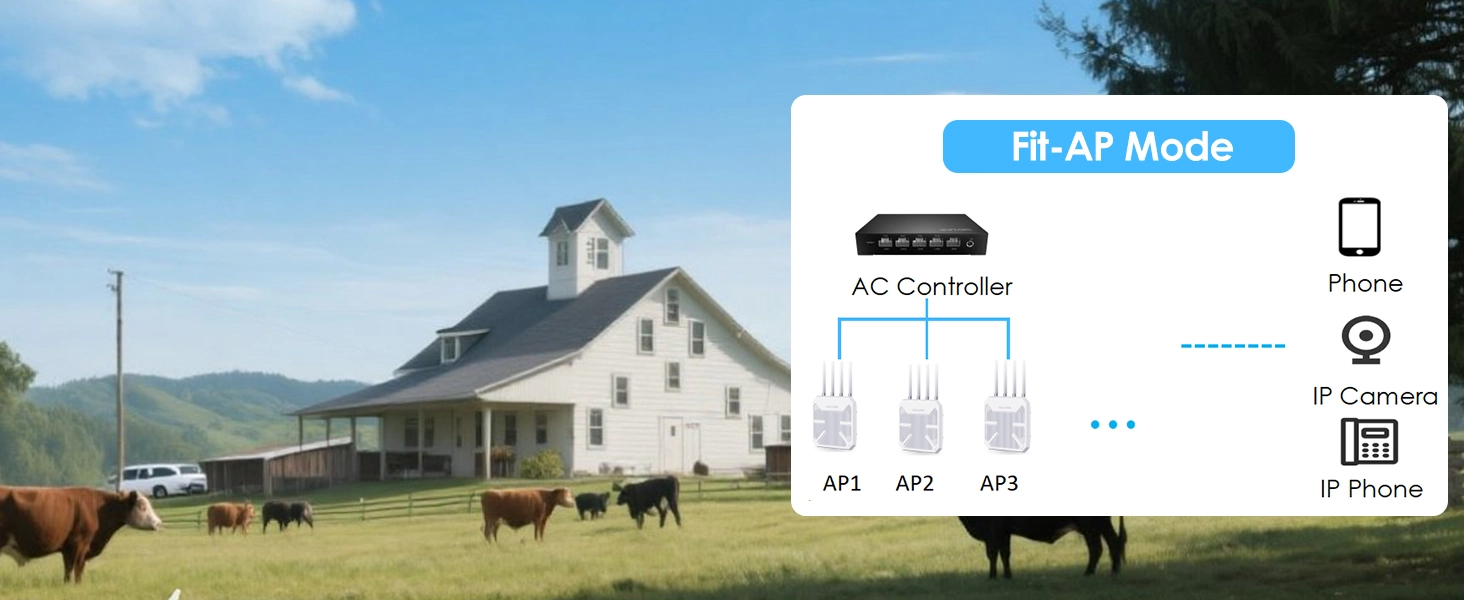
Absolutely. Each WN573HBE2 supports five operation modes — Mesh Router, Mesh AP, Mesh Extender, AP, and Repeater. Using WAVLINK Everything Mesh technology, you can deploy multiple units across a farm, campus, or festival ground and link them wirelessly with one click via the web interface (http://waplogin.link). No additional controller required for basic setups. For large-scale deployments with dozens of APs, the unit also supports centralized management via a wireless AC controller.
How do I get technical support if I have trouble setting up the WN573HBE2?
You have several support options:
- Online Portal: Visit http://waplogin.link or http://192.168.30.1 after connecting to the device's WiFi to access the web management interface and built-in setup wizard.
- Email Support: Contact WAVLINK support team via email for step-by-step guidance — response within 1 business day.
- Phone Support: Call +1 (888) 973-0883 (UTC-5, Mon–Fri 9AM–6PM) for real-time troubleshooting.
- Downloads: Visit wavlink.com to download the latest firmware, user manuals, and setup guides.
What warranty does the WN573HBE2 come with? What's the return policy?
WAVLINK provides a 1-year limited warranty covering manufacturing defects. If your unit fails under normal outdoor use (including weather exposure within IP67 rating), contact our support team with your order number for a replacement. All purchases from wavlinkstore.com are covered by a 30-day free return policy — if the product doesn't meet your needs, return it in original packaging for a full refund. For warranty claims or returns, email us or call +1 (888) 973-0883 with your order details ready.
What's included in the WN573HBE2 box? Do I need to buy anything separately for installation?
Everything you need for a standard pole-mounted outdoor installation is included:

- 1 × WN573HBE2 WiFi 7 Outdoor Router
- 4 × 8dBi Omni-Directional Antennas
- 1 × 54V Passive PoE Injector (powers the unit through the Ethernet cable — plug it in indoors)
- 1 × Ethernet Cable
- 1 × Mounting Bracket + 2 × Stainless Steel Hose Clamps + 2 × Silicone Pads
- 1 × Wrench + 1 × Screwdriver + Screws
- 1 × Quick Start Guide

You'll need to provide: a CAT5E or better Ethernet cable long enough to reach from your indoor router/switch to the outdoor mounting location (max 100 meters), and a standard indoor power outlet for the PoE injector. If using Active PoE from a PoE switch, the included passive injector is not needed.

New posts

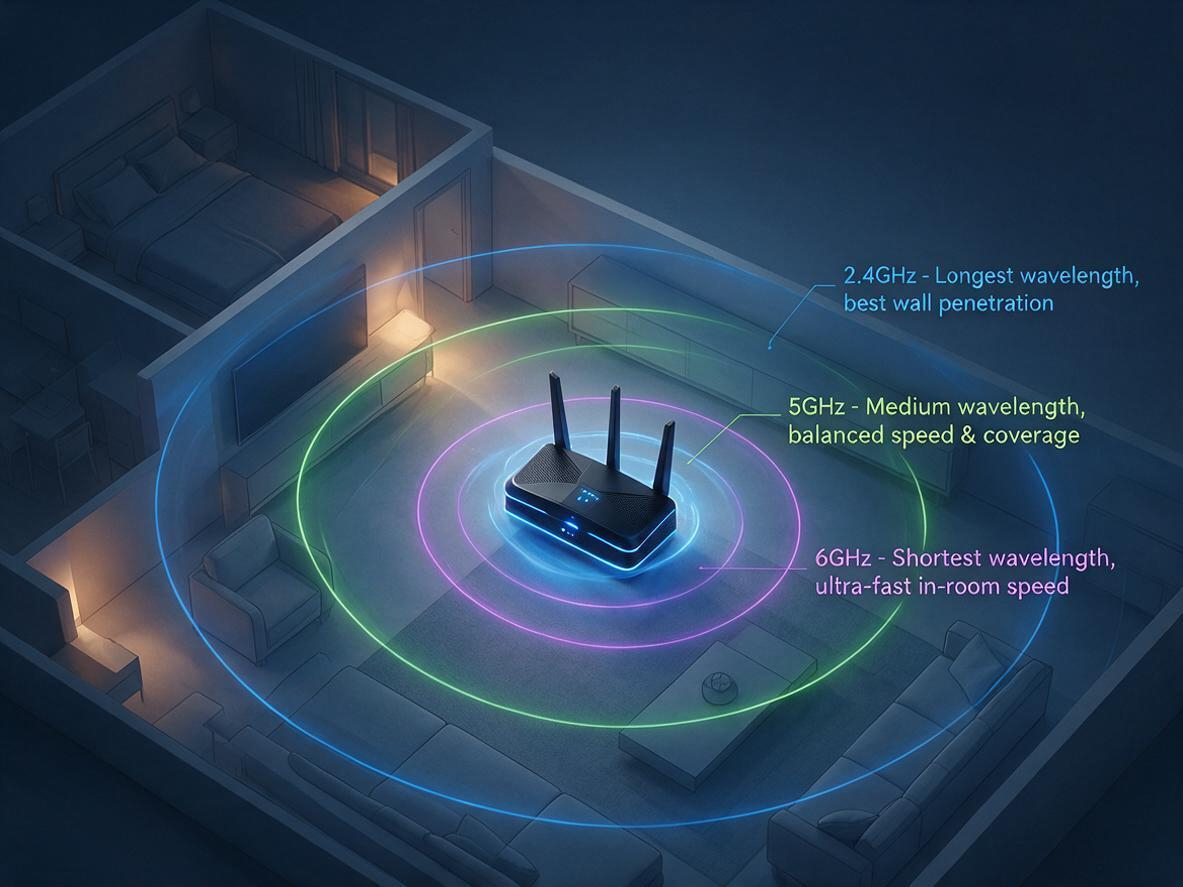
2.4GHz vs 5GHz vs 6GHz: Which WiFi Band Should You Use?
07/17
2026

Your router broadcasts on 2.4 GHz, 5 GHz, and 6 GHz at the same time — but your phone, laptop, and T
Fix Your Slow WiFi: 3 Free Tweaks That Take 2 Minutes Each
07/17
2026

Is your WiFi slow because of your router — or just bad placement? Before you blame your internet pla
WiFi 5 vs WiFi 6: Key Differences, Range & Which to Choose  TP-Link Or Wavlink
10/09
2025

Confused about WiFi 5 vs WiFi 6? Explore the key differences in speed, range, and efficiency. Learn
Why 95% of Outdoor WiFi Equipment Leaks? How a 30-Cent Fix Solves a $300 Problem
05/21
2025

Discover why 95% of outdoor WiFi systems fail from water damage and how a 30¢ physics hack using cab

WiFi 5 vs WiFi 6: Which Technology Should You Choose for Superior Connectivity?
04/29
2025

This technical analysis compares WiFi 5 and WiFi 6, highlighting critical advancements in speed (9.6

If the price of the product is reduced within 30 days, we will notify you via email, SMS and mobile client~
Notify you when the item is below the price
Mobile phone number
Email address
If the goods arrive within 30 days, we will notify you via email, SMS and mobile client~
Mobile phone number
Email address

Track shipment information

Track orders with order#
Guests: Save/copy order#
for tracking.

Sample:20240429683826
Checkin successfully
Get bonus points:
My Points
Signed in Day
Checkin Record
Time Points Detailed description