


Fast Delivery
Multi-warehouse direct hair fast delivery

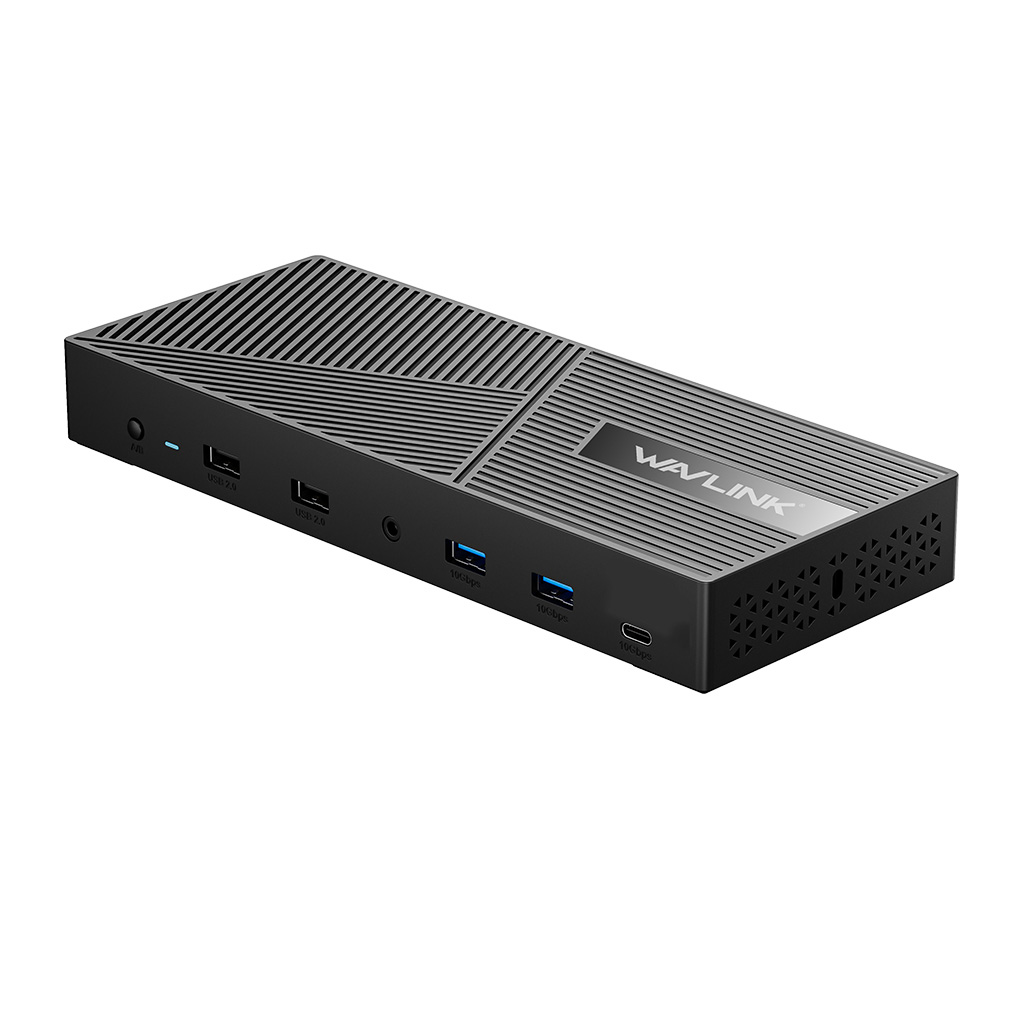






With Dual 100W Power Delivery
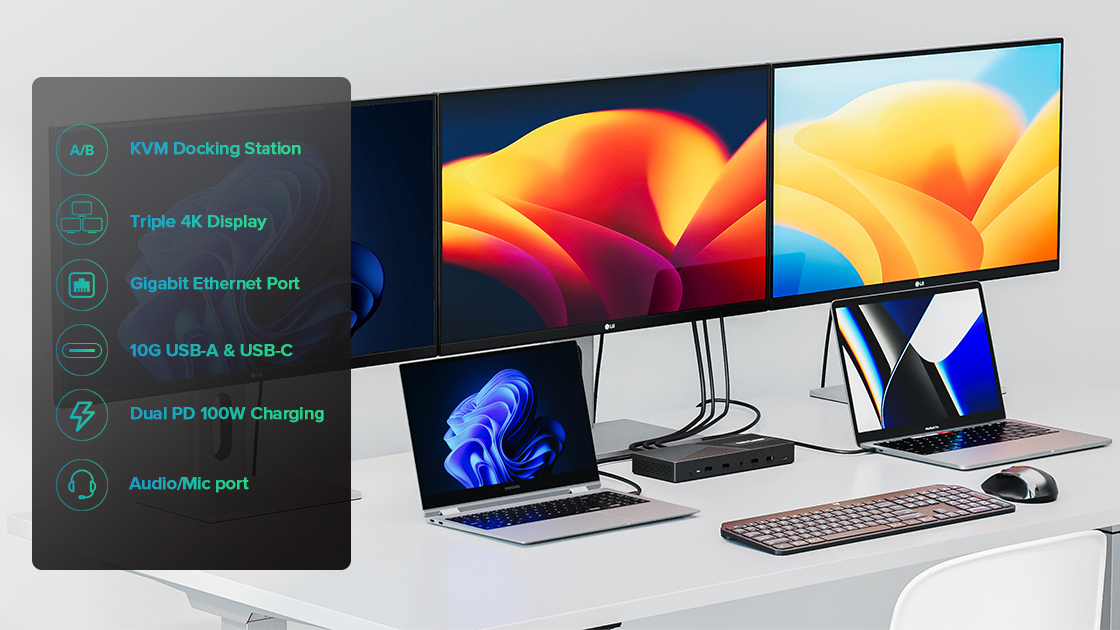
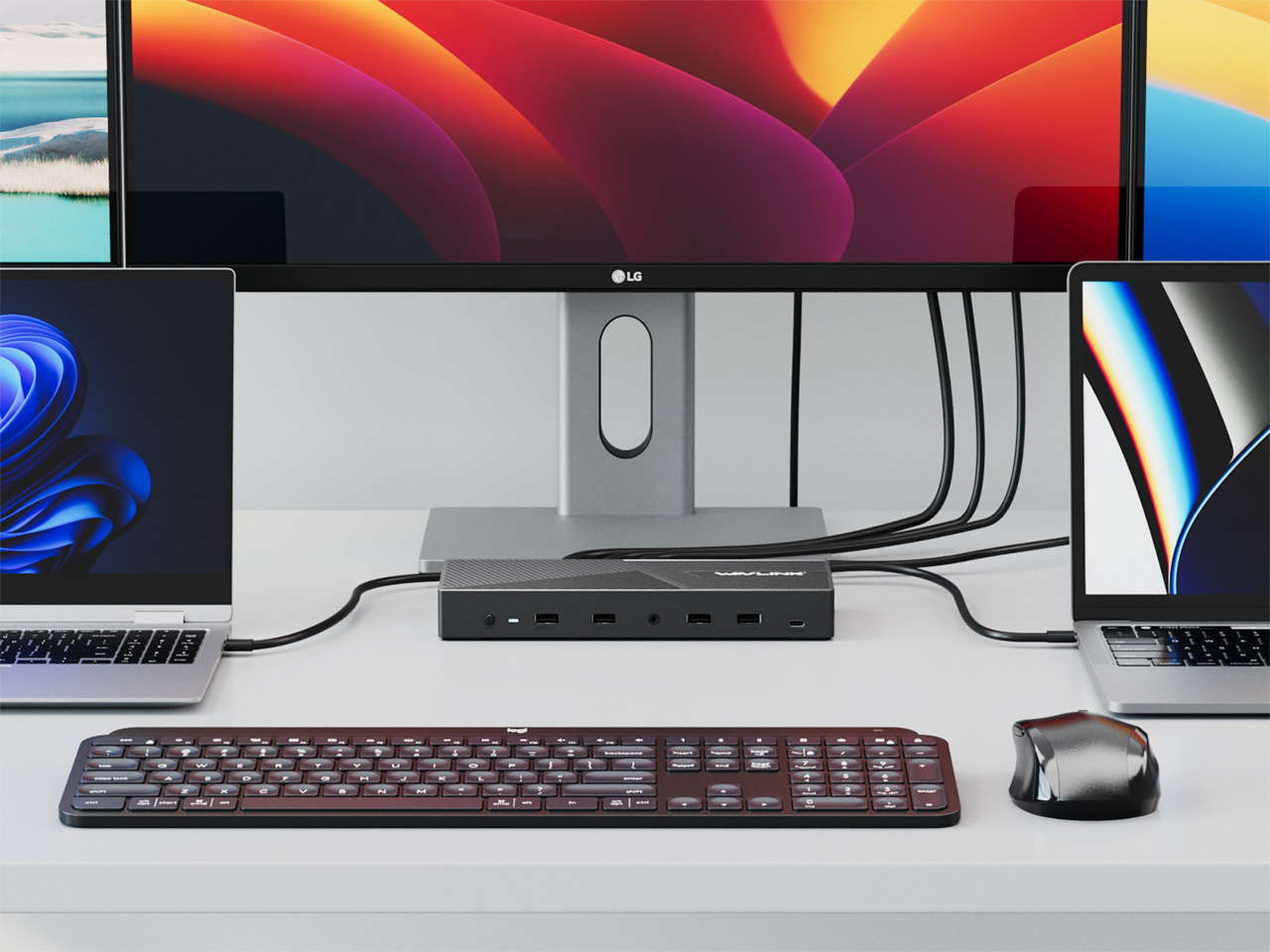
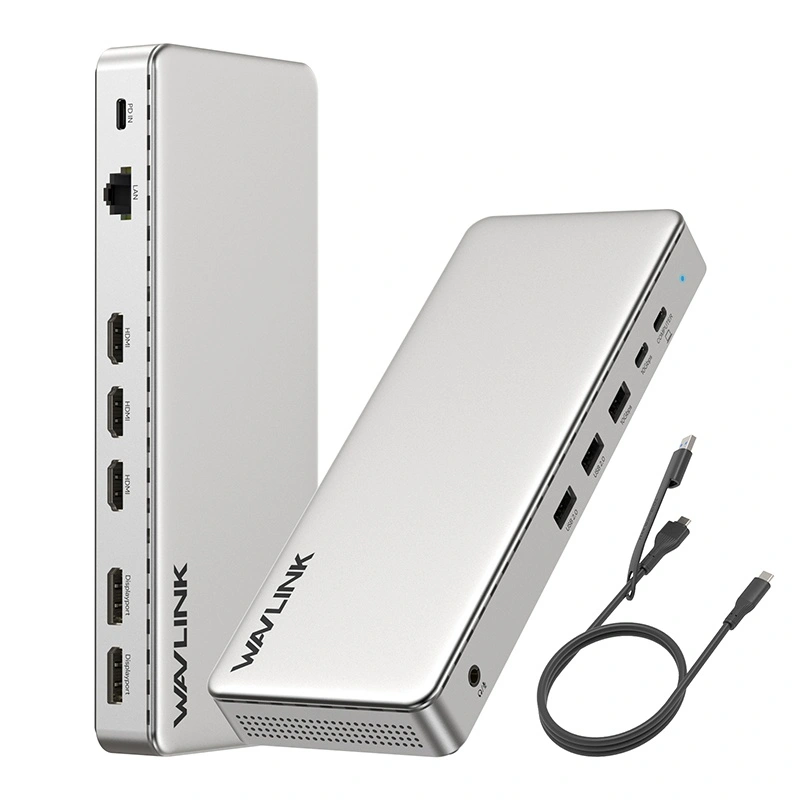
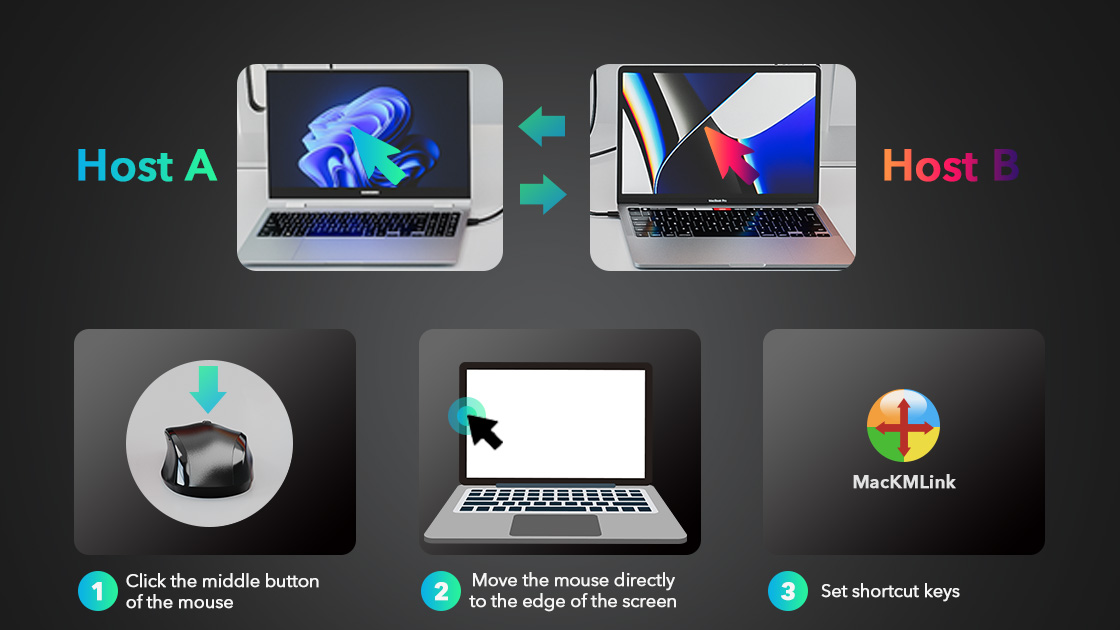
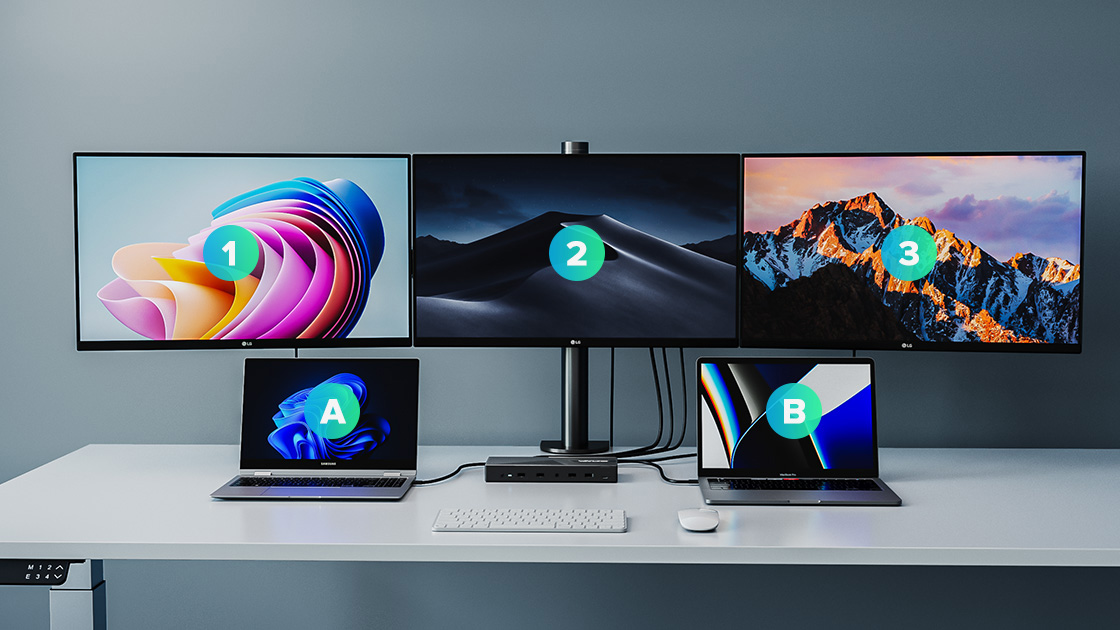
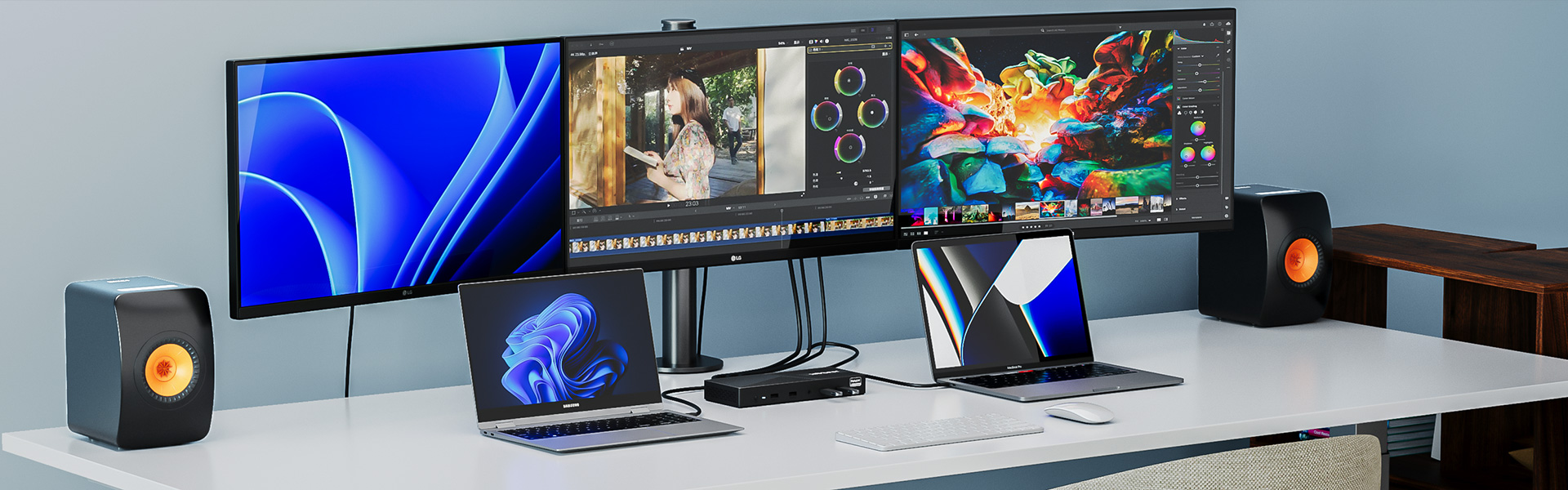
This docking station can connect two hosts (such as Windows + Mac). Press the KVM Switch button, and you can easily control and switch between two hosts with only one set of monitors, mouse, and keyboard.
When two Hosts are connected to the docking station, the software installation driver will pop up automatically. After installation, through settings, click the middle button of the mouse to switch the keyboard and mouse control from one host to another.
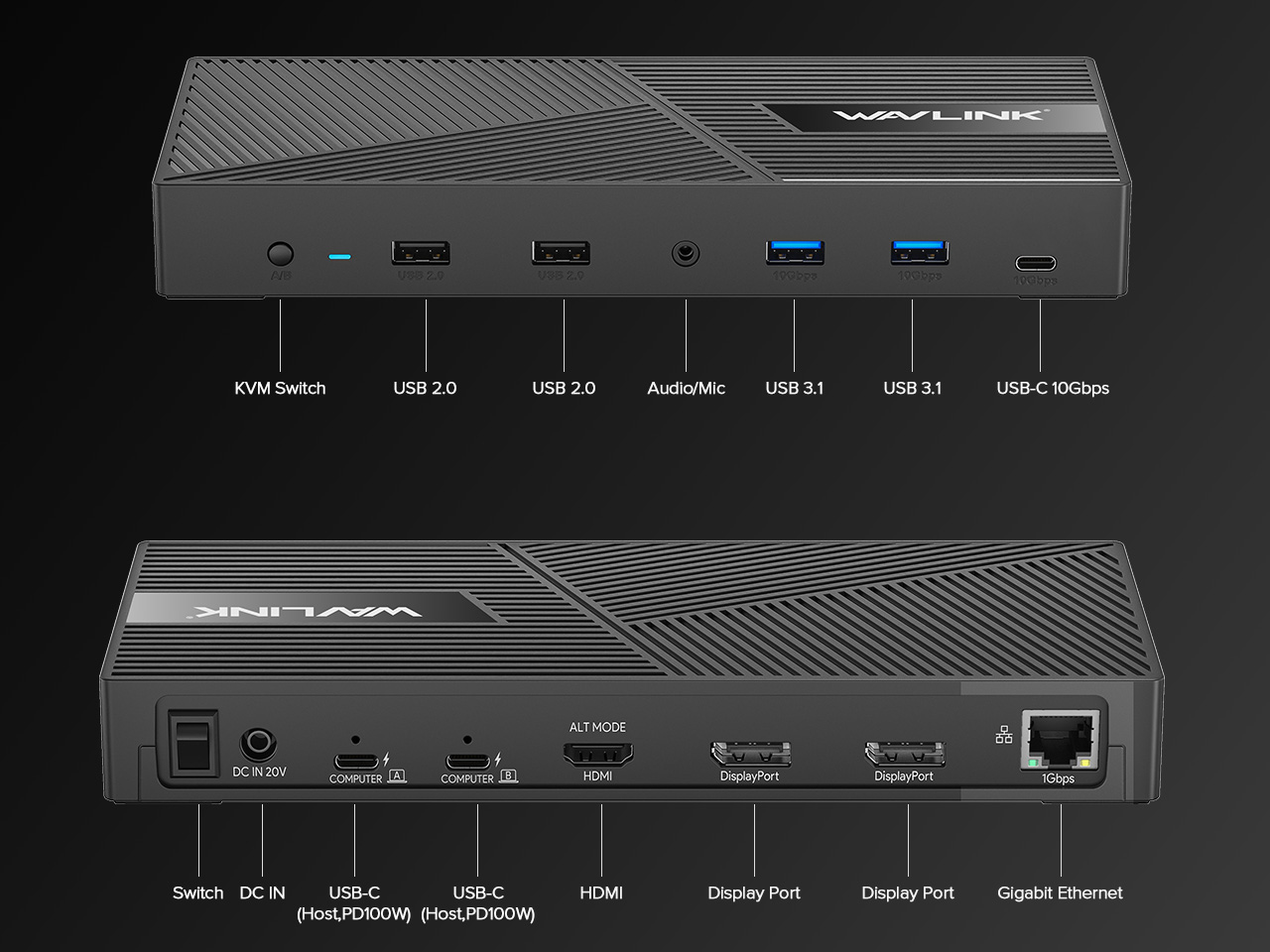
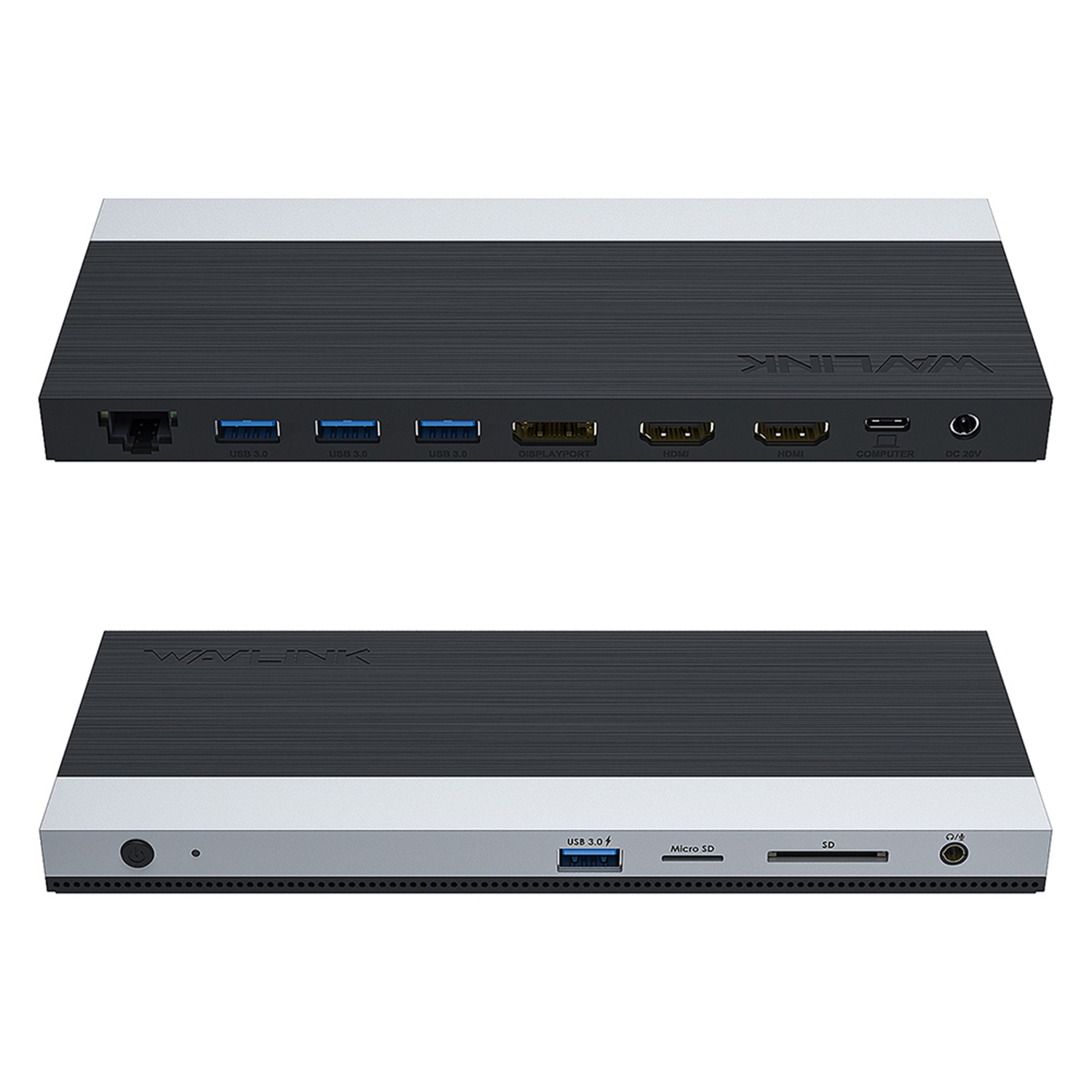
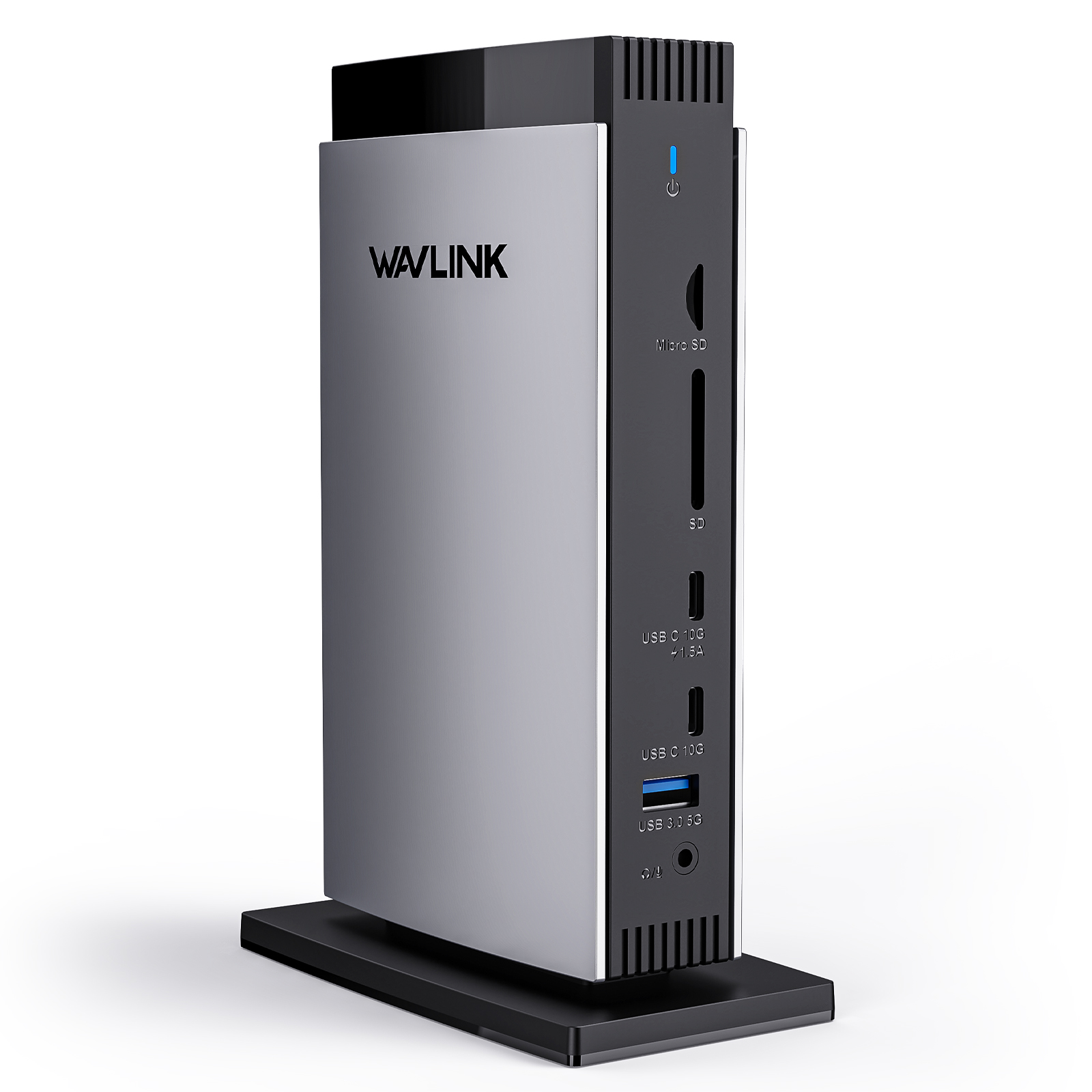
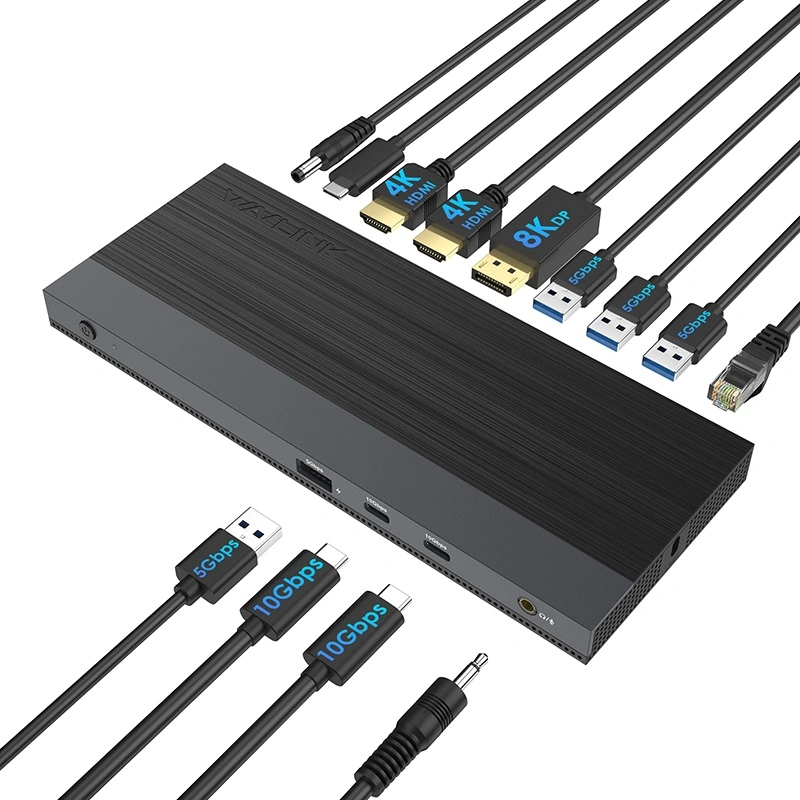
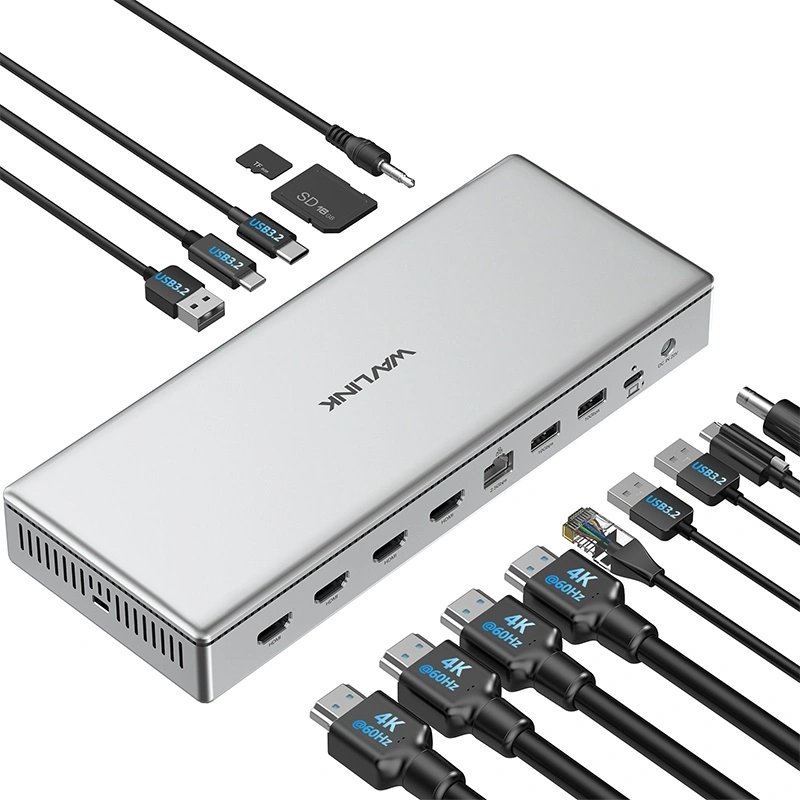
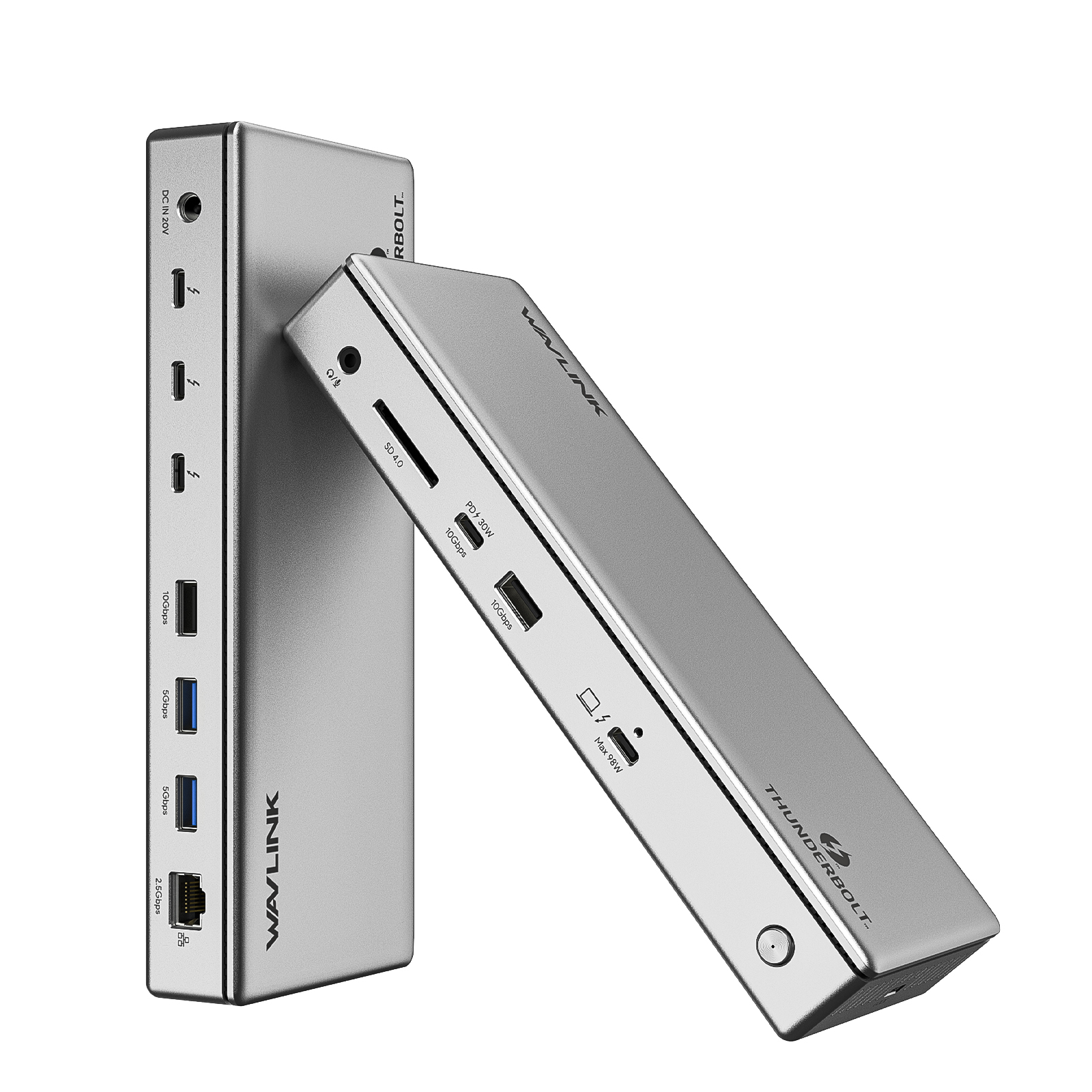
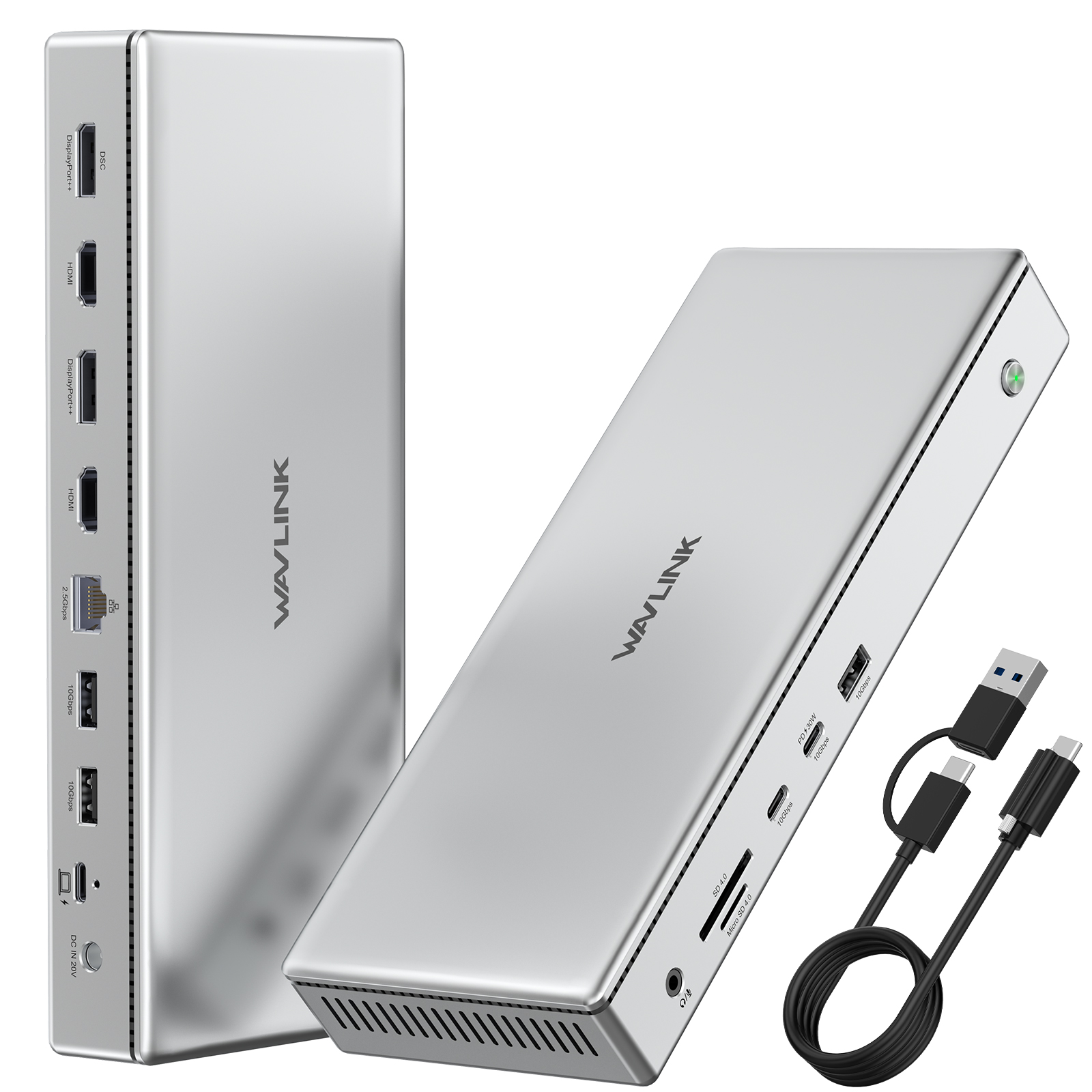
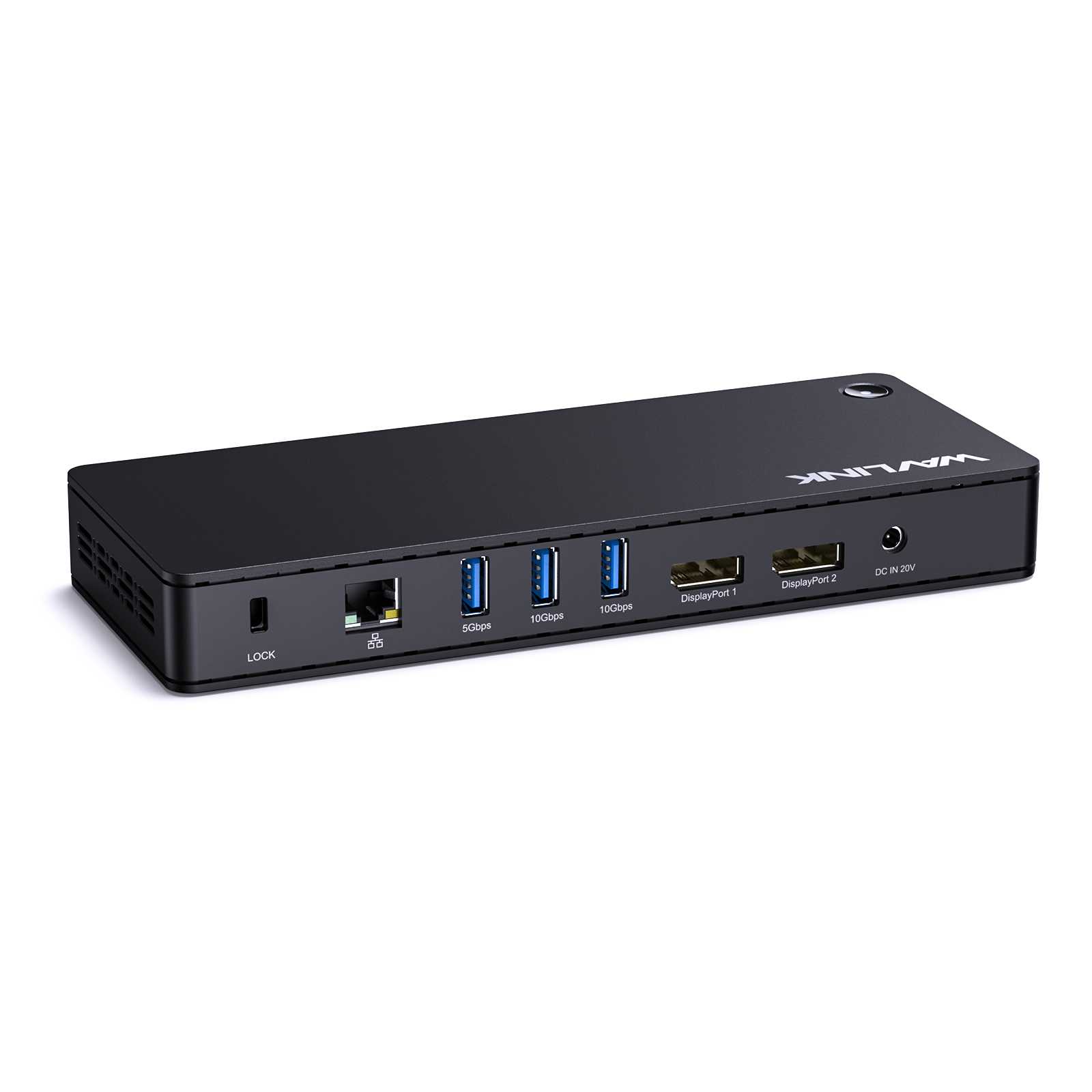
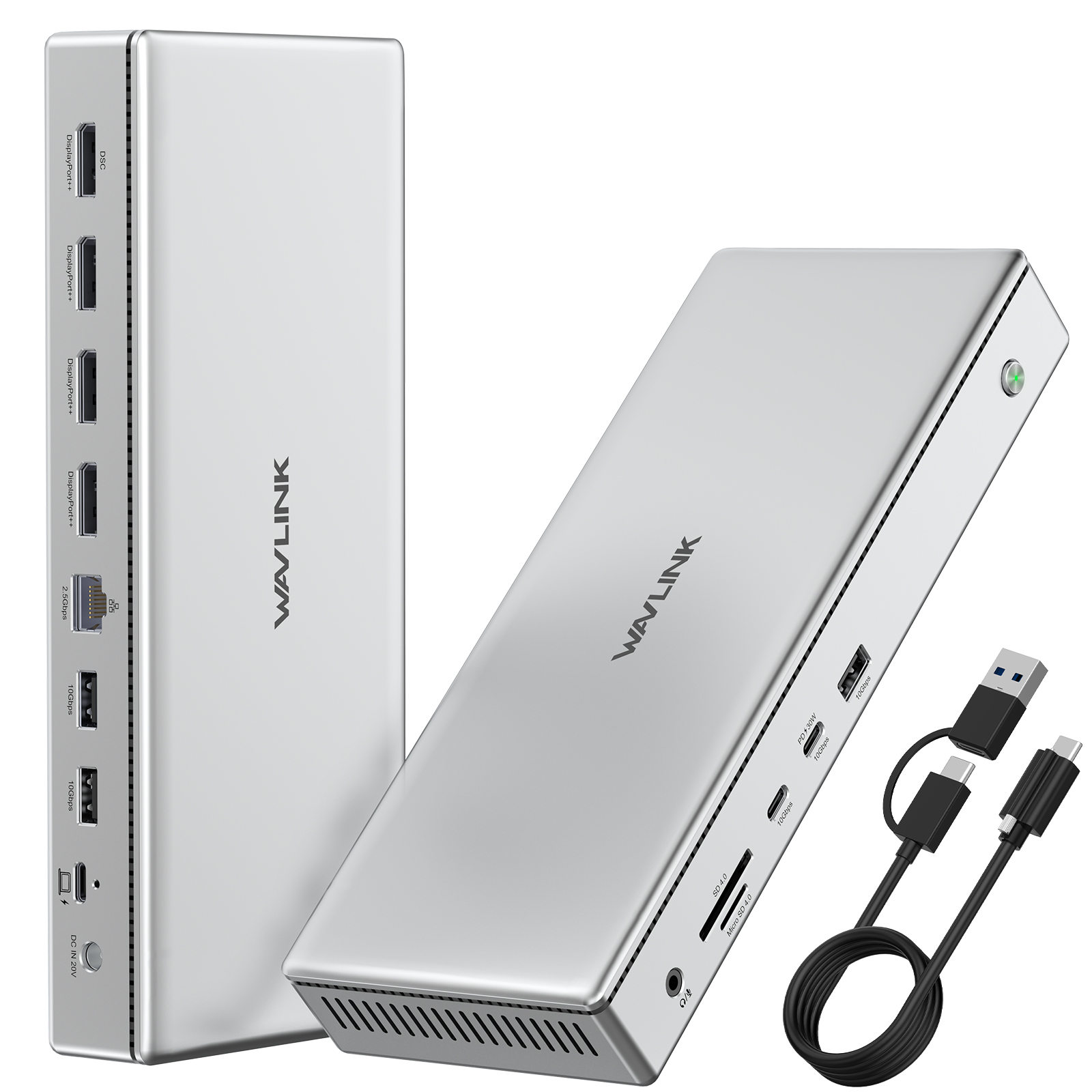
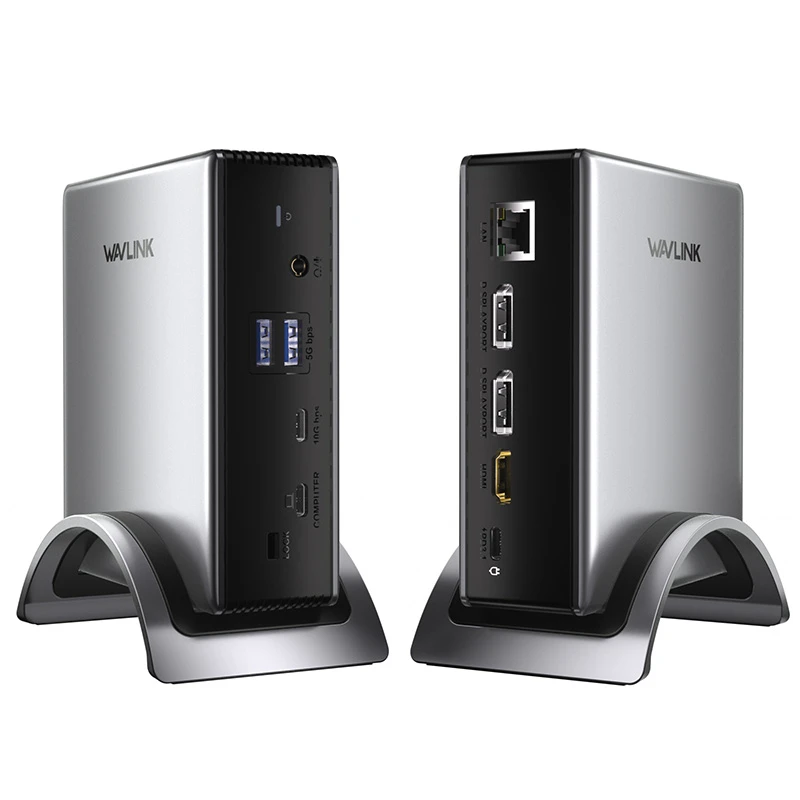
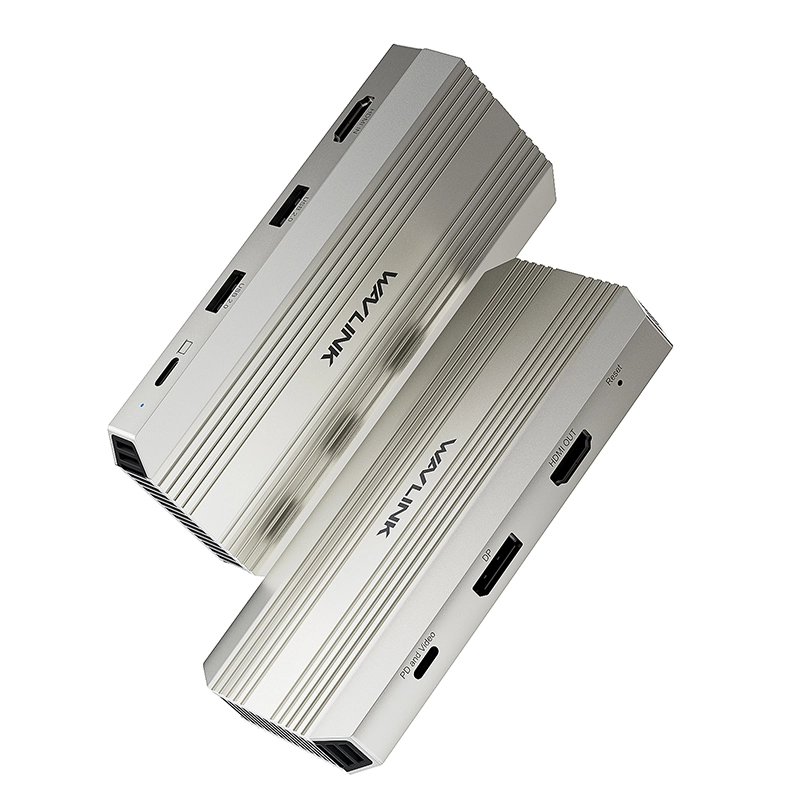
With multi-ports in one, this docking station allows you to extend external monitors, charge your two host laptops and extends more ports to help to improve efficiency.
One HDMI (Alt Mode) and two DisplayPort support tripe displays up to 4K@60Hz. Higher definition external monitors help a lot to increase your system workspace and increase productivity.
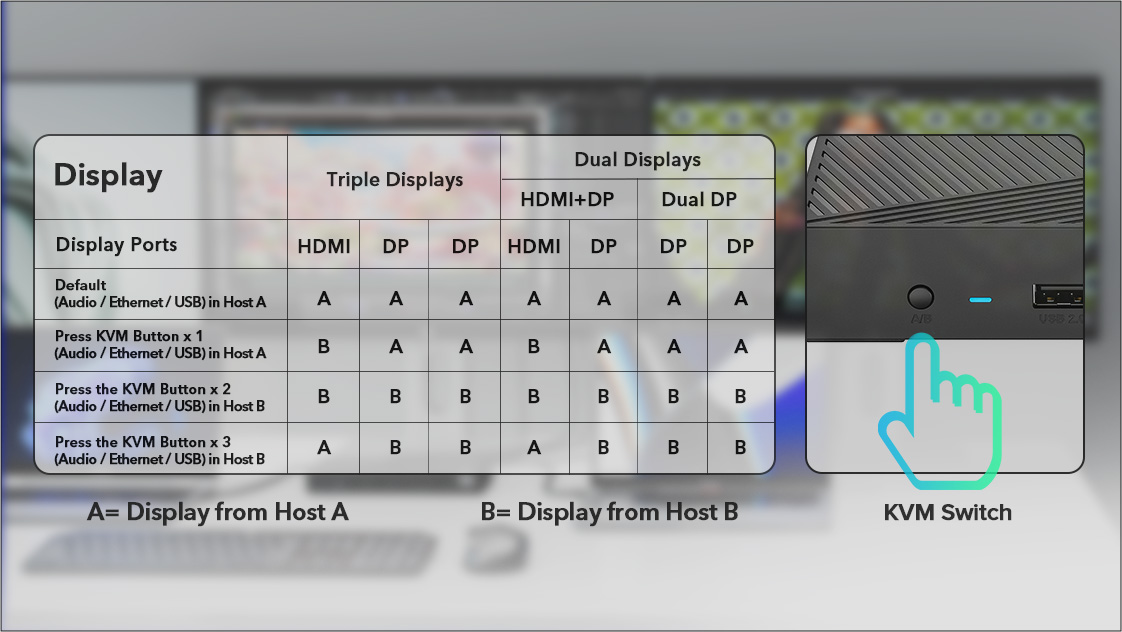
Please press the KVM Switch button to change display mode. When connecting for the first time, the host that can be recognized by the docking station faster is Host A by default. At this time, the Audio / Ethernet / USB ports are all connected to Host A. And the DP interface displays the content of which Host, and the Audio / Ethernet / USB ports are connected to the Host.
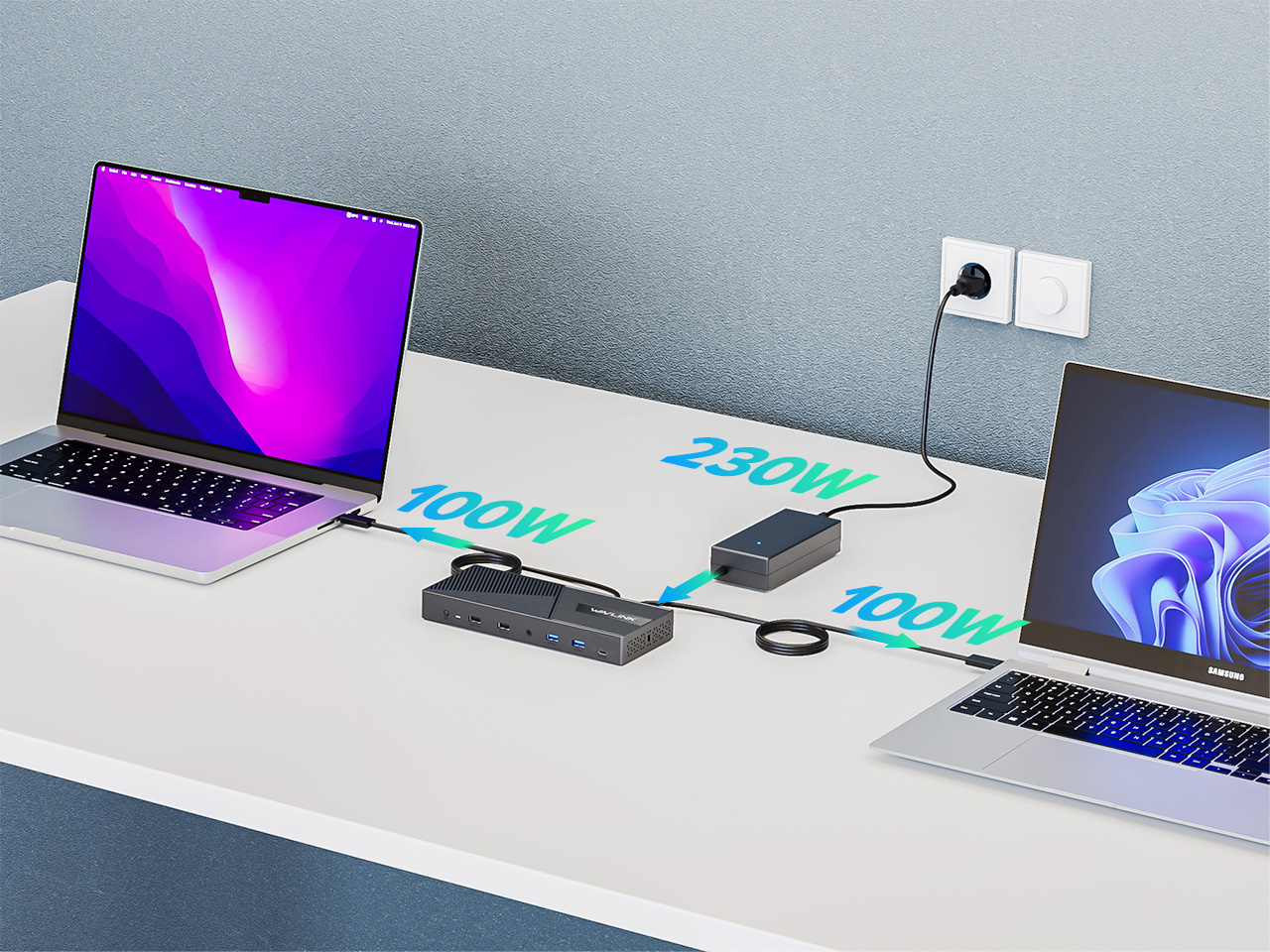
Connected to the power adapter, this docking station supports Dual 100W USB Power delivery upstream Charging for two hosts.
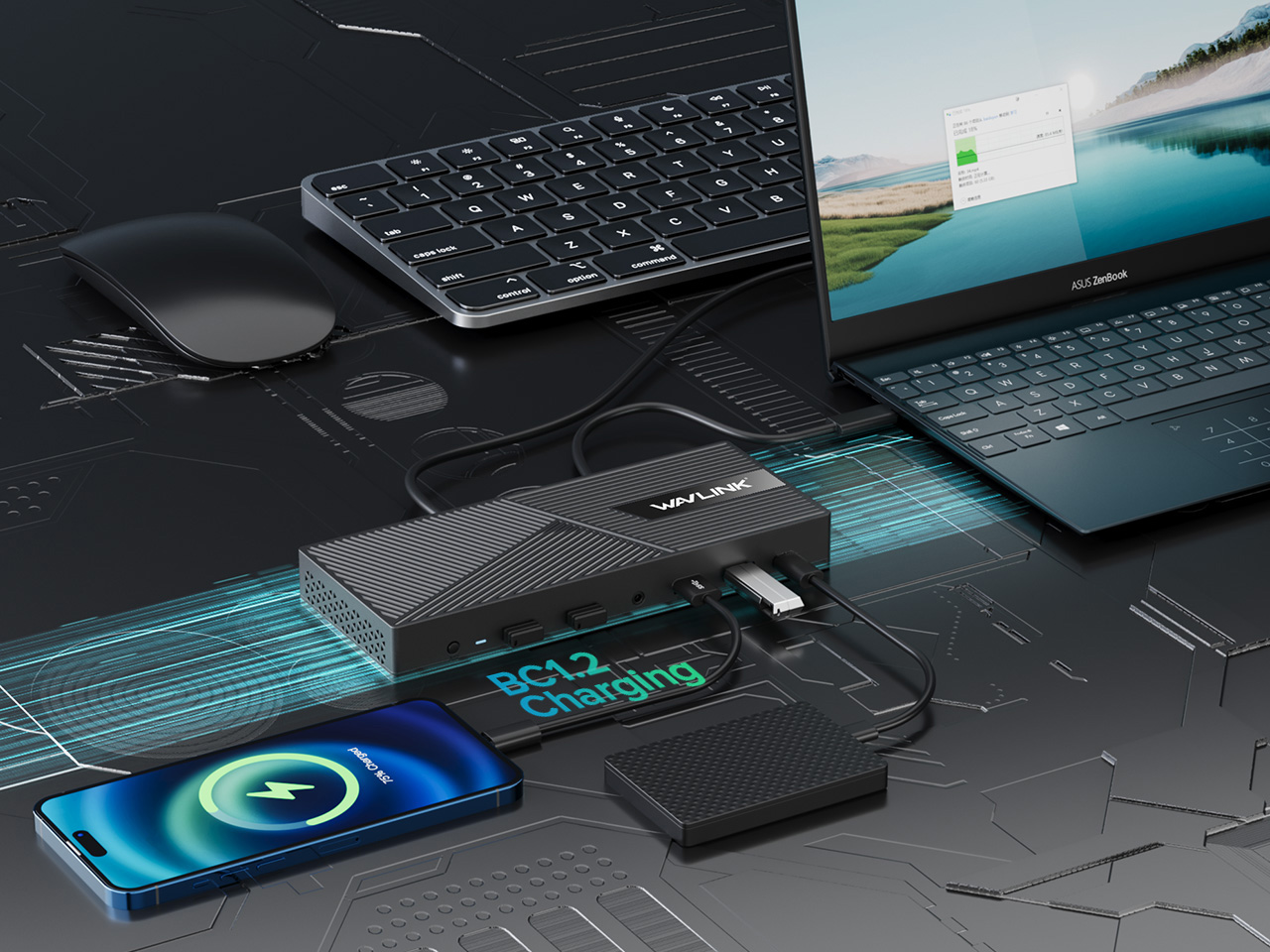
Two 10G USB-A and one 10G USB-C can be used to connect U disks, SSD enclosure, etc., or to charge your phone or tablets through BC 1.2 fast charging.
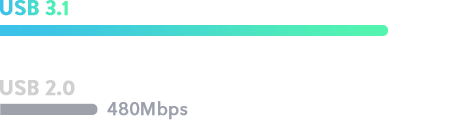
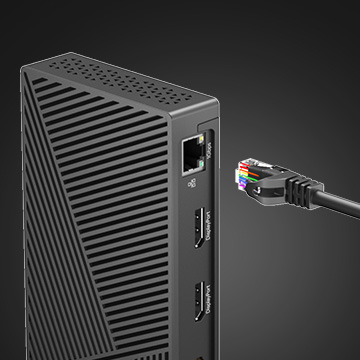
Gigabit Ethernet port provides stable network performance in wired connection, enhancing your use experience.
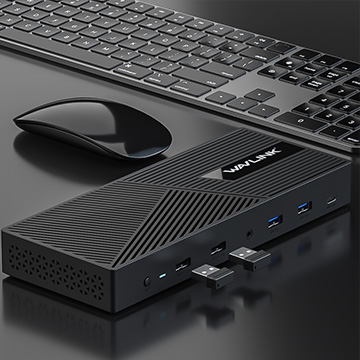
Two 480Mbps USB-A ports can used to connect keyboard and mouse.
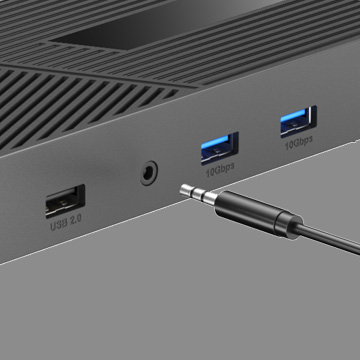
Audio/microphone jack provides additional convenience.
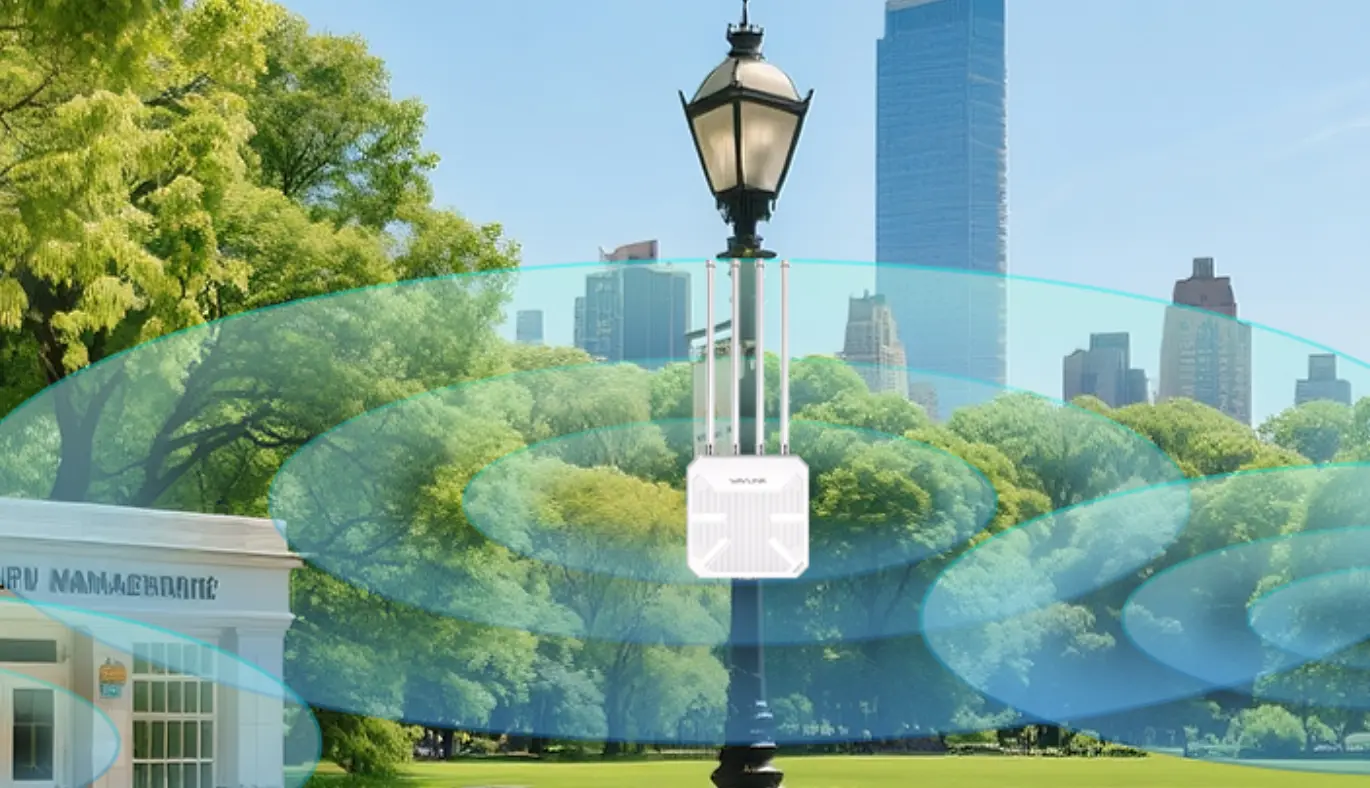
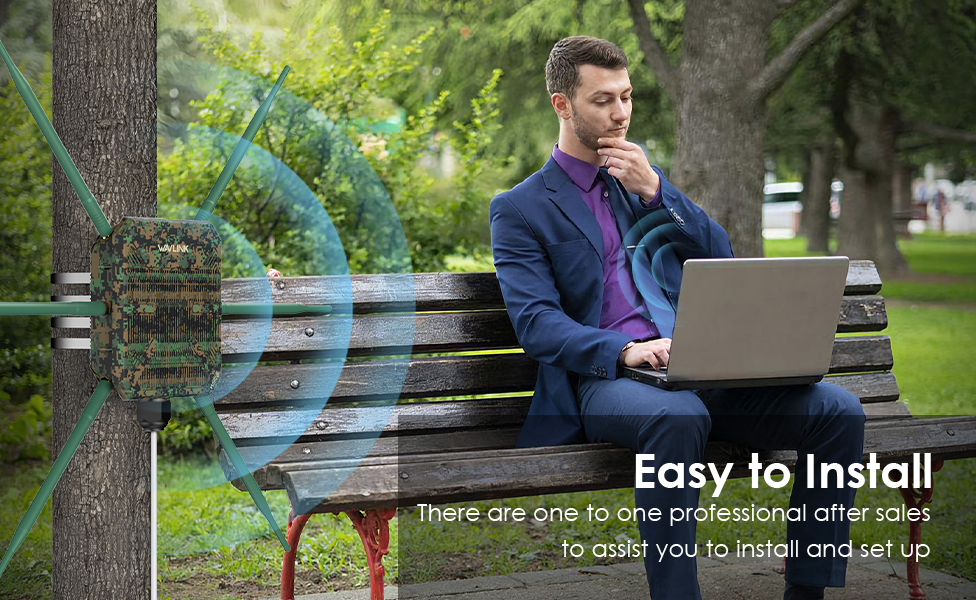
Complete unboxing and step-by-step installation guide for the WAVLINK WN573HBE2 WiFi 7 outdoor route
Your router broadcasts on 2.4 GHz, 5 GHz, and 6 GHz at the same time — but your phone, laptop, and T
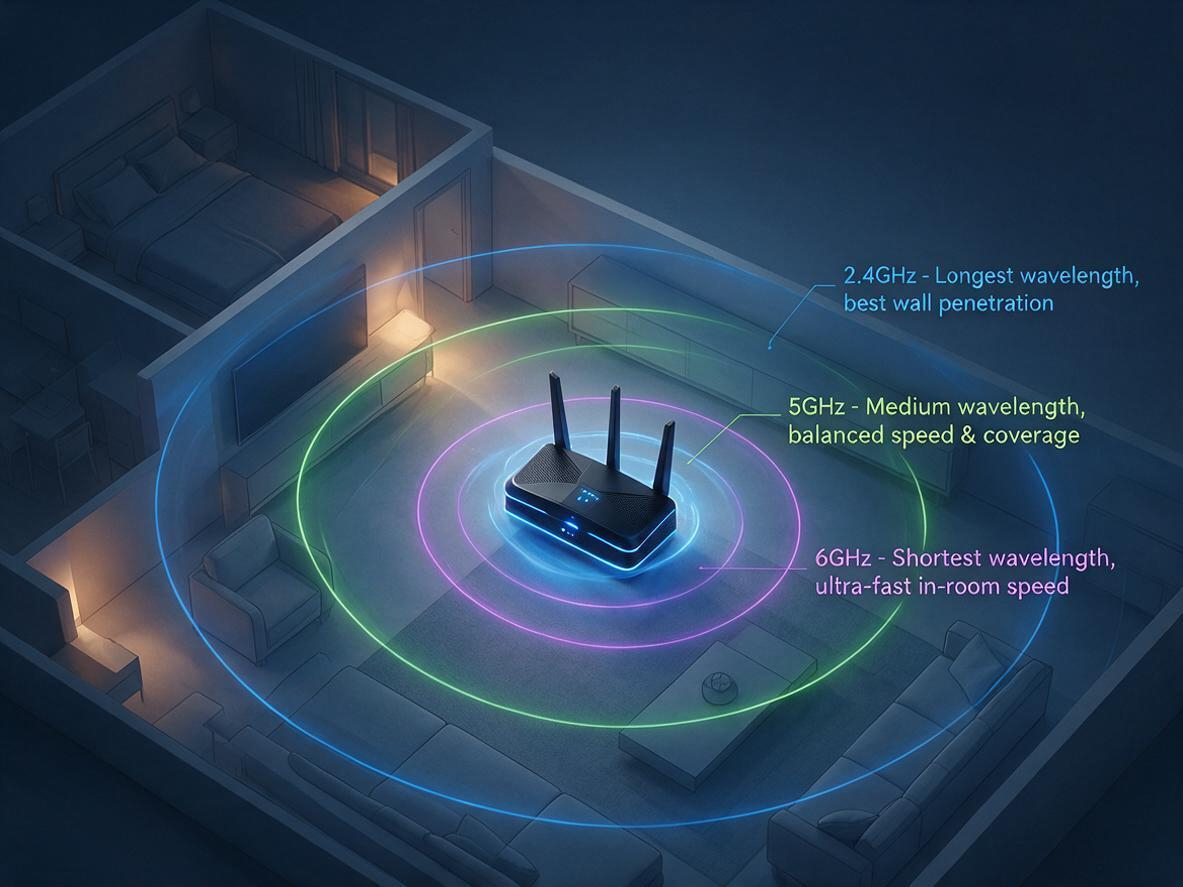
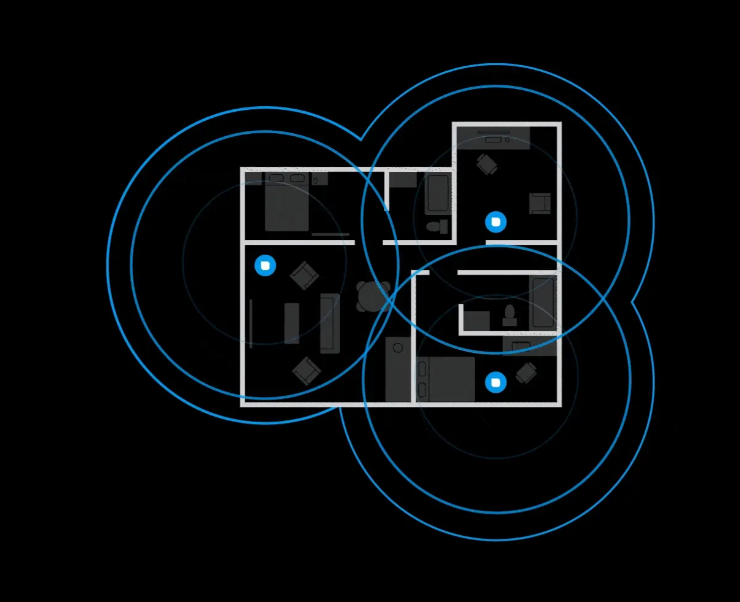
Is your WiFi slow because of your router — or just bad placement? Before you blame your internet pla
Confused about WiFi 5 vs WiFi 6? Explore the key differences in speed, range, and efficiency. Learn
Discover why 95% of outdoor WiFi systems fail from water damage and how a 30¢ physics hack using cab
Track shipment information
Track orders with order#
Guests: Save/copy order#
for tracking.

| Time | Points | Detailed description |