

Fast Delivery
Multi-warehouse direct hair fast delivery

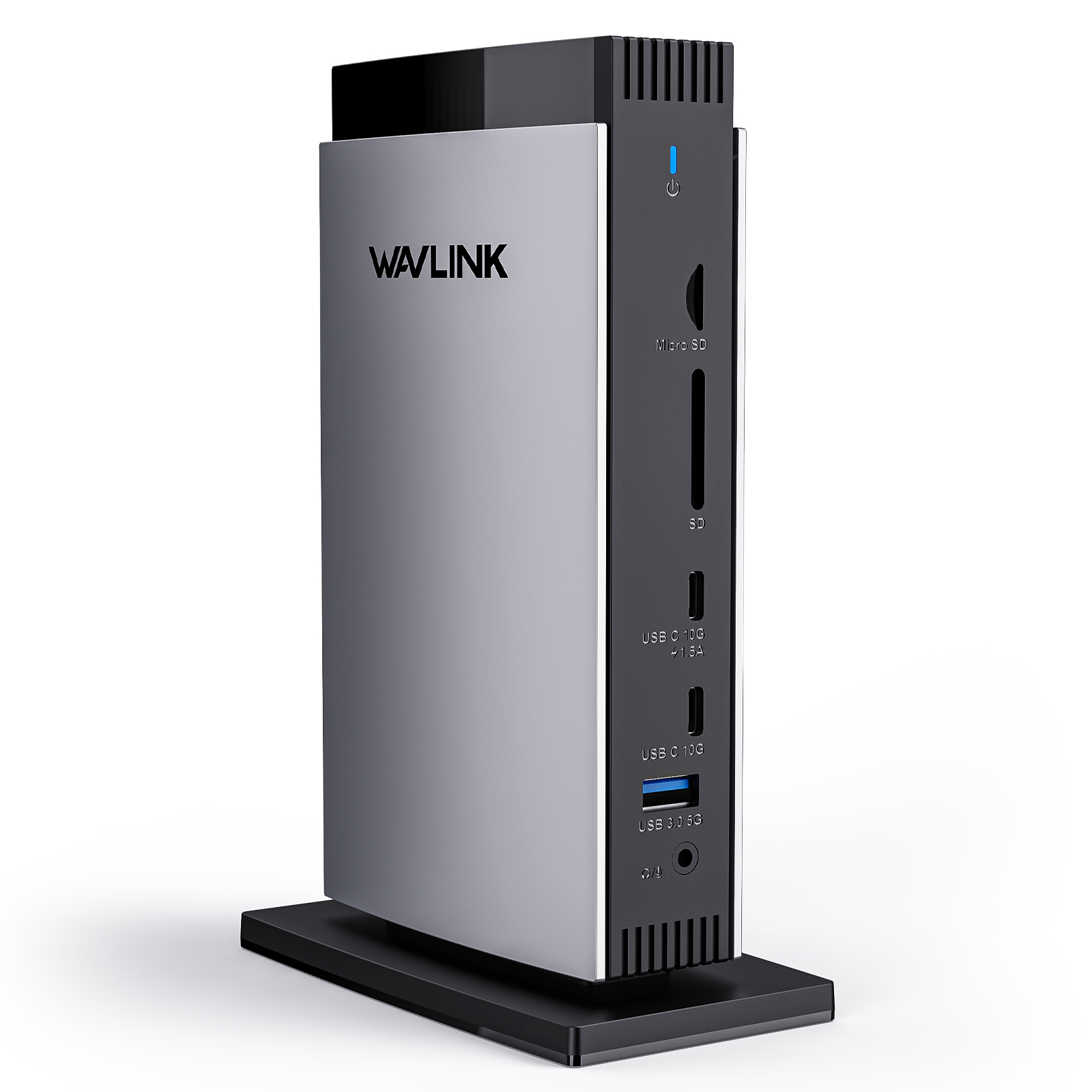
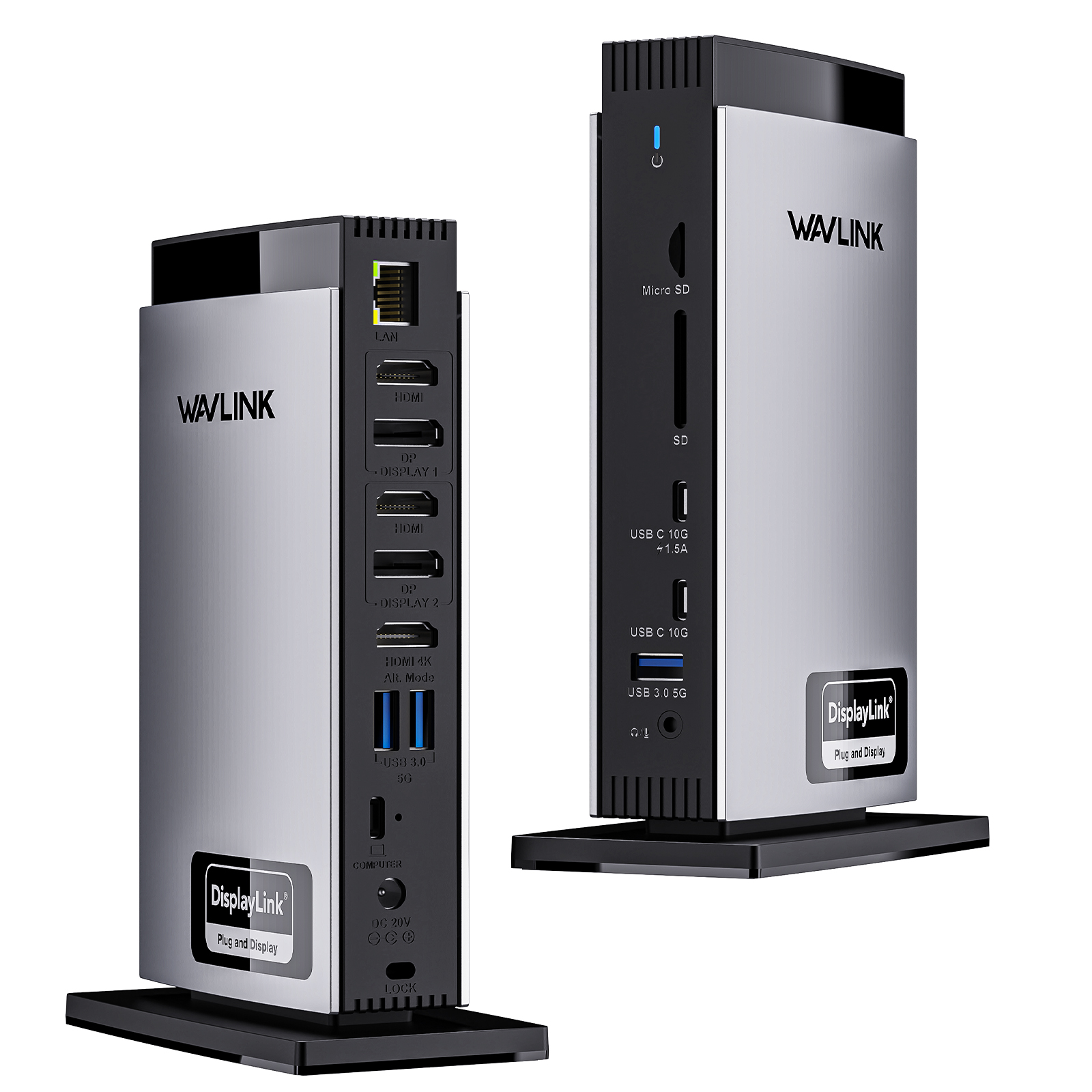
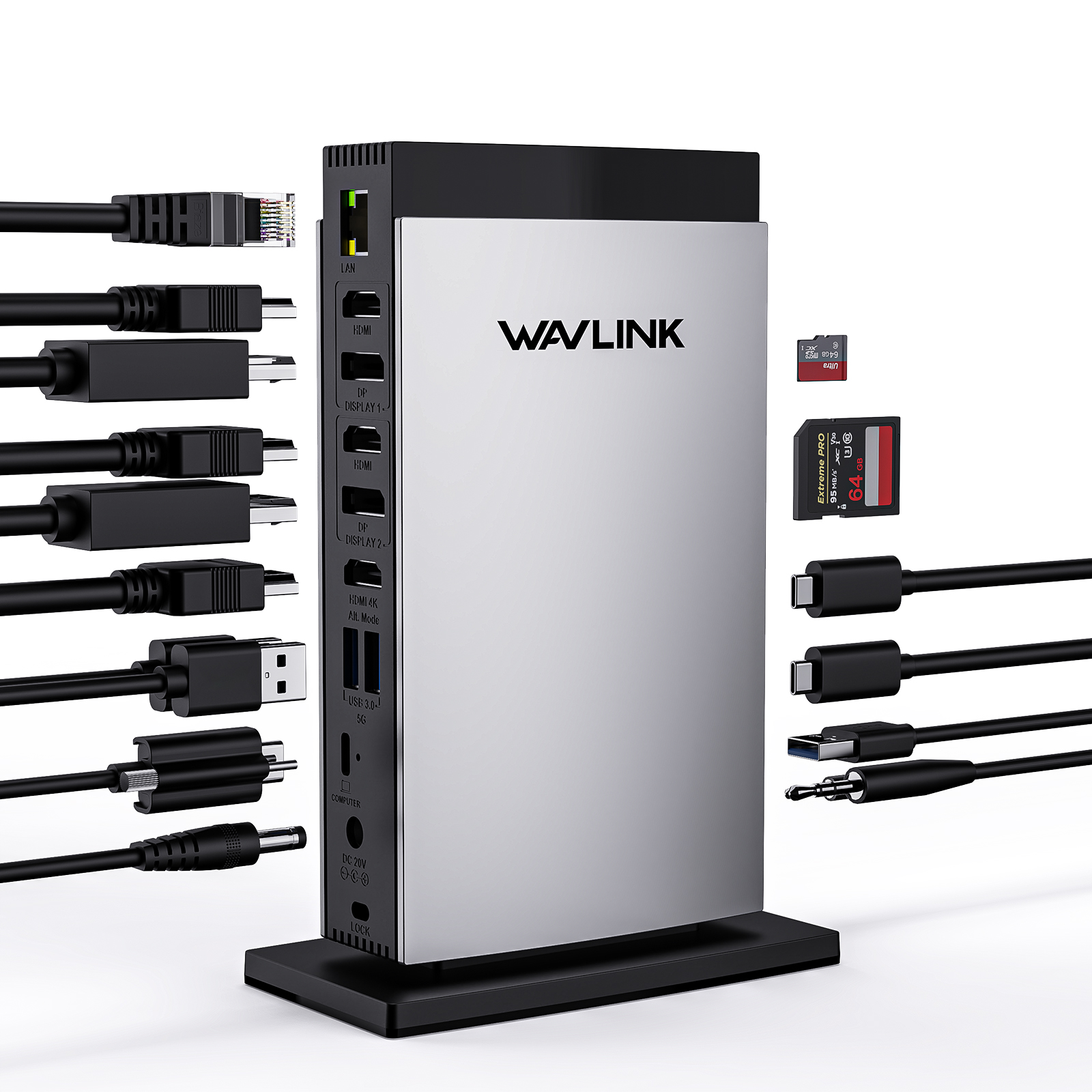
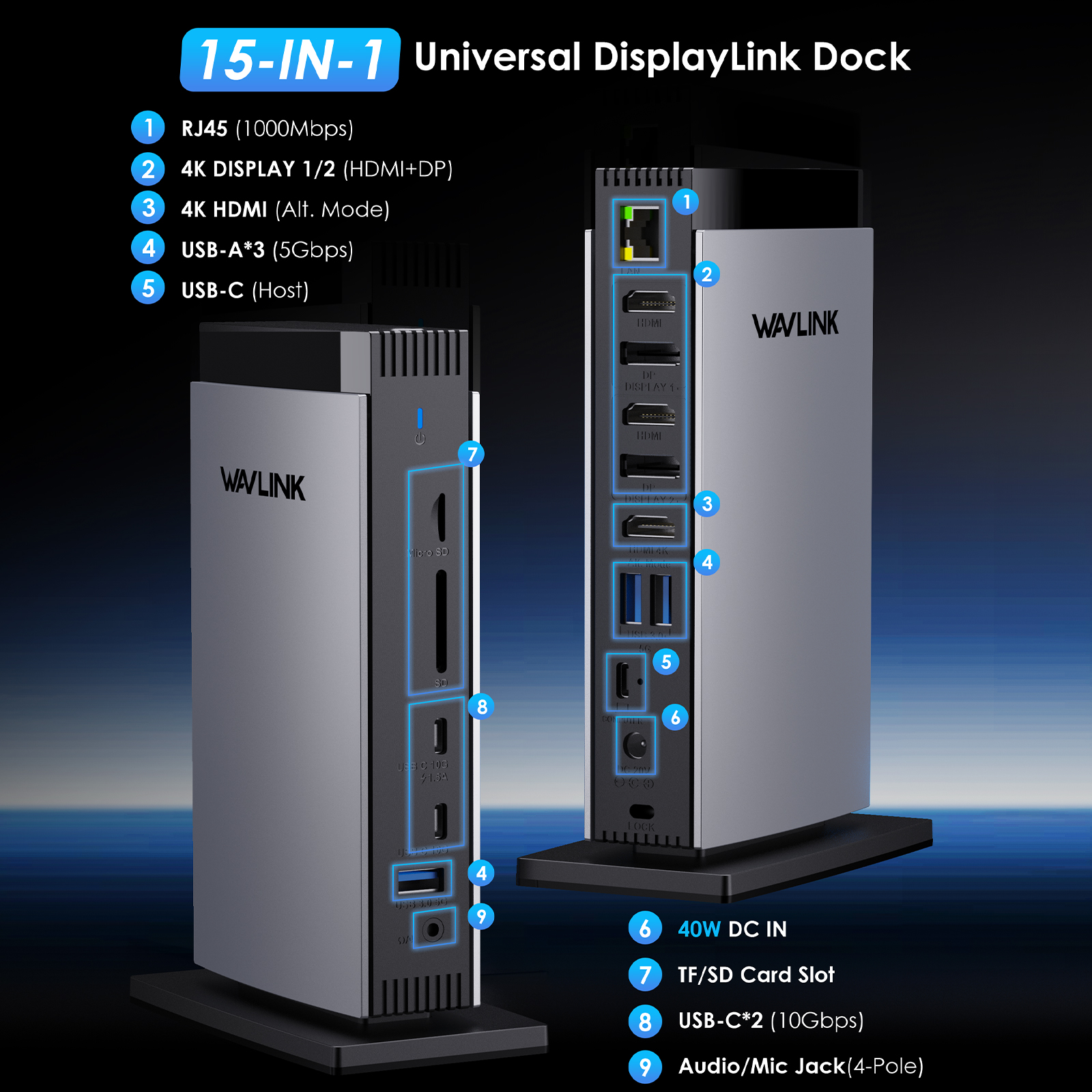




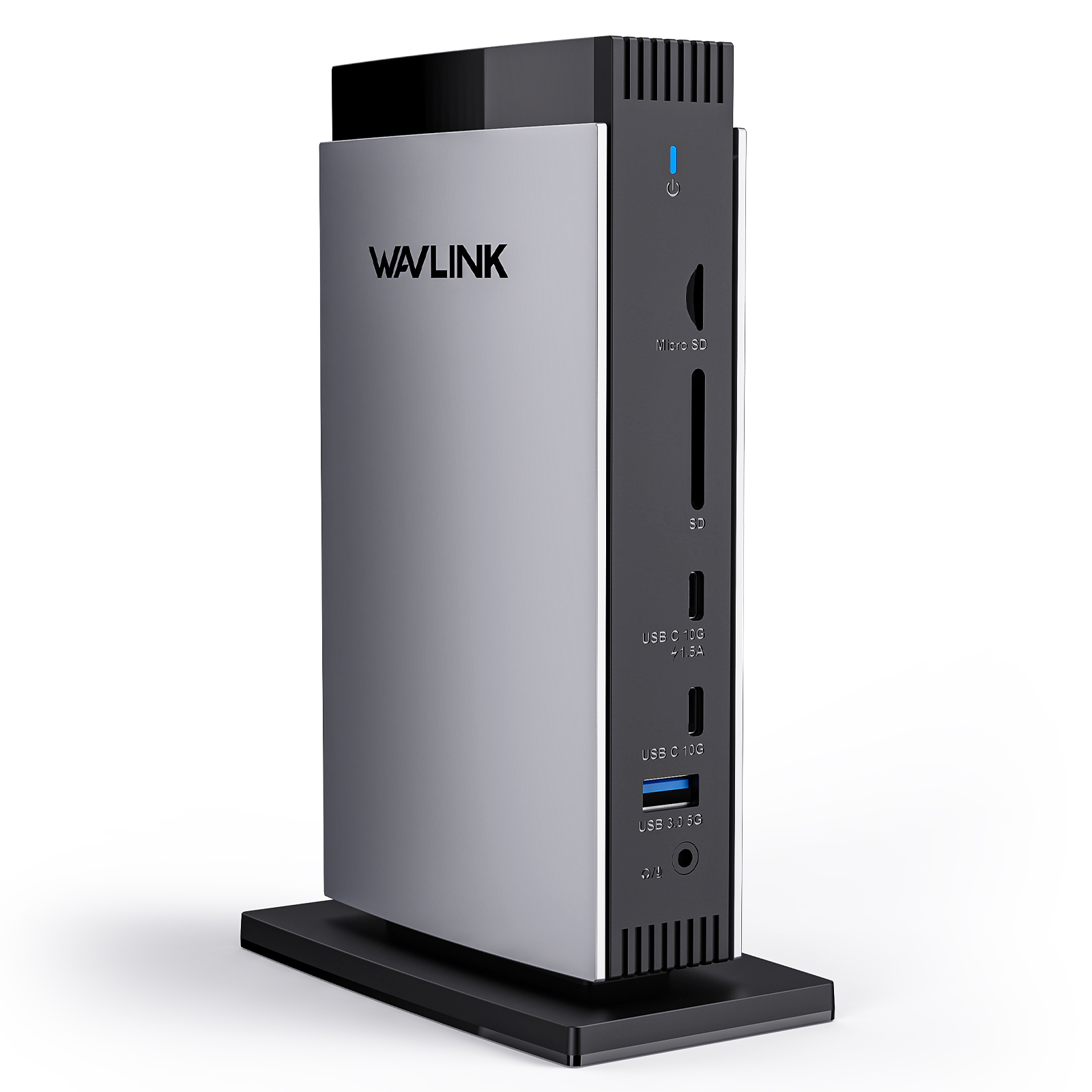
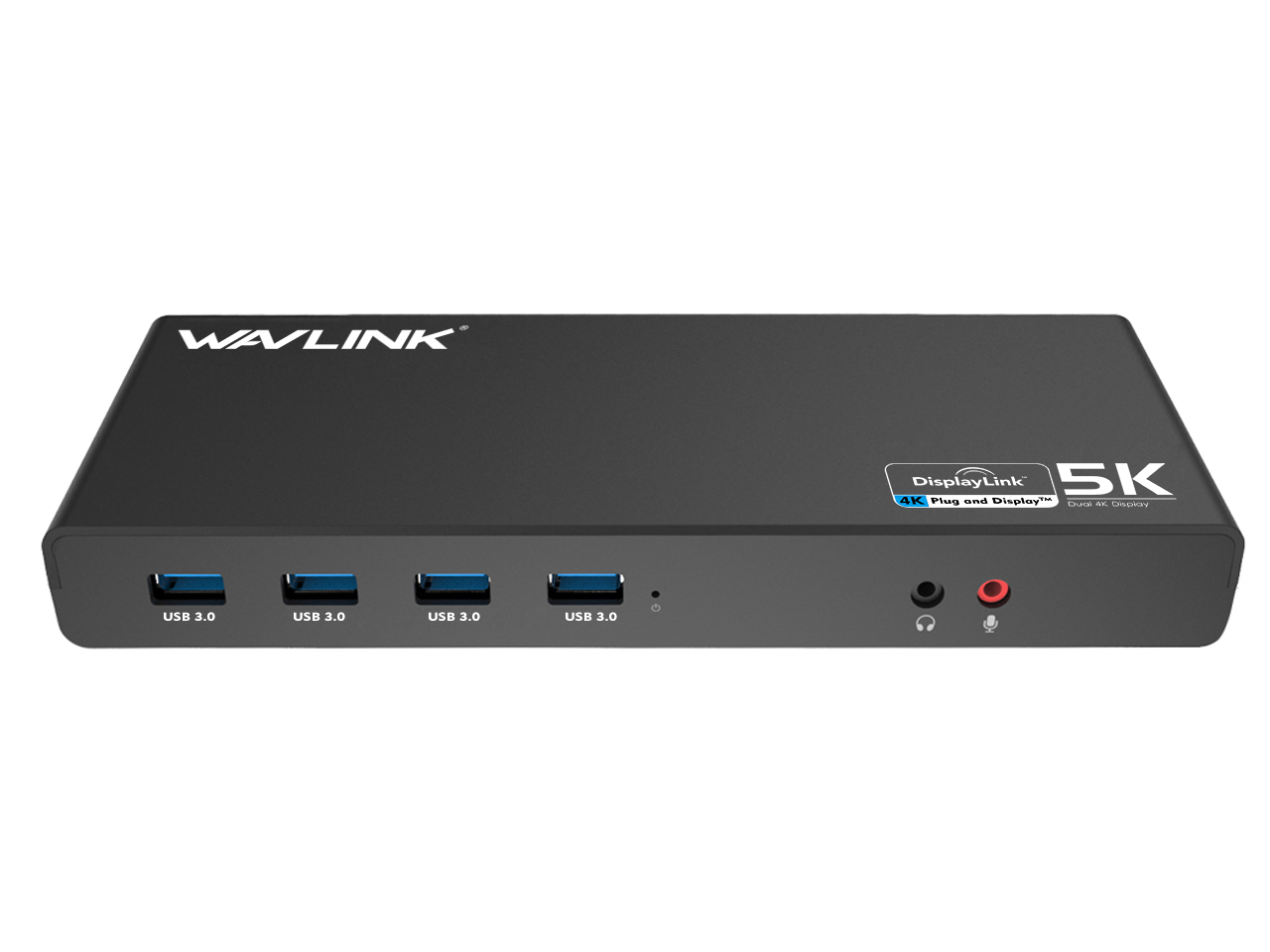
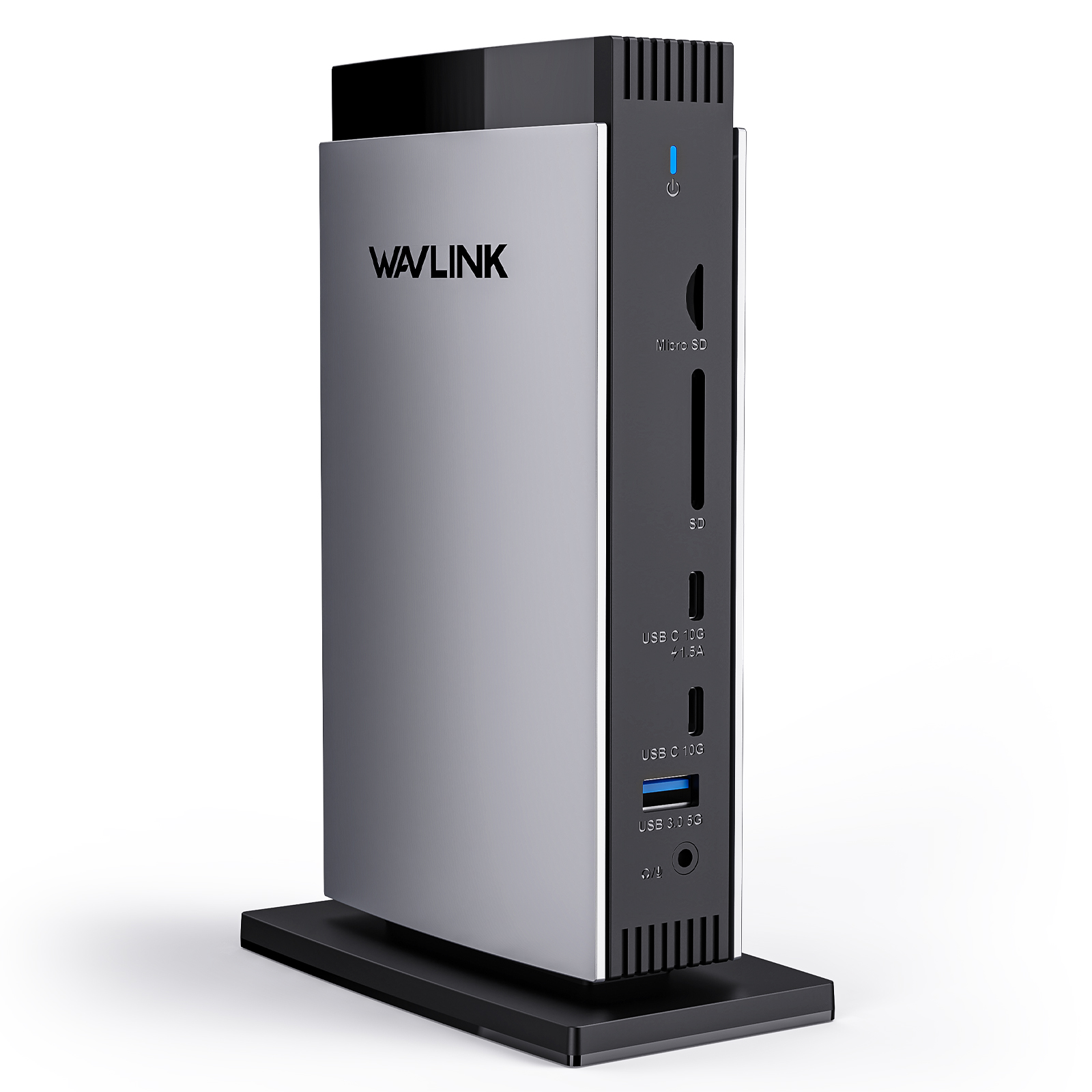
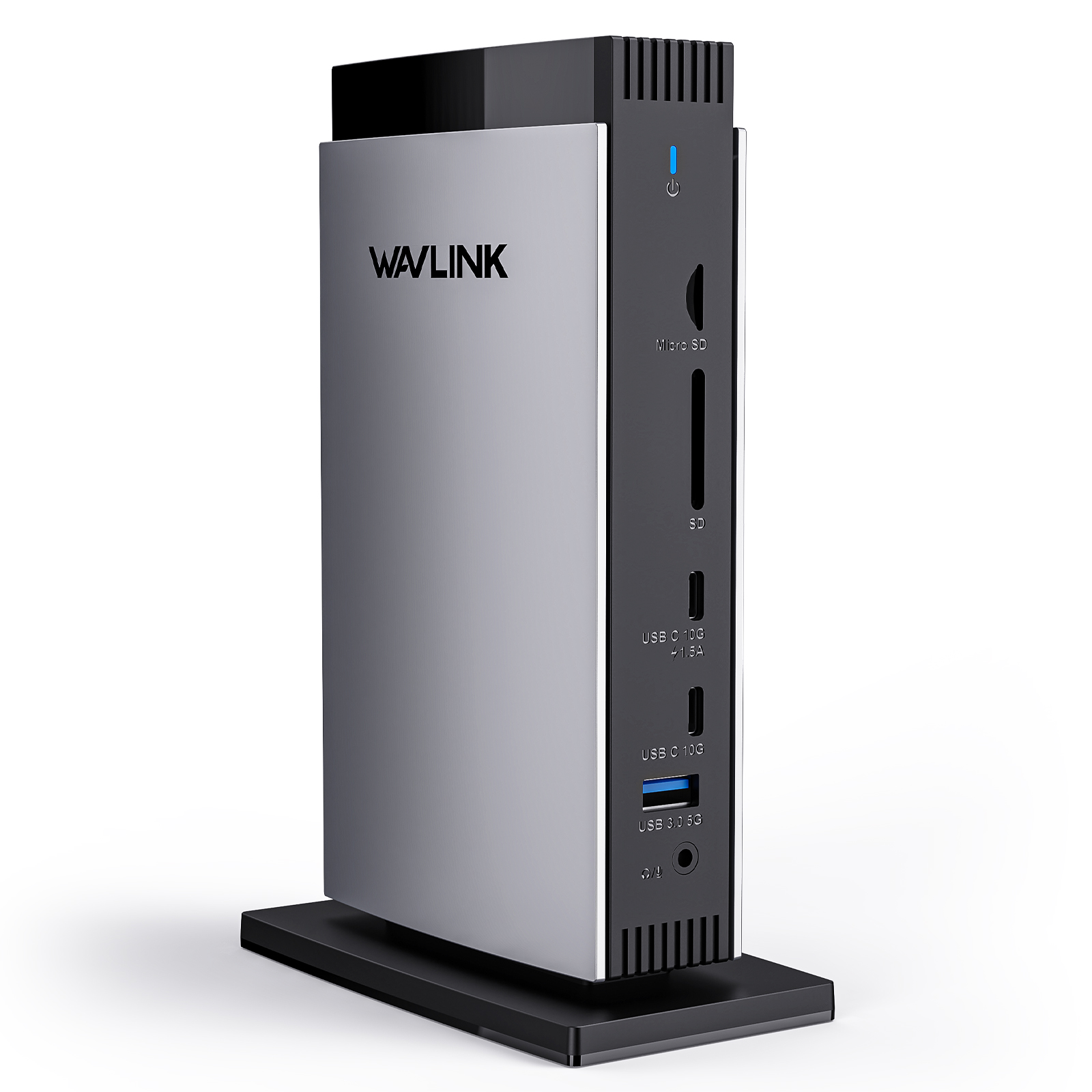
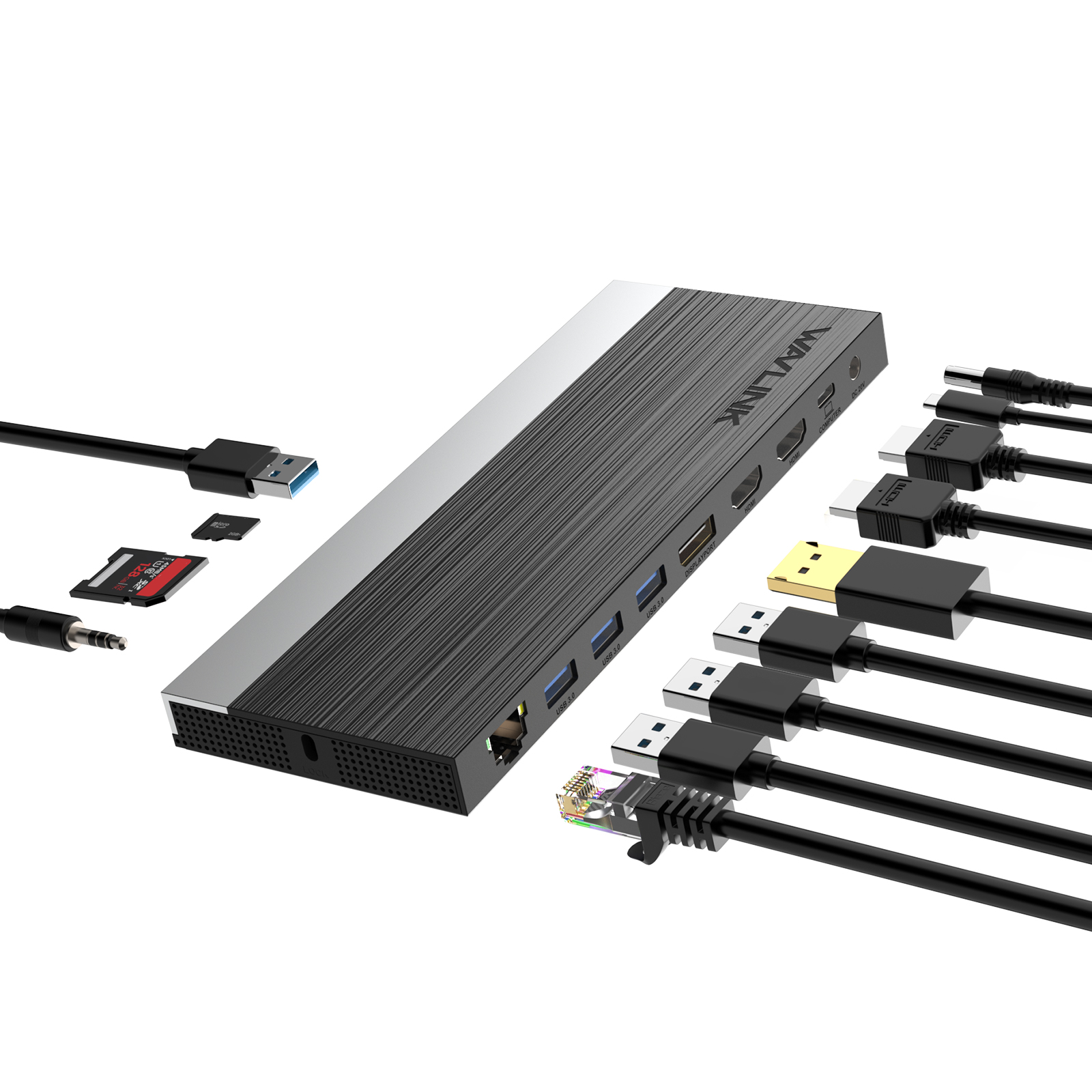
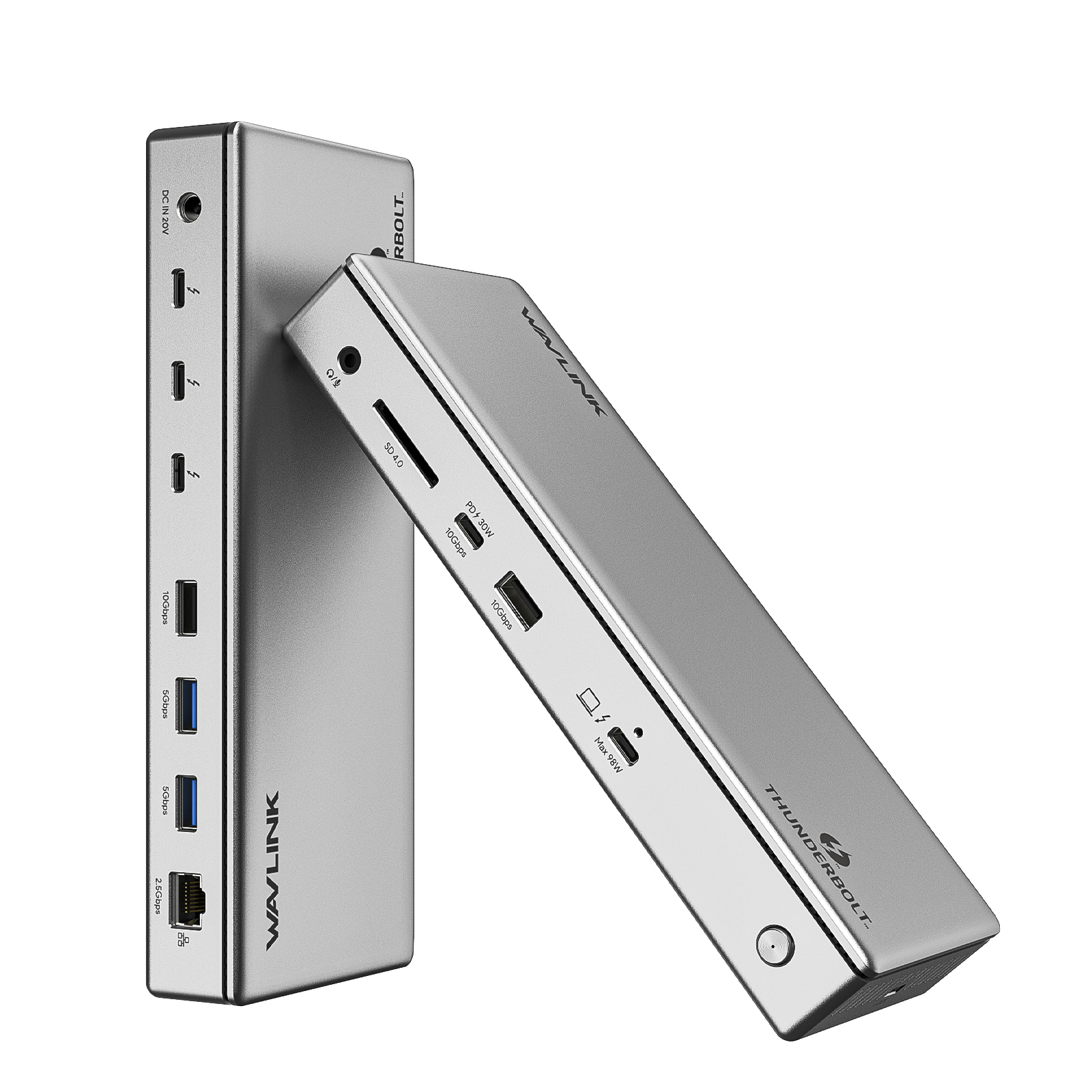
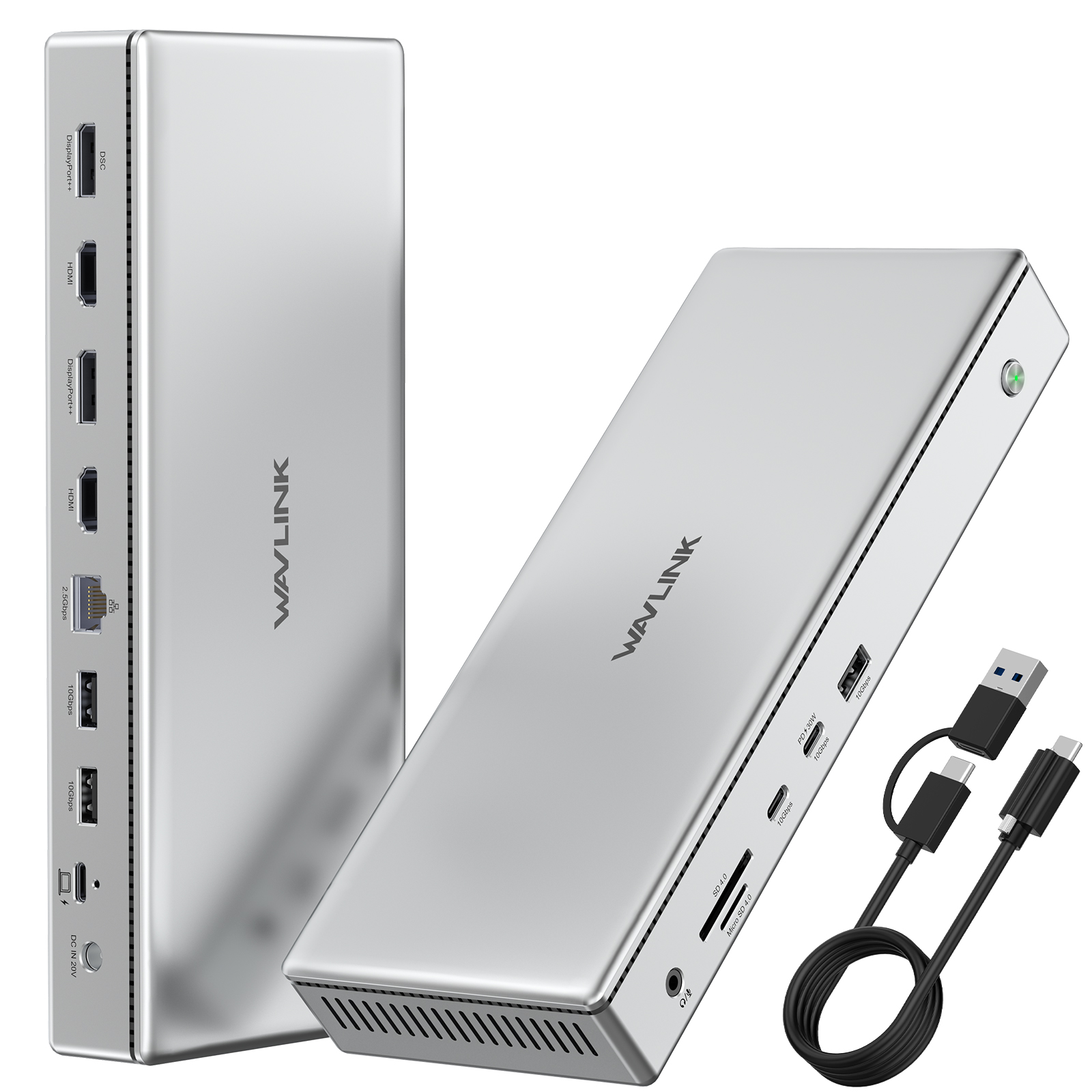
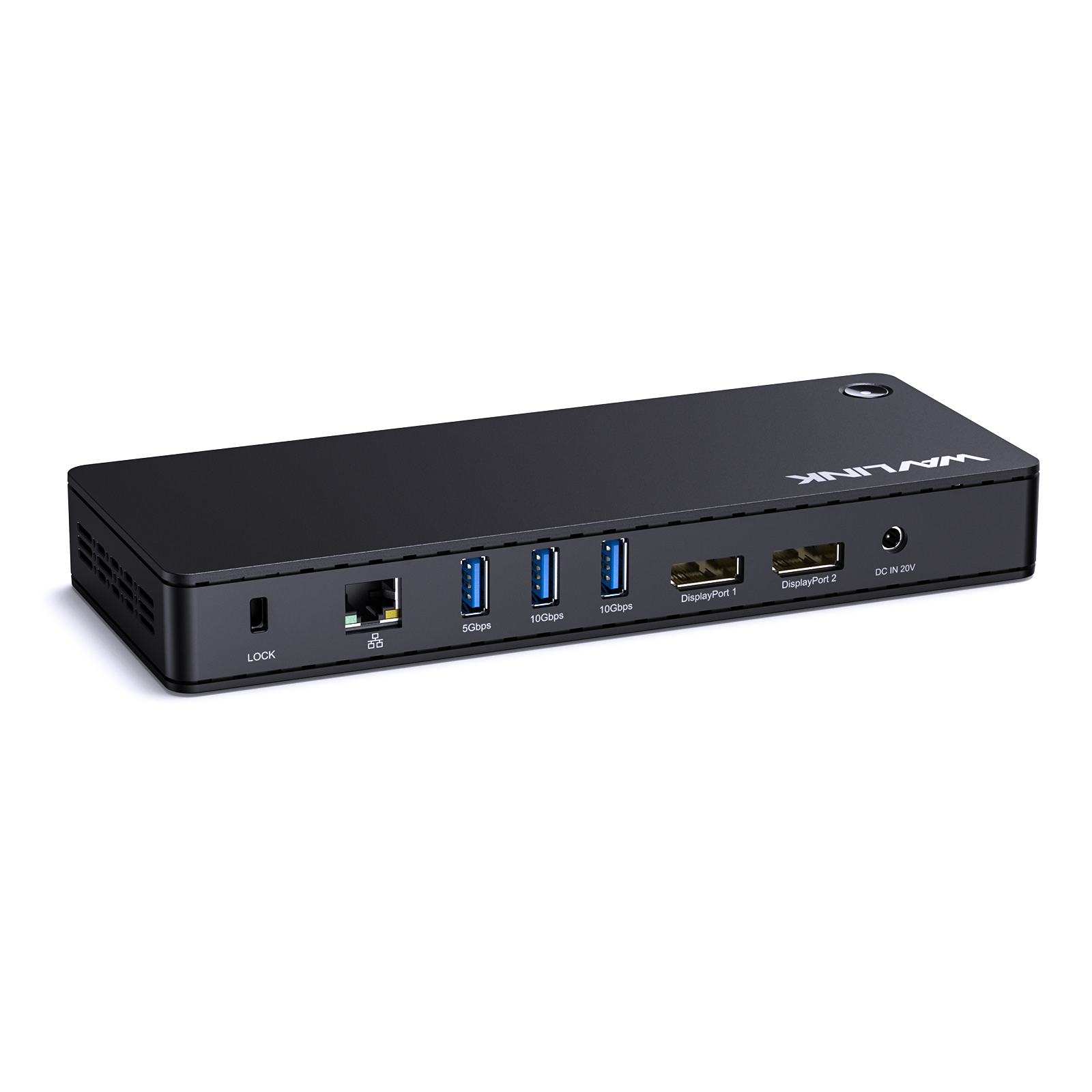
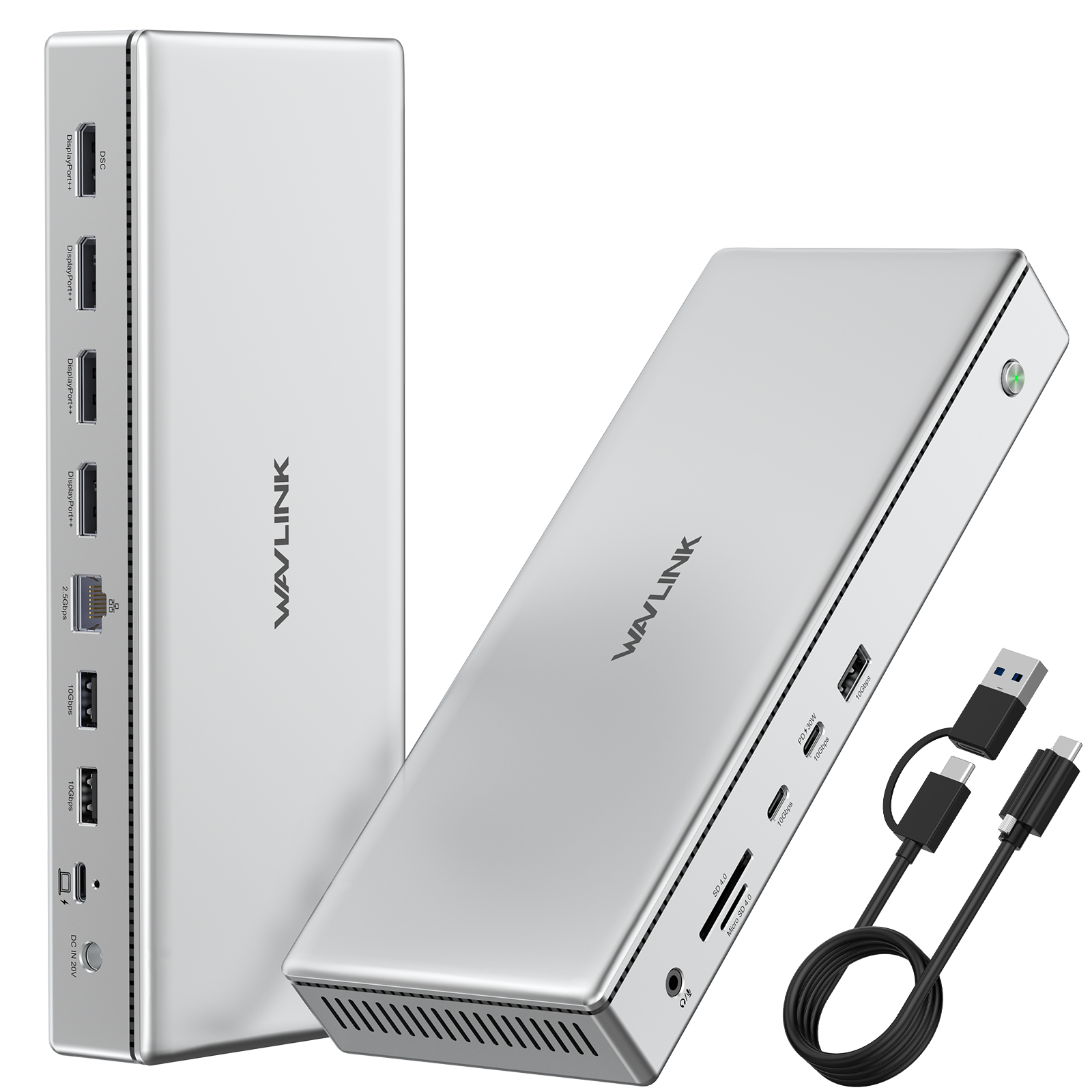
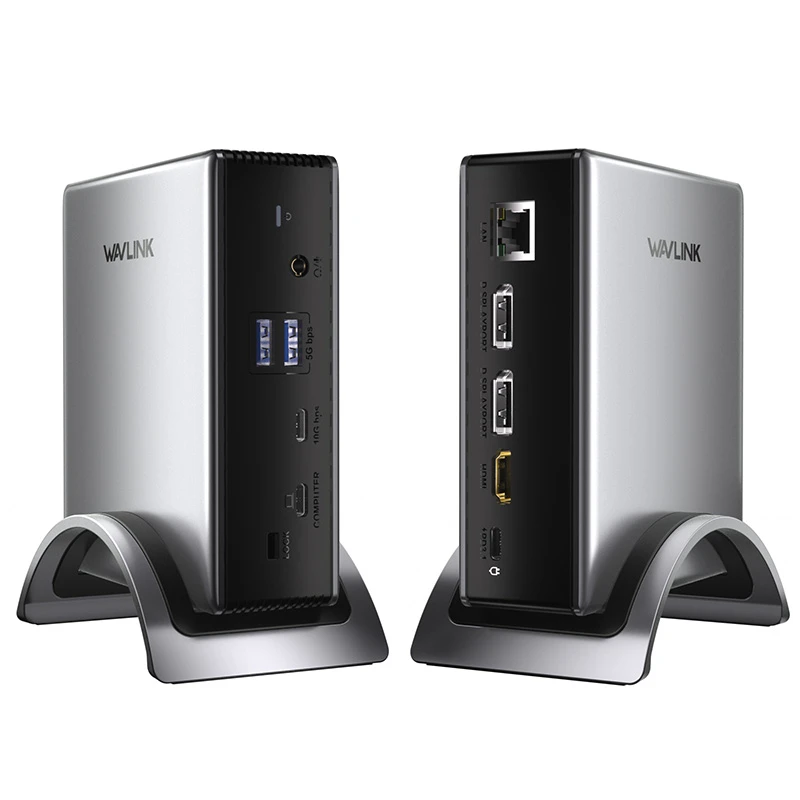
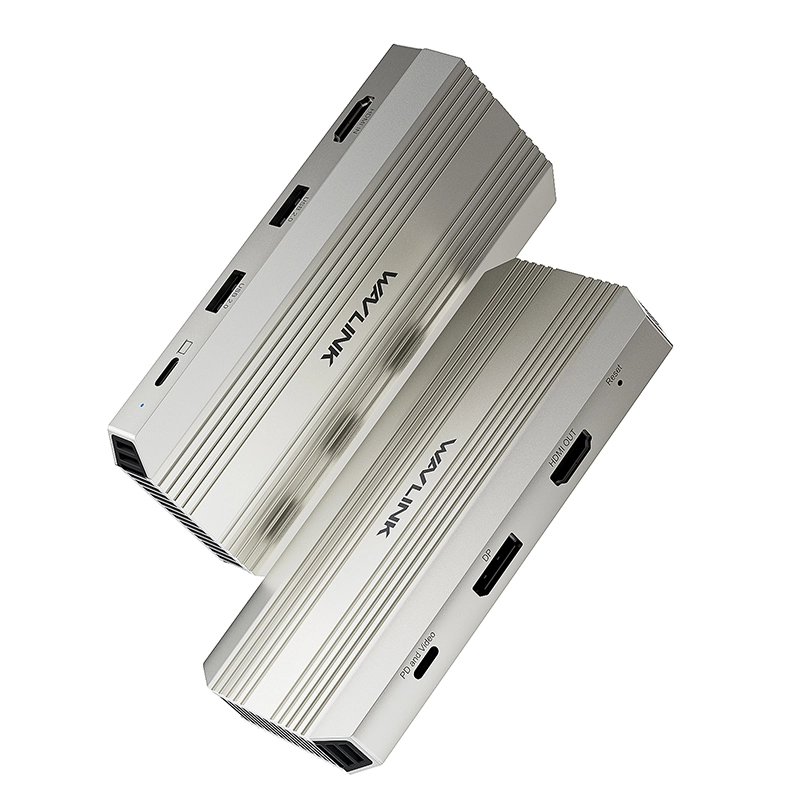
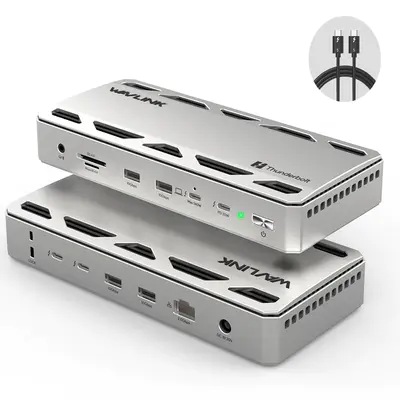
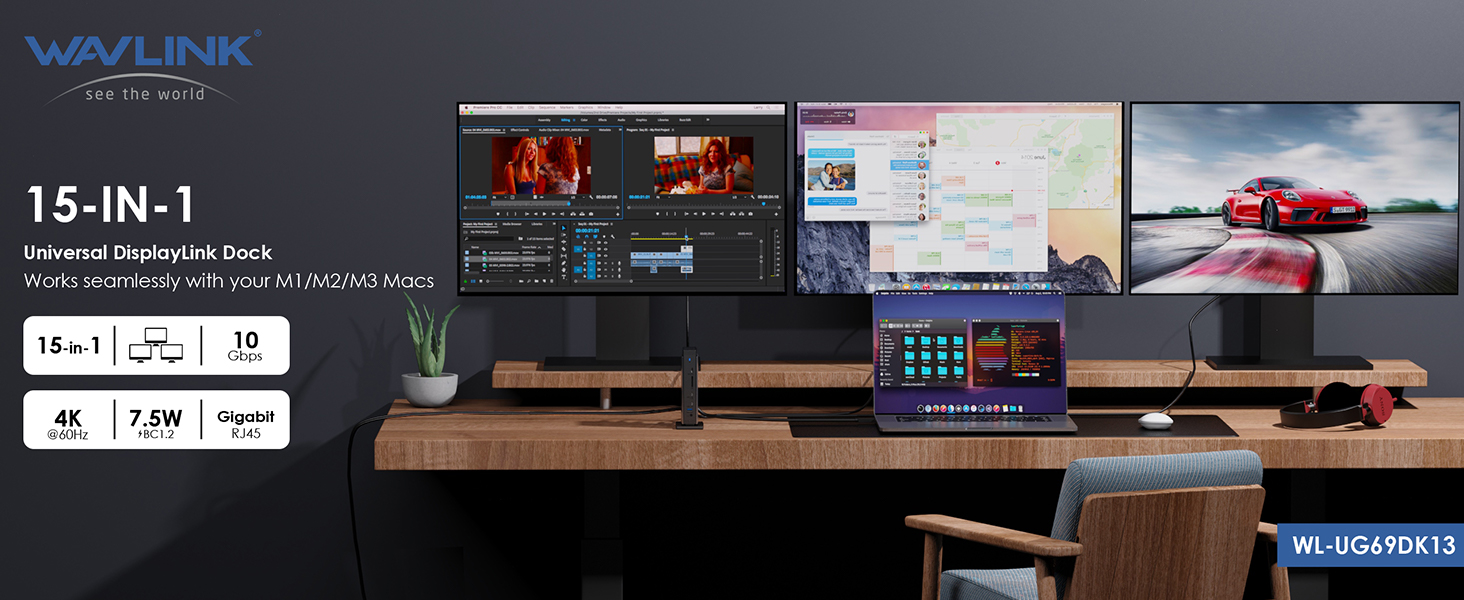
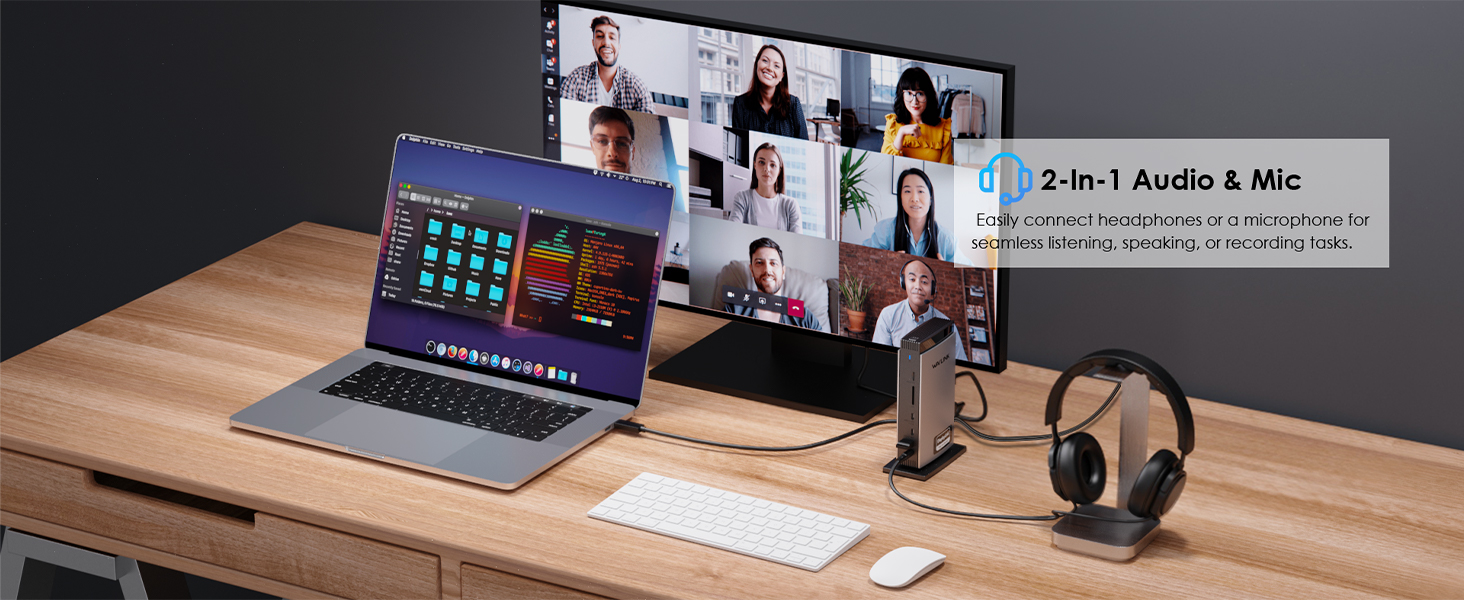
The WAVLINK UG69DK13 is a 15-in-1 universal docking station powered by DisplayLink.
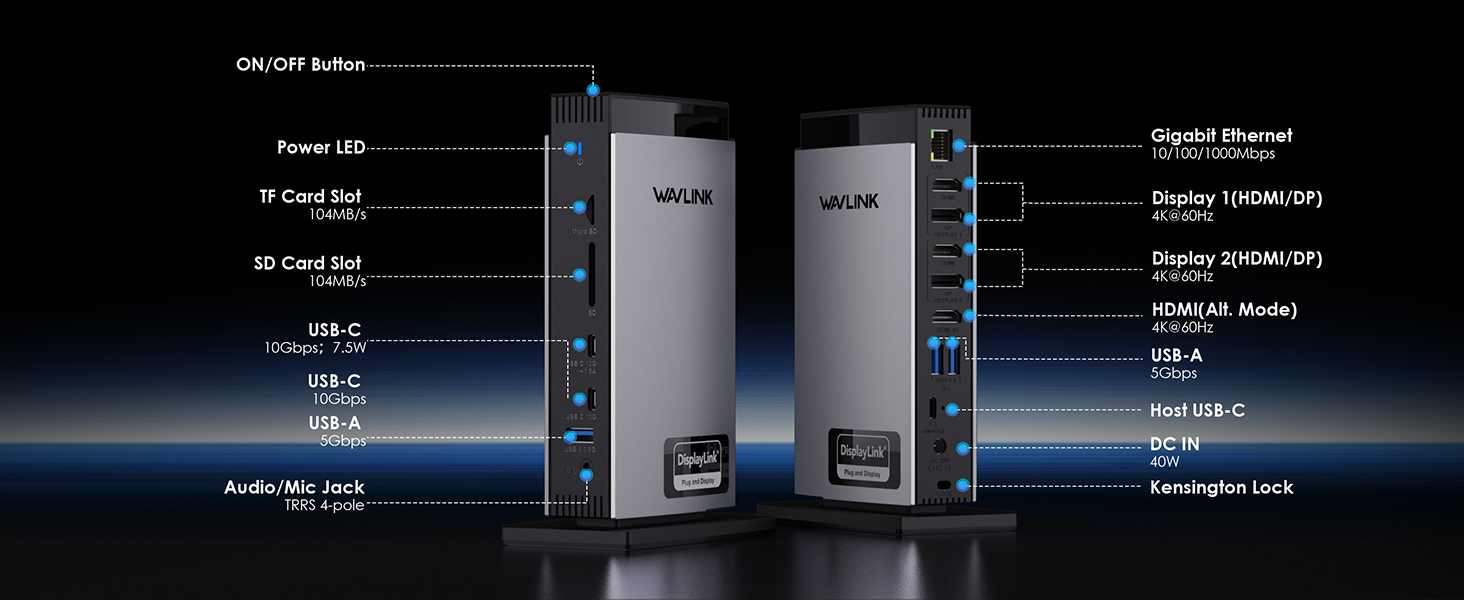
Triple independent 4K displays on M1/M2/M3 Mac and Windows. 3×HDMI, 2×DisplayPort, five USB ports with 10Gbps speeds. Gigabit Ethernet. SD and TF card readers. 4-pole audio jack.
One USB-C cable. Everything connected.
Does not charge laptops.





| Dock station | |
| Audio | 4-pole TRRS Stereo Jack |
| Cable Length | 100cm USB-C to C |
| Chipset | DL6950 |
| Compatibility | Windows 7/8/10/11, macOS 10.6+, Chrome OS R51+ |
| Dimensions | 12.2 × 6.6 × 18.5 cm |
| Ethernet | Gigabit RJ45 |
| Power Delivery | DC 20V/2A, 40W (100-240V AC 50/60Hz) |
| SD Card | SD + TF (SD V3.0) |
| USB ports | 2× USB-A 10Gbps + 1× USB-C 10Gbps + 3× USB-A 5Gbps |
| Video Outputs | 2× HDMI + 2× DisplayPort, max 3840×2160@60Hz |
All through a single USB-C connection, the dock turns your laptop's Type-C port into 3 HDMI, 2 DisplayPort, 2 USB-C 10Gbps, 3 USB-A, an RJ45 Ethernet, SD/TF card slots, and a 4-pole phone jack. A perfect solution for your home or office workstation.
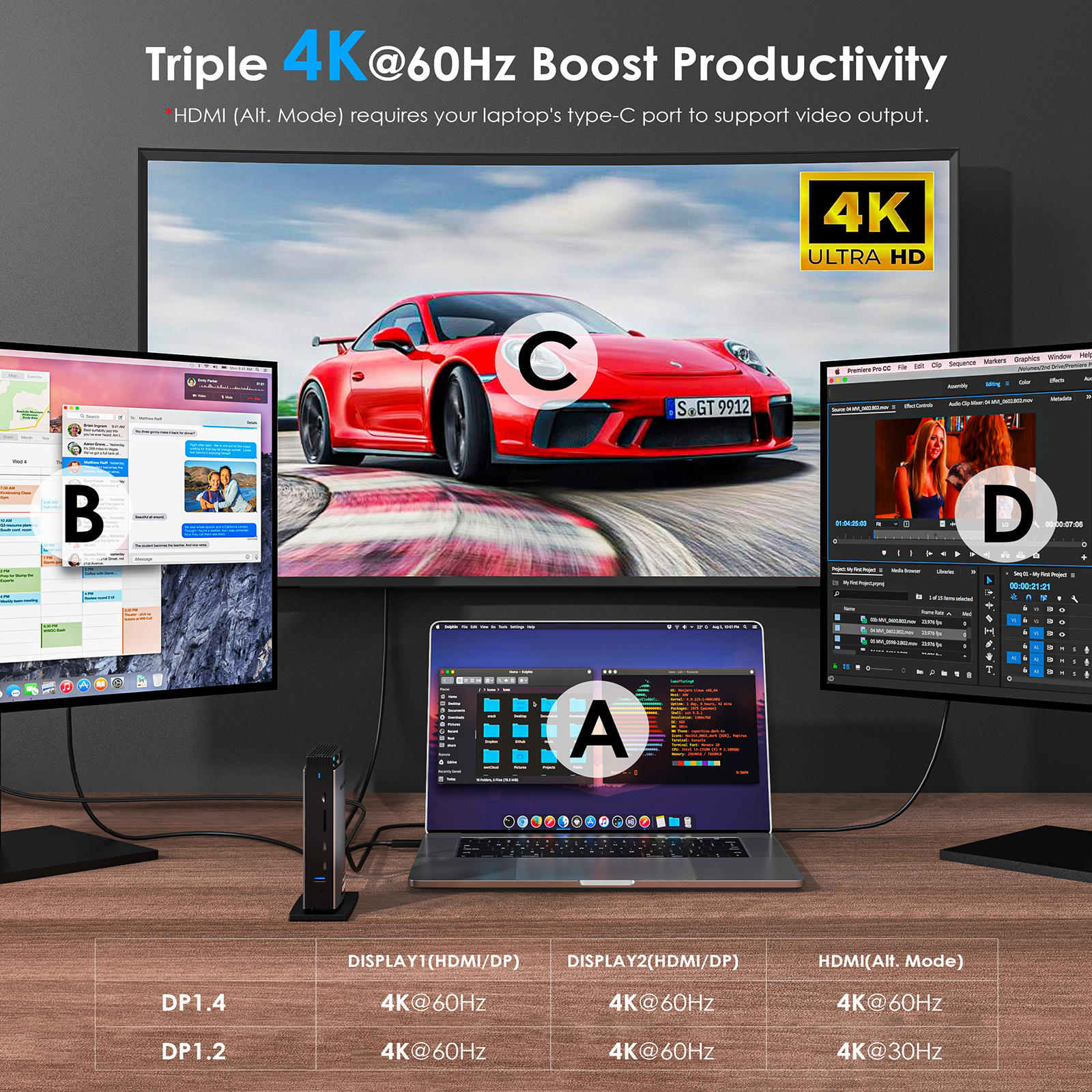
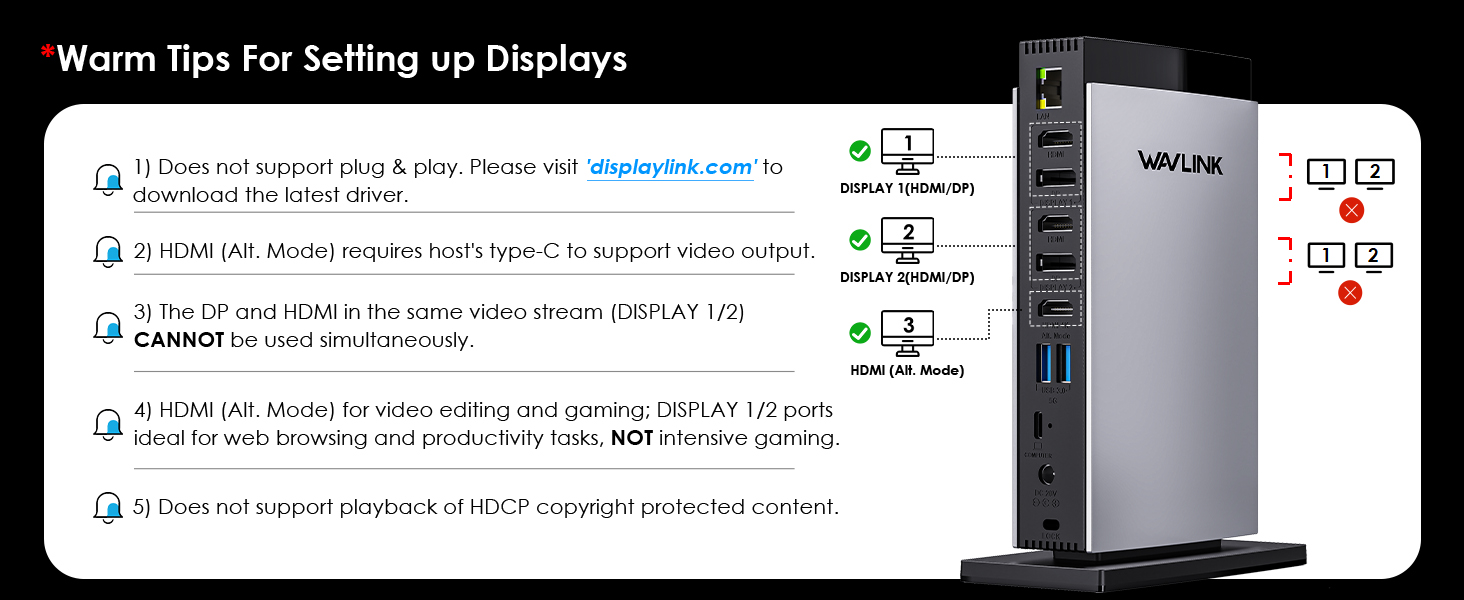
⚠ Attention: The HDMI (Alt. Mode) port requires your laptop's USB-C port to support video output.
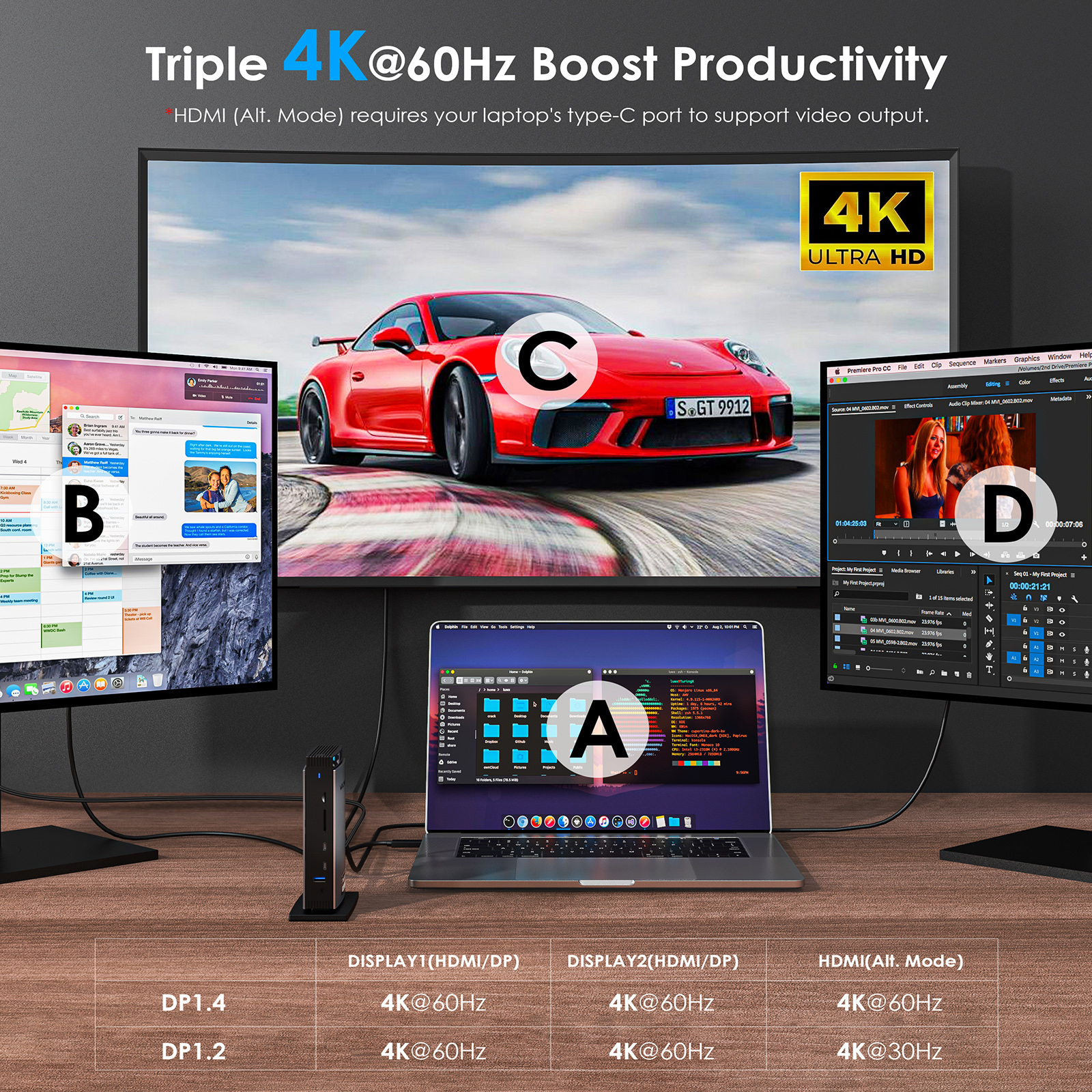
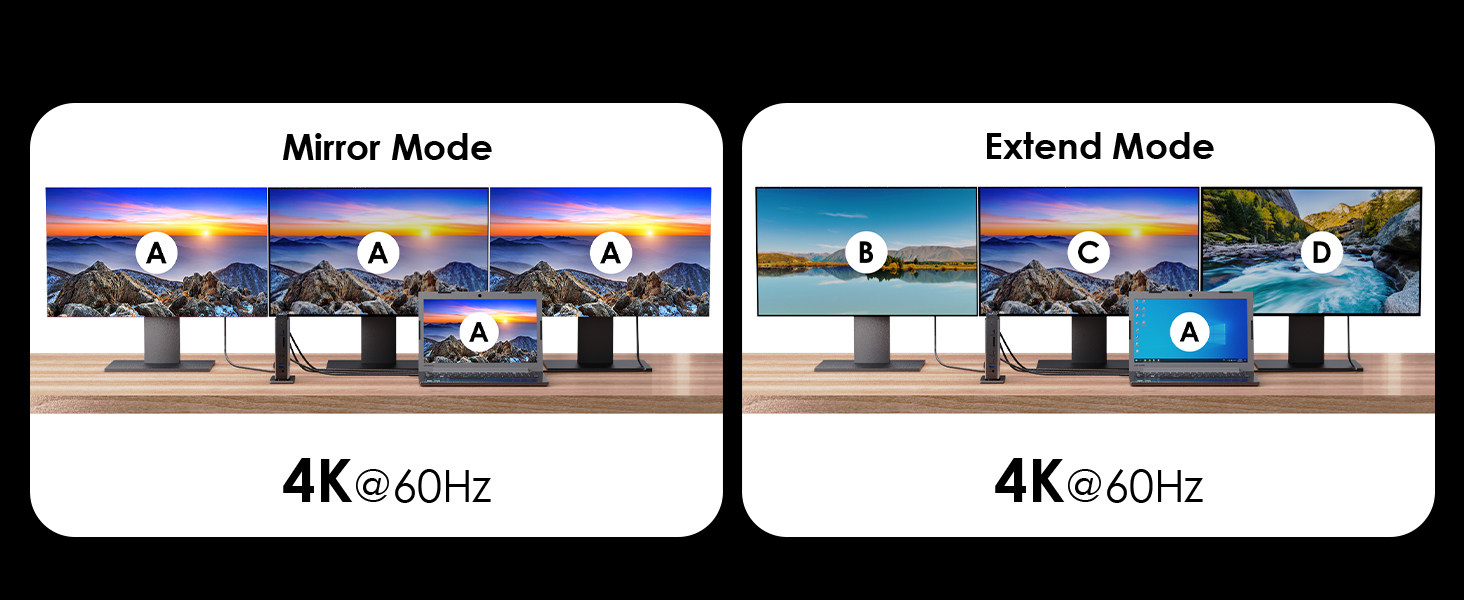
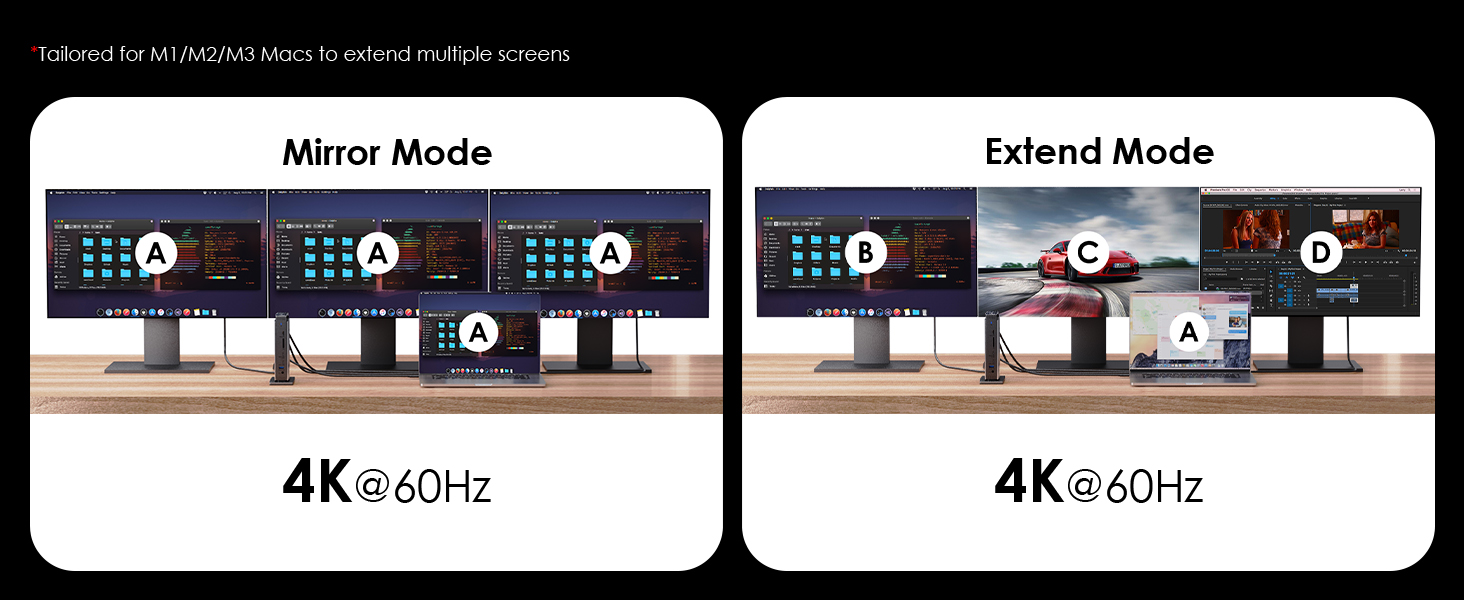
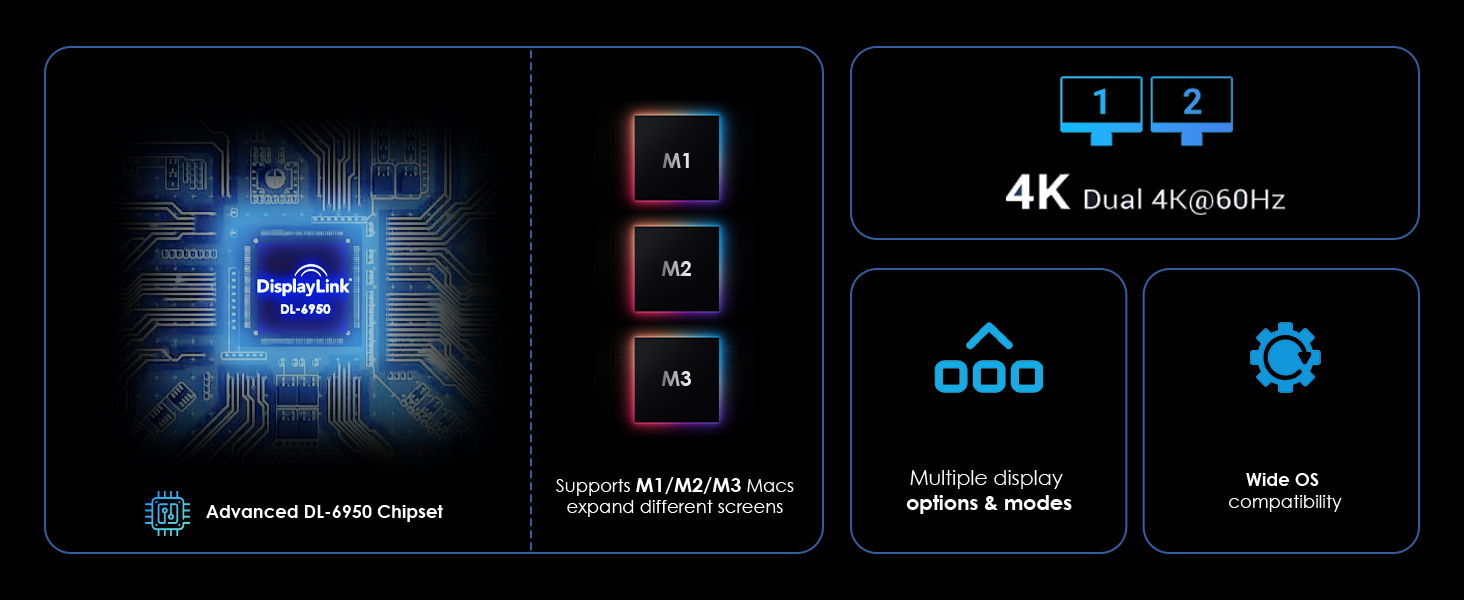
Connect triple 4K monitors with ease. Experience 4K@60Hz on the HDMI (Alt. Mode) port for video editing and design work. The DisplayLink DL-6950 chipset enables dual 4K@60Hz on the Display 1/2 ports — perfect for expanding your workspace on M1/M2/M3 Macs. Supports extend, mirror, rotation, and clamshell modes (macOS 12.x+ required).
Note: Display 1/2 ports are ideal for productivity, web browsing, and office applications. Not recommended for gaming.
The included 40W DC power adapter keeps the dock and all connected peripherals running at full performance without draining your laptop's battery.
⚠ Does not charge laptops. Use your laptop's original charger for power delivery.
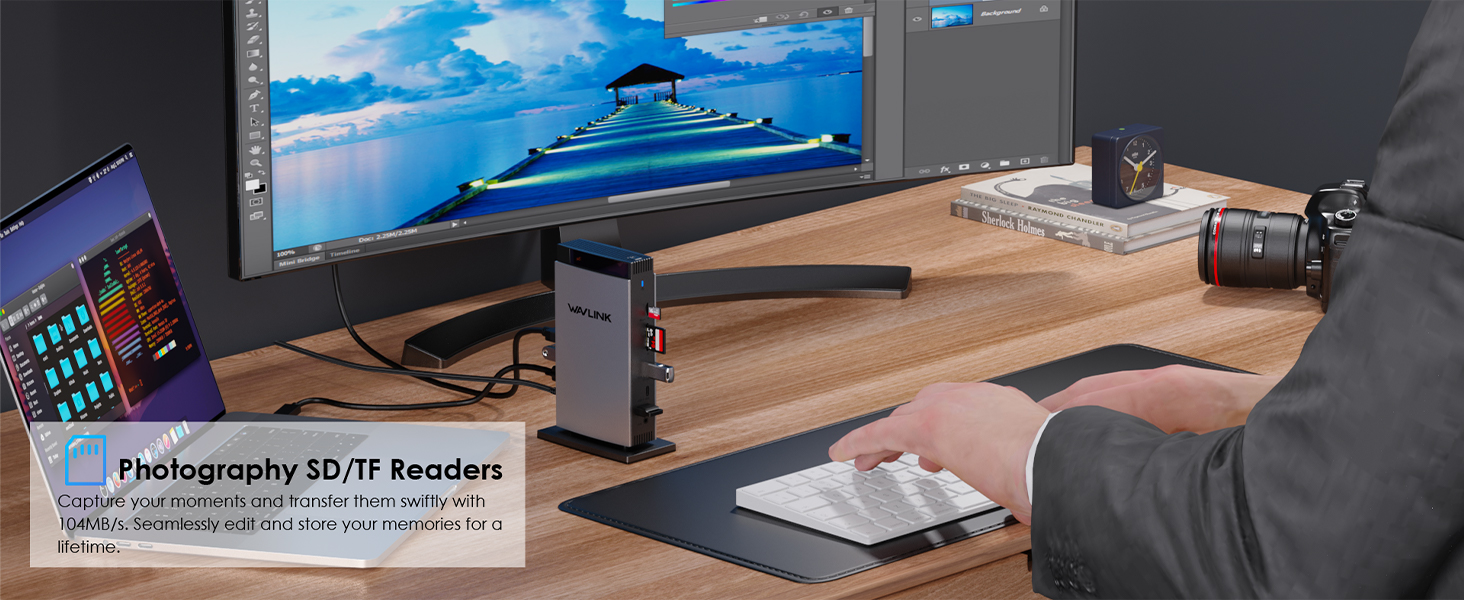
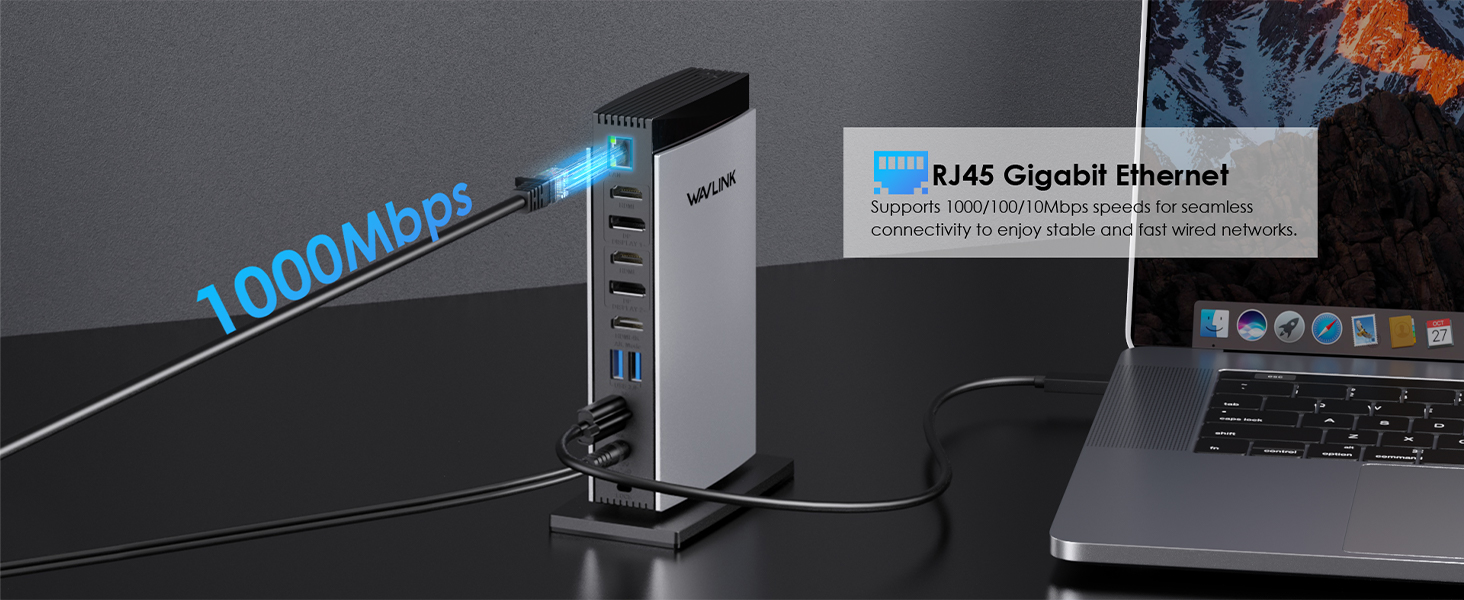
3 USB-A 5Gbps and 2 USB-C 10Gbps ports handle external drives and peripherals at top speed. SD/TF card readers transfer at up to 104MB/s — ideal for photographers and video editors. Gigabit RJ45 Ethernet delivers stable, high-speed wired networking.
Works with any laptop equipped with a full-function USB-C or Thunderbolt 3/4 port. Supports Windows 11/10/8.1/8/7, macOS 10.14–14.x+, Chrome OS, Ubuntu, Android, and Harmony OS. Not compatible with Linux/Unix, iOS, or iPadOS.
⚠ DisplayLink driver installation required. Download from displaylink.com before first use. Mac users must grant Screen Recording permission to DisplayLink Manager.
</t
| Mode | DP 1.2 Source | DP 1.4 Source |
|---|---|---|
| Single Display | HDMI(Alt): 4K@30Hz / Display1/2: 4K@60Hz | All ports: 4K@60Hz |
| Dual Display | 4K@30Hz + 4K@60Hz | 4K@60Hz + 4K@60Hz |
| Triple Display | 4K@30Hz + 4K@60Hz ×2 | 4K@60Hz ×3 |
Note: DP and HDMI in the same video stream (Display 1/2) cannot be used simultaneouslyflix, Blu-ray, etc.) is not supported.
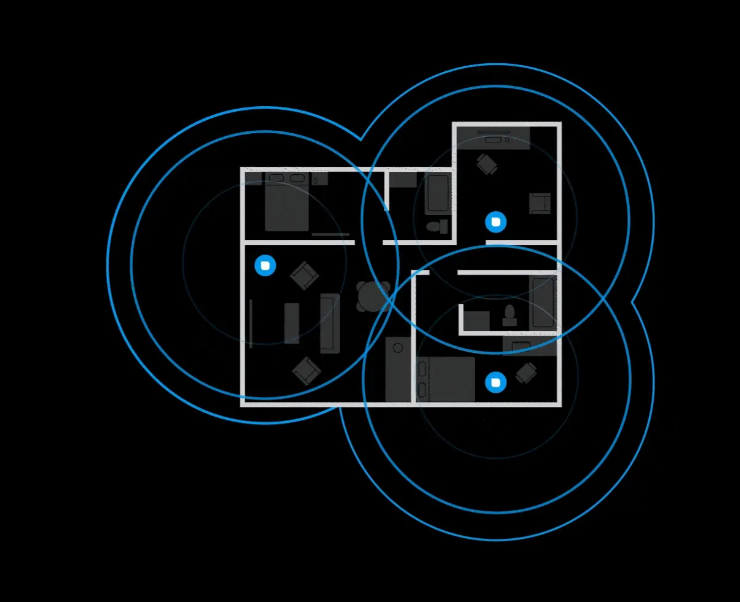
Your router broadcasts on 2.4 GHz, 5 GHz, and 6 GHz at the same time — but your phone, laptop, and T
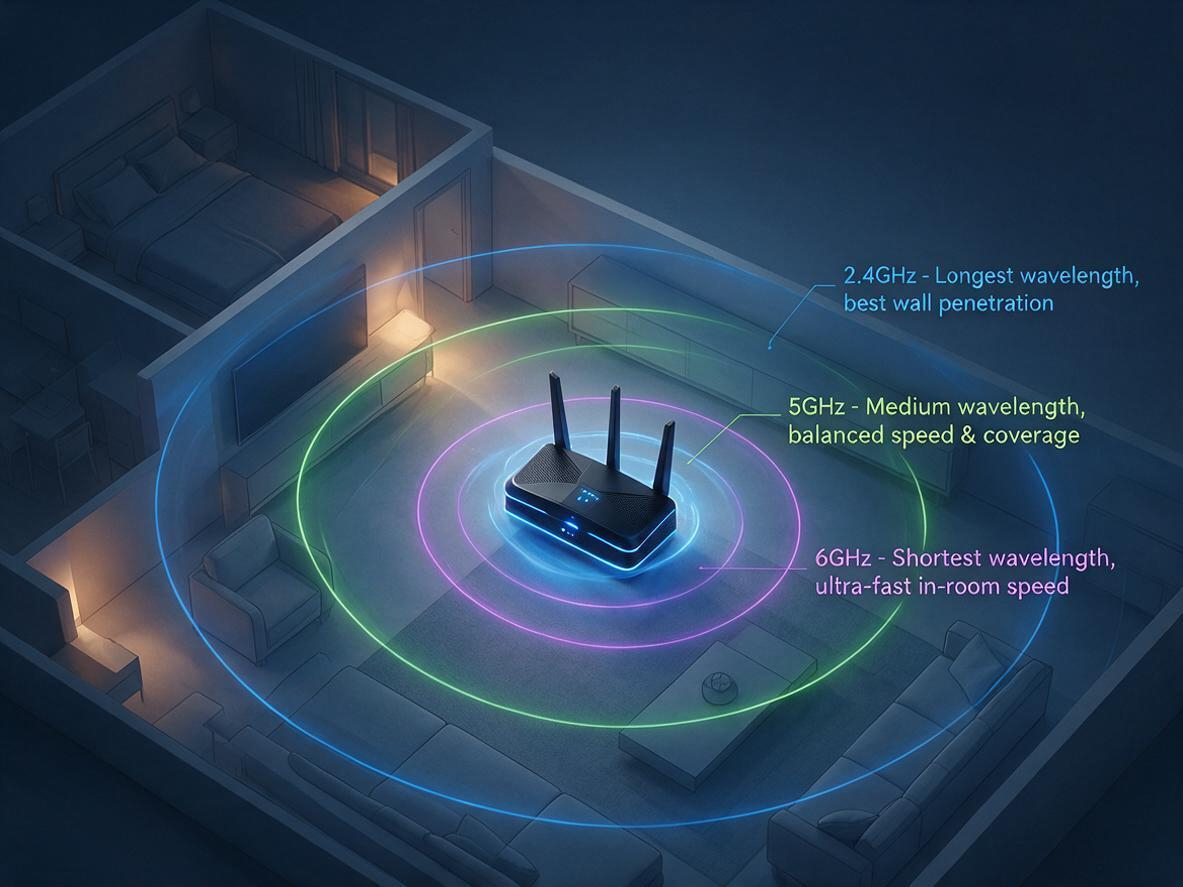
Is your WiFi slow because of your router — or just bad placement? Before you blame your internet pla

Confused about WiFi 5 vs WiFi 6? Explore the key differences in speed, range, and efficiency. Learn

Discover why 95% of outdoor WiFi systems fail from water damage and how a 30¢ physics hack using cab

This technical analysis compares WiFi 5 and WiFi 6, highlighting critical advancements in speed (9.6
Track shipment information
Track orders with order#
Guests: Save/copy order#
for tracking.

| Time | Points | Detailed description |