



Fast Delivery
Multi-warehouse direct hair fast delivery

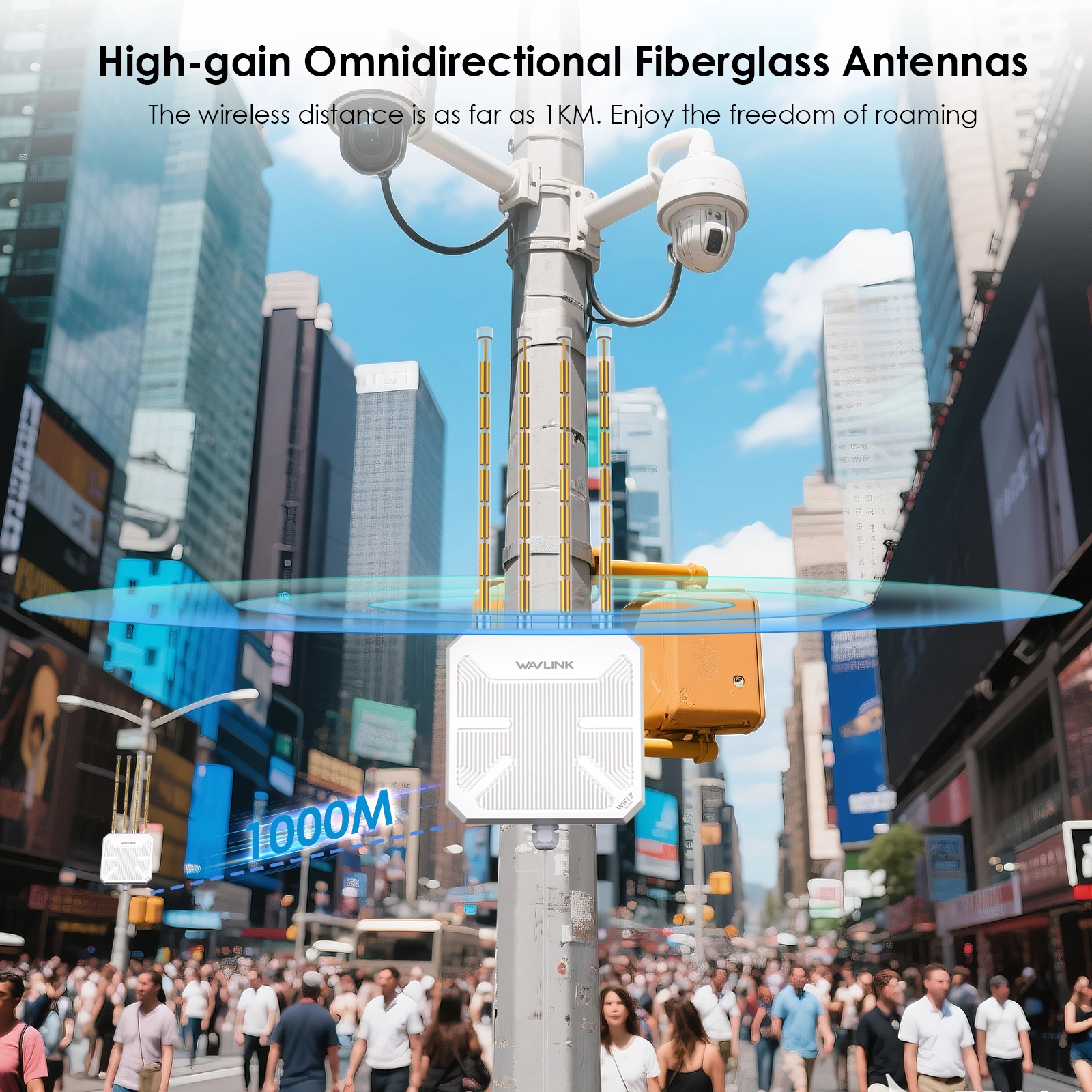
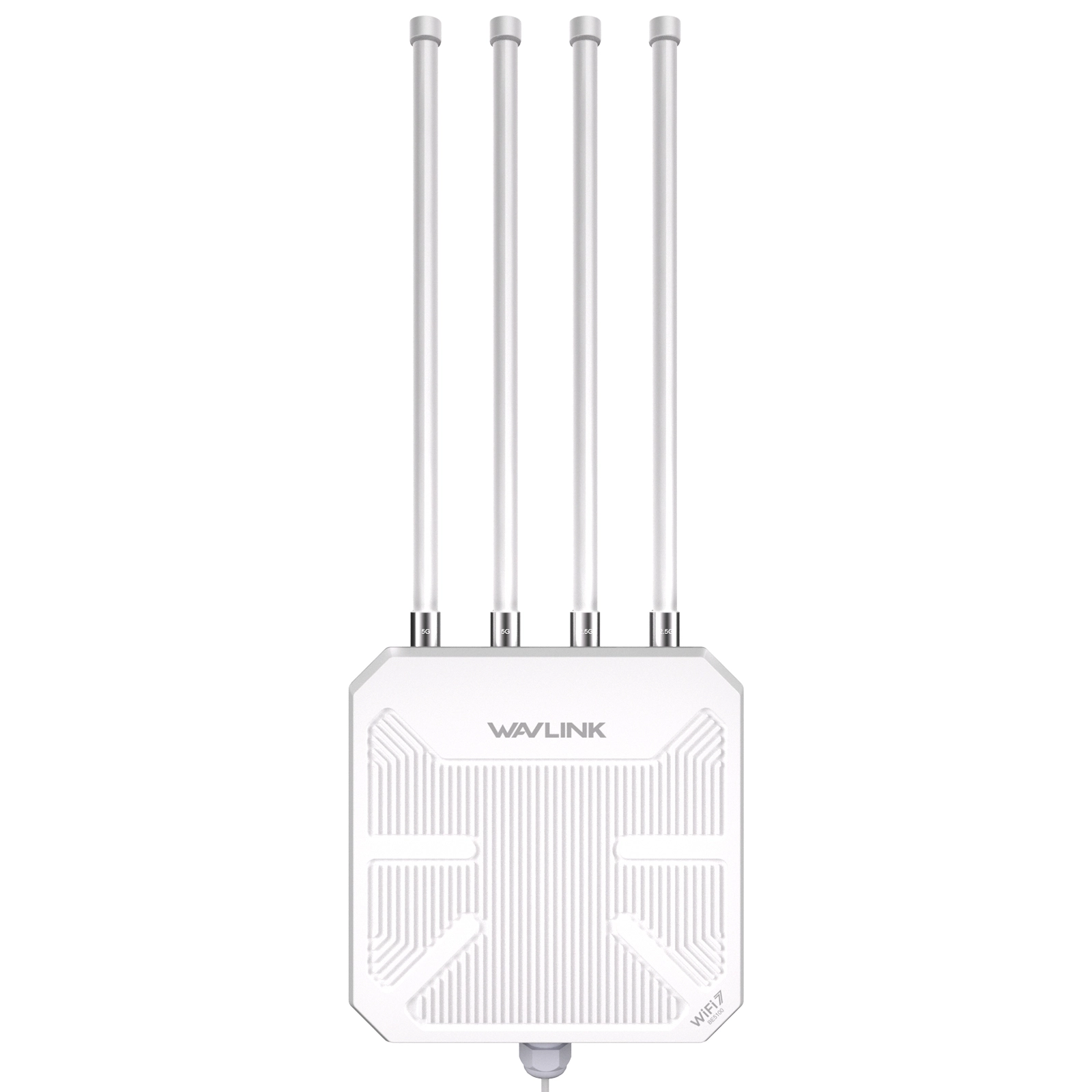
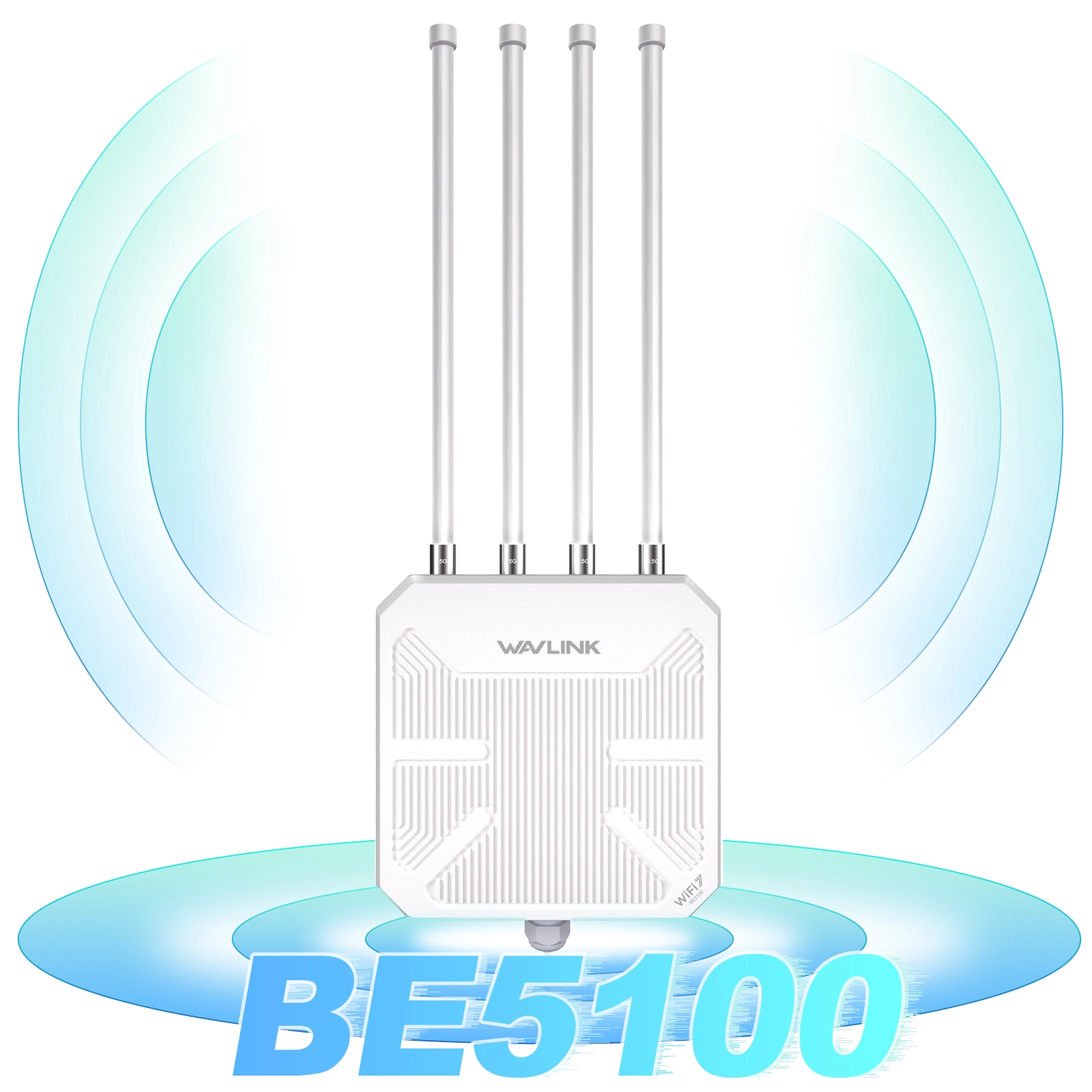
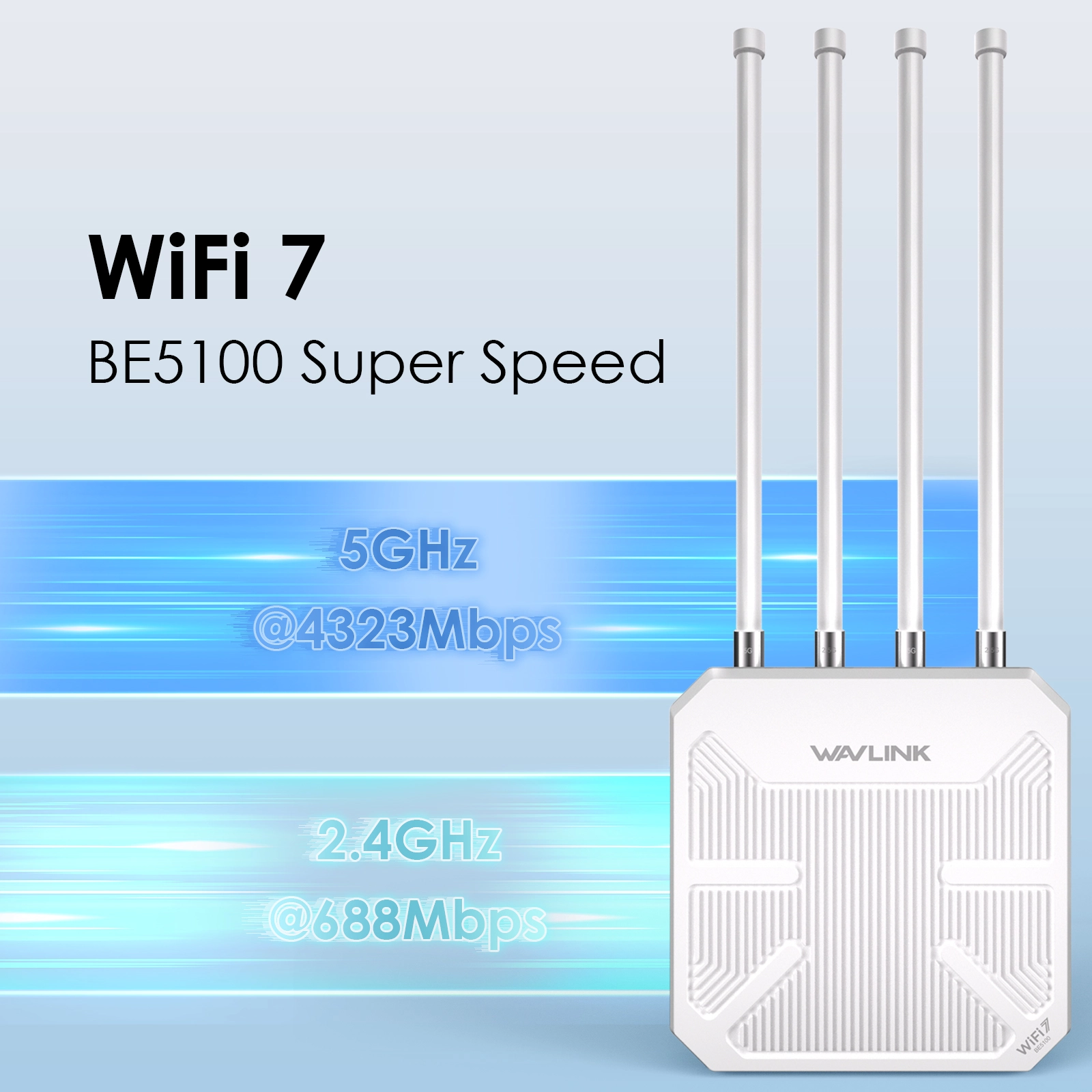
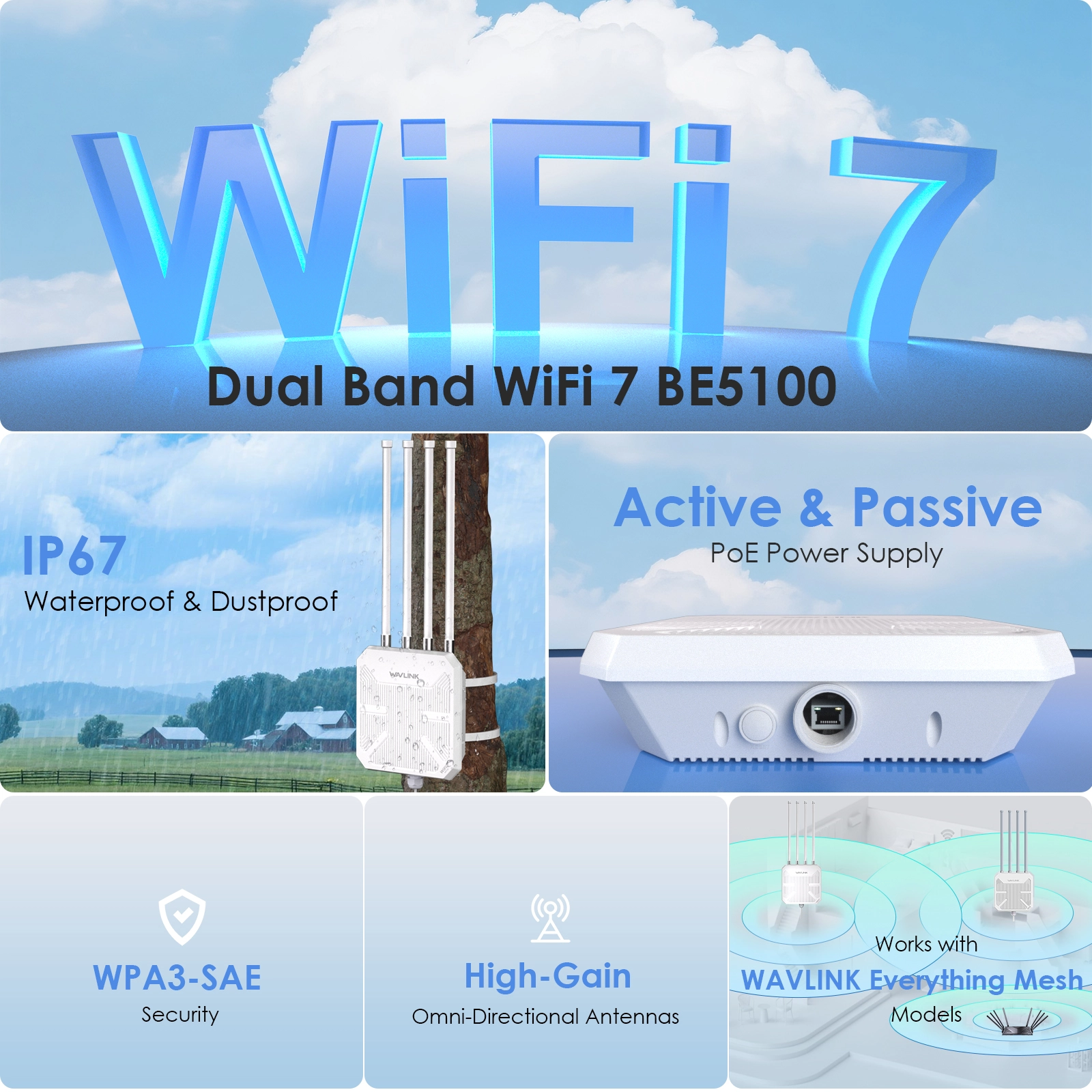




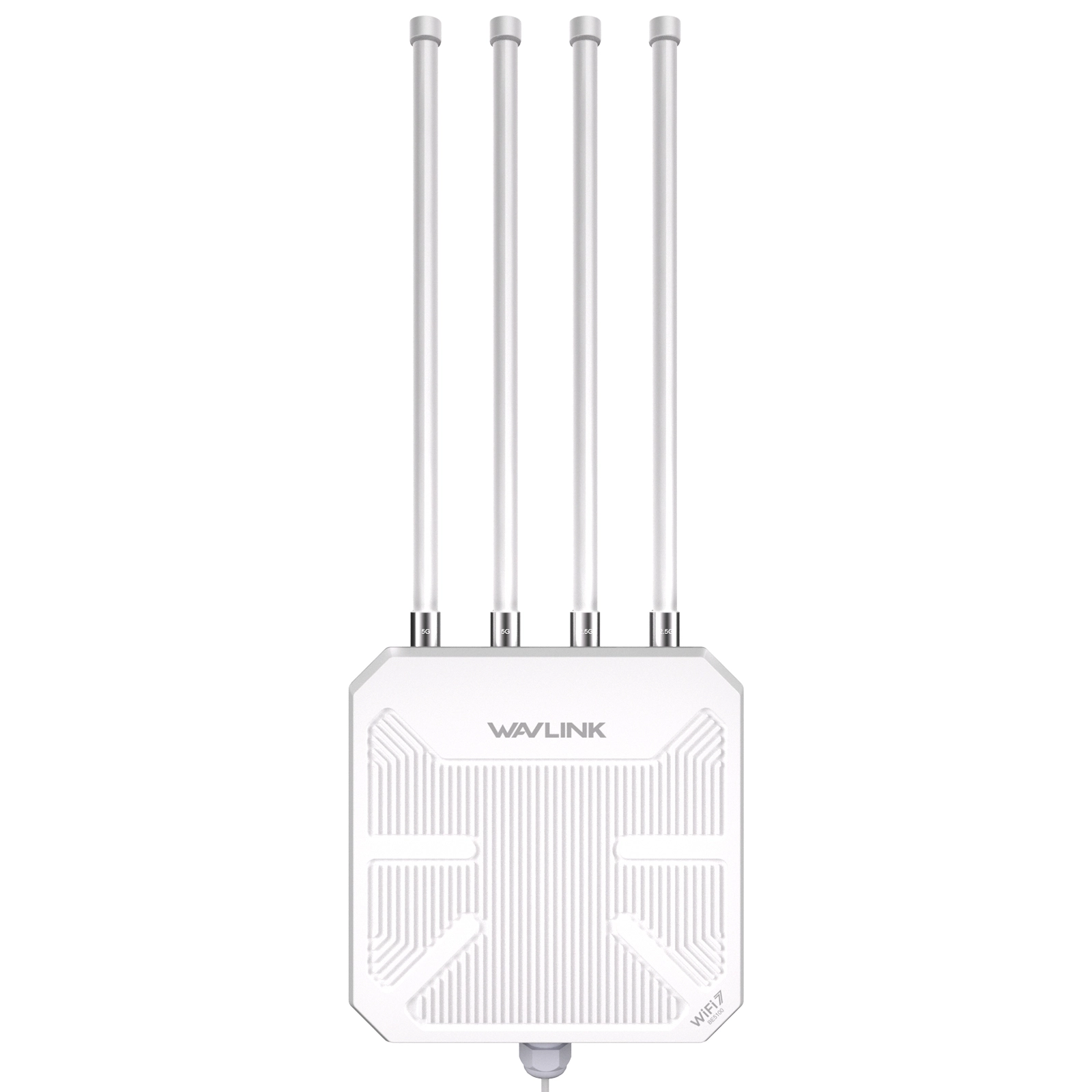
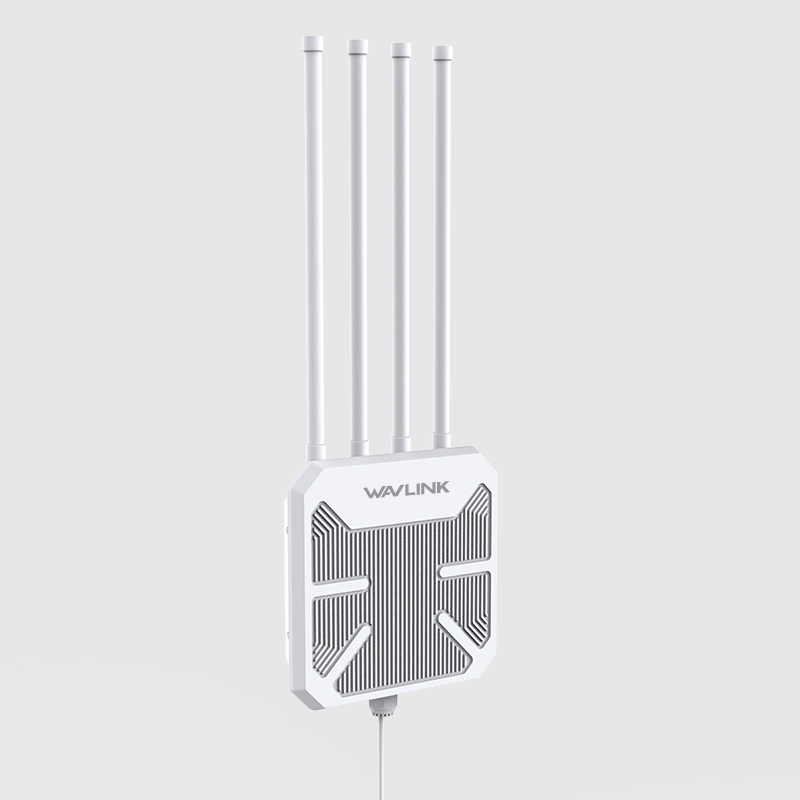
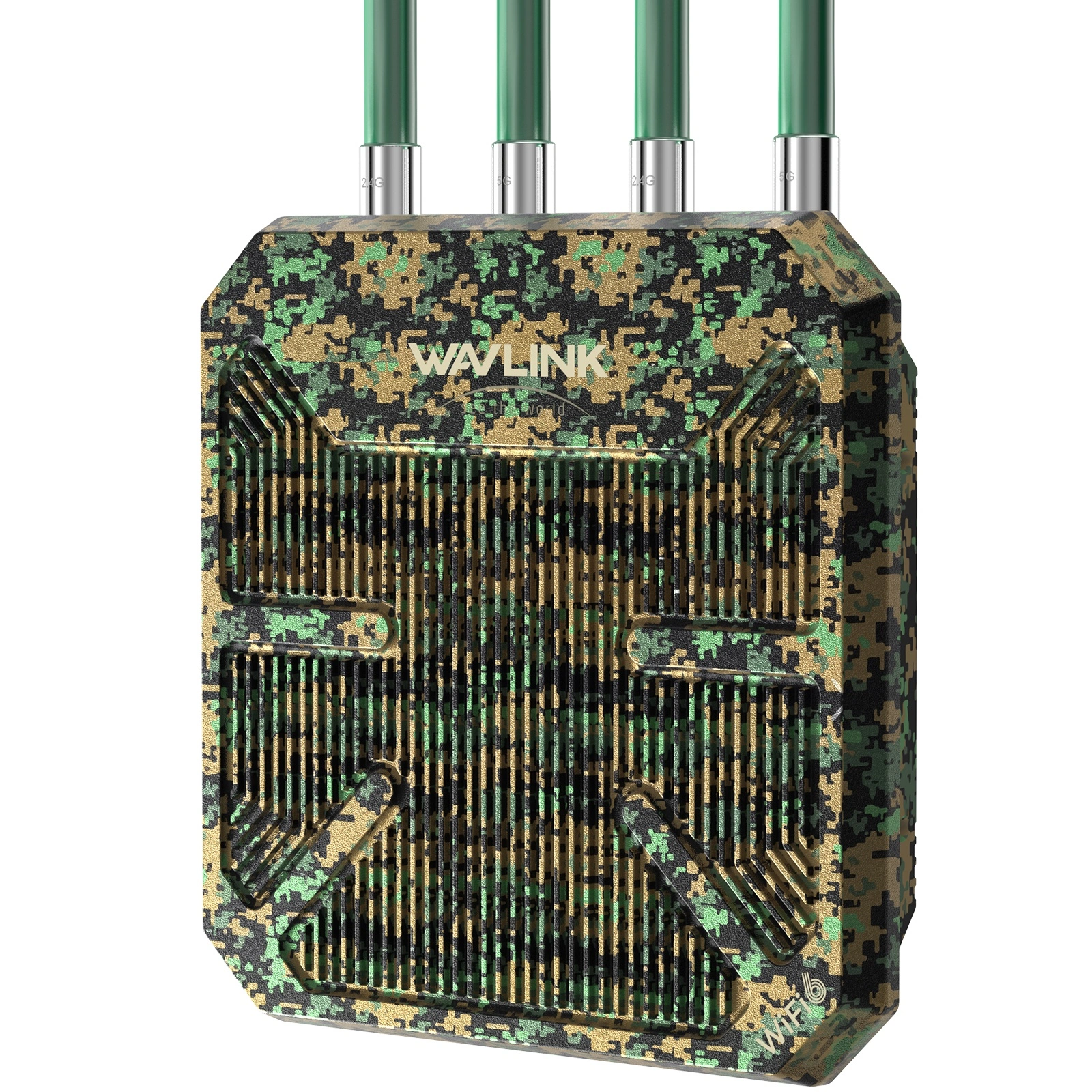
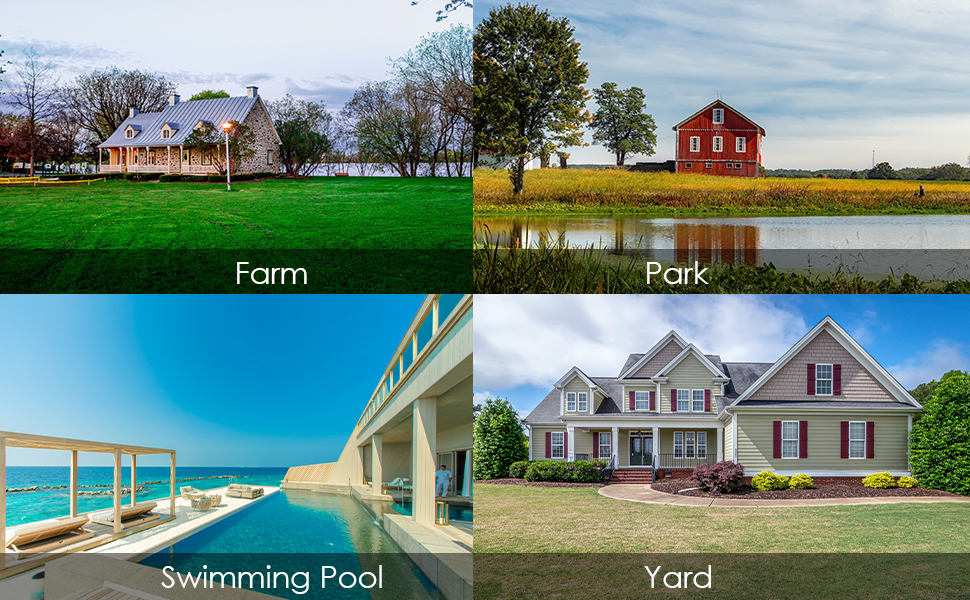
The WAVLINK WN573HBE2 is a WiFi 7 BE5100 dual-band outdoor router built for year-round deployment in harsh conditions. IP67 weatherproof, dual PoE, 360° antenna coverage, and one-click mesh — one unit covers up to 300 meters. Ideal for farms, campuses, festival grounds, and large properties.
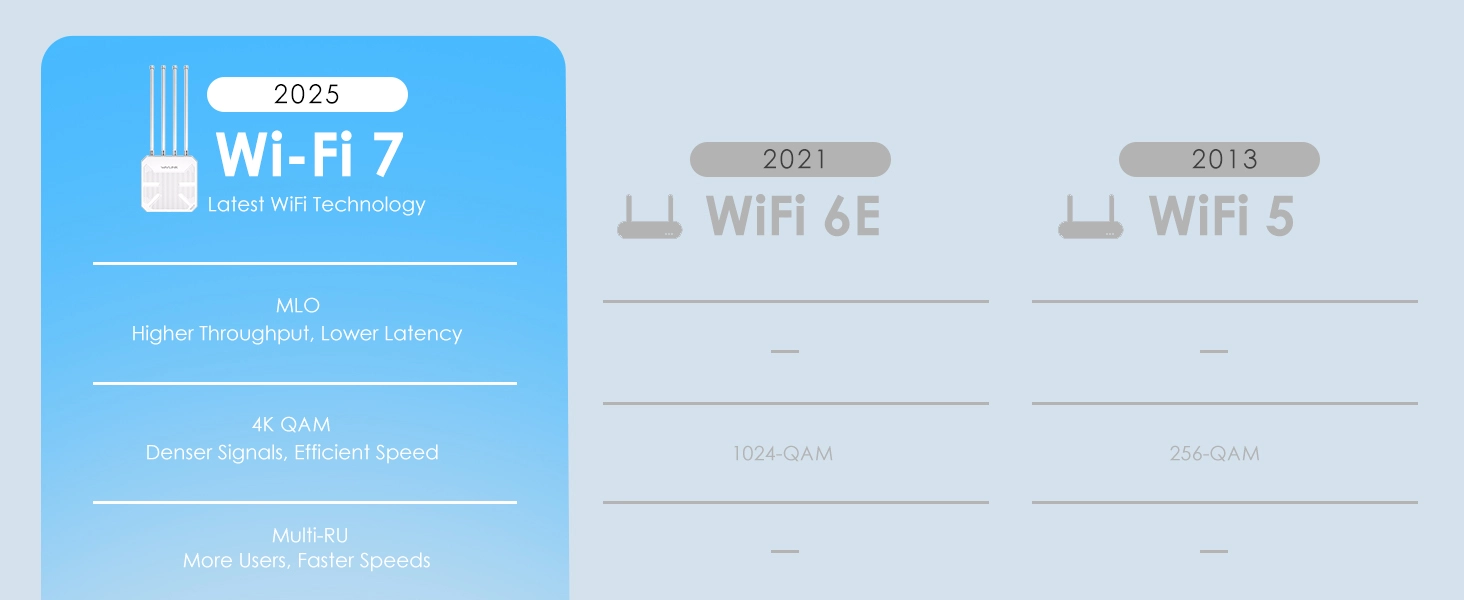
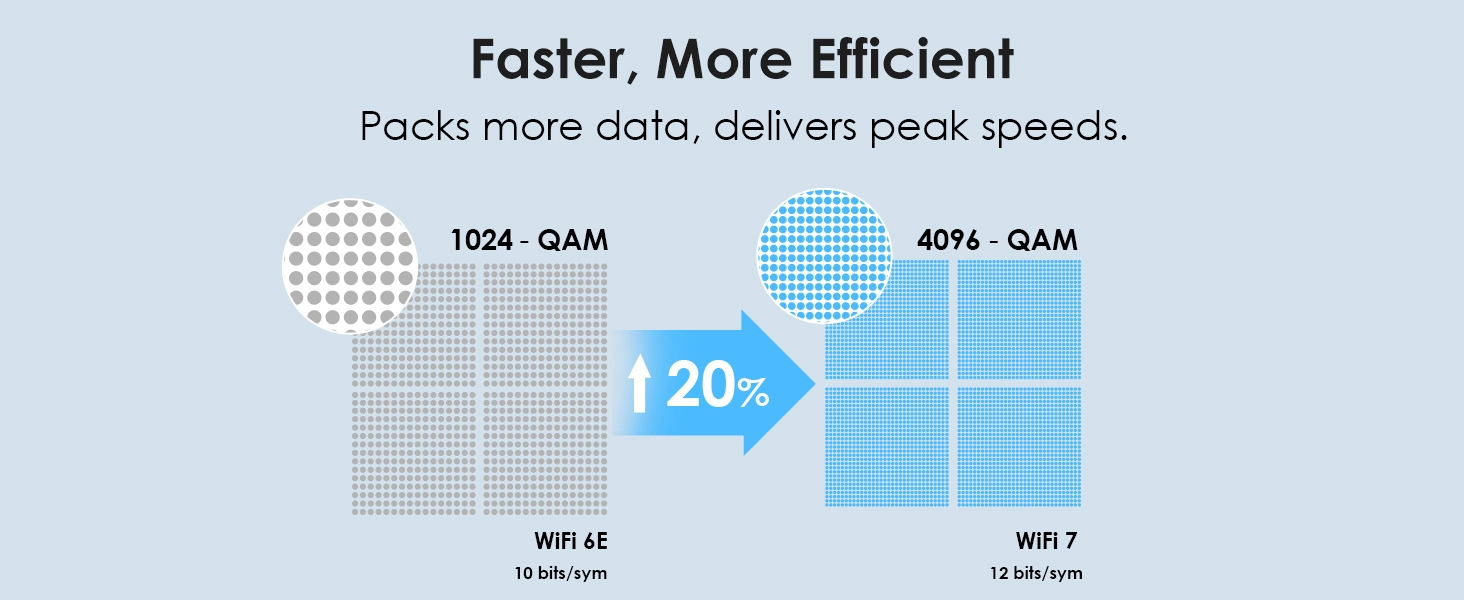
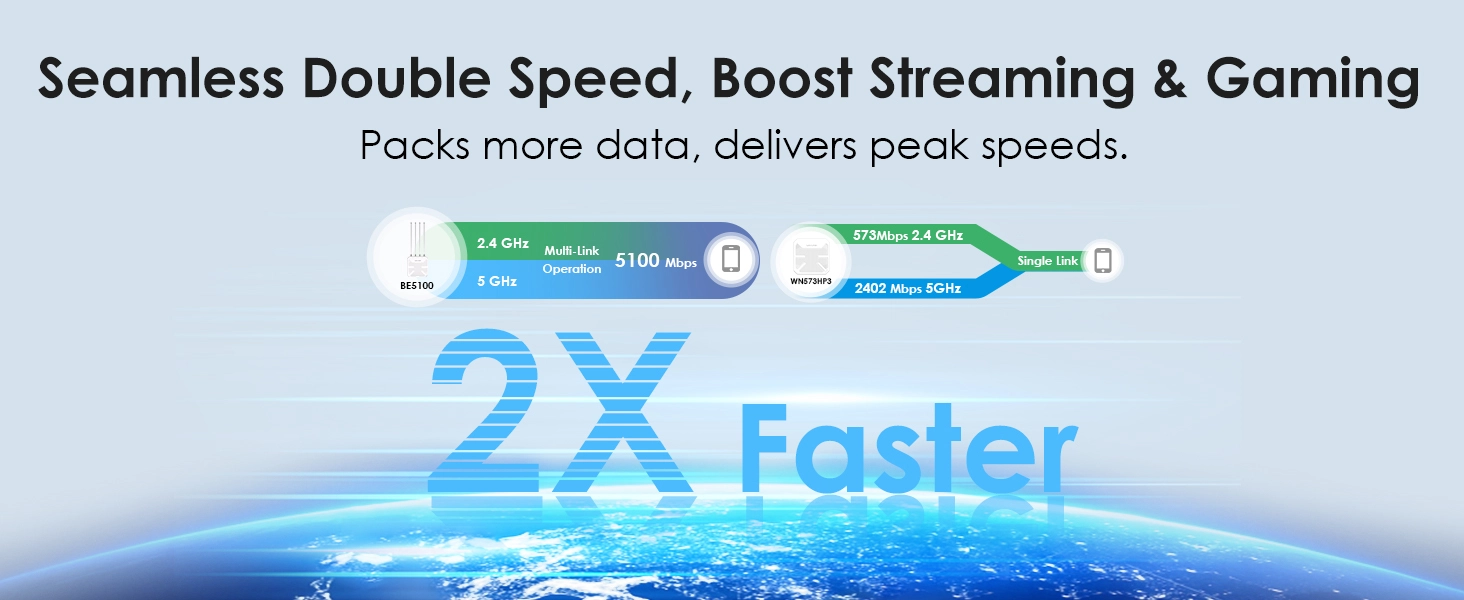
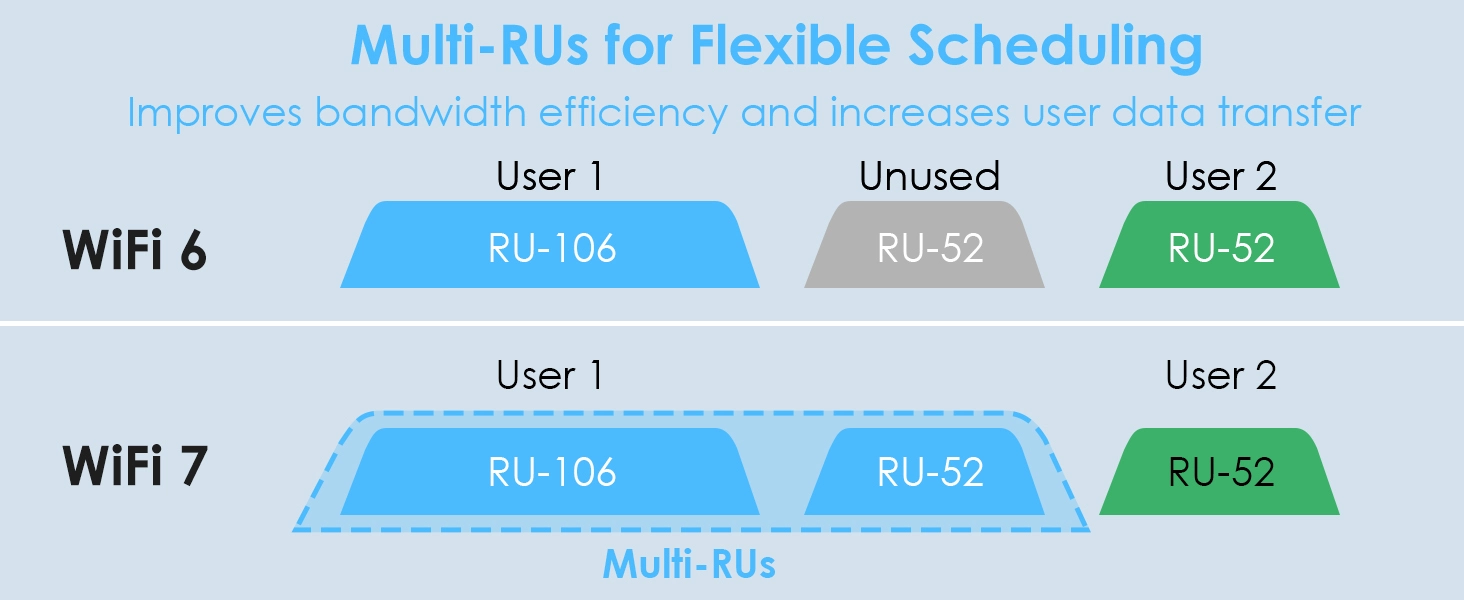
Next-generation 802.11be WiFi 7 delivers up to 5100Mbps total throughput — 4323Mbps on 5GHz and 688Mbps on 2.4GHz. Stream 4K video without buffering, game with near-zero latency, and handle dozens of devices simultaneously. 4K QAM modulation and Multi-Link Operation reduce interference and latency in busy outdoor environments. Backward compatible with all WiFi 6/5/4 devices.
Hardware: 1× 2.5G WAN/LAN port ensures your wired backhaul never bottlenecks — critical for multi-camera surveillance and live streaming.
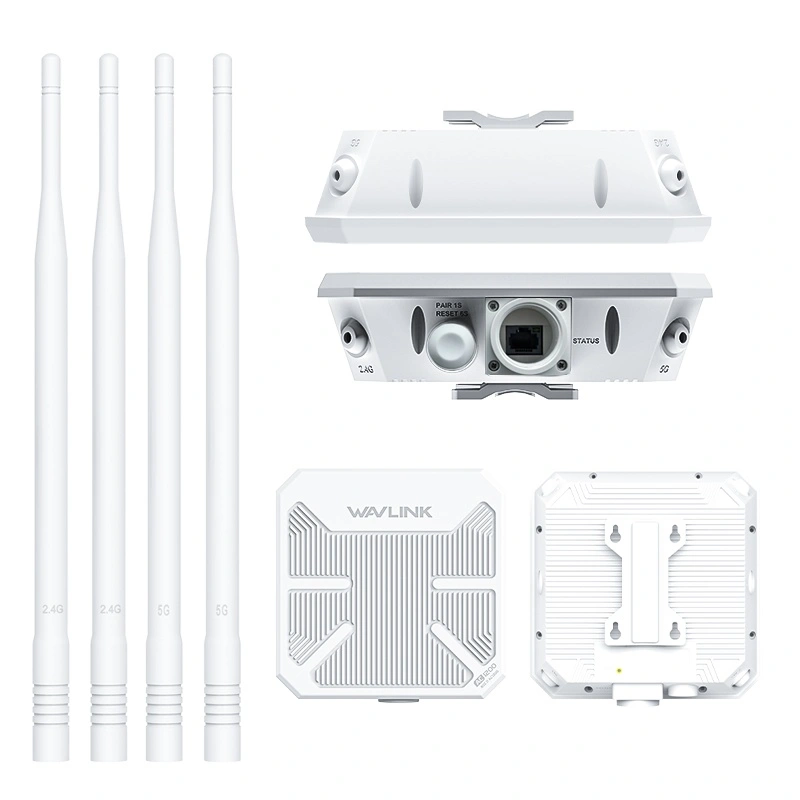
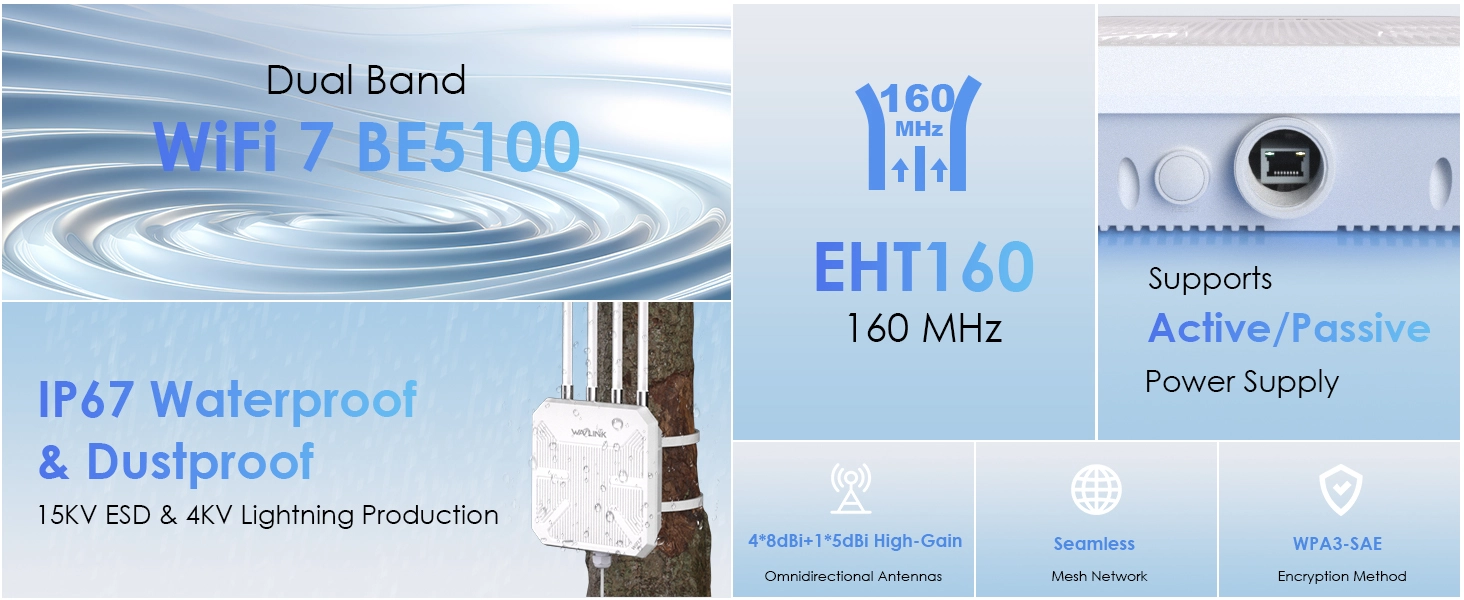
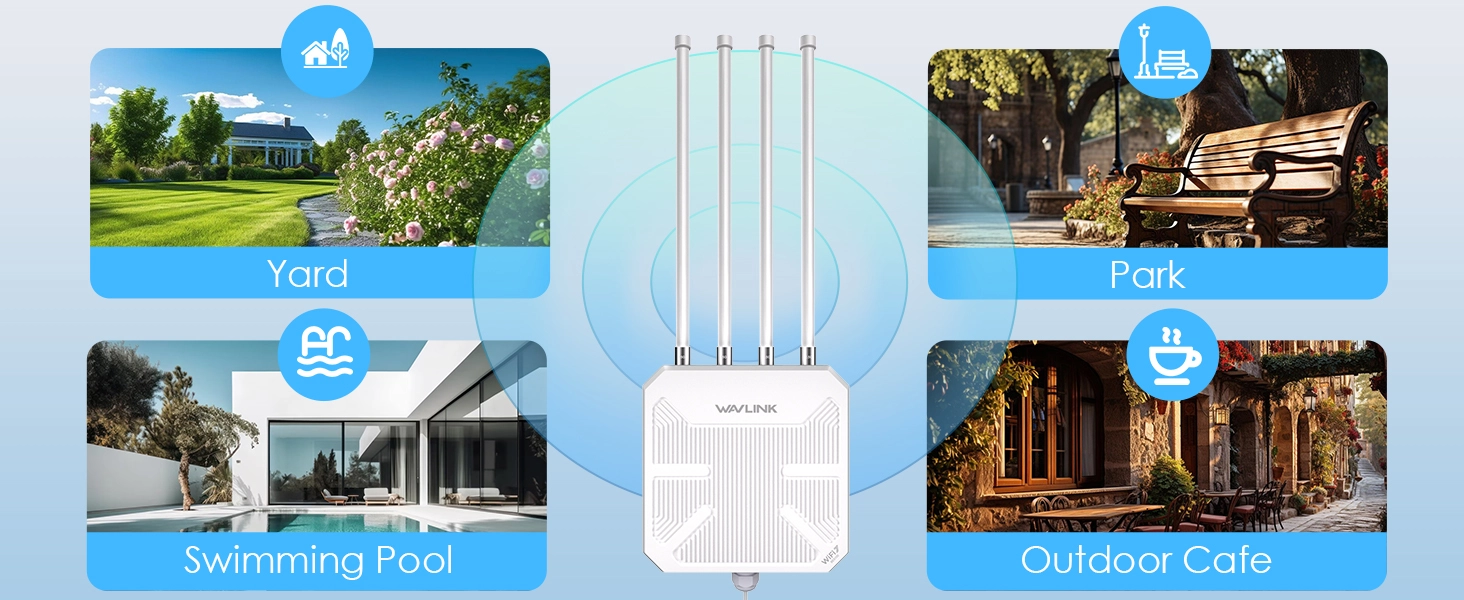
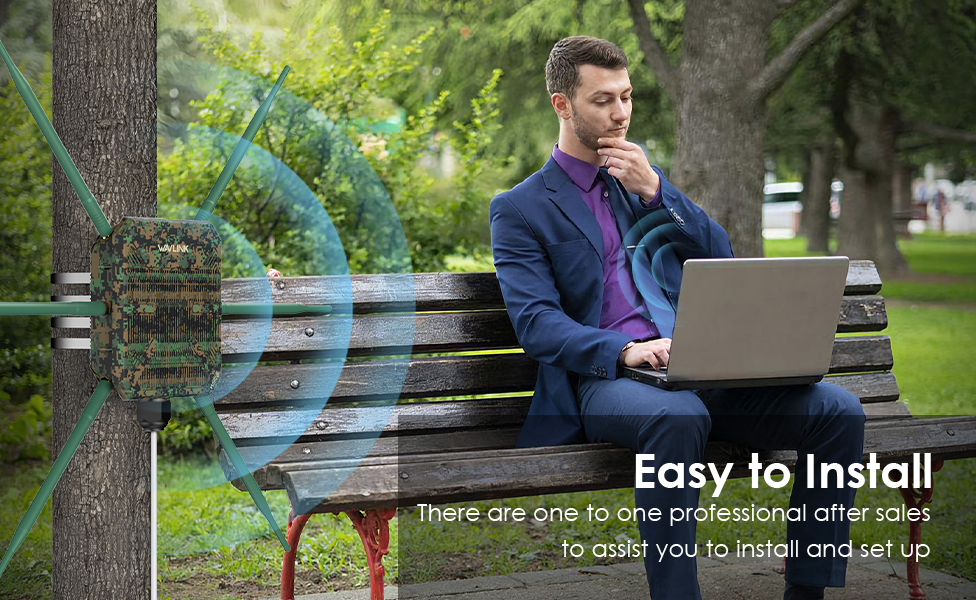
Four 8dBi fiberglass omni-directional antennas create a full 360° signal pattern reaching up to 300 meters outdoors. A dedicated 5dBi antenna fills near-ground blind zones that standard pole-mounted APs miss — keeping ground-level devices, seating areas, and equipment connected. Beamforming focuses signal directly toward each connected client for stronger, more stable links.
Fully sealed IP67-rated enclosure shrugs off torrential rain, dust storms, and debris. 15KV ESD protection and 4KV lightning surge defense safeguard components during electrical storms. Fiberglass antenna housings resist UV degradation, salt spray, and temperature extremes. Built to stay online through coastal winters, desert summers, and mountain storms — not just survive them.
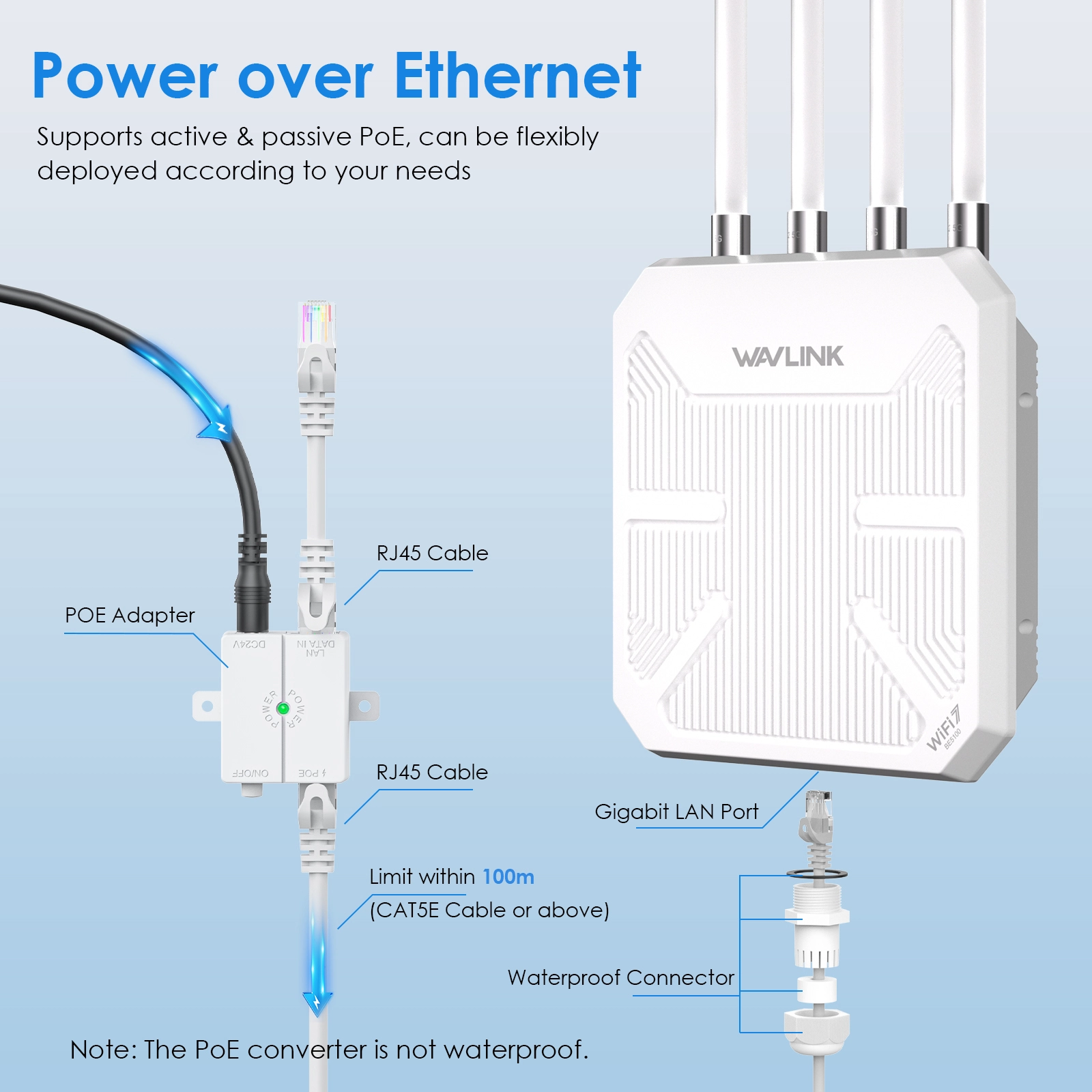
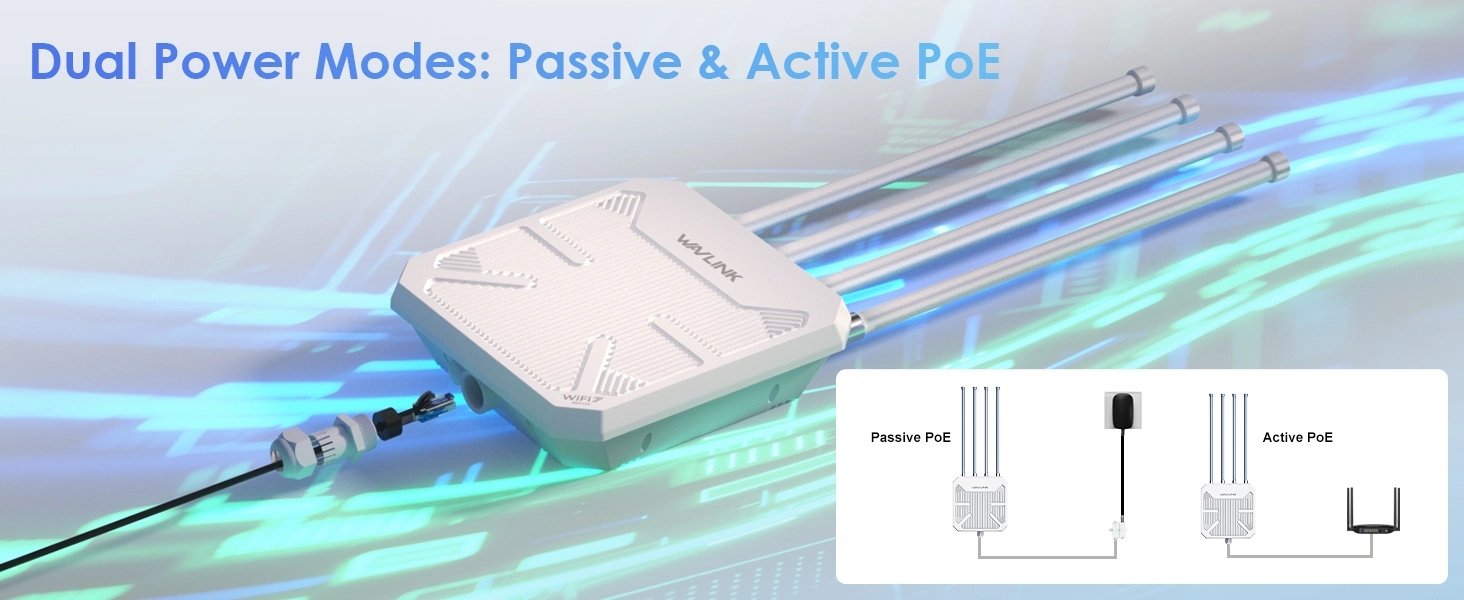
No electrical outlet needed outdoors. One Ethernet cable carries both power and gigabit data:
⚠ The PoE injector is not waterproof — install it indoors. Use CAT5E or better cable, max 100 meters. Mount the router 2–3 meters above ground for best coverage.
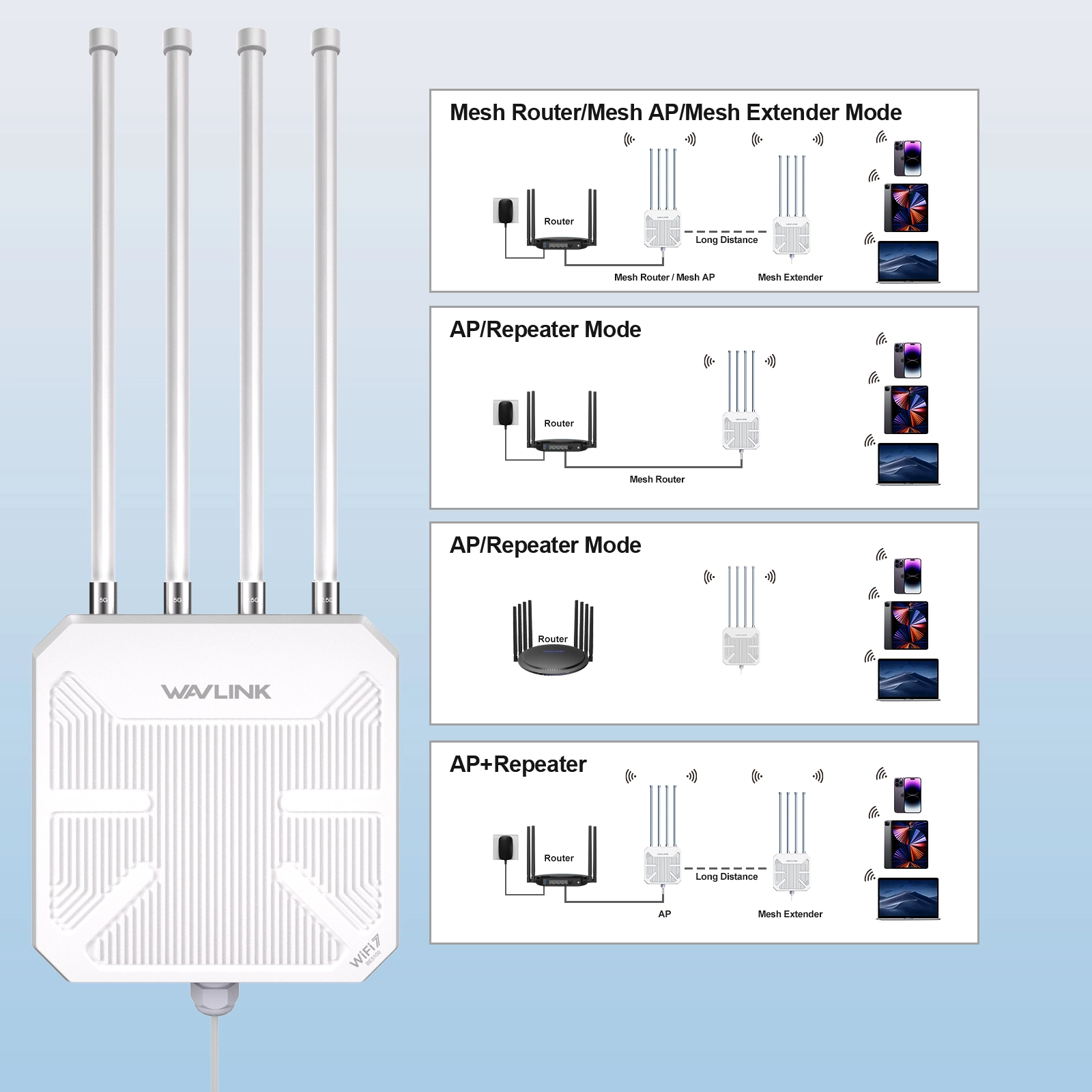
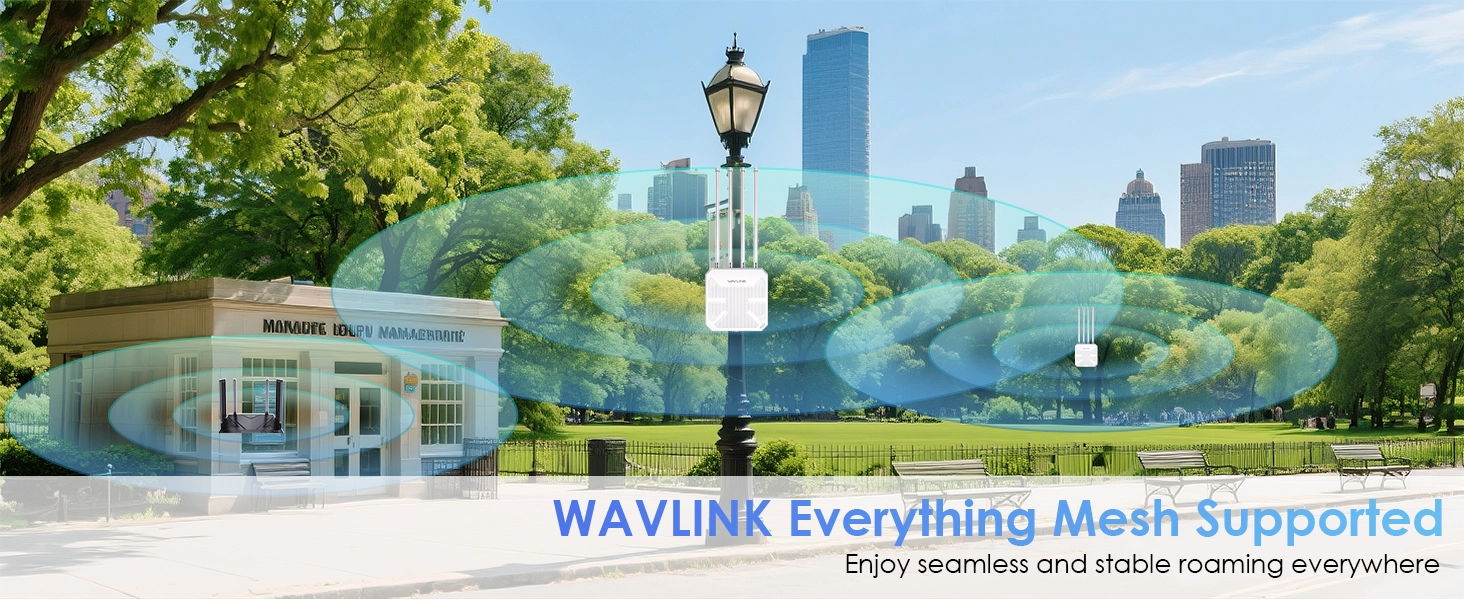
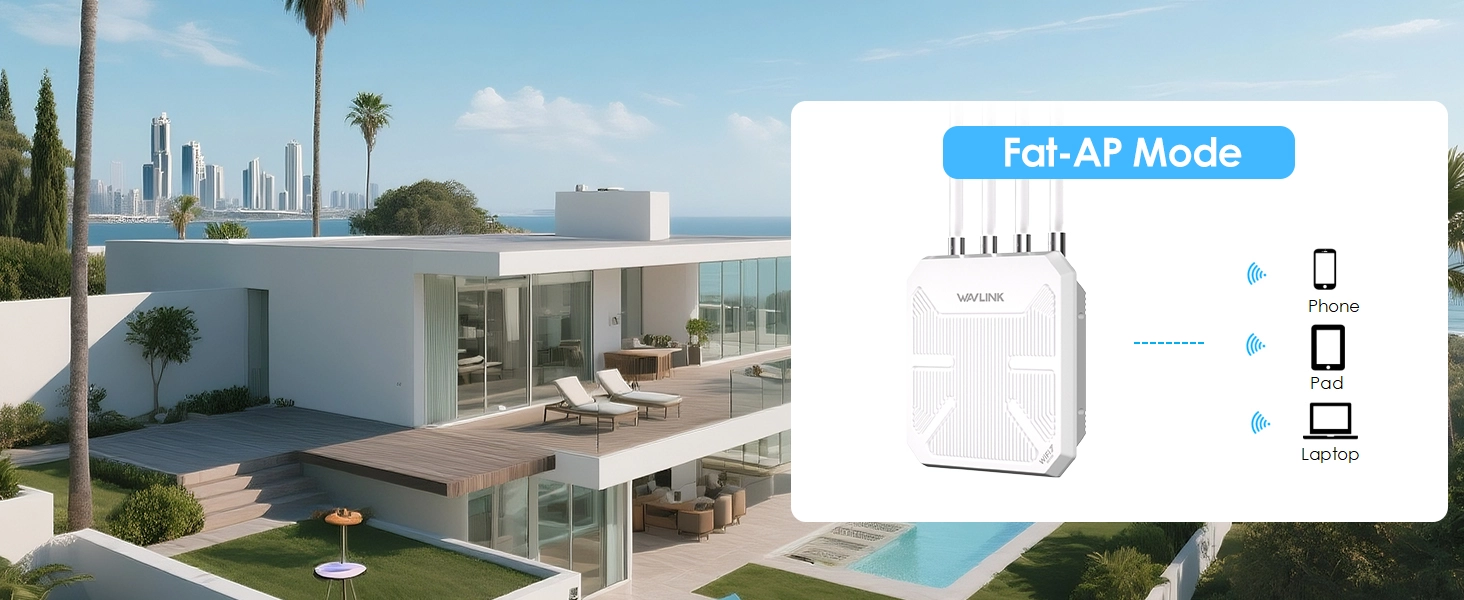
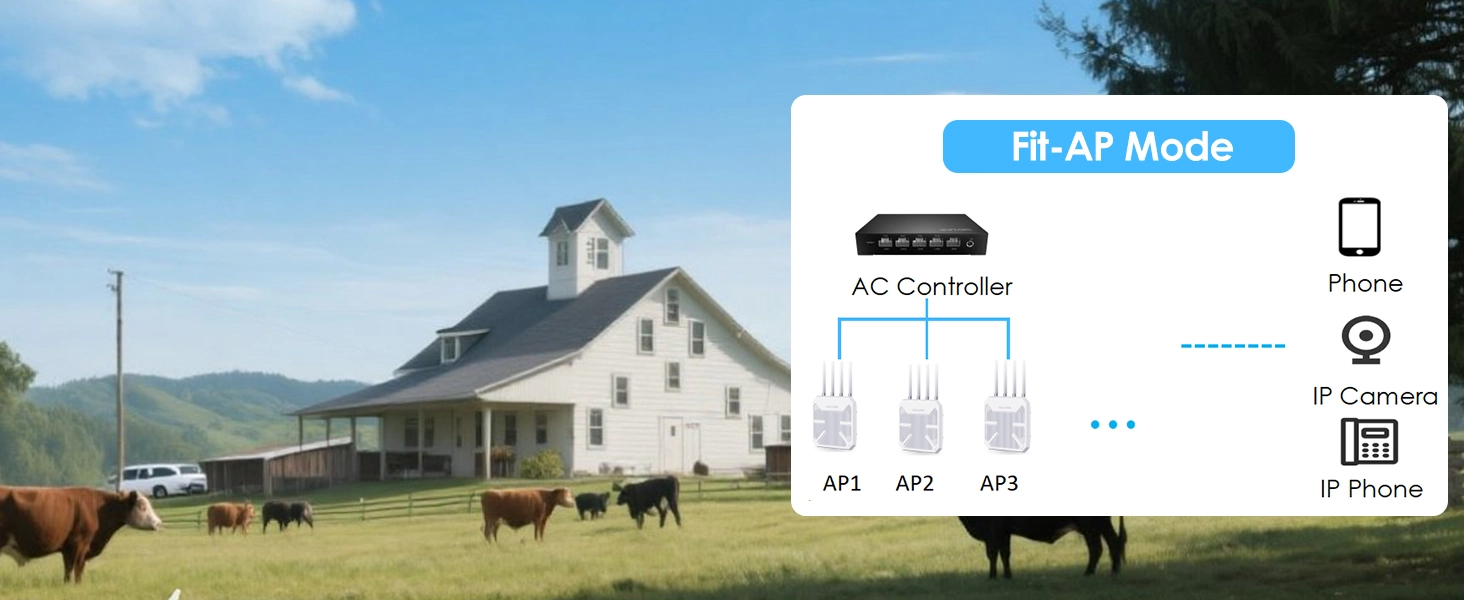
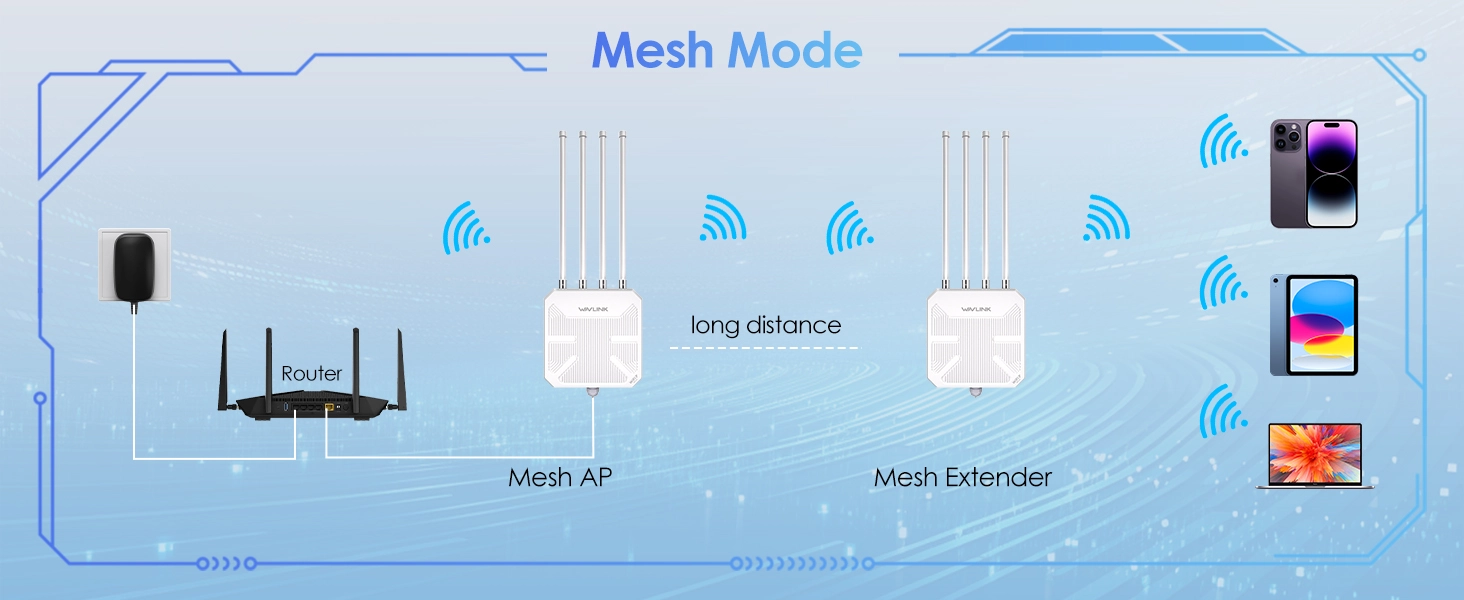
Start with one unit, add more anytime. WAVLINK Everything Mesh pairs multiple WN573HBE2 units wirelessly with one click via the web interface (waplogin.link or 192.168.30.1). Five modes adapt to any scenario — Router, AP, Repeater, Mesh Router, or Mesh Extender — all maintaining a single SSID so devices roam seamlessly without dropping conne
Also mesh-compatible with WN586X3 and WN572HP3 (latest firmware required).
Latest WPA3-SAE encryption protects against brute-force attacks, man-in-the-middle eavesdropping, and uorts WPA2-PSK and mixed modes for legacy device compatibility.
| WiFi Standard | 802.11be (WiFi 7), backward compatible with 802.11a/b/g/n/aSpeed5GHz: 4323Mbps + 2.4GHz: 688Mbps = up to 5100MbpsAntennas4× 8dBi + 1× 5dBi omni-directional fiberglassPort1× 2.5G WAN/LANPowerActive PoE 802.3at/af (48V) or Passive PoE (54V, injector included)r>WaterproofIP67Protection15KV ESD + 4KV lightning surgeSecurityWPA3-SAE / WPA2-PSK / WPA-PSK/WPA2-PSK MixedModesRouter / AP / Repeater / Mesh Router / Mesh ExtenderCoverageUp to 300m outdoors (varies by environment) |
| Networking | |
| Antennas | 4×8dBi + 1×5dBi omni-directional fiberglass |
| Coverage | Up to 300m outdoors (varies by environment) |
| Ethernet Port | 1× 2.5G WAN/LAN |
| Max Clients | Up to 256 devices |
| Operation Modes | Router / AP / Repeater / Mesh Router / Mesh Extender |
| Power | Active PoE 802.3at/af (48V) or Passive PoE (54V DC, injector included); AC 100–240V 50/60Hz |
| Protection | 15KV ESD + 4KV lightning surge |
| Security | WPA3-SAE / WPA2-PSK / WPA-PSK/WPA2-PSK Mixed |
| Speed | 5GHz: 4323Mbps + 2.4GHz: 688Mbps = up to 5100Mbps |
| Waterproof | IP67 |
| WiFi Standard | 802.11be (WiFi 7), backward compatible with 802.11a/b/g/n/ac/ax |
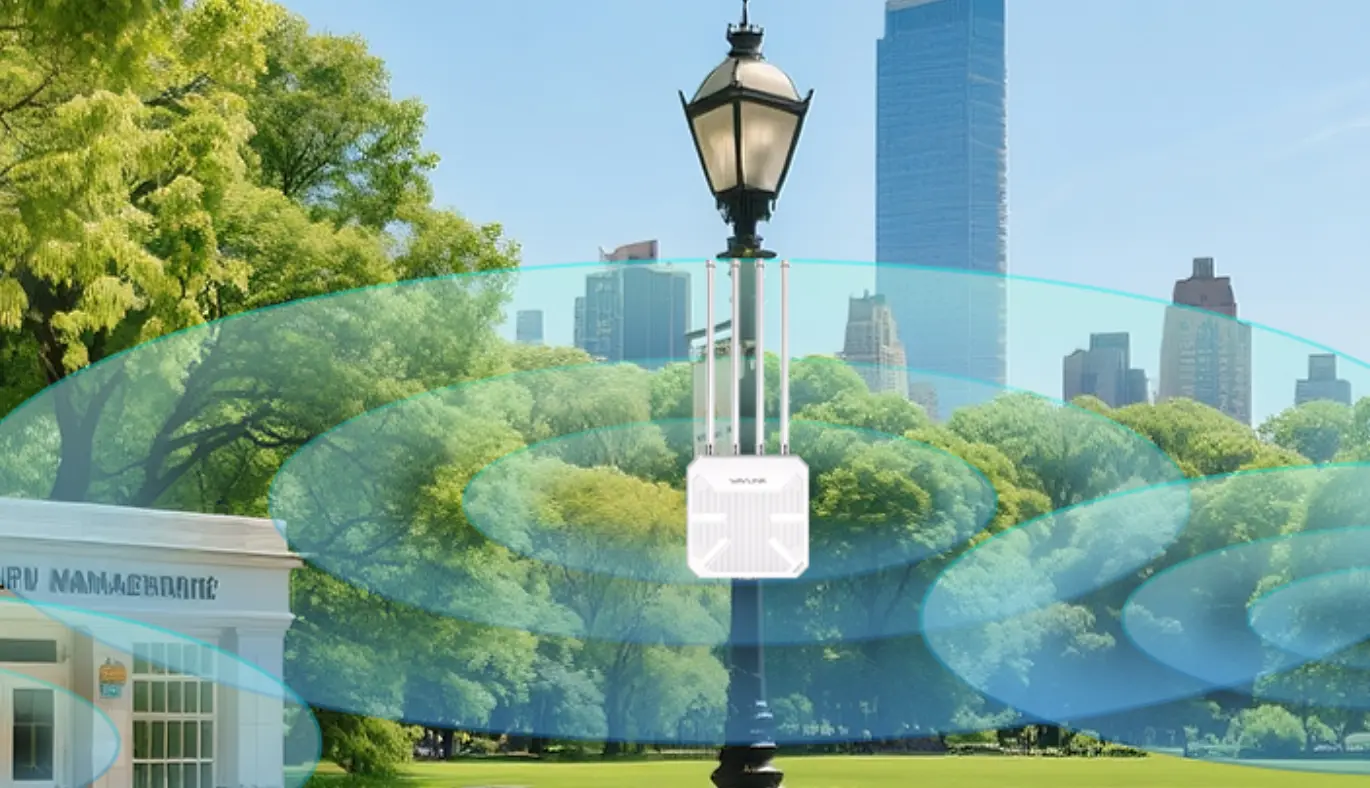
Complete unboxing and step-by-step installation guide for the WAVLINK WN573HBE2 WiFi 7 outdoor route
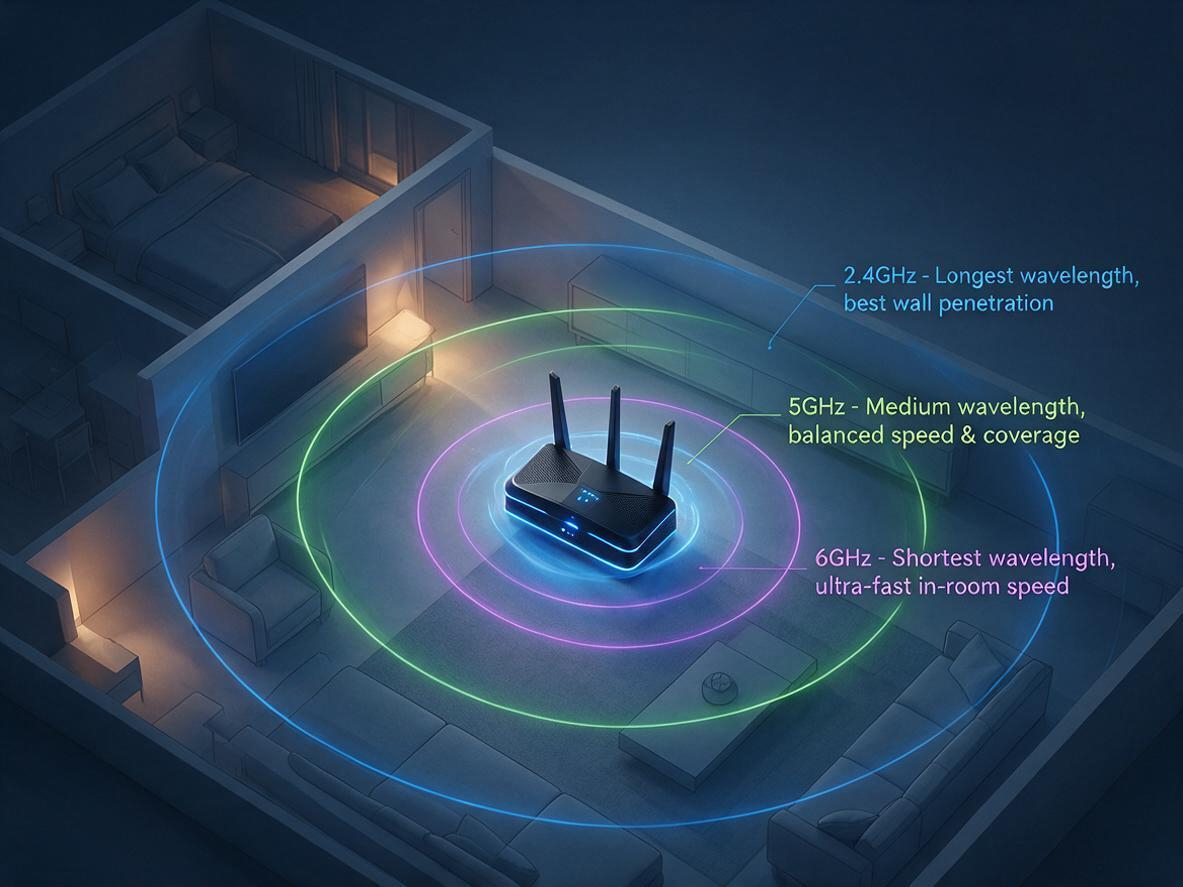
Your router broadcasts on 2.4 GHz, 5 GHz, and 6 GHz at the same time — but your phone, laptop, and T
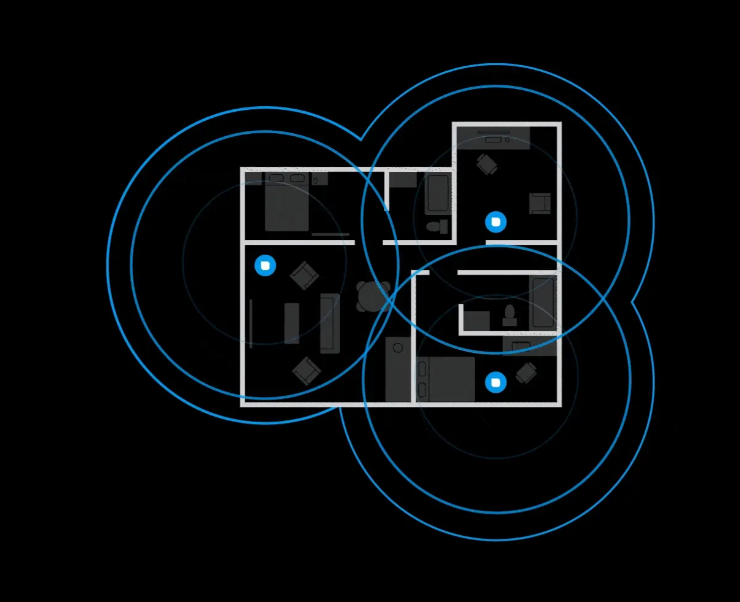
Is your WiFi slow because of your router — or just bad placement? Before you blame your internet pla
Confused about WiFi 5 vs WiFi 6? Explore the key differences in speed, range, and efficiency. Learn
Discover why 95% of outdoor WiFi systems fail from water damage and how a 30¢ physics hack using cab
Track shipment information
Track orders with order#
Guests: Save/copy order#
for tracking.

| Time | Points | Detailed description |