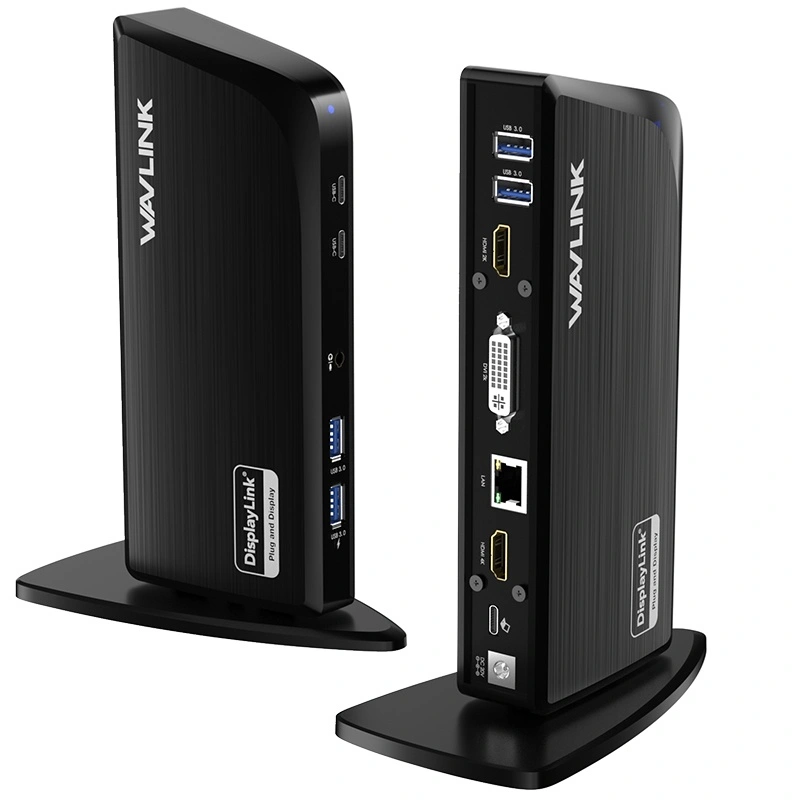

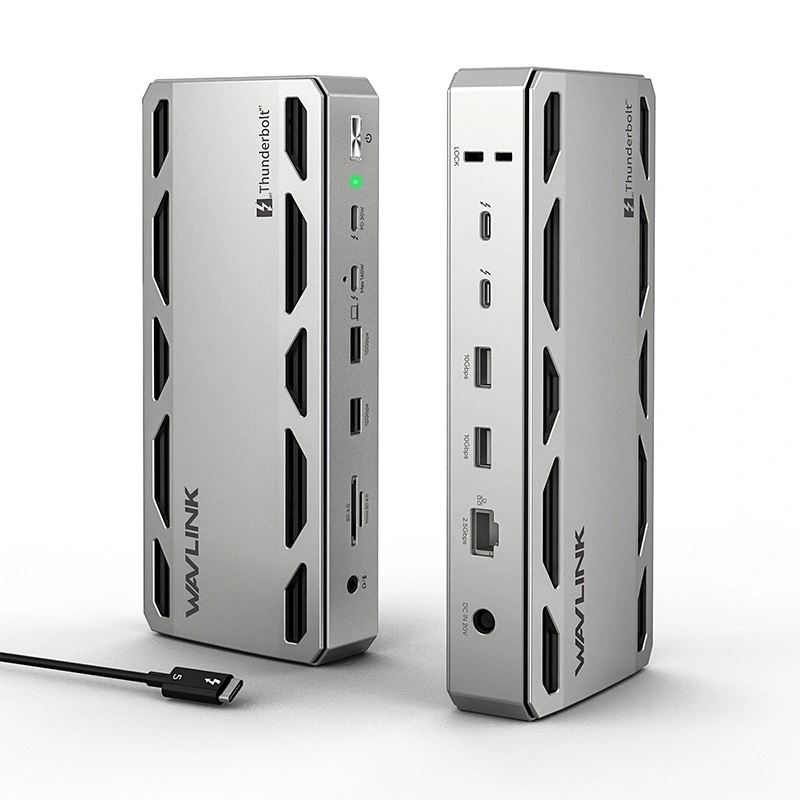
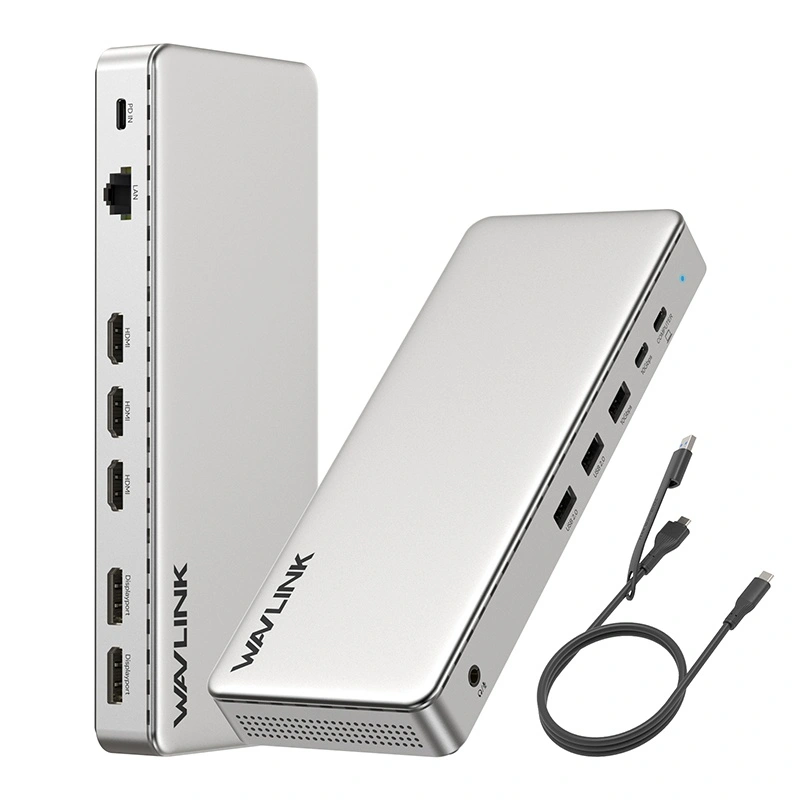
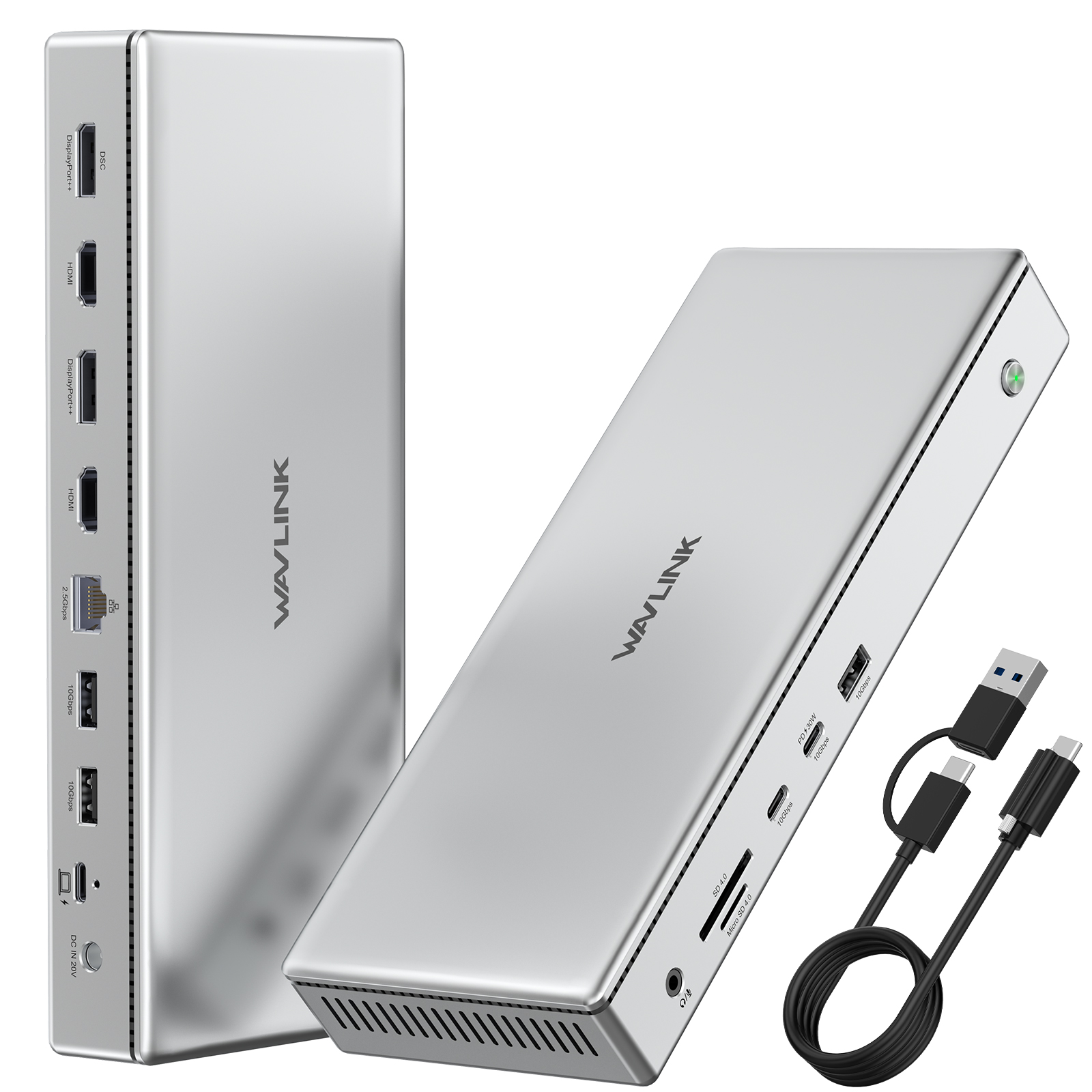
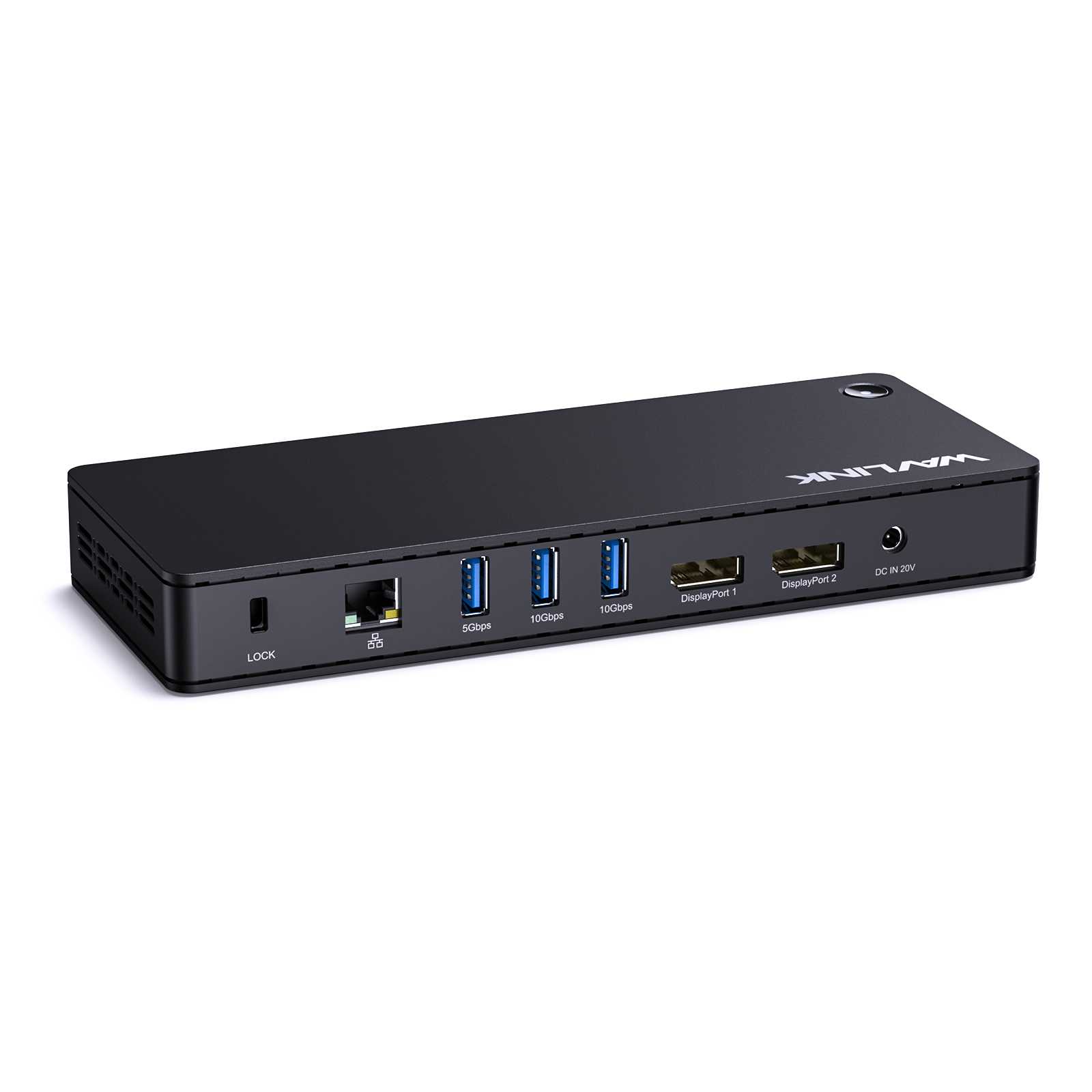
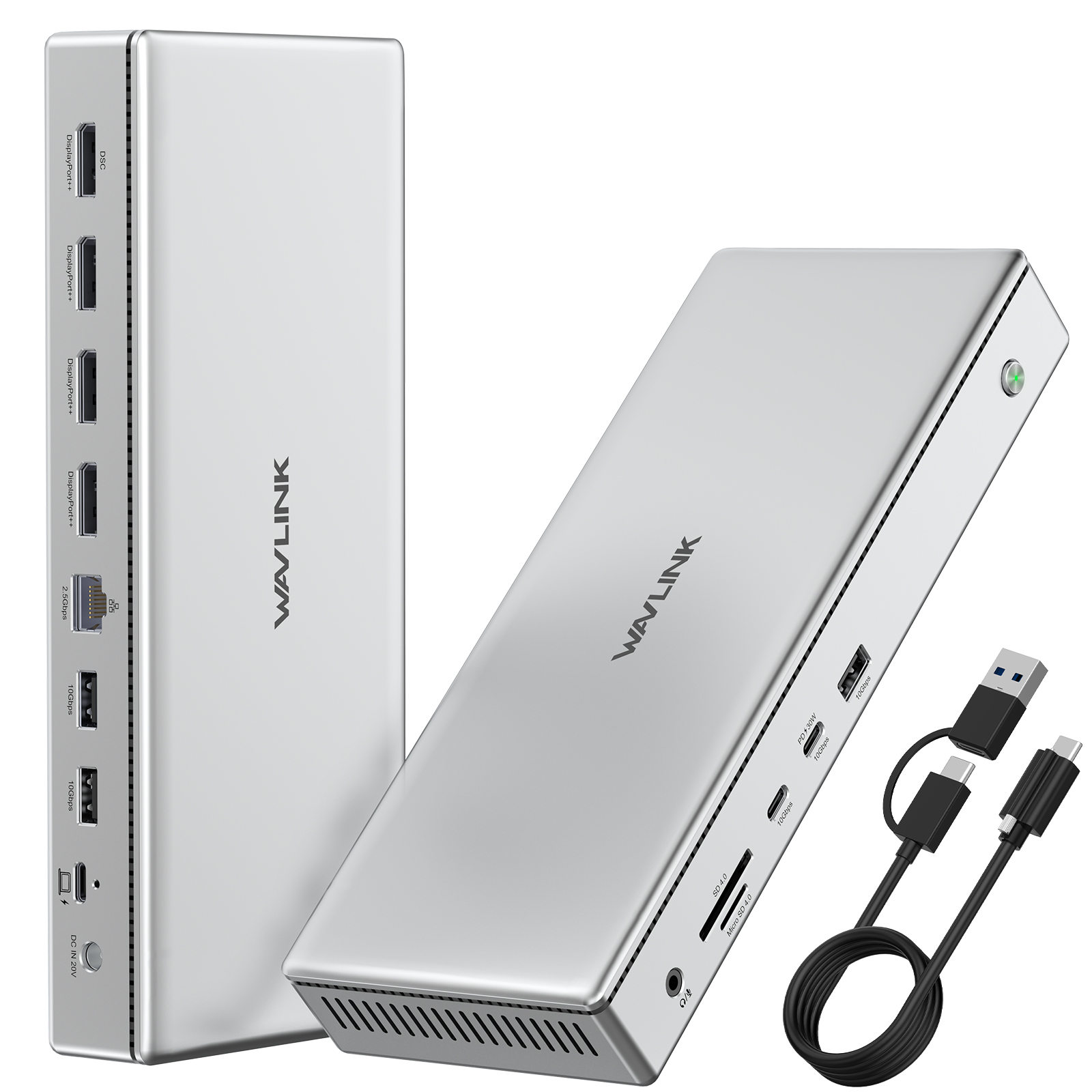
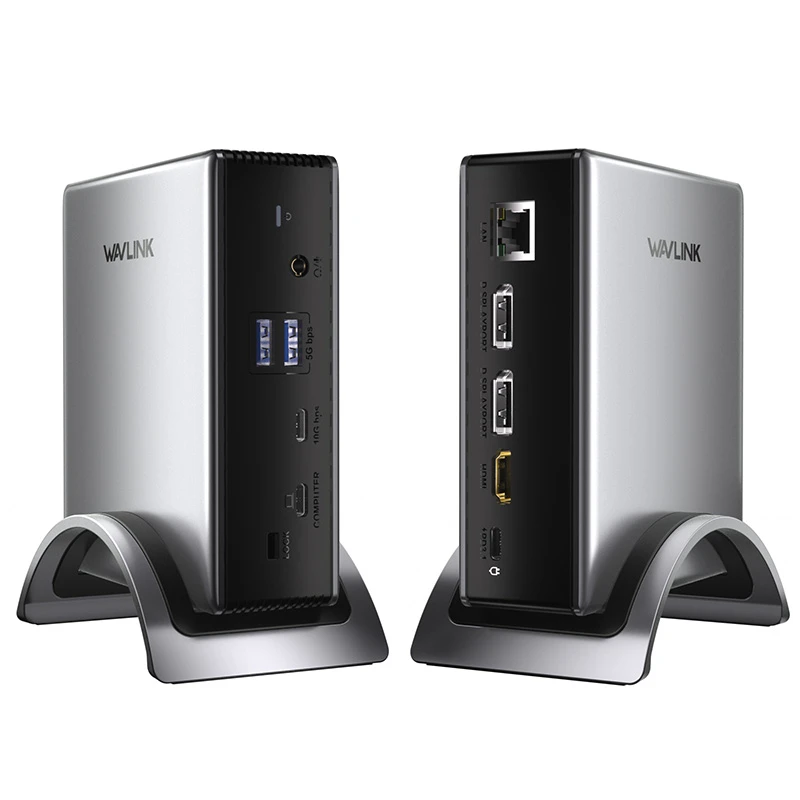
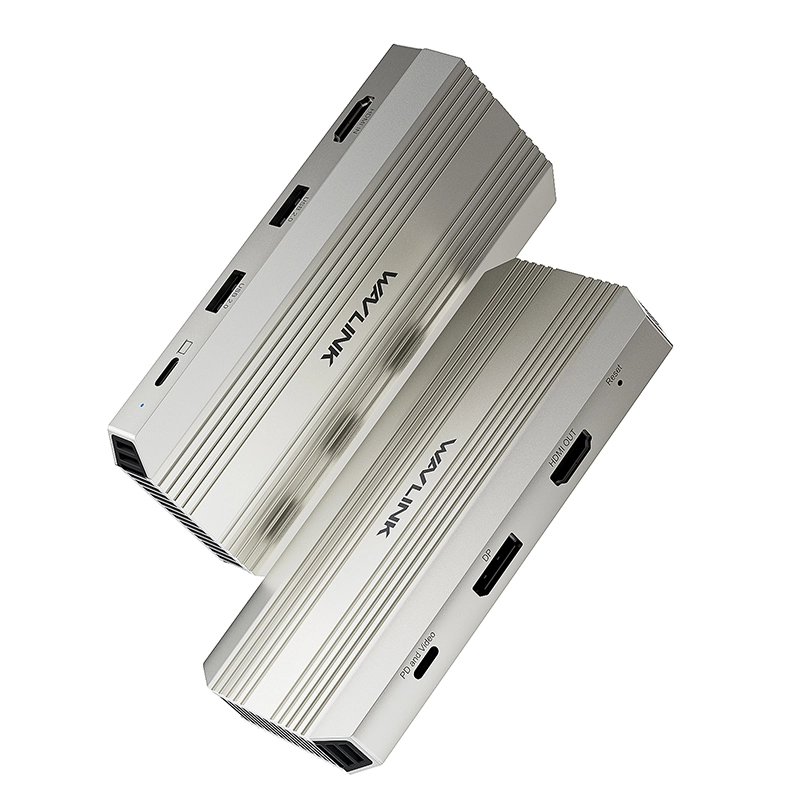
WAVLINK 13-in-1 USB-C Triple Display Dock: UMD05-PRO
100W PD 3.0 Charging | Triple 4K@60Hz | 10Gbps USB-C | SD/TF Card Reader | Mac/Win Certified
- Product Code: WL-UMD05PRO-EU
- Availability: 100
- 2 or more $119.99
- 8 or more $100.00
- 50 or more $99.99


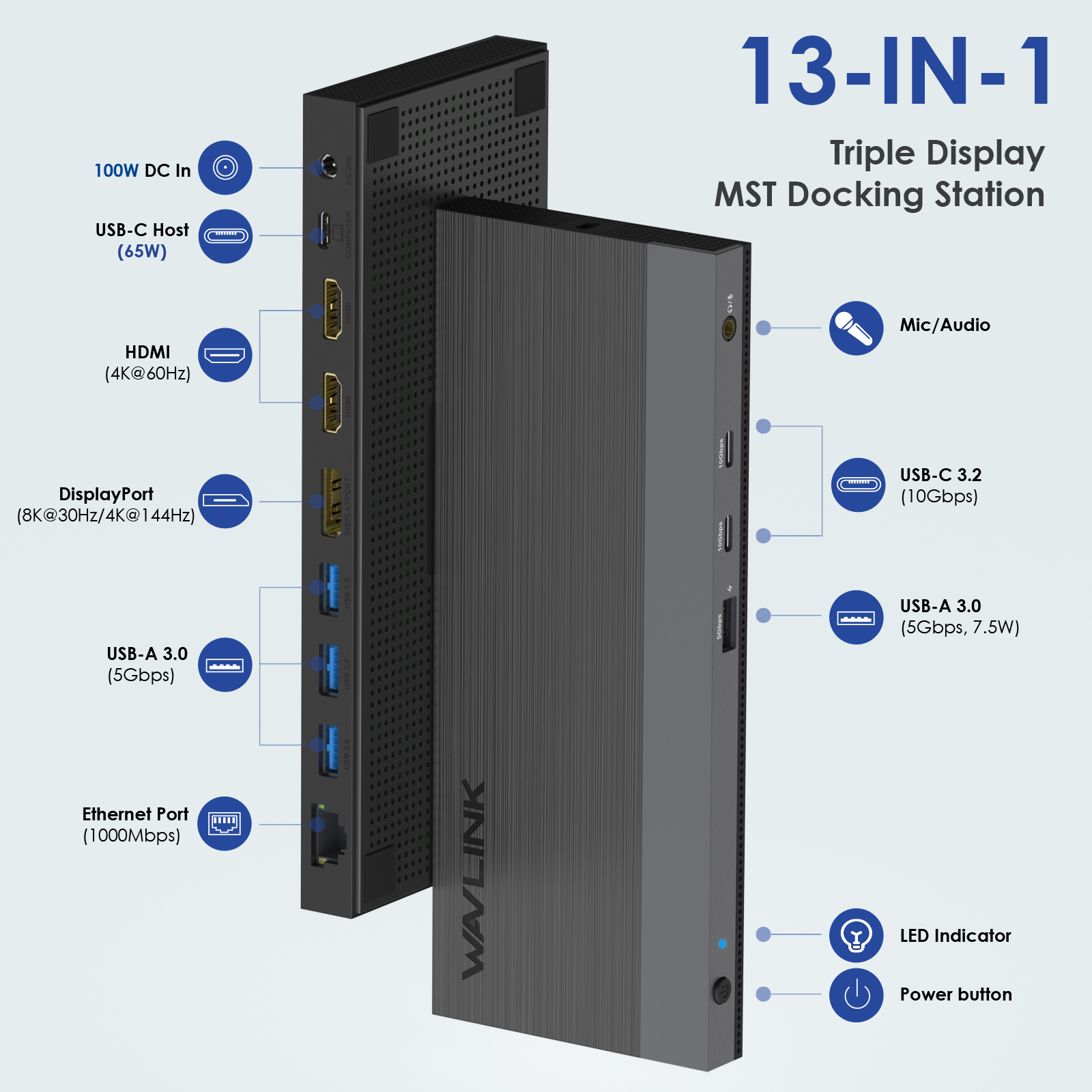
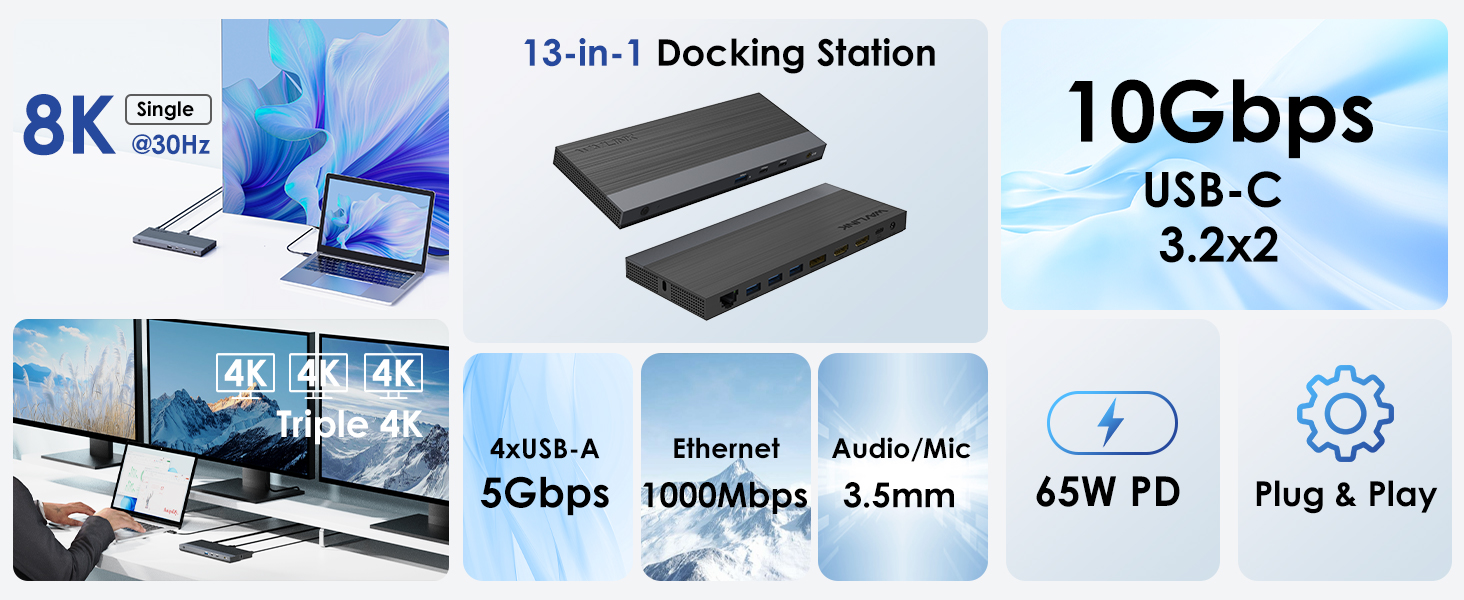
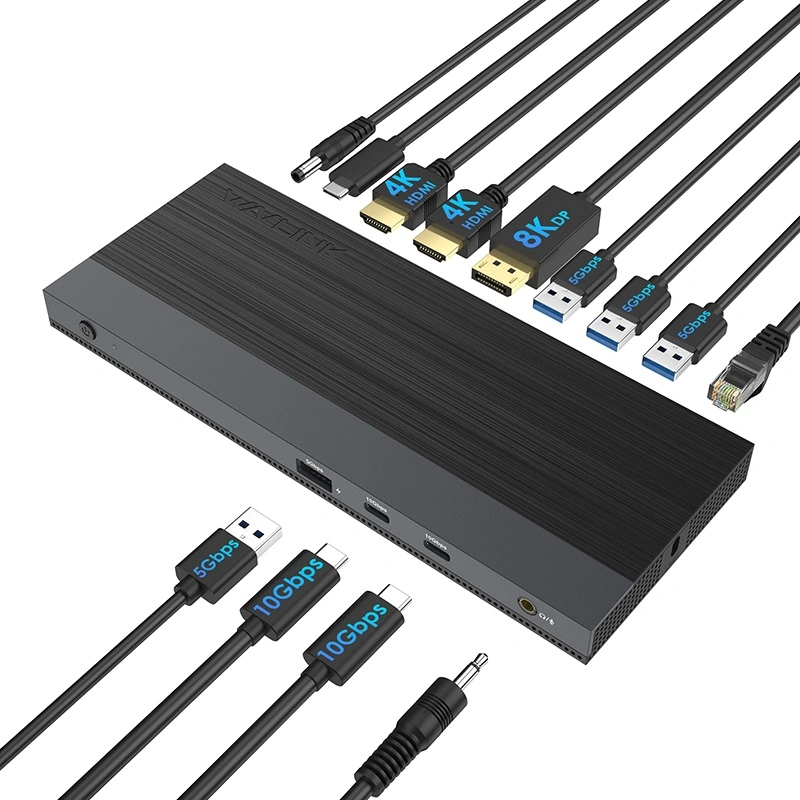
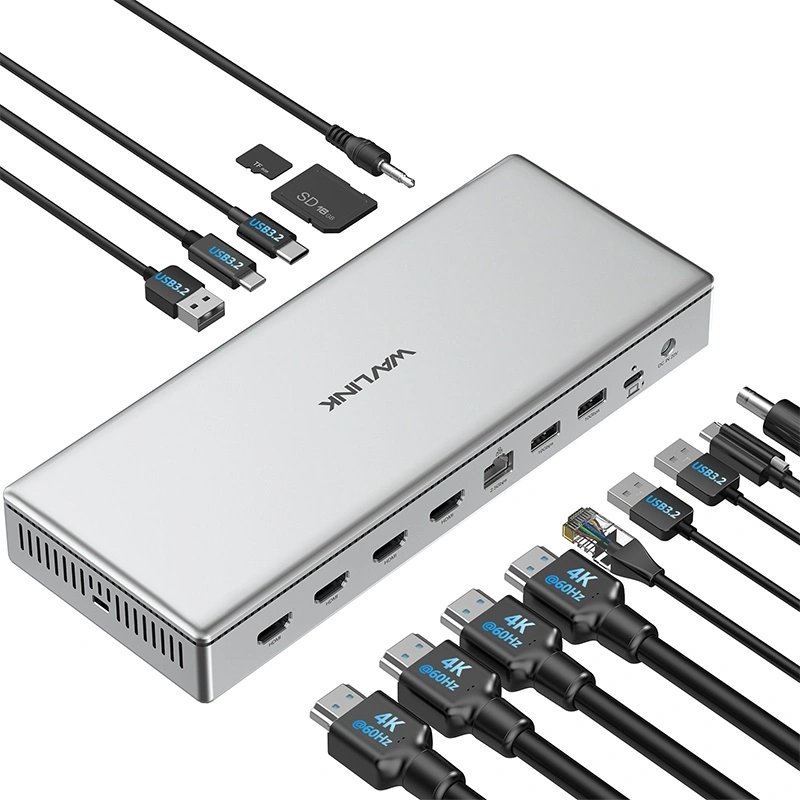
13-in-1 Professional Dock
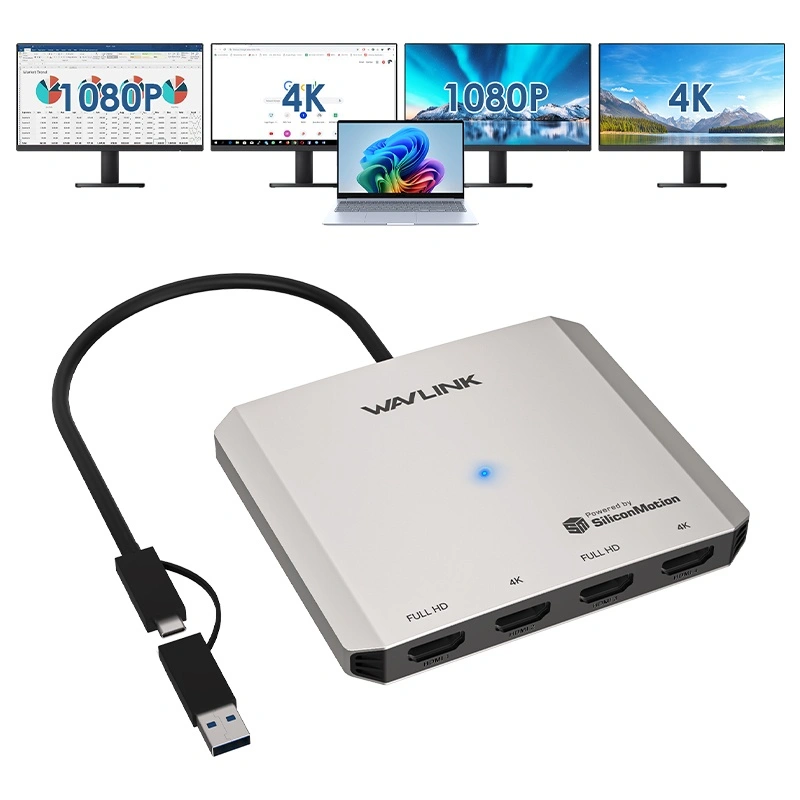
4K Triple Display Solution
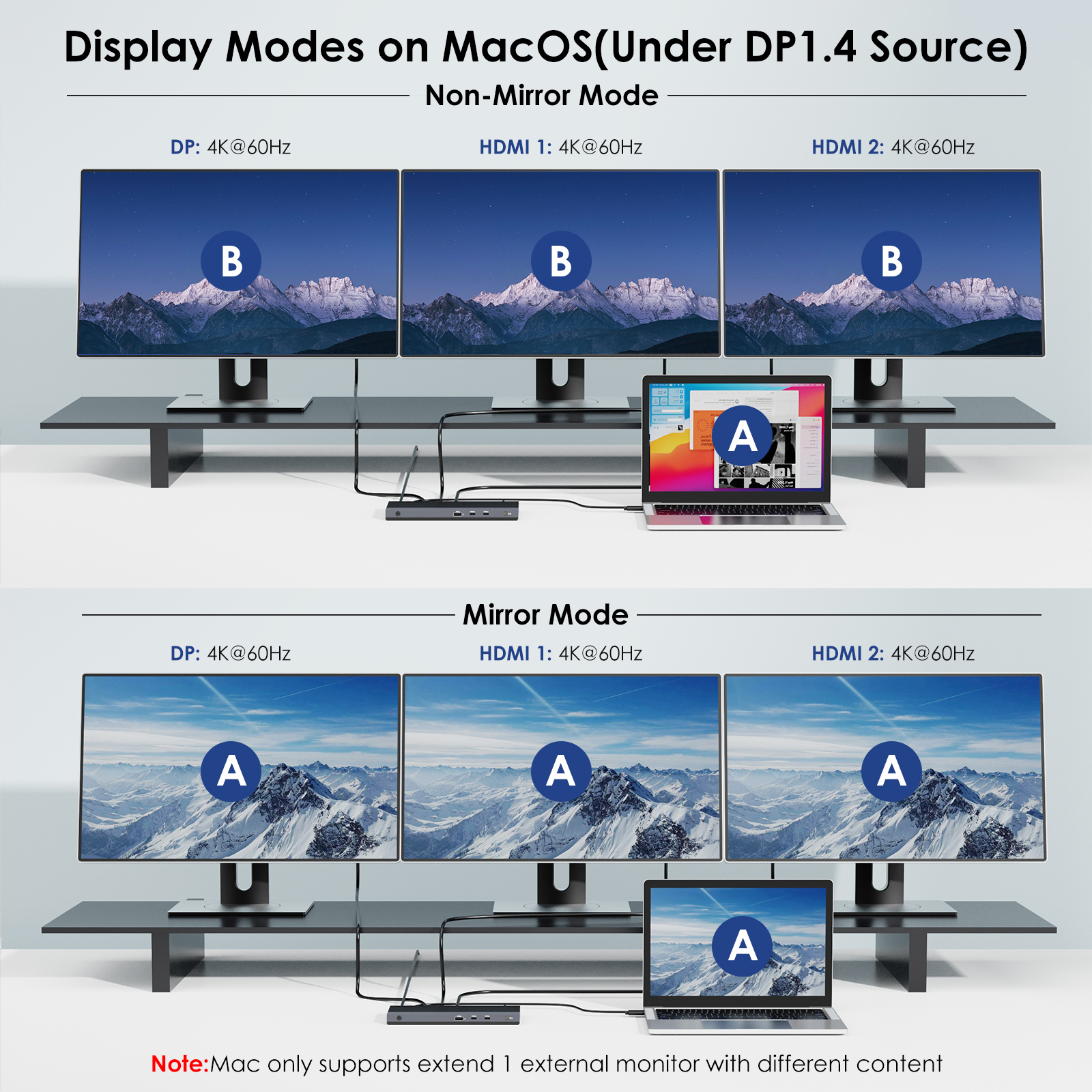
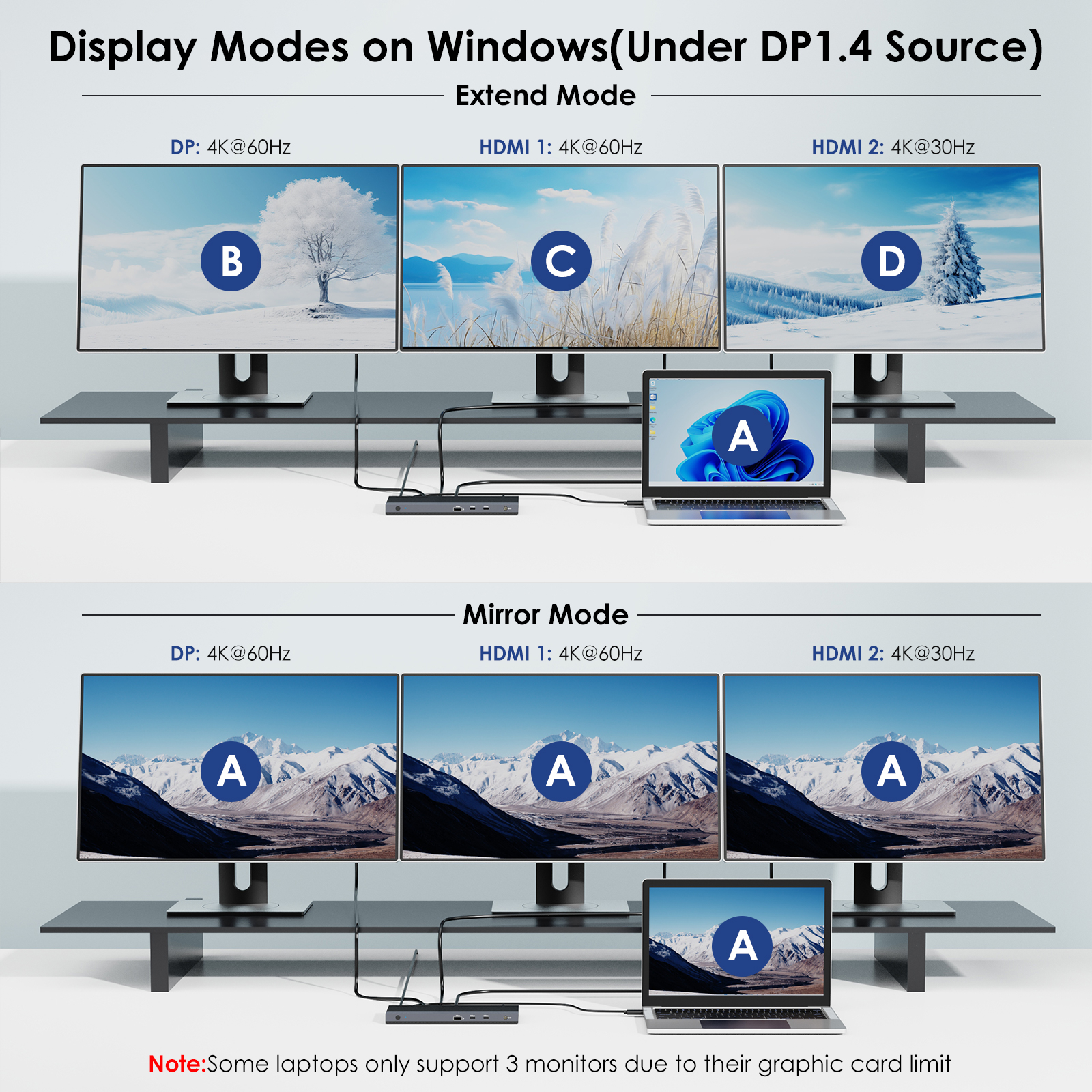
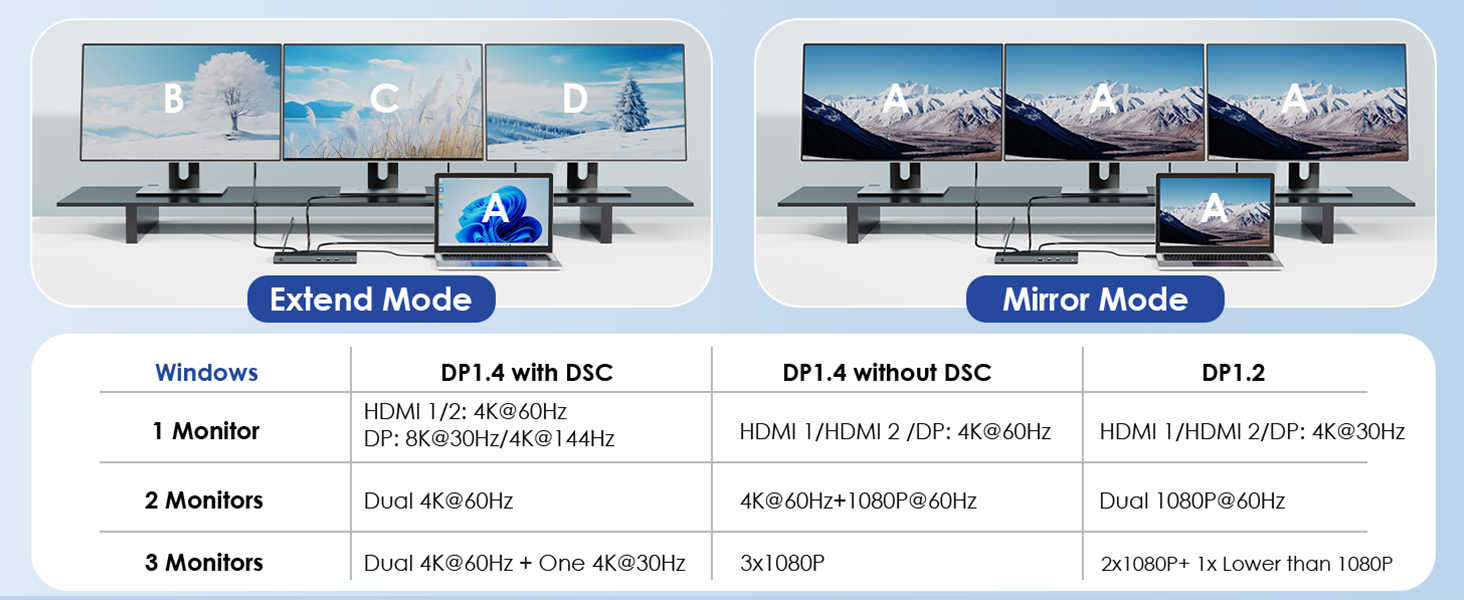
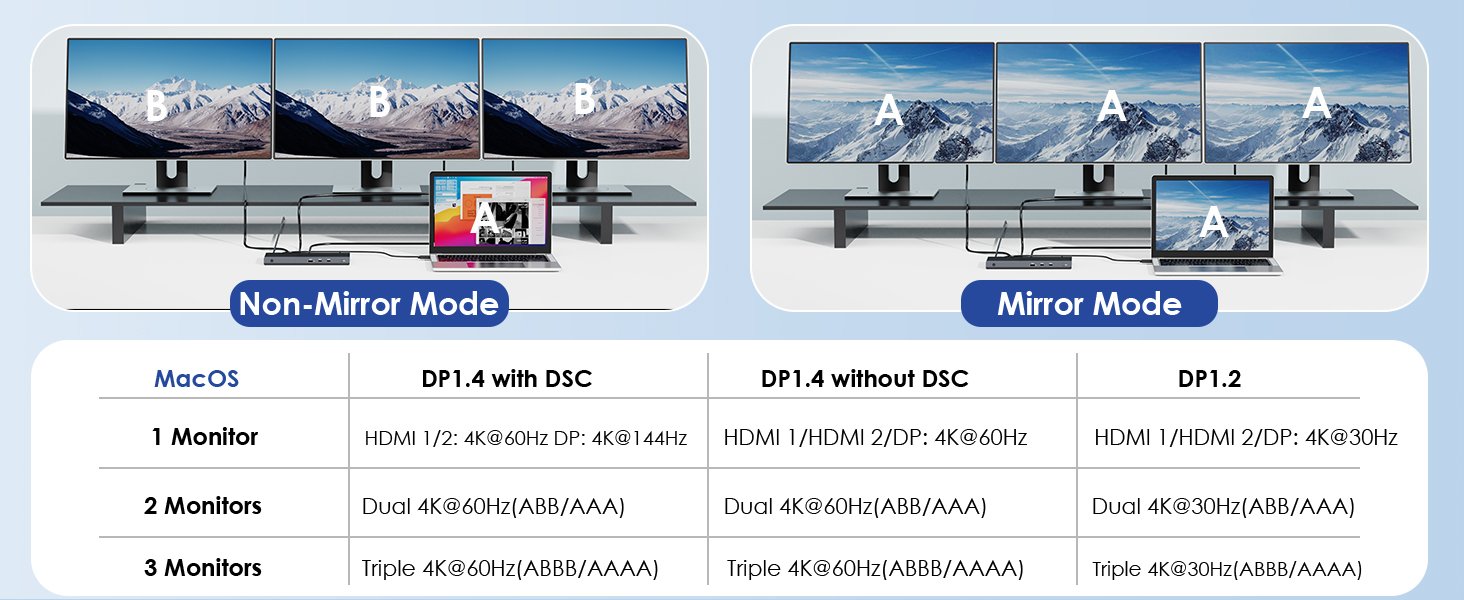
- Mirror & Extend Mode
- Triple 4K@60Hz
- DP1.4 DSC Support
- Mirror Mode Only
- 3×4K@60Hz
- M1/M2 Optimized
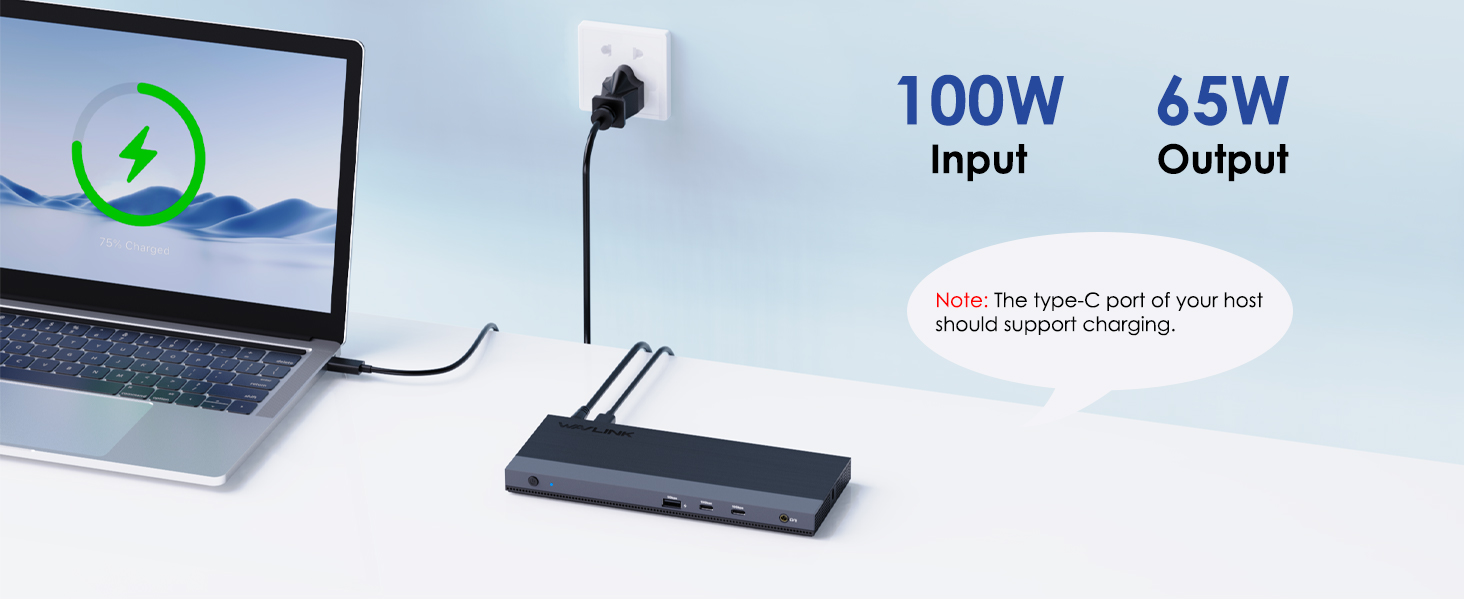
100W PD3.0 Fast Charge
• Laptop: 20V/5A (100W)
• Phone: 5V/3A (15W)
• Tablet: 9V/2A (18W)
• UL Listed Adapter
• OVP/OCP Protection
• 93% Efficiency
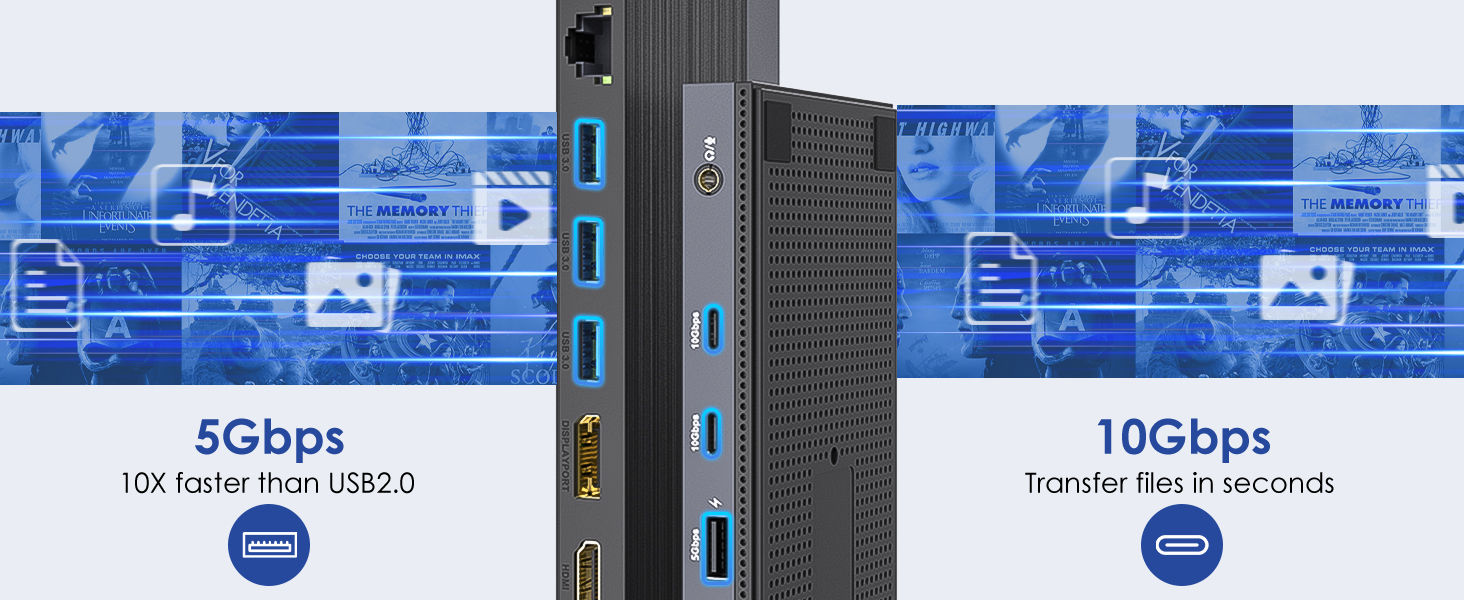
Multi-Channel Data Transfer
5Gbps
≈480MB/s
UHS-I
104MB/s
1000Mbps
≈125MB/s
Universal Compatibility
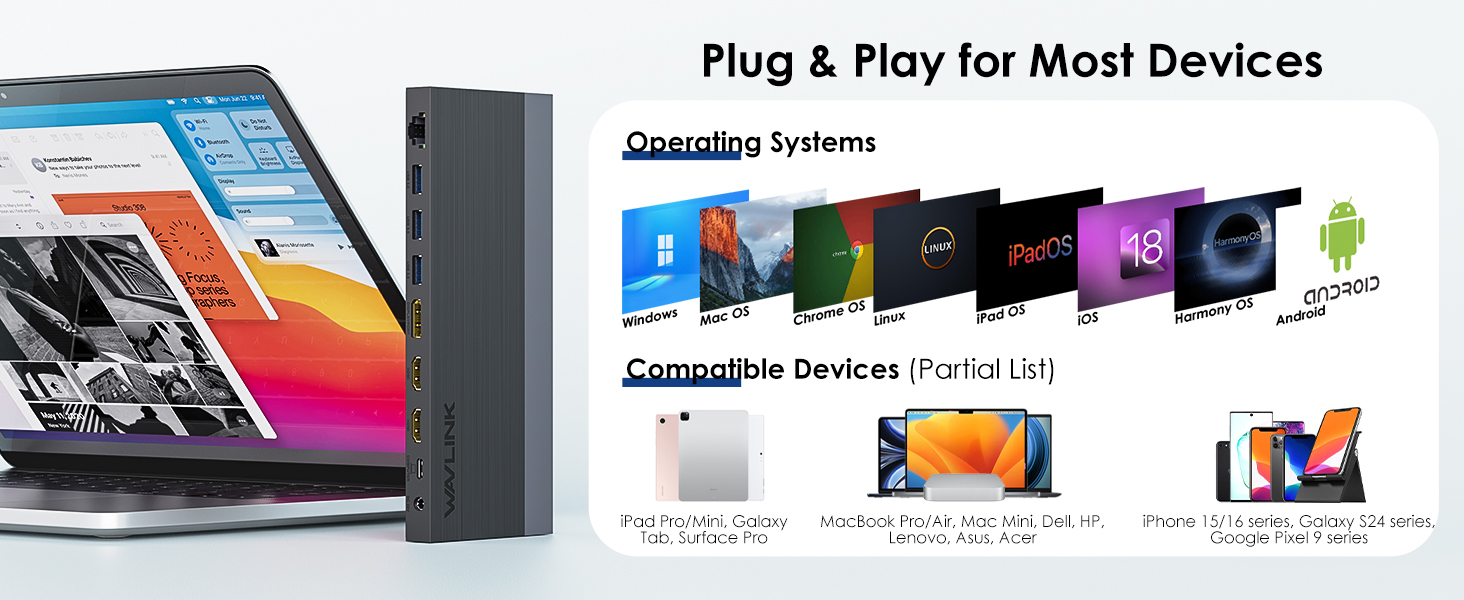
- • Windows 10/11
- • macOS 12+
- • ChromeOS 98+
- • MacBook Pro 2016-2023
- • Surface Pro 7+/8/9
- • Dell XPS 13/15
Core Features
Technical Specs
4K@60Hz
DP 1.4
HDMI 2.0
Package Includes
- Dock ×1
- 130W Adapter
- USB-C Cable
- Quick Guide
Display Configurations
4K@60Hz
(HDMI/DP)
2×2K@60Hz
(HDMI+HDMI)
3×1080p@60Hz
(2HDMI+DP)
Device Support
- MacBook Pro 2016-2022
- M1/M2 Devices
- Mac Studio
- Surface Pro 7+/X
- Dell XPS
- HP Spectre
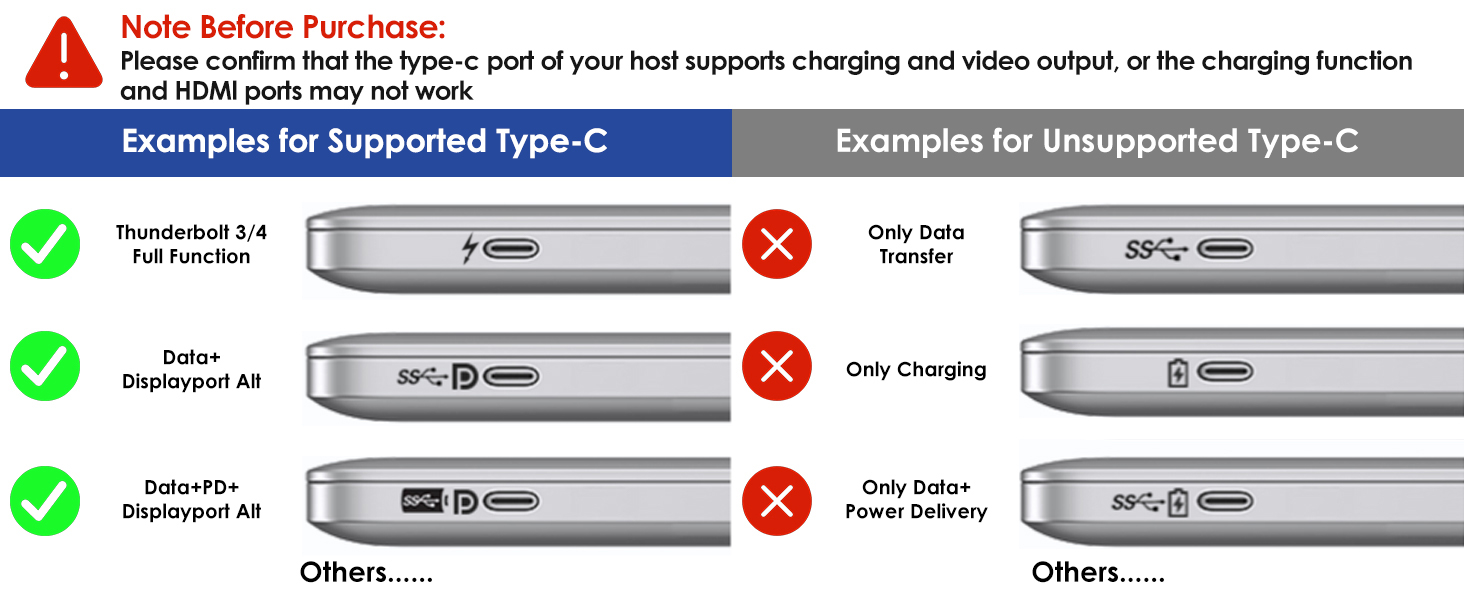
⚠️ Requires USB-C with DisplayPort Alt Mode. Technical support: support@wavlink.com
Ask Question About Product
| Dock station | |
| Chipset | VMM5310 |
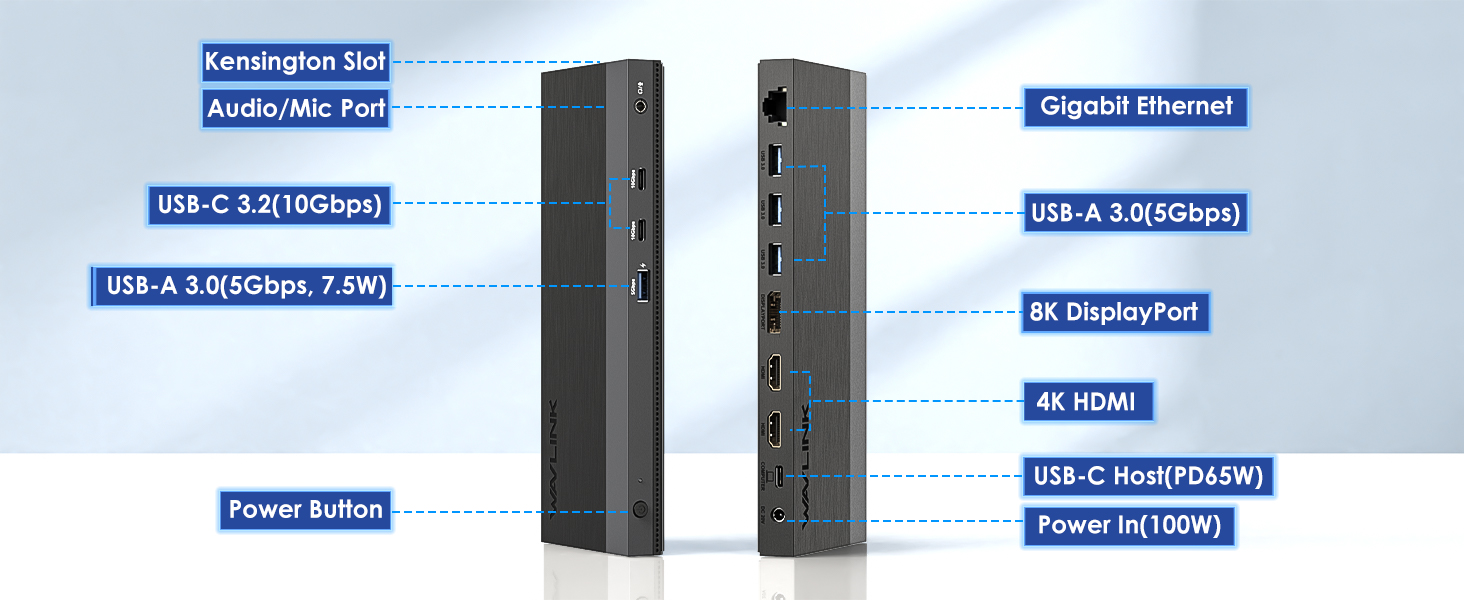
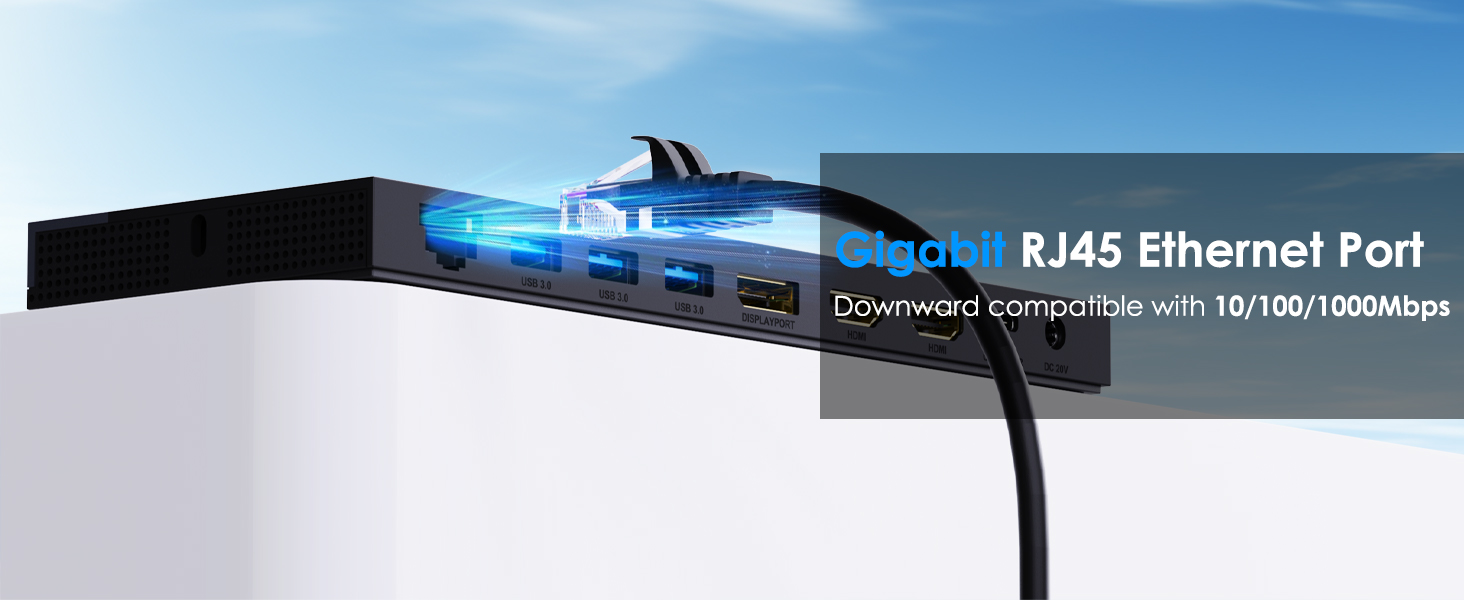
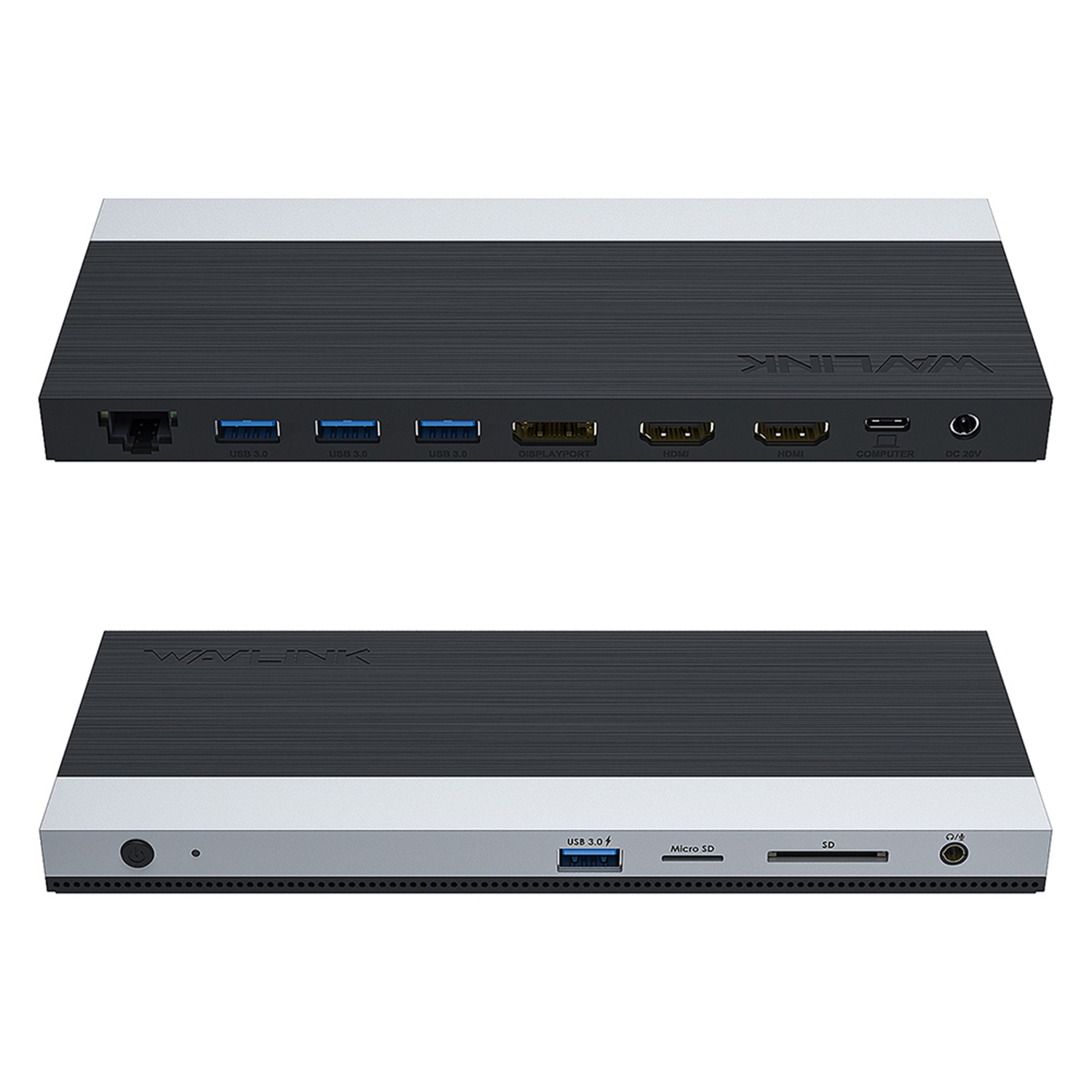
| Ethernet | Gigabit RJ45 |
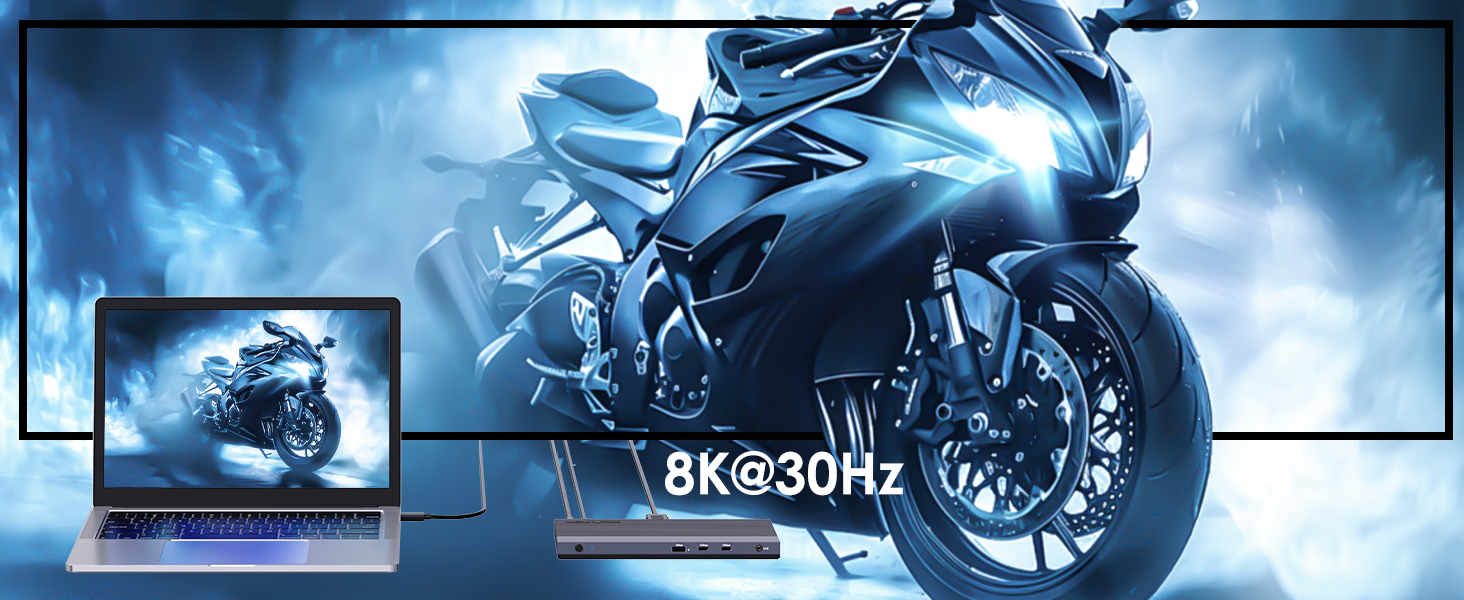
| Max Resolution | supports up to dual 4K@60Hz ((HBR3,DP1.4.DSC1.2) or triple 2k@60Hz displays |
| Power Delivery | 100W PD Charging |
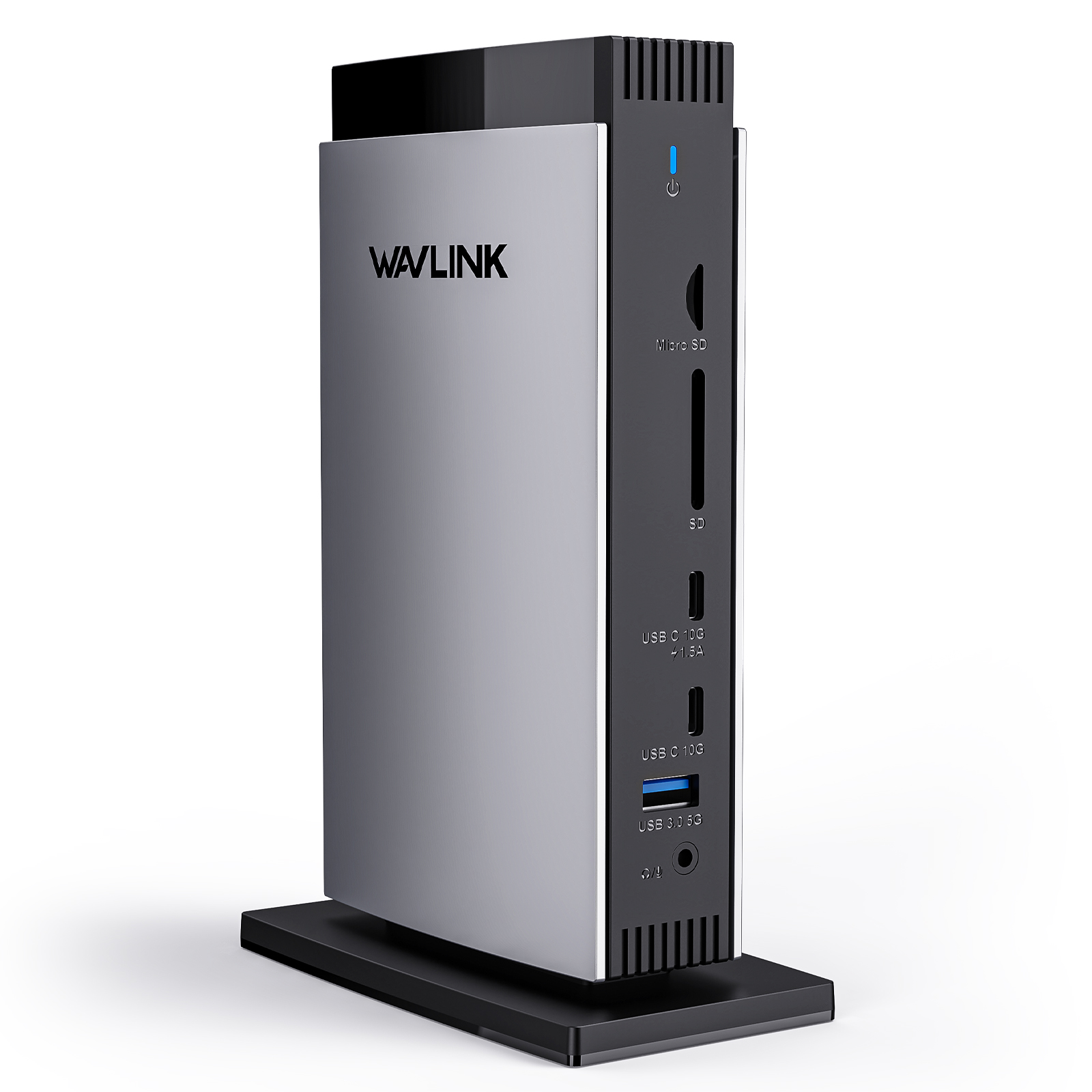
| SD Card | SD + microSD v3.0 up to 104MB/s |
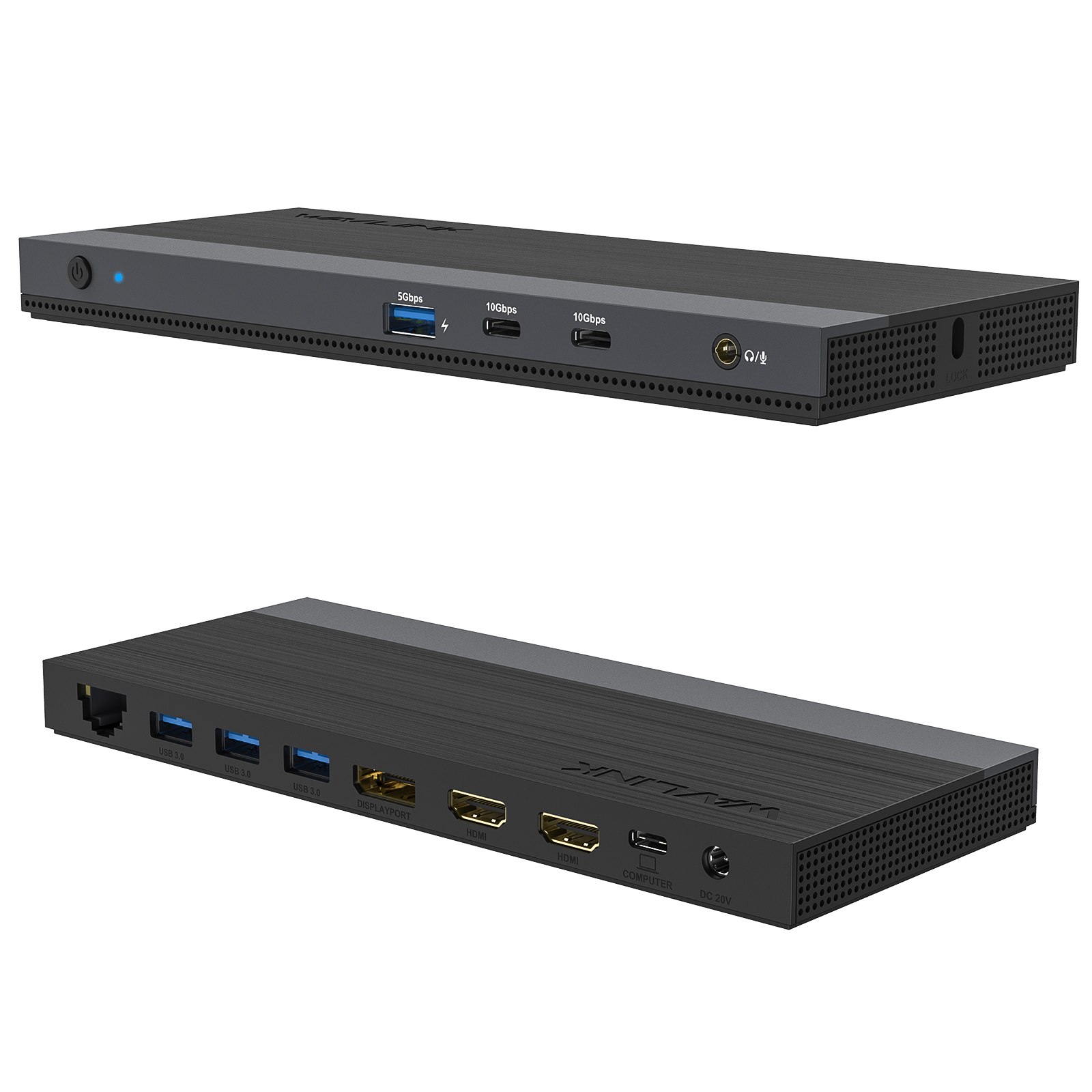
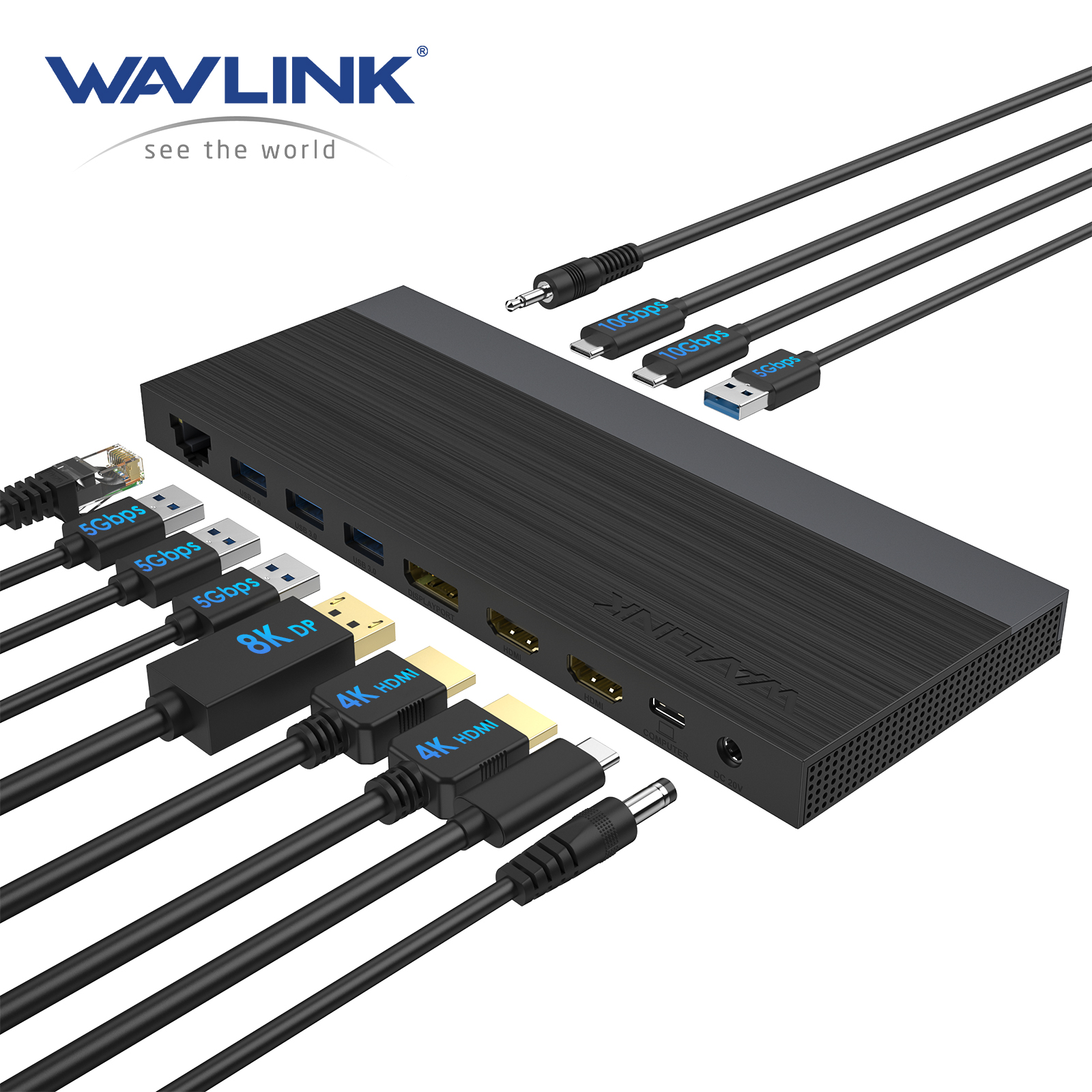
| USB ports | 4×USB-A 5Gbps with one port support BC1.2 fast charging |
| Video Outputs | 2×HDMI +1×DisplayPort |


Frequently Asked Questions
Does this docking station work with M1/M2 MacBook Air?
What's the difference between UMD05-PRO and UMD04?
Can this dock handle 3 external monitors at 4K for video editing or programming?
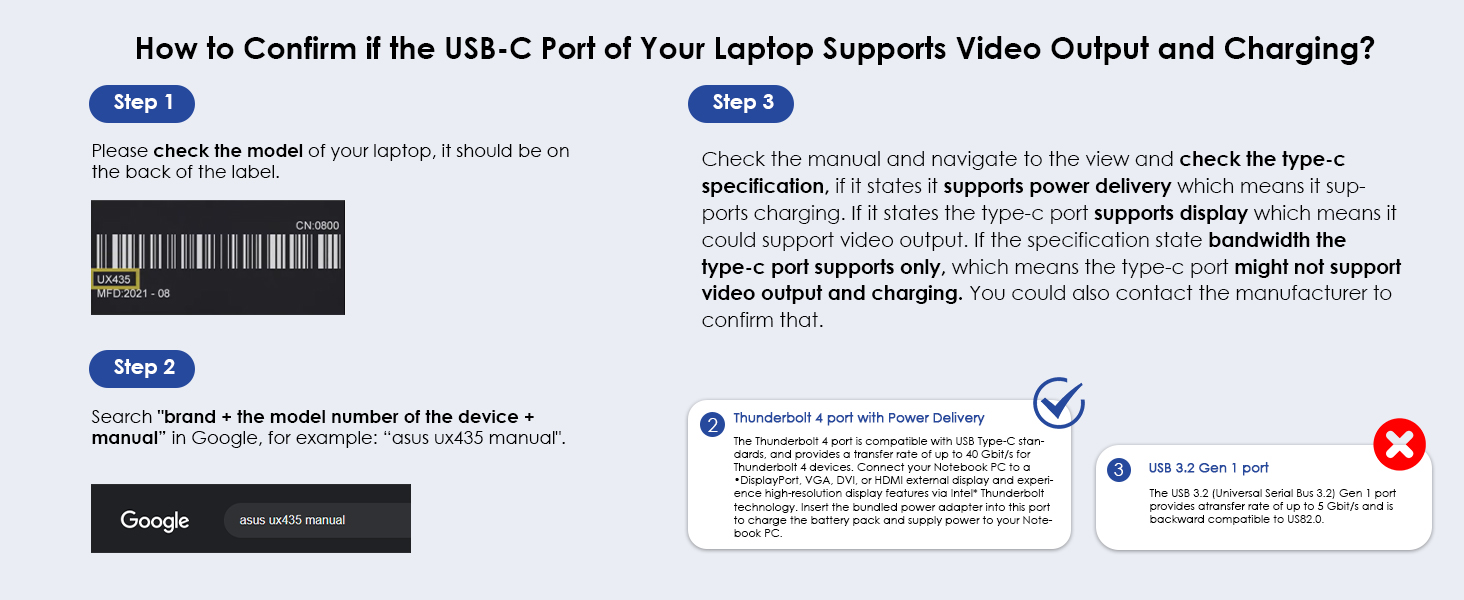
Why doesn’t my external monitor work with this dock?
2.If the docking comes with a type-c cable,please make sure you should use the original type-c cable.
Why do all external monitors show the same screen on my Mac?
This is a limitation of macOS, not a defect of the dock.
Why doesn’t this dock charge my computer when connected?
Why can’t I find the driver for this dock on your website?
My computer only has USB-A port and no USB-C port. Can I use a USB-C to USB-A adapter with this dock?
Why does my laptop show “slow charging”?
I connect three monitors to the docking, but only two of them could work, what can I do?
If you are unsure whether your device supports this feature, we kindly recommend contacting your laptop or PC manufacturer for confirmation. Alternatively, you may reach out to our support team and provide the detailed model number of your laptop—we will be happy to assist you further.
Why the resolution was not advertised?
If you are unsure about the DP version of your device’s USB-C port, please contact your laptop or PC manufacturer for confirmation. Alternatively, you may reach out to our support team, and we will be happy to assist you further.