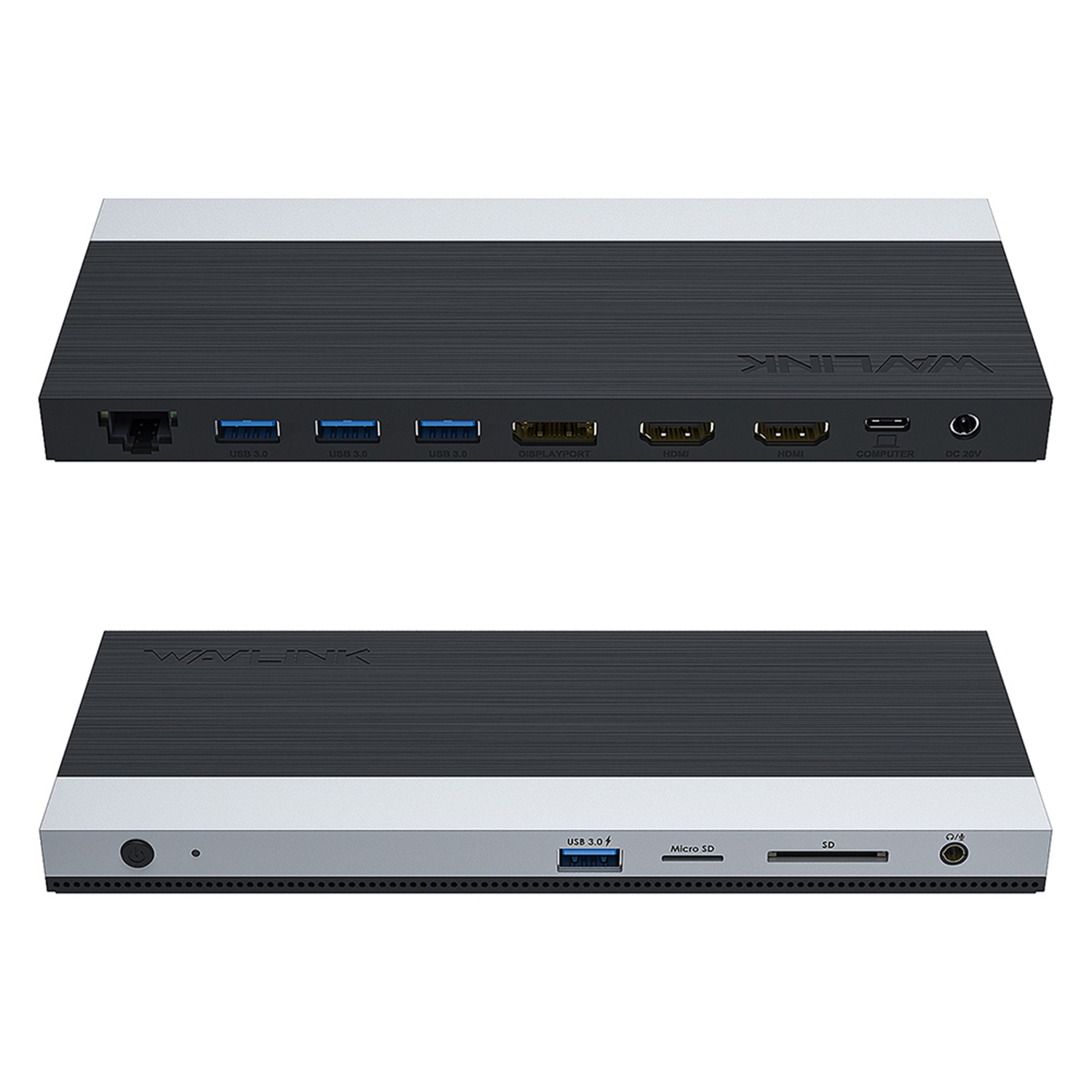
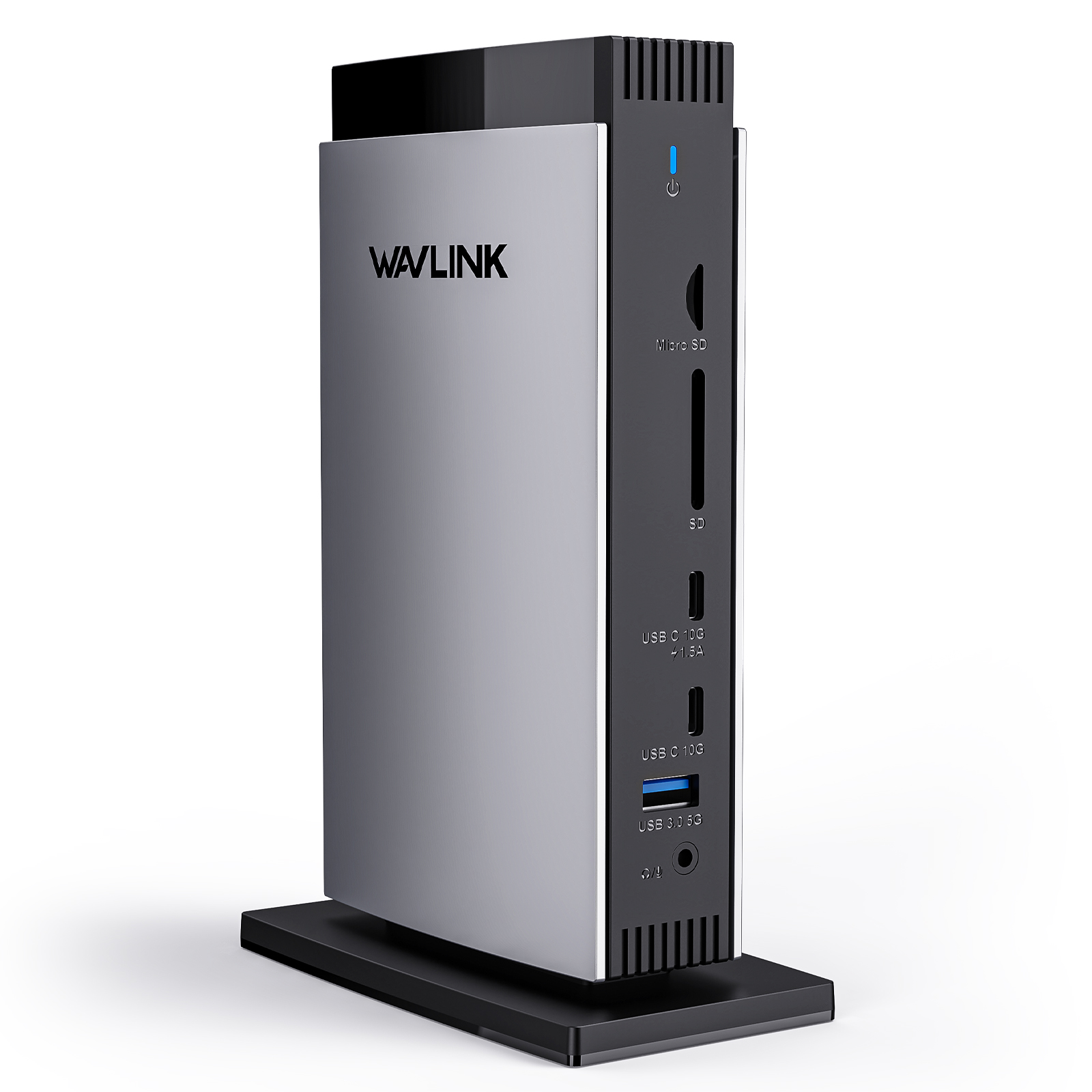
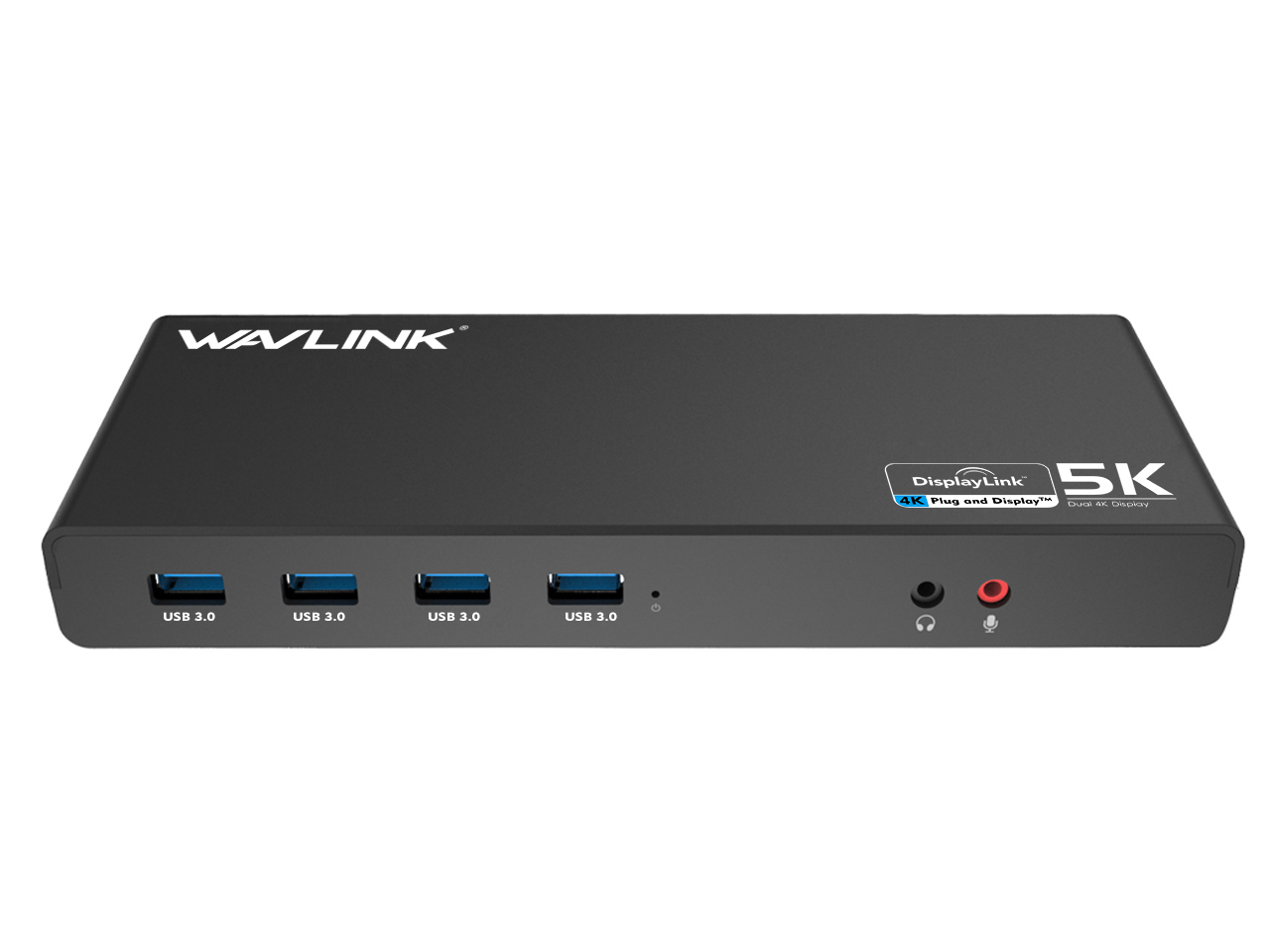

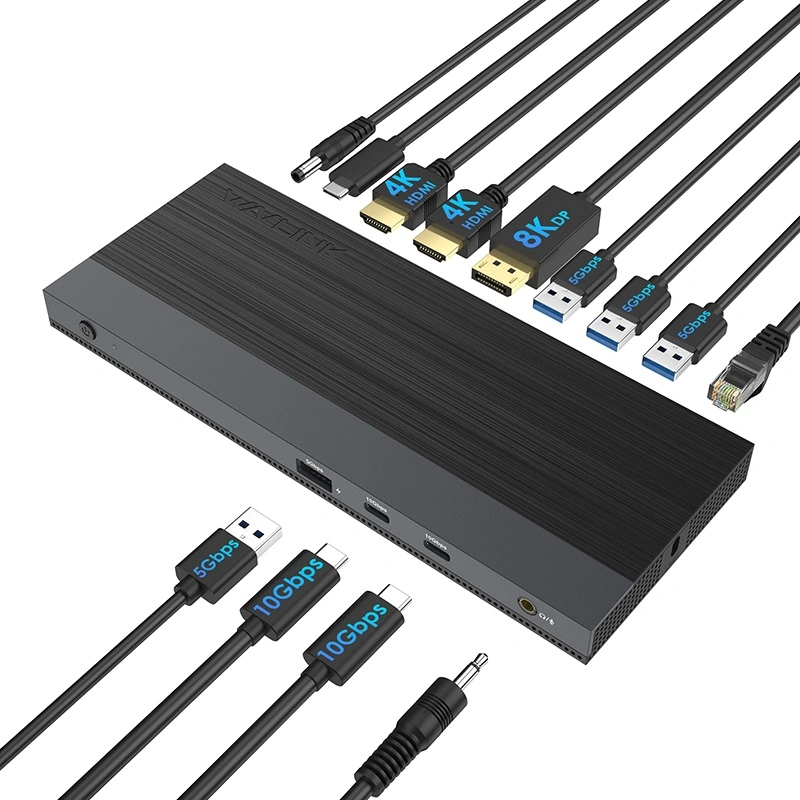
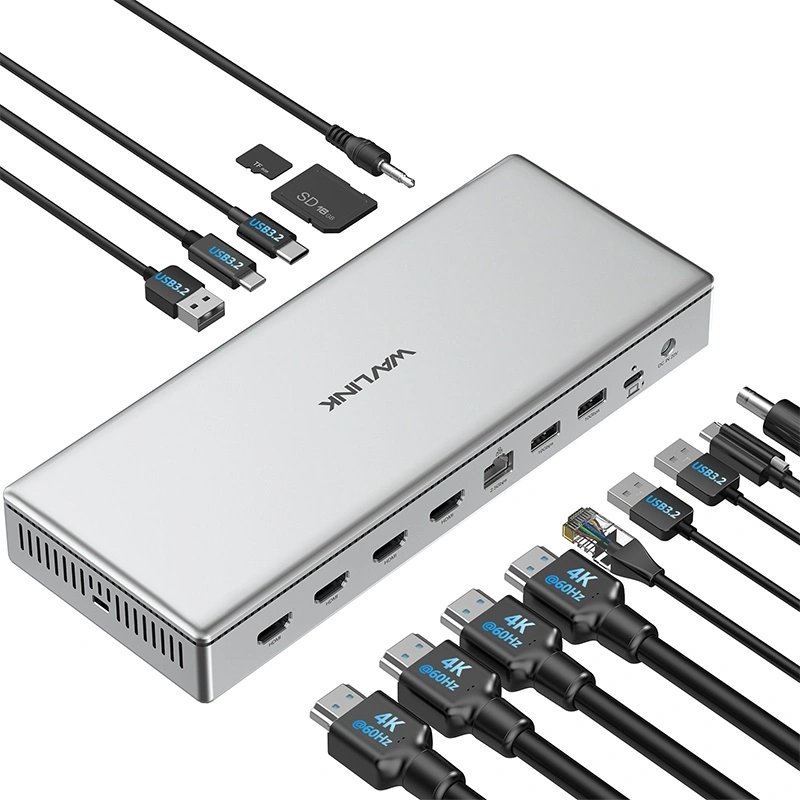
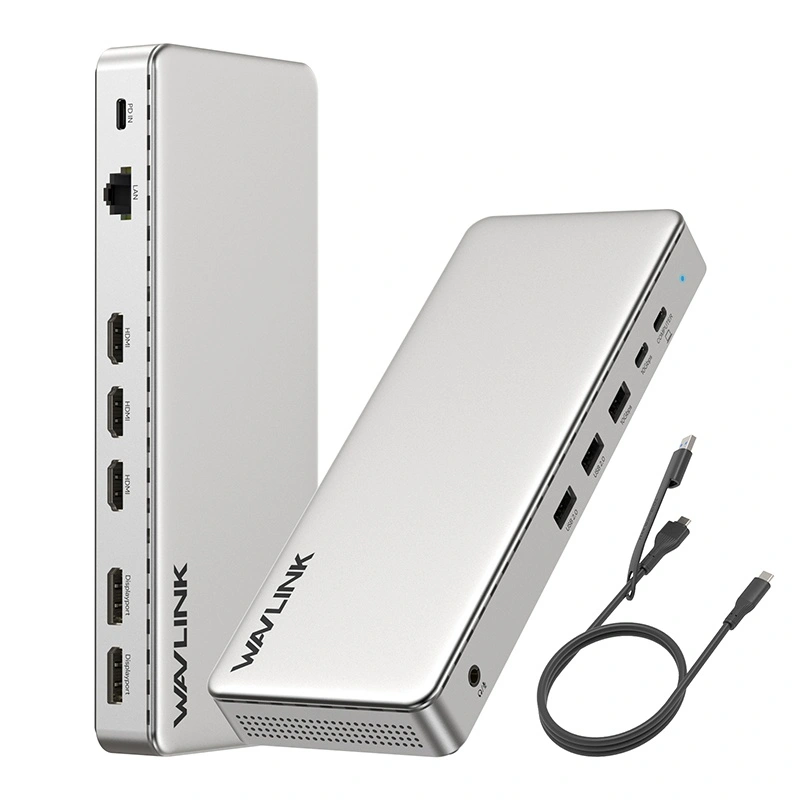
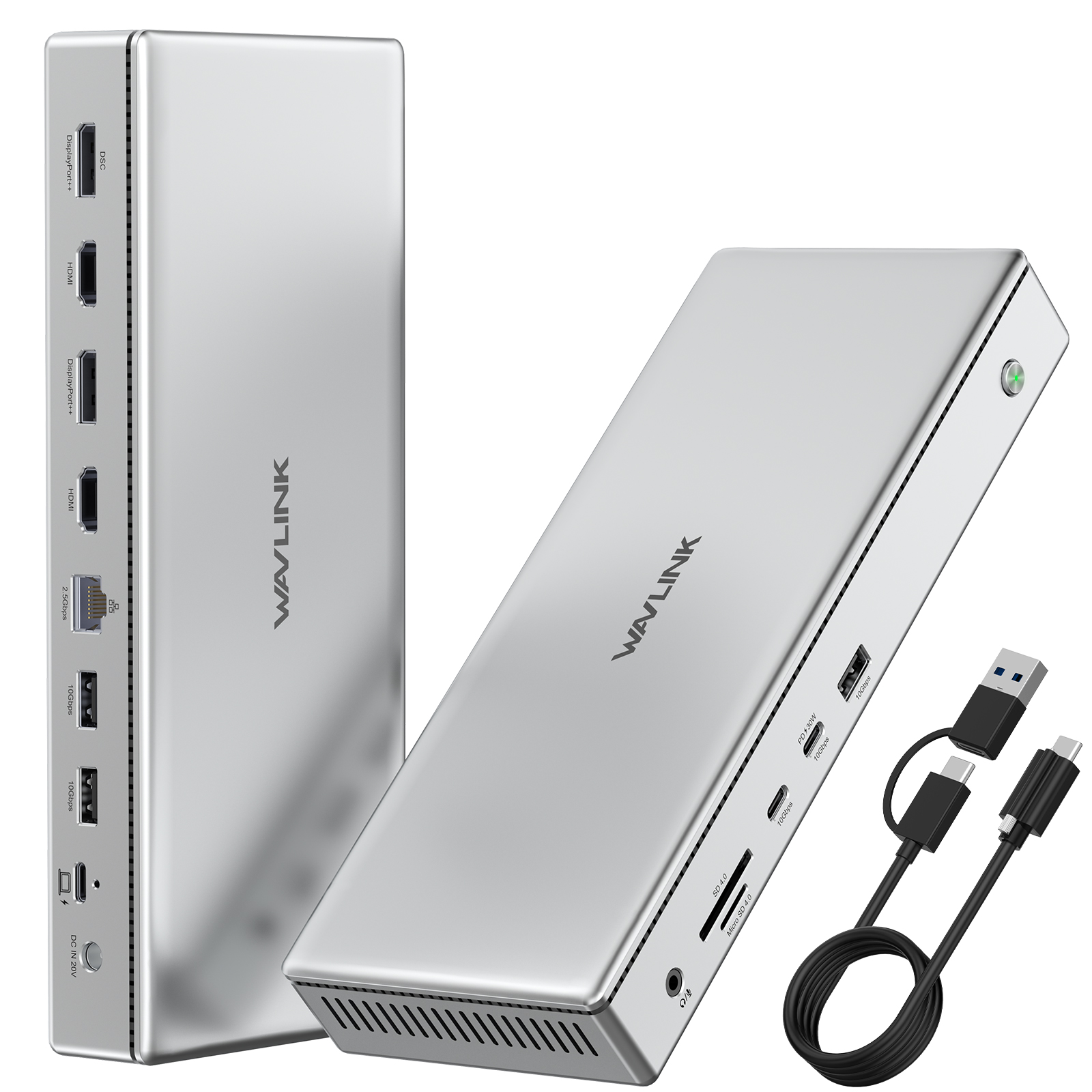
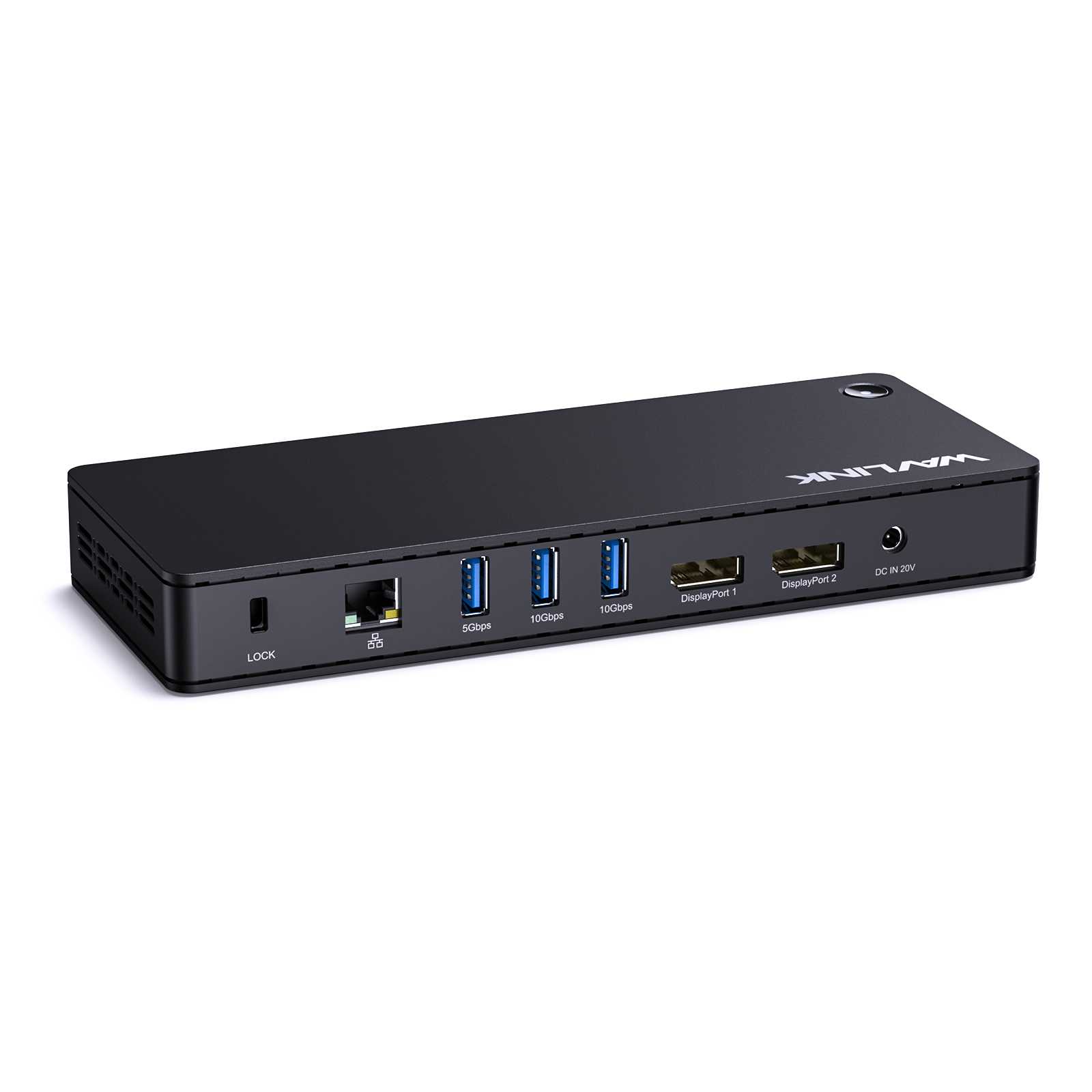
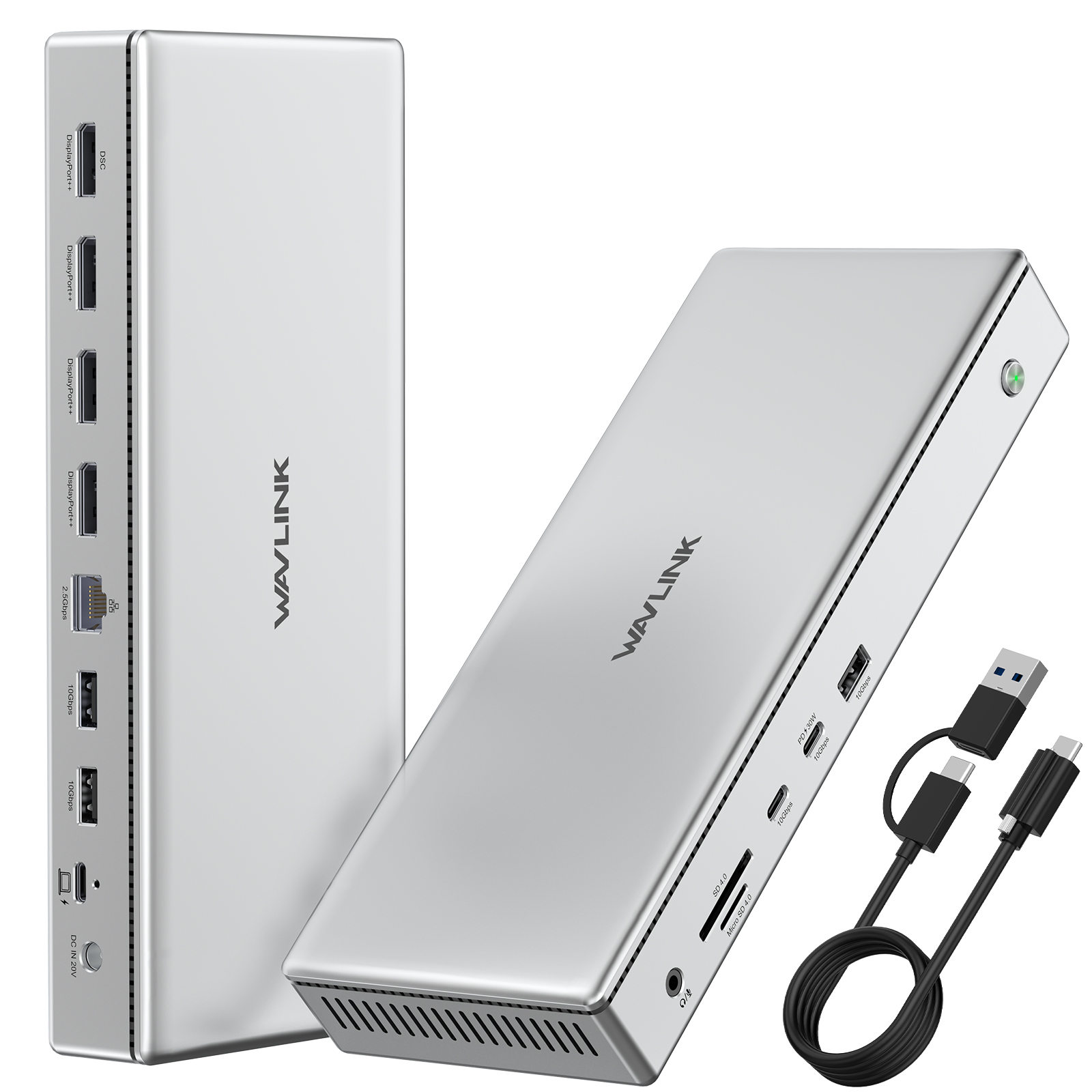
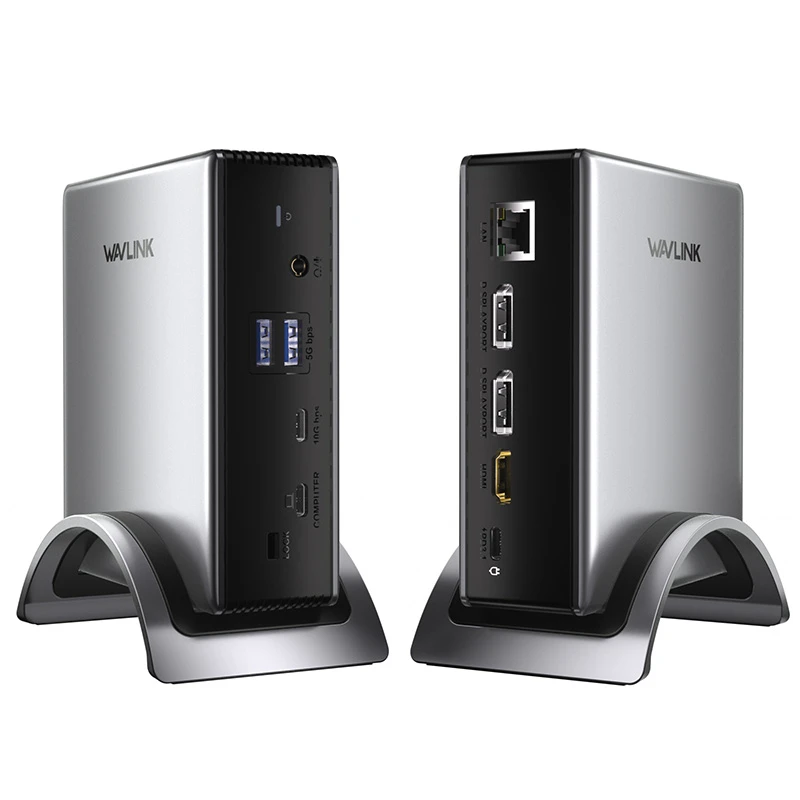
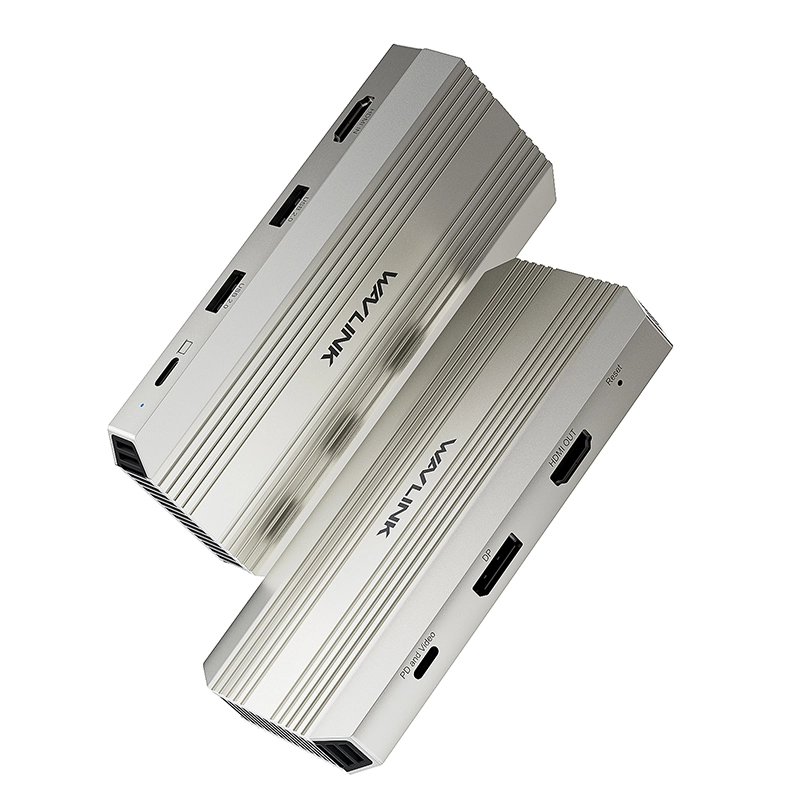
WL-UMD29-Pro: 9-in-1 Triple Display Docking Station with PD 3.1 Charging

This versatile 9-in-1 Docking Station offers exceptional connectivity and 125W laptop charging via PD 3.1. It supports single-display output up to 8K@30Hz or 4K@144Hz, perfect for demanding visual tasks. Featuring a space-saving dual-use design, it's plug-and-play but note: macOS only supports one external display, and some Windows systems may have three-screen limits

$145.99 Price drop reminder
  • Product Code: WL-UMD29-Pro-EU
  • Availability: 100

power plug
EU PLUG
US PLUG
UK PLUG
AU PLUG
Total $145.99
Tags:: MST
Convenient payment
Trusted-Delivery
Fast Delivery
Multi-warehouse direct hair fast delivery

Exquisite service
Exquisite service after-sale guarantee
Hassle-free return
Shop with confidence, worry-free refund


9-in-1 Triple Display Docking Station with PD 3.1 Charging

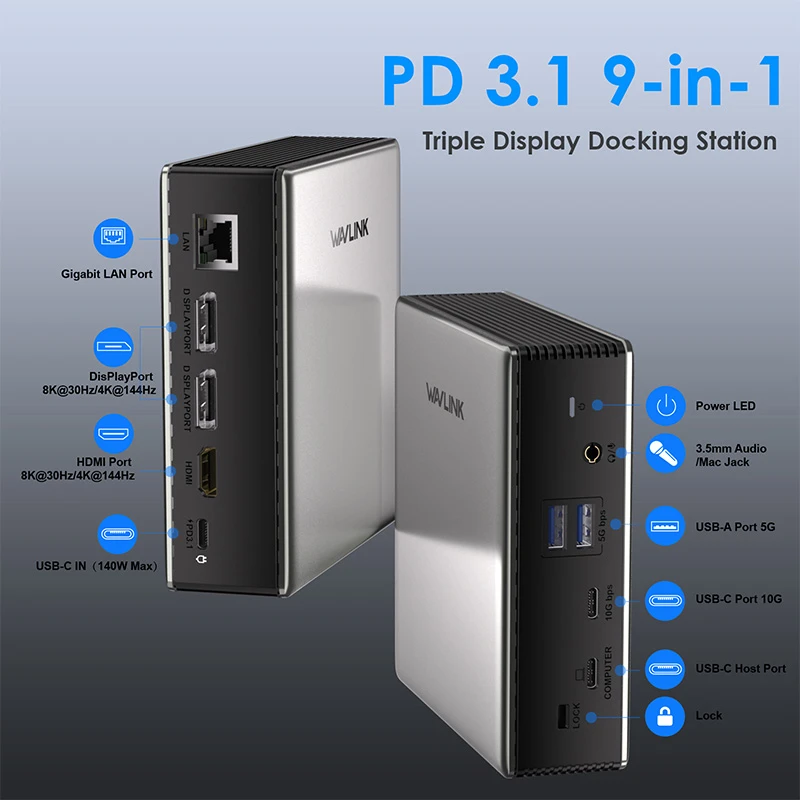
DP, HDMI, PD3.1, Gigabit LAN, 10Gbps USB-C, 5Gbps USB-A, 3.5mm Audio & Mic

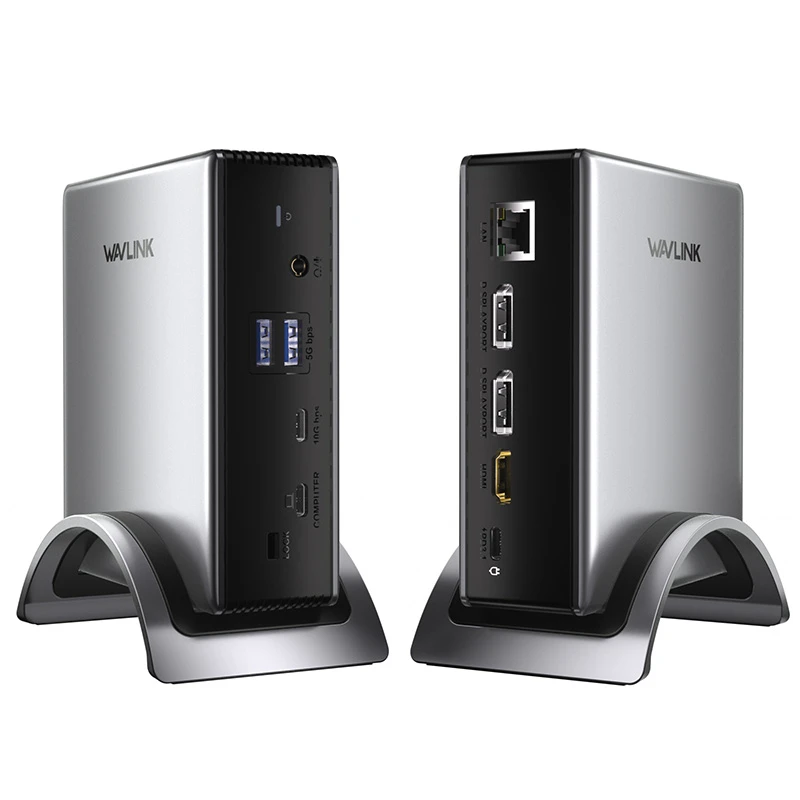
9-in-1 Docking Station Main View

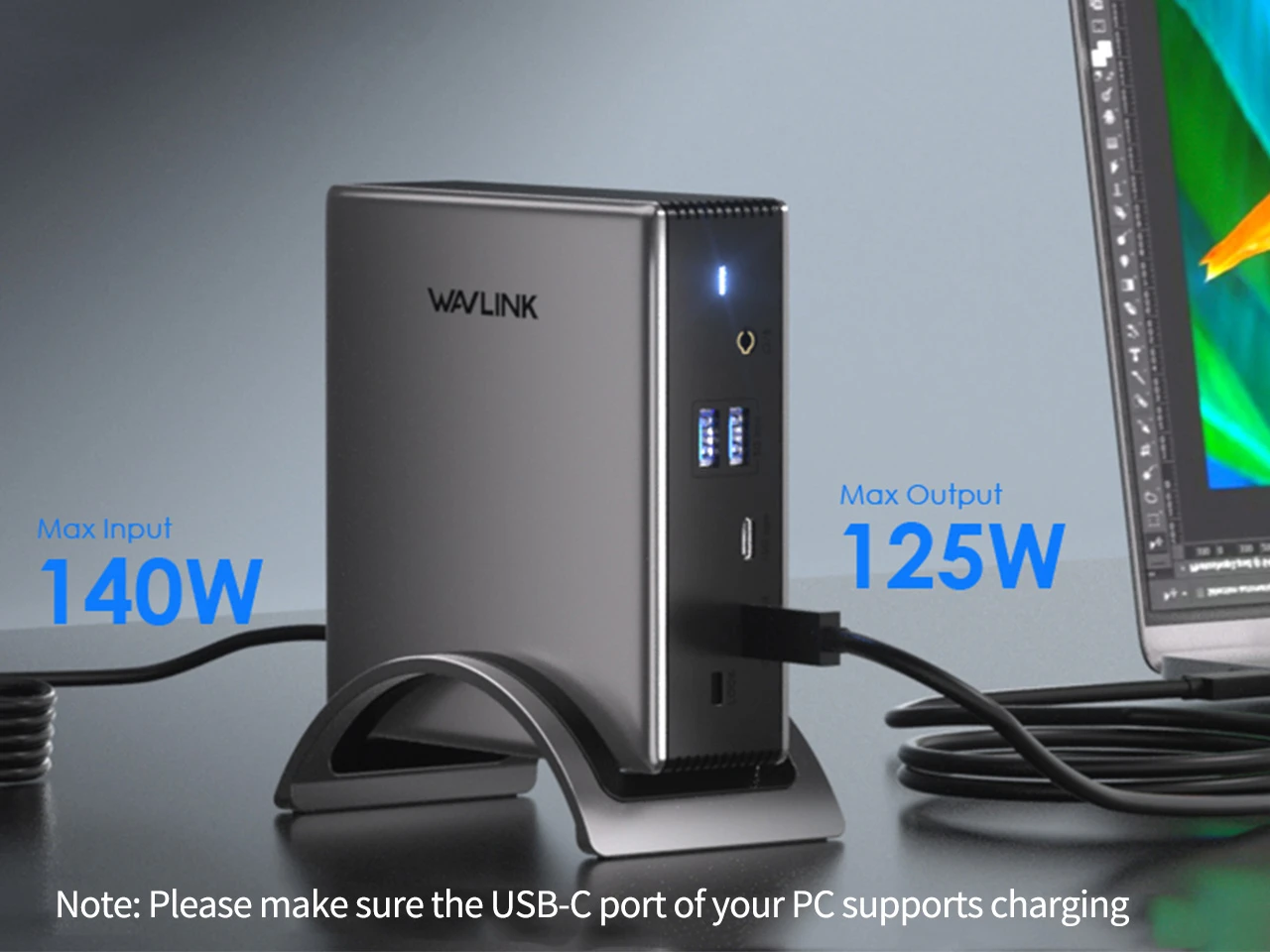
PD 3.1 Fast Charging

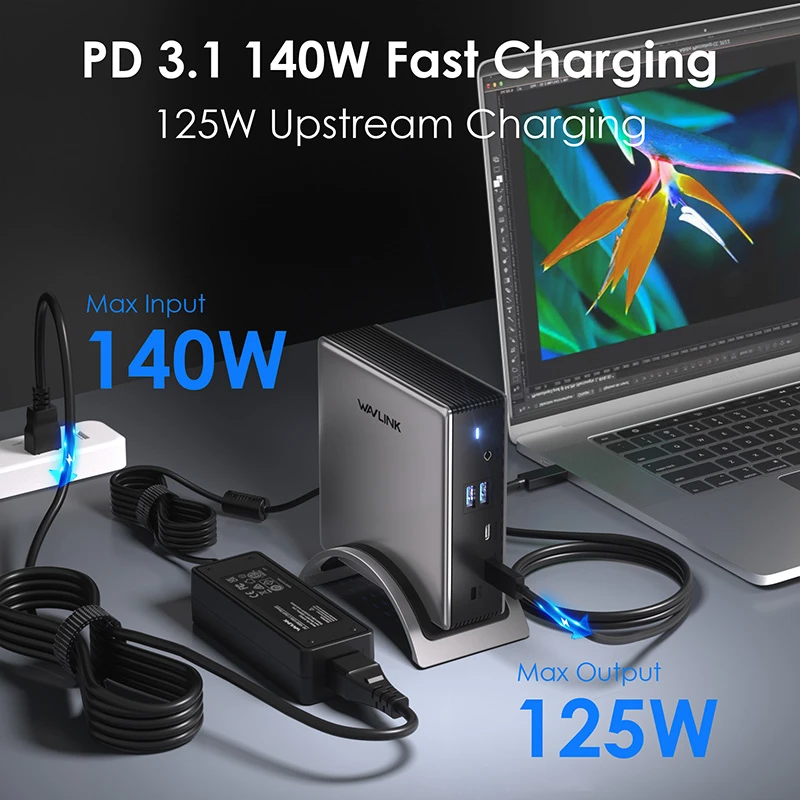
Equipped with the latest PD 3.1 technology,this dock supports up to 140W input put 125W output,providing fast charging for your laptop.
PD 3.1 Fast Charging

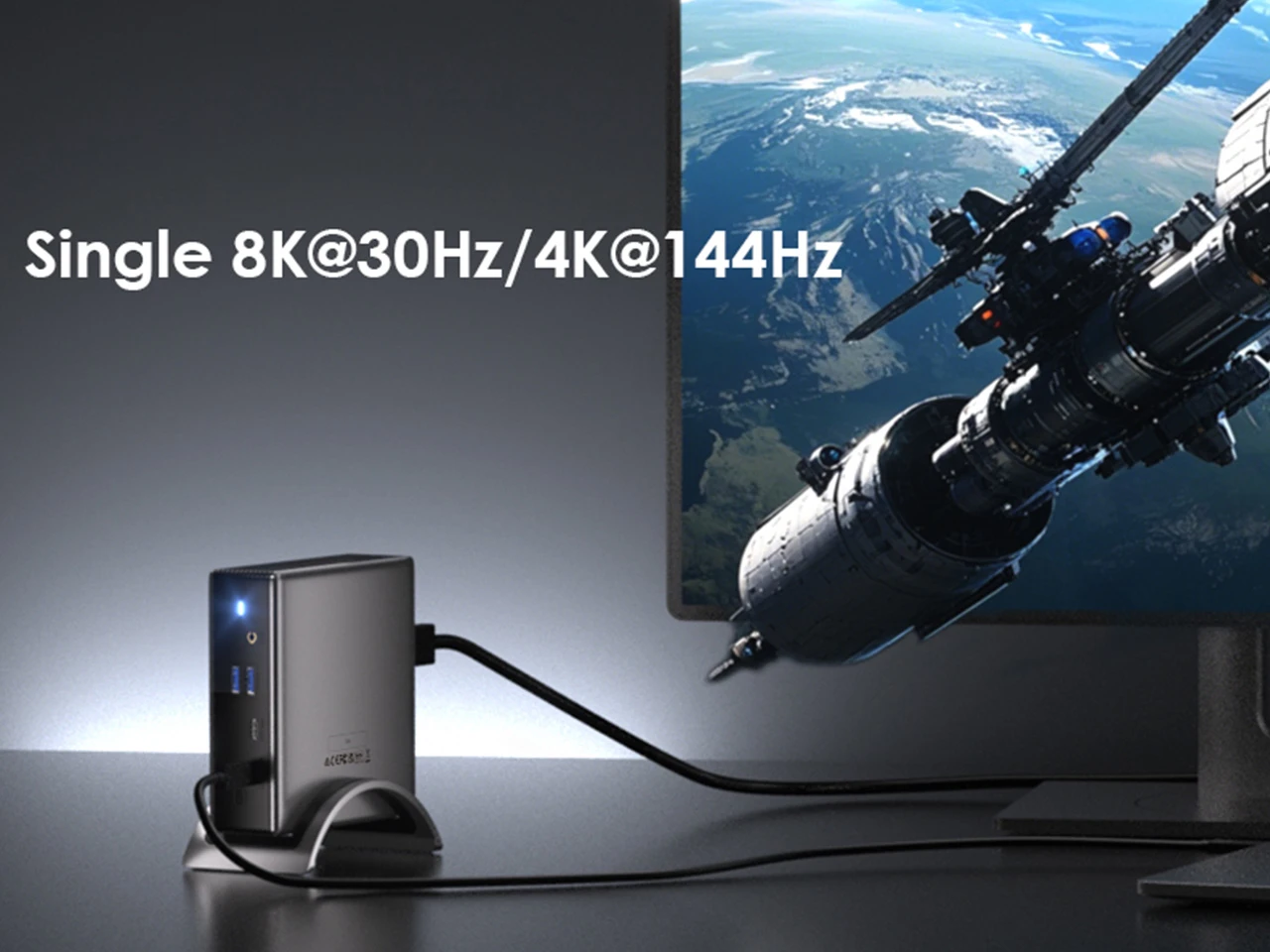
Visual Feast

Experience breathtaking visuals with DP 1.4 & DSC 1.2 support, delivering 8K@30Hz or 4K@144Hz on a single external display. A nice choice for gamers, video editors, and designers seeking ultra-clear visuals.
Visual Feast 8K/4K Display

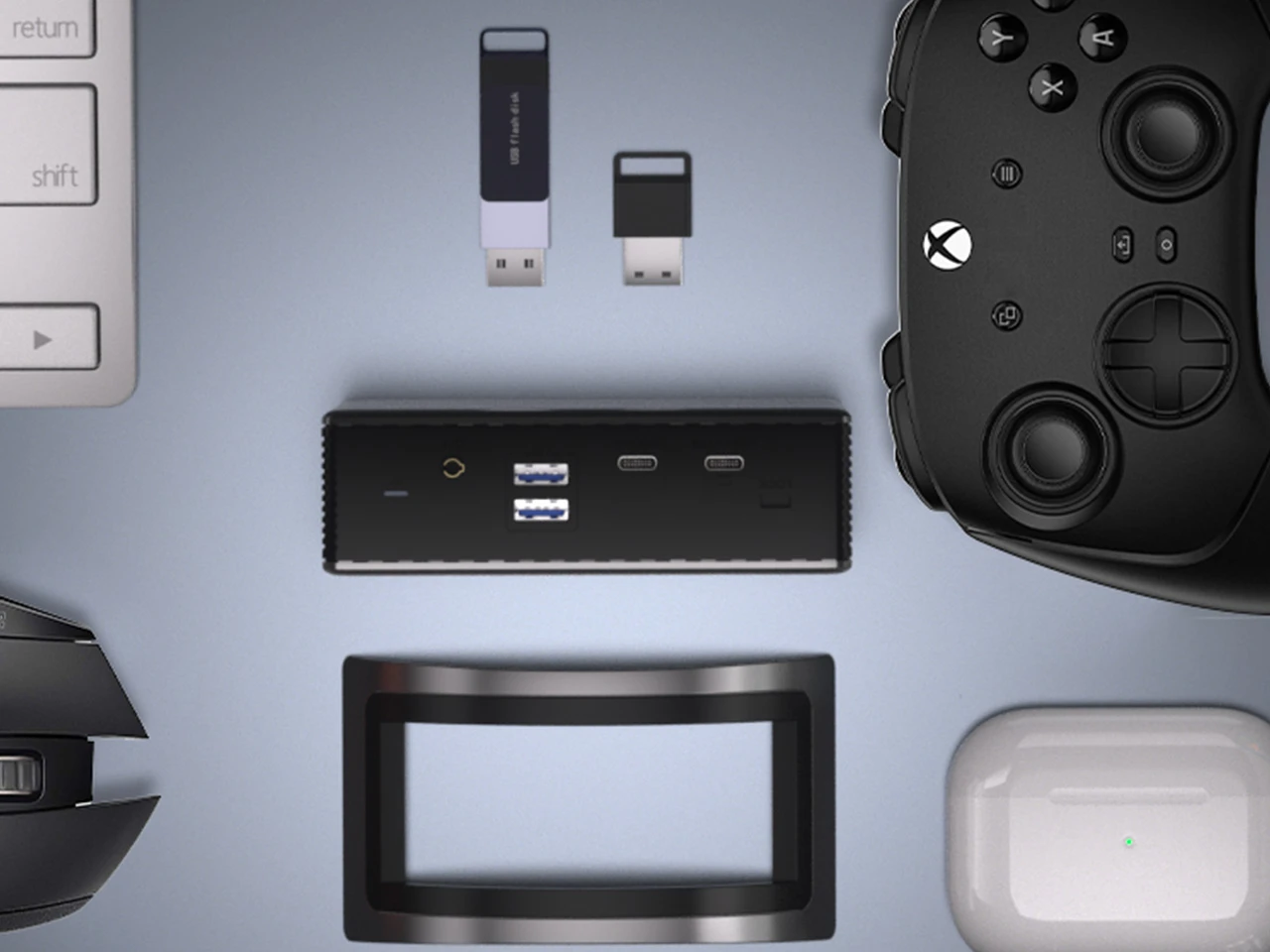
File Transfer in Seconds

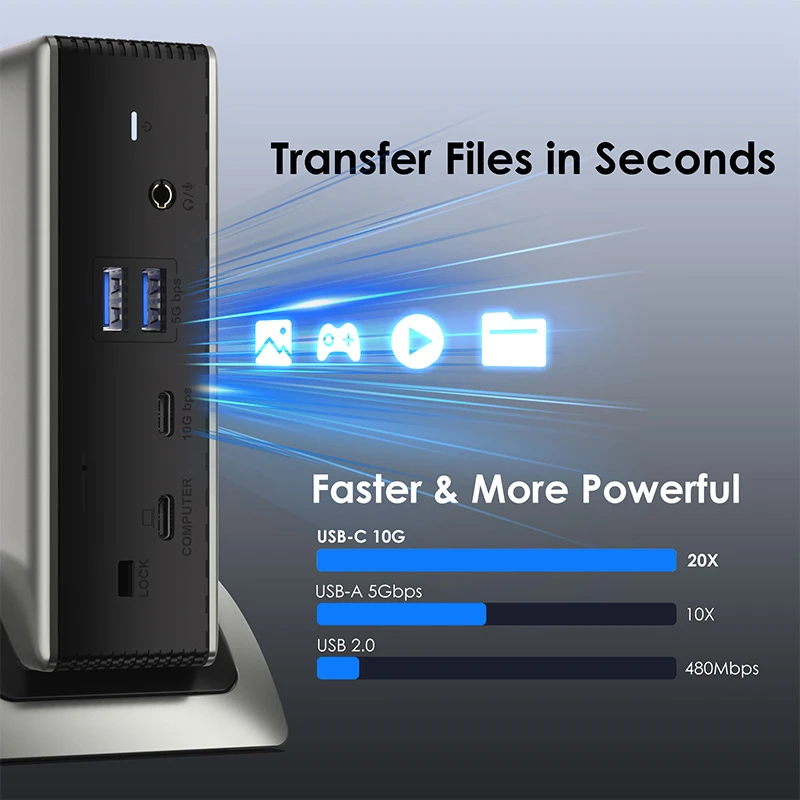
This dock features 2 x 5Gbps USB-A and 1 x 10Gbps USB-C ports, which can transfer data in seconds and greatly level up your work efficiency.
Fast File Transfer

Stable & High-Speed

Maximum network speed can be up to 1000Mbps and is backward compatible with 10/100Mbps, which works well with gaming, live-streaming, and video clipping.
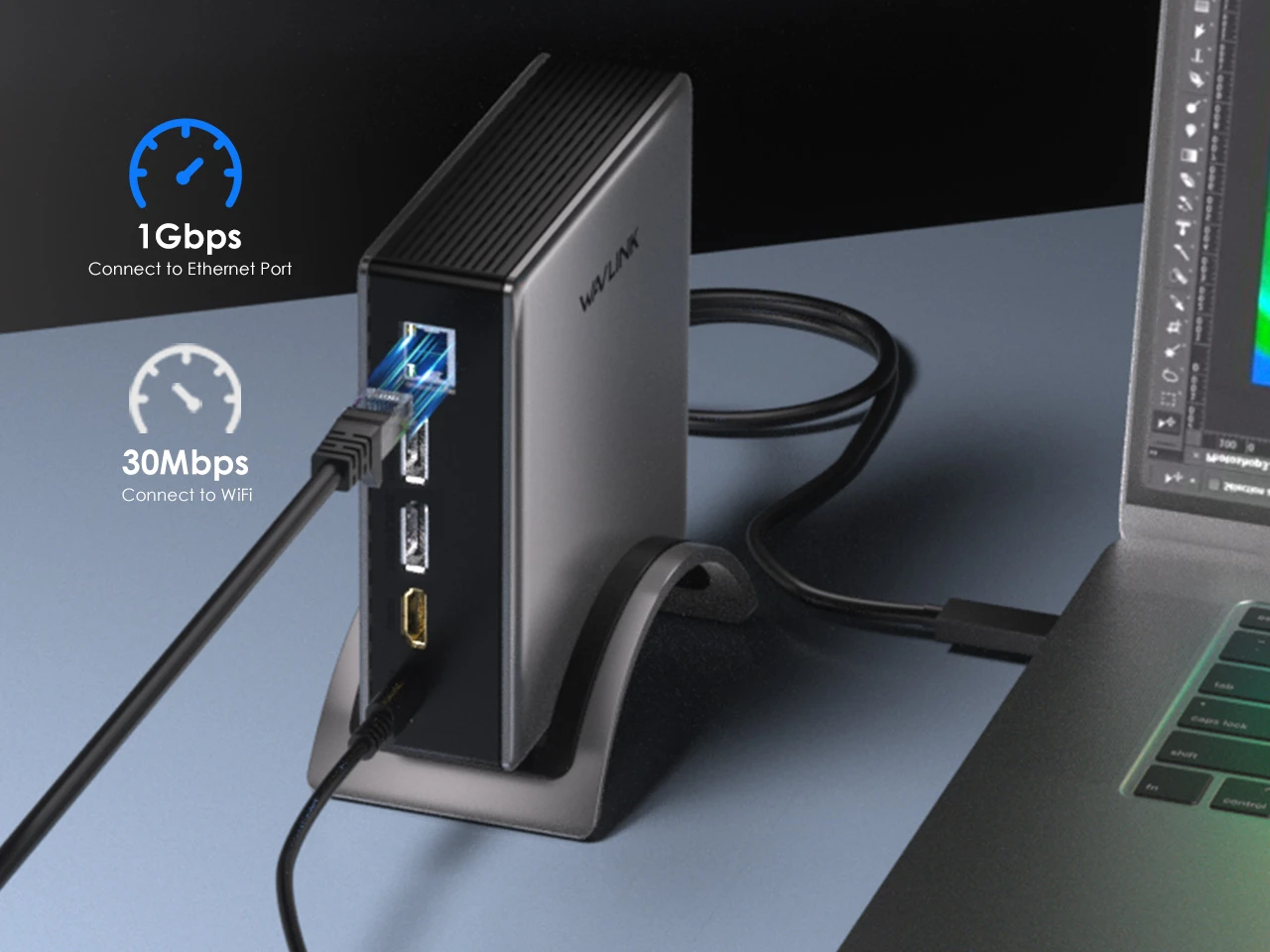
Stable High-Speed LAN

Broad Compatibility

It is applicable to multiple systems such as macOS, Windows, iOS, Harmony OS, etc., and supports various electronic devices such as iPad Pro, MacBook Pro, Lenovo, ASUS, HP, etc.
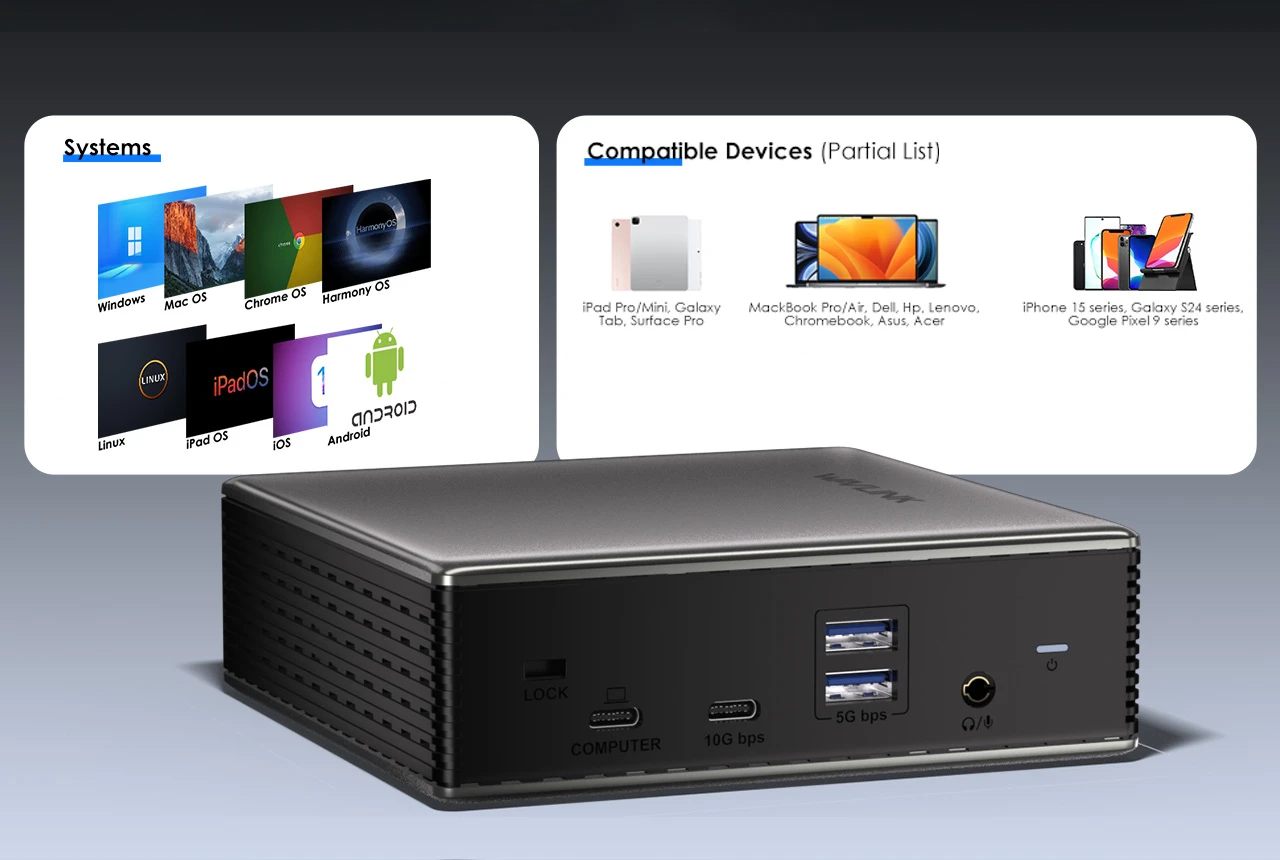

Broad Compatibility
Docking Station Compatibility Scenarios

Ask Question About Product

Note: HTML is not translated!
  • All(78)
  • Good(78)
  • Fair(0)
  • Poor(0)
  • Image(0)

New posts

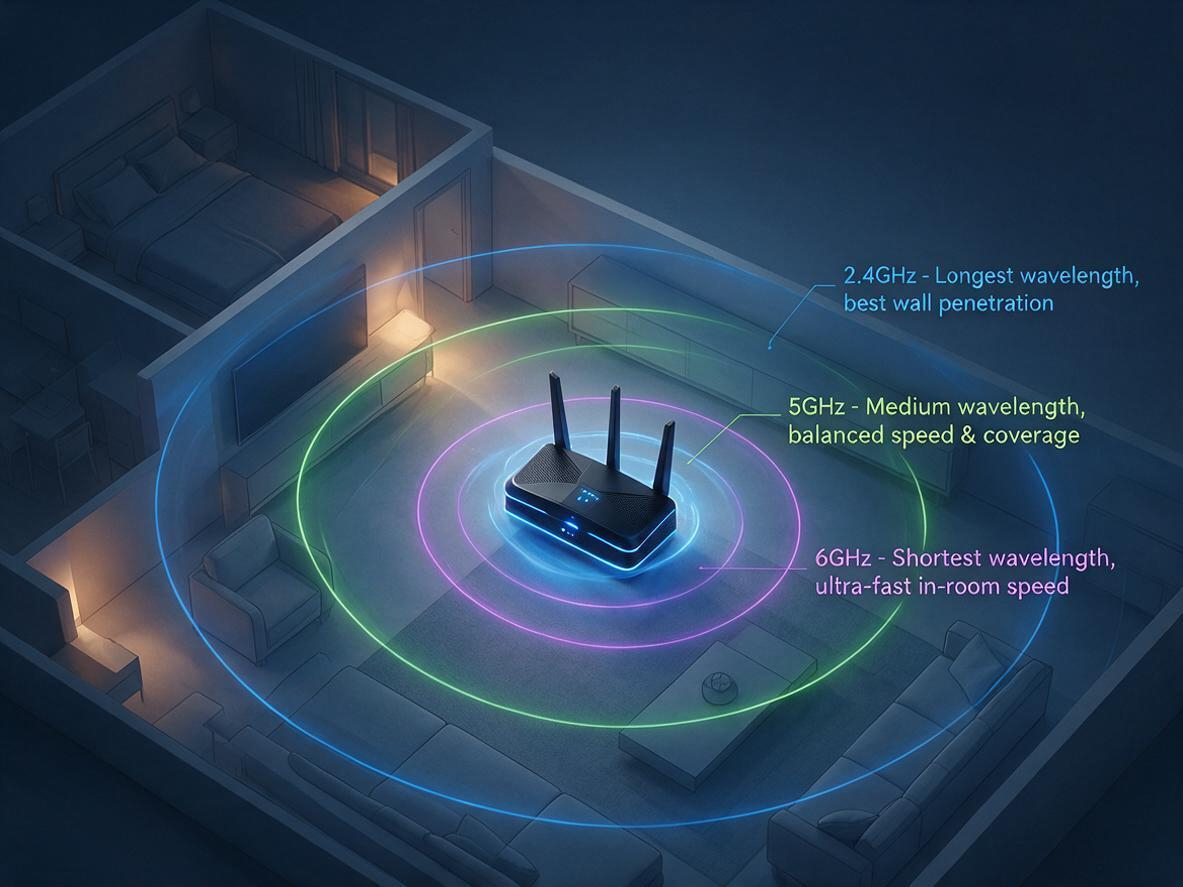
2.4GHz vs 5GHz vs 6GHz: Which WiFi Band Should You Use?
07/17
2026

Your router broadcasts on 2.4 GHz, 5 GHz, and 6 GHz at the same time — but your phone, laptop, and T
Fix Your Slow WiFi: 3 Free Tweaks That Take 2 Minutes Each
07/17
2026

Is your WiFi slow because of your router — or just bad placement? Before you blame your internet pla

WiFi 5 vs WiFi 6: Key Differences, Range & Which to Choose  TP-Link Or Wavlink
10/09
2025

Confused about WiFi 5 vs WiFi 6? Explore the key differences in speed, range, and efficiency. Learn

Why 95% of Outdoor WiFi Equipment Leaks? How a 30-Cent Fix Solves a $300 Problem
05/21
2025

Discover why 95% of outdoor WiFi systems fail from water damage and how a 30¢ physics hack using cab

WiFi 5 vs WiFi 6: Which Technology Should You Choose for Superior Connectivity?
04/29
2025

This technical analysis compares WiFi 5 and WiFi 6, highlighting critical advancements in speed (9.6

If the price of the product is reduced within 30 days, we will notify you via email, SMS and mobile client~
Notify you when the item is below the price
Mobile phone number
Email address
If the goods arrive within 30 days, we will notify you via email, SMS and mobile client~
Mobile phone number
Email address

Track shipment information

Track orders with order#
Guests: Save/copy order#
for tracking.

Sample:20240429683826
Checkin successfully
Get bonus points:
My Points
Signed in Day
Checkin Record
Time Points Detailed description