

WiFi 5 vs. WiFi 6: Is It Time to Upgrade Your Home Network?
When choosing a new router or encountering new network standards on your devices, you might be puzzled by the choice between WiFi 5 vs WiFi 6. This isn't just a simple numerical update; it's a substantial leap forward in your networking experience. So, when comparing WiFi 6 vs WiFi 5, how should we choose? Let's move past the complex jargon and understand the significance of this upgrade from a practical perspective.
The Core Difference: From a "Single Lane" to a "Smart Interchange"
Think of your home WiFi as a data highway.
-
WiFi 5 (802.11ac) is like a wide but simply managed road. While the total speed is fast, when multiple devices (phones, computers, TVs, smart home gadgets) connect simultaneously, they have to queue up for data transmission, like cars jamming a single large road, leading to congestion.
-
WiFi 6 (802.11ax), on the other hand, is a cleverly designed smart interchange. It introduces a technology called OFDMA, which divides the data channel into multiple smaller sub-channels, allowing simultaneous transmission of small amounts of data to multiple devices. This means your phone's video stream, your computer's game data, and your smart speaker's commands can be transmitted in parallel without waiting for each other, significantly reducing latency and lag.
Key Feature Comparison: A Practical Analysis of WiFi 5 vs 6
-
Efficiency & Congestion Management
-
WiFi 5: In device-dense environments, even with a full signal bar, your actual speed can suffer due to devices "competing for the lane."
-
WiFi 6: Beyond OFDMA, it also features more robust MU-MIMO technology (supporting simultaneous uplink and downlink communication with multiple users), enabling it to serve more devices at once. This is key to solving network congestion in modern homes with dozens of smart home devices.
-
-
Speed & Performance
-
Theoretically, the single-stream speed of WiFi 6 is significantly higher than WiFi 5. More importantly, its higher data encoding efficiency means that at the same signal strength, WiFi 6 can deliver more stable speeds closer to its theoretical maximum.
-
-
Power Consumption & Battery Life
-
WiFi 6 introduces Target Wake Time (TWT), which allows routers to schedule communication times with devices like phones and IoT gadgets, letting them enter sleep mode when not transmitting data. This greatly improves battery life for always-connected devices like smart doorbells and sensors.
-
A Frequently Asked Question: How Far Can WiFi 6 Reach?
This is a common misconception. In terms of pure physical signal coverage, WiFi 6 does not have a revolutionary increase in range over WiFi 5. Their effective transmission distance still largely depends on the router's transmit power, antenna design, and the home environment (wall thickness, interference, etc.).
However, WiFi 6 has a clear advantage in "effective coverage." Due to its stronger interference resistance and higher signal efficiency, at greater distances from the router where the signal is weaker, a WiFi 6 device can still maintain a stable, usable connection speed. A WiFi 5 device in the same spot might frequently disconnect or become extremely slow. So, you can think of it this way: WiFi 6 makes the network quality at the edge of your coverage much better.
WiFi 5 vs 6: Which One Should You Choose?
-
If you have a small number of devices (less than 15) and your current network adequately handles video streaming and daily use, then sticking with a WiFi 5 router is perfectly fine.
-
However, upgrading to WiFi 6 is a wise decision if you find yourself in these scenarios:
-
You have a large number of smart home devices and multiple phones/computers.
-
You are a heavy user of online gaming or 4K/8K streaming and demand high network stability and low latency.
-
You are in the market for a new router or WiFi 6-enabled devices (like newer smartphones, laptops).
-
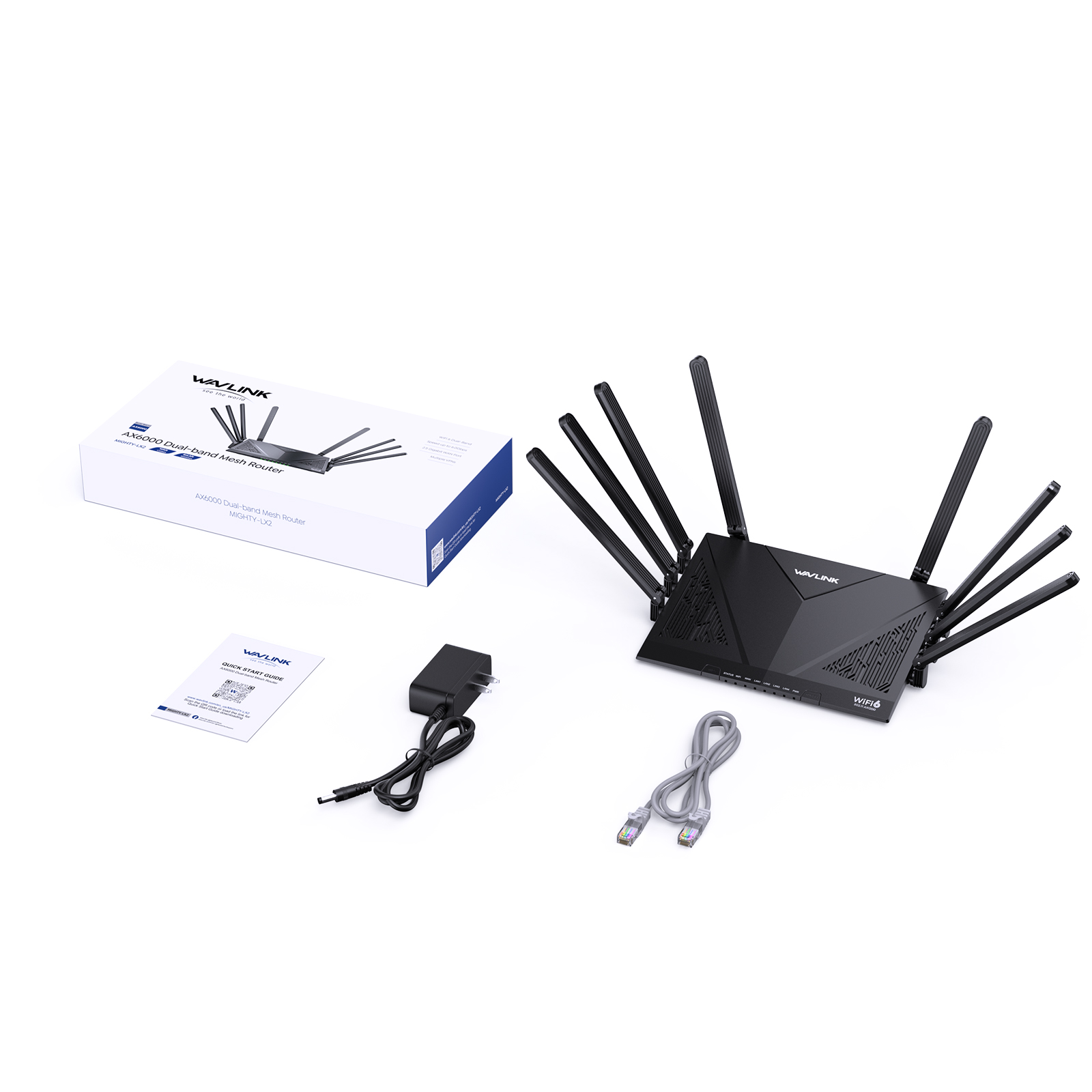
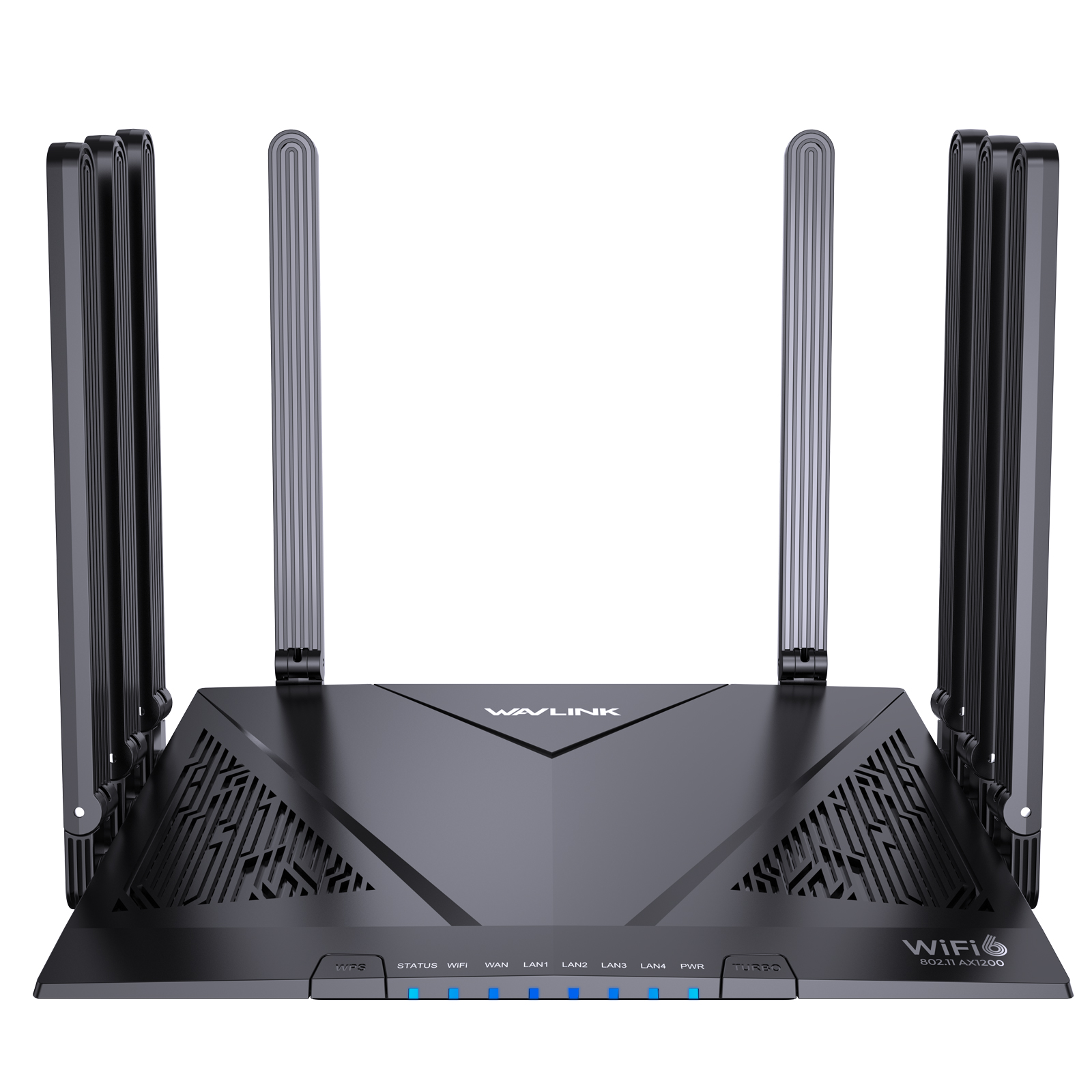
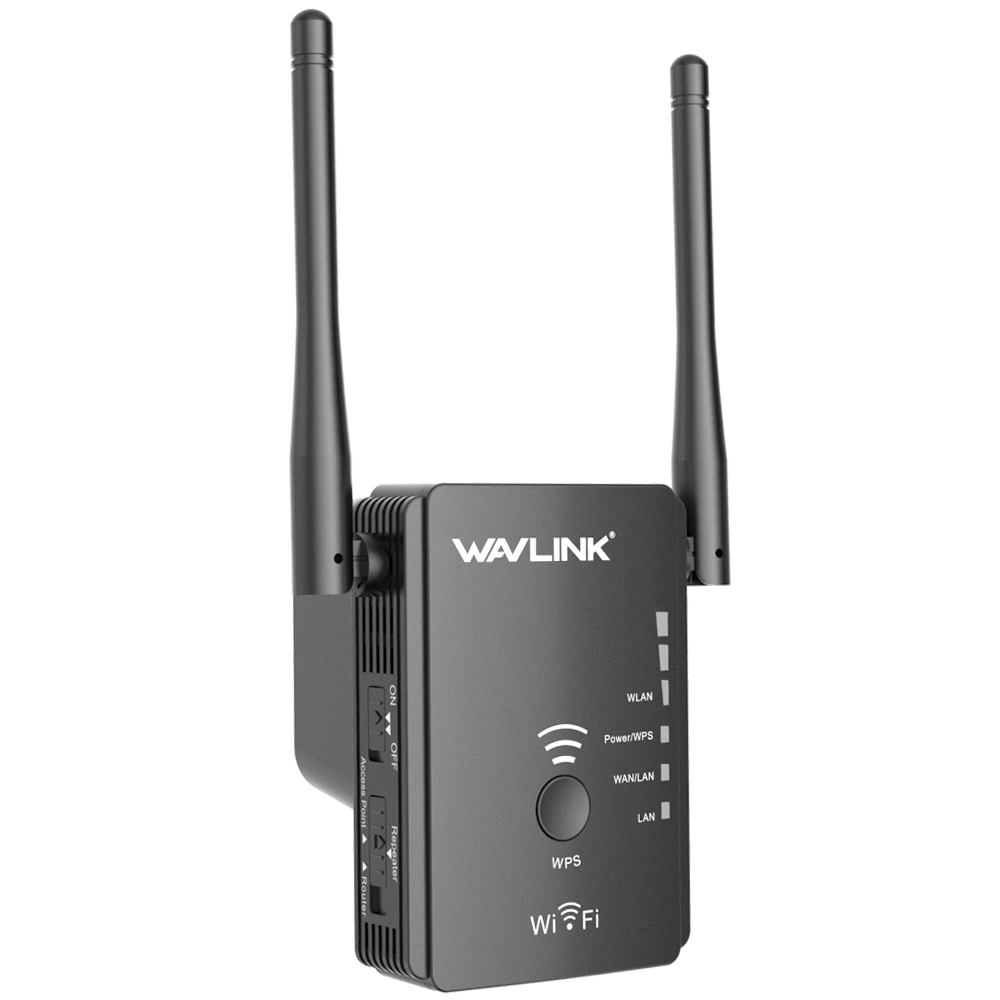
Many leading networking brands, such as TP-Link and Wavlink, now offer a wide range of WiFi 6 routers, making this advanced technology accessible for various needs and budgets.
Conclusion
The upgrade from WiFi 5 to WiFi 6 is not just a simple speed boost; it's a comprehensive efficiency revolution. It's designed to tackle the network pressure of multiple concurrent devices in modern homes, delivering a more stable, lower-latency, and smarter networking experience. If your life is deeply connected, choosing WiFi 6 is undoubtedly paving a smoother data highway for your future digital life.